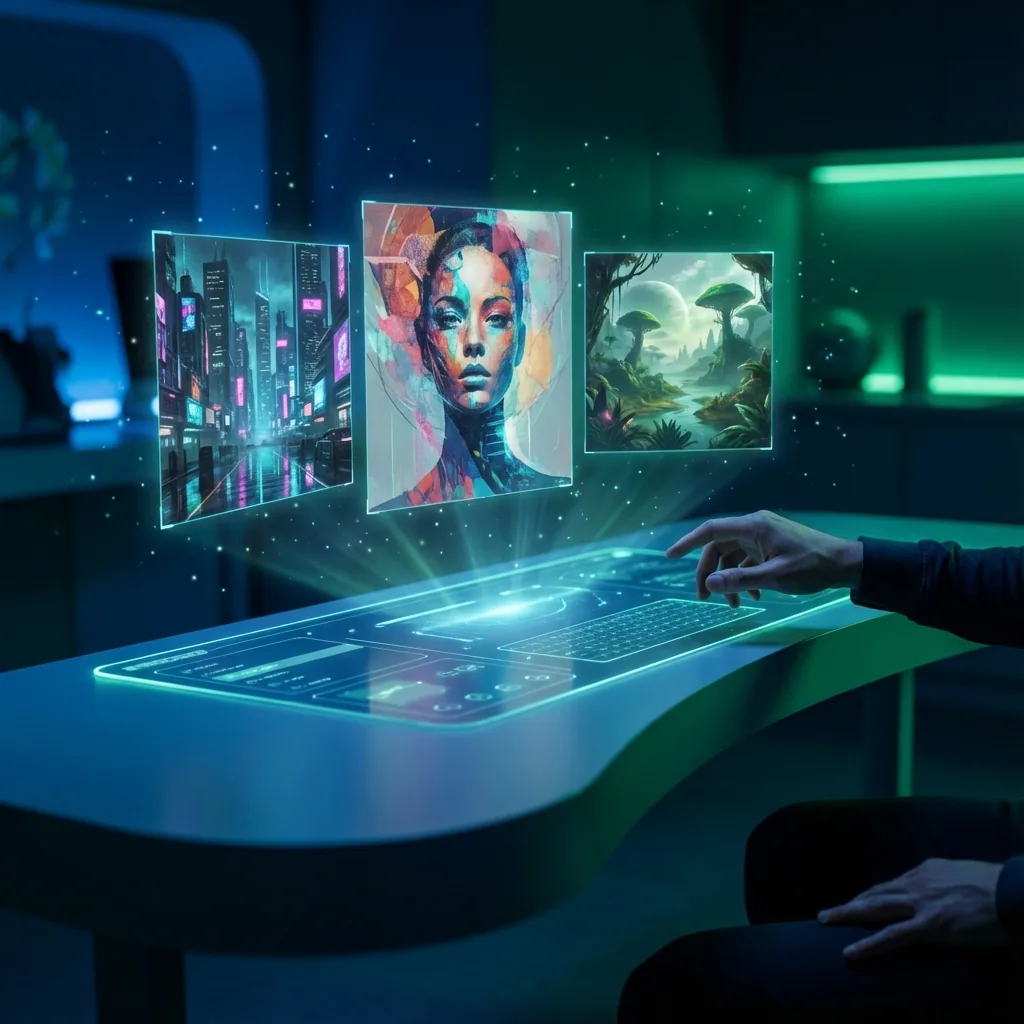

A good AI image generator should do more than make random pretty pictures. It should help you turn an idea into a usable image quickly, with enough control to refine the result instead of starting over every time.
That is why the category has moved beyond simple text-to-image demos. Current leaders now emphasize prompt control, image editing, image-to-image workflows, and faster iteration. OpenAI's latest image generation updates focus on more precise, useful outputs and stronger editing, while Adobe Firefly positions both text-to-image and image-to-image as core creative workflows rather than one-off novelty features.
This guide explains what an AI image generator does, which features matter most, how to get better results, and how QuestStudio fits into a more practical creative workflow.
What is an AI image generator?
An AI image generator is a tool that creates images from prompts, references, or edits to an existing image. Depending on the platform, you may be able to:
- generate images from text
- create variations from an uploaded image
- edit part of an image
- change styles while keeping composition
- create product shots, illustrations, social visuals, and concept art
- refine outputs with better prompts or references
That is how the category is increasingly framed by major product pages. Adobe Firefly describes image generation as prompt-based creation plus editing and reference workflows, while OpenAI's newer image releases focus on precision, consistency, and useful edits rather than just raw generation.
How AI image generators usually work
Most AI image generators follow one of these paths:
Text to image
You describe what you want in words, and the model generates one or more images.
Best for:
- fresh ideas
- ad concepts
- thumbnails
- illustrations
- brand moodboards
- creative exploration
Adobe Firefly and OpenAI both position text-to-image as a primary entry point for users who want quick ideation from prompts. For a free Microsoft option with a current model selector and daily limits, see the Bing Image Creator models and prompts guide.
Image to image
You upload an existing image and use it as a guide. This usually gives you more control over composition, pose, or layout than text alone.
Best for:
- refining an existing concept
- style changes
- product variations
- more consistent outputs
- brand visuals
Adobe's current image-to-image guidance specifically frames this mode as giving more control over layout and composition than starting from text alone.
Edit and inpaint workflows
Some tools let you change only part of the image instead of regenerating the whole scene. That is useful for fixing details, replacing objects, or iterating on one area at a time.
Best for:
- product cleanup
- background changes
- composition tweaks
- small corrections
- keeping the rest of the image intact
OpenAI's latest image updates explicitly highlight more precise edits and more consistent details as major improvements in modern image generation.
What people really want from an AI image generator
When someone searches for AI image generator, they usually want one of a few things:
1. Better images without a long design process
They want a visual result quickly.
2. More control than random output
They want the image to follow the idea, not just loosely resemble it.
3. Multiple styles and use cases
They may need photorealistic scenes, product images, social graphics, art, or concept work.
4. Easier iteration
They want to compare, edit, save prompts, and keep improving the result.
That is why current product pages increasingly emphasize usability, speed, and refinement tools instead of only showing flashy outputs.
What features matter most in an AI image generator
Not every feature matters equally. These are the ones that usually make the biggest difference.
Text-to-image quality
The basic question is simple: can the tool turn a prompt into a strong image without a lot of guessing? OpenAI's image generation updates emphasize improved precision and more useful outputs, while Adobe Firefly continues to position prompt-based creation as a fast way to generate visuals for real projects.
Image-to-image control
This is one of the biggest quality-of-life features in the category. Image-to-image is often better than starting from scratch when you already know the layout, pose, or creative direction you want. Adobe explicitly says image-to-image offers more control over composition than pure text-to-image.
Editing and inpainting
A strong AI image generator should let you refine an image, not just replace it. Partial edits save time and reduce the need to rerun an entire prompt.
Style range
A good tool should handle multiple looks, such as:
- photorealistic
- cinematic
- digital art
- anime
- product-style studio images
- illustrative or painterly work
Prompt responsiveness
Weak prompt adherence wastes time. A better model follows the key details you actually care about, especially for objects, layout, and text instructions.
Speed and repeatability
Fast generation matters, but so does being able to test variations, keep good prompts, and compare outputs.
What makes a good AI image generator different from a bad one
A weak tool usually has one or more of these problems:
- vague prompt adherence
- muddy details
- poor text rendering
- weak editing controls
- no clear way to iterate
- limited style range
- too much randomness
If exact labels, headlines, or layout matter, use the AI image text-rendering workflow to separate generation, typography replacement, and final QA.
A better one makes it easier to:
- generate from text
- refine from images
- edit specific parts
- compare outputs
- save prompts and references
- reuse what works
OpenAI's newer image updates specifically frame image generation as useful, precise, and consistent, while Adobe's current positioning shows the same shift toward controllable creative workflows.
Best use cases for an AI image generator
Social content
AI image generation works well for quick campaign visuals, post graphics, and concept-led creative.
Product visuals
You can create product scenes, ad concepts, studio-style backgrounds, and variations faster than traditional mockup workflows.
Blog and website graphics
Illustrations, hero sections, supporting visuals, and branded graphics are common use cases.
Creative ideation
Moodboards, scene ideas, concept art, and early visual exploration are a natural fit.
For a permanent, body-specific decision, keep generation in the ideation stage. The AI tattoo generator from text workflow shows how to compare concepts and prepare a licensed-artist handoff without calling an unreviewed output a final stencil.
Creating a poster? The AI poster generator from text workflow separates the visual concept from editable, verified copy so the final message stays readable.
Building a visual identity? The AI logo generator from text workflow shows how to explore a text-free symbol, test it at real sizes, and turn the chosen direction into an editable logo kit.
YouTube and creator assets
Thumbnails, banners, channel art ideas, and promo visuals are all strong use cases.
Character and worldbuilding
Character looks, outfits, settings, and visual identity systems are easier to explore with structured prompts and image references.
How to get better results from an AI image generator
Most weak results come from weak prompting or poor iteration habits, not just weak models.
Start simple
Do not overload the first prompt. Get the base concept right first.
Be specific where it matters
Include the details that actually shape the image:
- subject
- setting
- style
- lighting
- composition
- camera angle
- mood
Use image-to-image when control matters
If you already have a reference image or a layout you like, use it. Adobe's current image-to-image guidance makes it clear that this path often gives more control than text alone.
Edit instead of restarting
If only one area is wrong, fix that area instead of rerolling the entire image.
Save prompts that work
The fastest creators are usually not writing every prompt from scratch. They build systems.
How QuestStudio helps
QuestStudio is useful because it is not just another basic AI image generator. It gives you a broader workflow for creating, refining, comparing, and organizing image outputs.
In Image Lab, you can generate from text, work in image-to-image modes, use inpainting for mask-based edits, and compare outputs across multiple models such as Nano Banana, Flux, SDXL, Stable Diffusion, and others. That matters because different models are better at different styles and use cases.
QuestStudio also helps with the workflow around the image itself:
- build and refine prompts in Prompt Lab
- save reusable ideas in the prompt library inside the app
- create source images for image-to-video AI
- use background remover, image upscaler, and photo restorer to improve assets
- connect image workflows to AI video generator, AI voice generator, and AI music generator
That makes QuestStudio more useful for creators who want a repeatable system, not just one-off generations.
AI image generator vs traditional design workflows
AI image generation is not a replacement for every design workflow. It is better to think of it as a faster front end for ideation, visual production, and iteration.
Traditional design is still stronger for:
- exact brand systems
- pixel-perfect layout control
- complex manual compositing
- final-stage precision work
AI image generation is stronger for:
- fast ideation
- multiple creative directions
- concept testing
- image variations
- rapid visual production
- turning prompts into assets quickly
The strongest workflow often uses both.
Common mistakes people make
Writing prompts that are too vague
Beautiful or cinematic alone is not enough. You still need subject, setting, and visual direction.
Ignoring image-to-image
Many users stick to text-only workflows even when they already have a useful reference.
Restarting instead of editing
If only one part is wrong, edit that part.
Overcomplicating the first generation
Start with the core concept, then layer in refinements.
Using one model for everything
Different models respond differently. Comparison often beats endless rerolls.
Who should use an AI image generator?
An AI image generator is a strong fit for:
- creators
- marketers
- ecommerce brands
- agencies
- YouTubers
- founders
- designers working faster
- storytellers building worlds and characters
It is especially useful when speed, iteration, and creative range matter.
Related guides
FAQ
What is the best AI image generator?
Can I create images from text and from existing images?
Are AI image generators good for marketing?
Do I need design skills to use an AI image generator?
Is image-to-image better than text-to-image?
Final thoughts
A good AI image generator should help you create better visuals faster, with enough control to keep improving the result instead of rolling the dice every time.
That is why the best workflow is not just about typing one prompt. It is about choosing the right mode, editing the right parts, comparing outputs, and saving what works.
If you want that kind of workflow, try QuestStudio and use it to generate, compare, organize, and refine your images in one place.