
AI recipe voiceovers should come from a verified recipe and match the food preparation actually shown. A smooth voice can hide a serious editing mistake: the narration says tablespoons while the recipe says teaspoons, or a short montage makes a long resting step sound immediate.
Keep the recipe as the source of truth, map its steps to the footage, and review every spoken amount before publishing. Voice generation is a delivery tool. It does not test the recipe, validate substitutions or establish food-safety instructions. The first useful project is one correctly narrated step from your own approved recipe.
Lock the recipe version before writing narration
Save the exact recipe version used for the video, including ingredient amounts, units, sequence and any tested preparation instructions. If the footage was recorded before a recipe revision, compare the two before writing the script. A change in quantity can affect both the spoken instruction and what appears in the bowl.
Separate verified recipe information from optional storytelling. A short personal introduction can be rewritten freely. Ingredient amounts and required steps should not be casually shortened or paraphrased in ways that change their meaning.
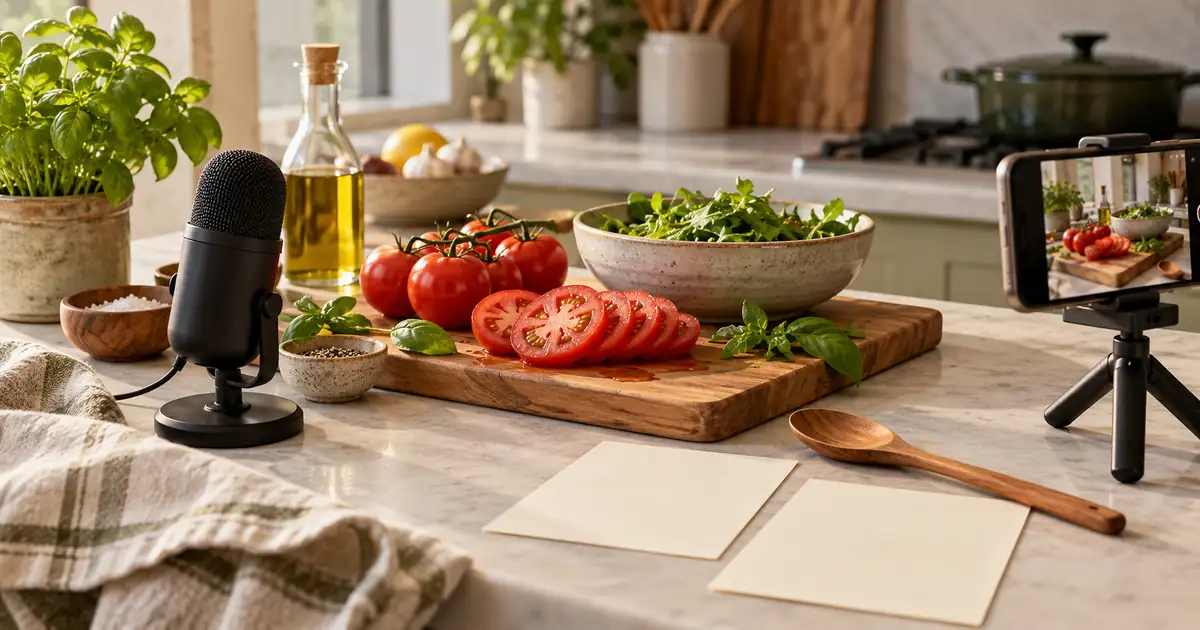
For an original planning exercise, this article uses a simple salad-preparation sequence to illustrate narration structure. It is not a tested recipe and does not prescribe cooking temperatures, storage times or ingredient substitutions. Bring those details from your own validated source whenever they are relevant to your actual dish.
Match each line to an observable step
Create a step list from the footage rather than assuming the editing timeline follows the recipe perfectly. Identify where the ingredient enters, where the action begins and where the result becomes visible. If the necessary action was not recorded, decide whether to add footage or explain the omission clearly.
| Footage | Narration job | Review question |
|---|---|---|
| Ingredients arranged | Identify what the viewer needs | Do names and amounts match the approved recipe? |
| Ingredient added | State the relevant amount and action | Is the spoken ingredient the one shown? |
| Mixture changed | Explain the intended next state | Does the image support that description? |
| Finished serving | Describe presentation accurately | Does the result belong to the same preparation? |
Use the recipe narration worksheet to record the recipe version, step, verified quantity, real duration, clip duration and approved spoken line. Keeping both durations prevents the short-video edit from silently rewriting the recipe.
Distinguish recipe time from video time
A few seconds of footage may represent a much longer process. State the real instruction when time matters, and make the edit understandable. “After the required resting time” can connect two shots, but the actual duration still needs to appear in the approved recipe or narration where the viewer needs it.
Do not describe a fast montage as if the entire process happened at that speed. If you remove waiting, preserve the distinction between a shortened demonstration and the real preparation. The viewer should know when to continue, rather than copying the rhythm of the edit.
This is also why a promotional food montage differs from a complete tutorial. The cooking video from photos workflow covers creating a visual teaser. A narrated recipe that promises instruction needs verified steps and appropriate evidence of the actual preparation.
Write amounts for the voice to read clearly
Review fractions, abbreviations and similar-sounding units. A voice model may interpret shorthand differently from the way you intended. Write the spoken form clearly in the narration script while keeping the original measurement in the recipe record.
For example, if your approved recipe contains a fraction, listen to the generated phrase rather than assuming the model read the symbol correctly. Check that a range remains a range and that a decimal does not become a whole number. Never resolve ambiguity by guessing which quantity seems plausible.
The numbers and dates pronunciation guide explains broader text-to-speech checks. For recipes, pair pronunciation review with a source comparison: the audio must both sound clear and state the correct amount.
Generate a short step before the whole video
Start with one passage that names the ingredient, explains the action and connects to the visible result. Choose a calm, intelligible delivery. Overly hurried narration can make the process sound simpler while making amounts harder to follow.
This passage illustrates sequencing only. Replace it with the exact approved instruction for your recipe, including amounts or other details the viewer needs. Keep any directions intended only for the camera operator in a separate production column.
Keep performance notes separate from the narration text. A model may read “pause here” aloud if that notation is not supported. Use the tool's documented controls where available, or create the pause in your audio or video editor.
Listen while checking the source line by line
Review the generated audio against the recipe before adding music. Check every ingredient name, amount, unit and timing statement. Listen for dropped words such as “not,” “until” or “after,” which can change the instruction even when the overall sentence sounds fluent.
Then play the audio over the footage. The narration should identify the ingredient before the viewer loses the visual reference, and it should not announce a finished state while the action is still incomplete. Leave enough time to understand what changed.
| Mismatch | Correction |
|---|---|
| Audio names a different ingredient | Correct the script from the approved recipe |
| Unit is unclear or misread | Rewrite the spoken form and regenerate the passage |
| Voice jumps ahead of the preparation | Adjust the edit or split the narration |
| Footage contradicts the revised recipe | Replace the footage or resolve the recipe version |
For corrections to a small part of a longer track, the voiceover pickups workflow helps organize consistent replacement takes. Compare the new passage with the surrounding voice before exporting.
Keep captions and the written recipe aligned
Captions should reflect the final audio accurately, with careful review of ingredient names and quantities. The written recipe should remain available where a viewer can find it. A caption appearing briefly on a phone is not an ideal place to hide a necessary instruction.
If the spoken version intentionally omits a detail for a short promotional cut, make the scope clear and point viewers to the full recipe. Do not describe a teaser as a complete step-by-step guide. The promise of the video should match the information it actually supplies.
Have a reviewer compare the published draft against the approved recipe and the actual exported media. Reviewing only the editing timeline can miss an outdated audio file or caption track accidentally included in the export. Record the final approval against the exact recipe version.
How QuestStudio helps
Use Voice Lab to generate a short passage from your approved recipe script. Check the available voice controls and listen to the most error-prone ingredient names and quantities before producing the remaining narration.
Your recipe source establishes the instructions; your editor aligns the audio, footage, captions and music. QuestStudio does not validate the recipe or supply missing safety details. Complete one source-checked step first, then use its delivery and pacing as a reference for the rest of the video.
Frequently asked questions
Can AI write and narrate a complete recipe automatically?
It can draft text and generate speech, but that does not establish that the recipe works or that its instructions are safe and accurate. Use an approved recipe and review the final narration against it.
Should I spell out fractions and units?
Use a clear spoken form when shorthand is misread or ambiguous. Listen to the actual result and compare it with the source amount rather than relying on how the script looks.
Can I remove waiting time from the video?
Yes, as an editing choice, provided the viewer can still understand the real preparation requirement. Do not let the shortened clip imply that a necessary wait or process is immediate.
What should I check after changing an ingredient amount?
Review the recipe record, narration, captions, on-screen text and footage together. A correction in only one place can leave the published tutorial internally inconsistent.
Keep the instruction as clear as the voice
Finish by checking the exported video against the verified recipe. Every spoken amount and action should agree with the source, and the edit should help the viewer understand the process without changing what the recipe requires.
Narrate one verified recipe step
Hero image: AI-generated editorial illustration. Examples are original planning exercises, not measured model tests.