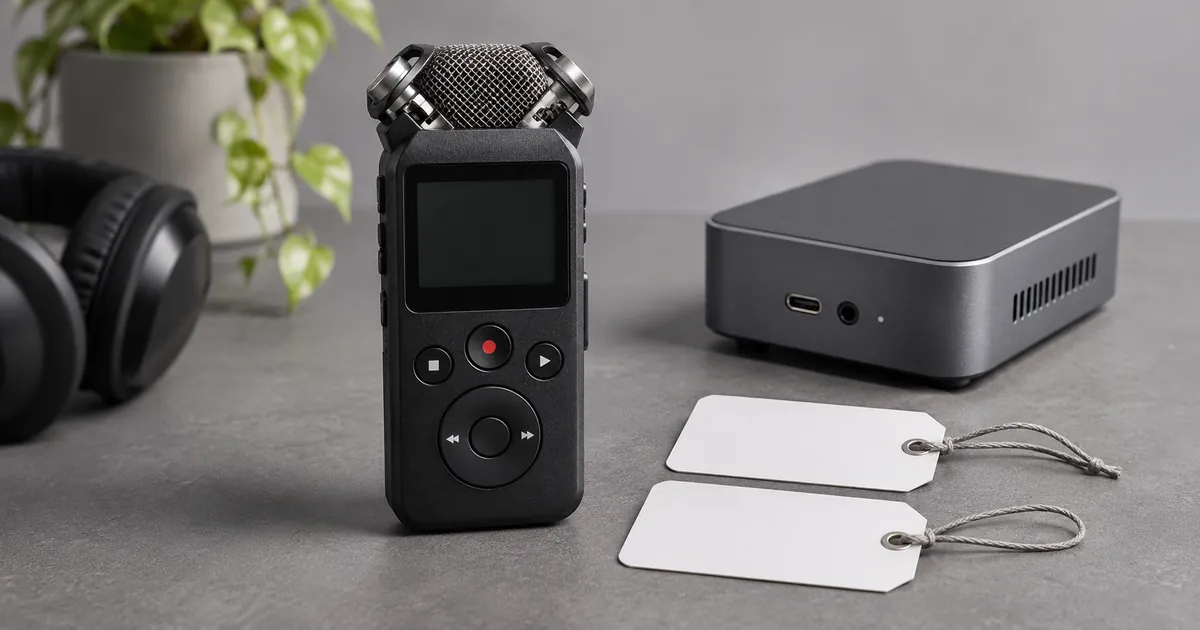

To make an AI voiceover read a model number correctly, prepare both the exact visible identifier and the way a person should hear it. Test the spoken version by asking a listener to type the code without seeing it. The right pace and clear grouping matter as much as the individual words. Keep the printed identifier in the caption and on the product page so a shopper can search for the exact model.
Jump to the Voice Lab example or download the worksheet.
Decide what the identifier is for
Copy the official model string from the product label, specification, or approved catalog. Include punctuation and leading zeros if they distinguish products. Ask how support staff read it when they give a customer directions. The brand may say “Q twenty-four” for a model name and require “Q, two, four, dash, zero, six” when someone searches a spare part. Those are different reading tasks. Select the one the audience needs, and write down the spelling they should be able to reconstruct.
Suppose a fictional family includes Q24-06, Q24-60, and Q24-06L. All three share a visually similar front plate and require different mounts. The size suffix is important to a shopper about to choose a part. A narrator can say “Q two four, zero six, letter L” and the title can show Q24-06L beside the intended mount. Keep the longer part number on screen long enough to compare it with the physical label. A familiar rhythm is helpful if it leaves every difference audible.
Agree on which words are spoken for each separator. Explain how spaces will be rendered, and decide whether to say dash when the listener needs to type it. A grouping pause can be shorter when a nearby visual repeats it. Use the same rule across the set or a listener may mistake a stylistic pause for a character.
Write a speakable version for the voice model
Keep two strings in your script. One is the verbatim piece of product text used in captions and artwork. The other spells out the speech. Write “zero” for a required leading zero and pronounce confusing letters deliberately. In English, “letter O” and “zero” can save a support exchange. If the suffix sounds natural as a whole word, listen to a real example and keep the business’s preferred read. A pronunciation dictionary helps when the chosen tool supports aliases. Spell the speech directly when it does not.
| Literal model | Approved sample reading | What a reviewer must report |
|---|---|---|
| Q24-06 | Q, two four, dash, zero six | Leading zero remains present |
| Q24-60 | Q, two four, dash, six zero | Digit order reversed from the first model |
| Q24-06L | Q, two four, dash, zero six, letter L | The L at the end is audible |
| P10-O | P, one zero, dash, letter O | Letter O distinguished from number zero |
Generate a short take, then test the same phrase inside the actual sentence. Voice models can interpret punctuation, numbers, and acronyms differently depending on the selected model and surrounding words. A pause followed by a unit also fits a different rhythm than the bare identifier. If a model flattens the groups, use clearer spacing or try a short pause between them. Type the words to speak instead of expecting unverified markup to control timing.
Numbers identifying one object deserve a different style than weights and prices. A 0.6 millimeter part dimension usually reads as a quantity. A zero in Q24-06 contributes to a catalog lookup. Use a visual line or nearby label so those functions are easy to hear and read.
Run the blinded readback
Give an ordinary listener headphones or a speaker and play the clip once without showing its screen. Have them type the identifier in the way they'd enter it into a catalog. Do it again on a phone speaker at normal listening volume with the actual music or ambience. Record the typed string exactly and compare it to the source. Suppose a listener types Q24-60 after hearing Q24-06. The issue can be a tight grouping of six and zero or an emphasis pattern that makes the first digit hard to hear. Change one element and repeat.
Then play a new variant to check for similarity. Use a short list of pairs that can be confused, such as the 06 and 60 examples, and rotate the order. A reviewer may remember the answer after seeing it once. An unfamiliar person can tell you whether the new version carries enough information. Test once at actual length. Very slow delivery may read beautifully by itself and no longer fit the caption window or cut.
Give the voice edit a clear file name that includes the verified audible read. Use the pronunciation troubleshooting guide if the issue travels across several words or accents. Keep the verified results ready for later pickup lines.
Line up captions and the destination
Place the literal identifier in the caption and on the same picture if the viewer is expected to compare. Review the exported transcript carefully. A generated caption may correctly hear the words “two four” and write them out while the store expects 24. Use the approved string in the editable caption. Keep letters and number groups together if a layout wraps. The last identifying characters should remain readable when an app adds its player buttons.
Click the linked page and search for the exact identifier. Open the landing result and compare it with the picture, readback test, and product name. Consider using the spelled-out read separately in a support script where someone may be matching the result over the phone. Do another review if the catalog changes its naming rule. A reusable recording with the wrong part number is more damaging than a small visual edit that needs another take.
Store the literal spelling, intended words, locale, and approved audio file in the voiceover delivery workflow. If another editor has to regenerate one suffix, the source record shows which parts must stay consistent.
How QuestStudio helps
In QuestStudio Voice Lab, try the complete intended line and keep the literal model number in your editor. Start with an available voice you can reuse and the correct spoken language. The sample below tests a fictional code with both a leading zero and suffix.
For the narrow bracket, choose model Q, two four, dash, zero six, letter L. The full model number is shown on screen.Listen for whether the first number group and the suffix are distinct without long pauses. Save the accepted reading alongside the literal Q24-06L. A spelling aid belongs in the rendering script and can stay out of the public captions.
Try it with your own material
Do one two-way test before exporting. Have a person produce the literal identifier from the audio and then find it on the destination. That exercise catches mistakes in pronunciation, typography, and stock selection with the same small sample.
References
Frequently asked questions
Should I say every digit separately?
Use a readback test. For identifiers people must type, separate digits are useful when a natural reading could swap a leading zero or misstate the grouping.
Should the voice say punctuation?
Say important separators when listeners need to reconstruct an exact ID. A grouping pause can suffice when the literal text remains visible beside the product.
What if a generated transcript rewrites the code?
Edit the caption from the approved literal source. Compare old and new together and keep the speech form under a separate field.
Can I reuse the same spoken code in another language?
Give the intended reading to someone who works in that language and run a new readback. Keep the literal identifier unless the actual product records use a localized form.
Related guides
 Voice
Fix AI Voice Pronunciation Without Regenerating the Whole Script
Repair AI voice names, acronyms, pacing, and emphasis with a preflight glossary, short-line tests, phonetic or alias controls, sentence patches, and loudness matching.
 Voice
AI Voiceover for Product Variants: Match Every SKU
Create AI voiceovers for product variants without mixing sizes, colors or SKUs. Use an approved script manifest and a two-pass listening check for each export.
 Voice
AI Voiceover File Delivery: Give Editors a Usable Handoff
Deliver AI voiceover files editors can use. Confirm formats and timing, map clips to the approved script, and reimport the package before handing it over.