
A creator does not need the longest AI tool list. You need a dependable way to turn an idea into something worth watching, reading, or hearing. The best stack for an interview show is different from the best stack for a product photographer. Start with the work you publish and the step that keeps delaying it.
Download the creator stack trial · Draft a supporting video shot
The shortlist: six tools, six different jobs
| Tool | Best fit in this guide | First thing to verify |
|---|---|---|
| Perplexity | Source discovery for a researched piece | Whether cited pages support the exact claim |
| Claude | Outlines, scripts, and format adaptation | Whether the draft preserves your facts and voice |
| Canva | Designs you will keep revising | Editable type, assets, and export access |
| Descript | Dialogue-heavy audio and video | Whether text edits produce clean audible cuts |
| Runway | Generated footage and visual experiments | Whether the accepted shot fits the actual edit |
| QuestStudio | Assets across multiple creative Labs | Which model and input suit the current asset |
How these picks were selected
These are editorial recommendations by use case, based on official product pages and documentation checked September 24, 2026. We prioritized a clear production role, a usable path to revision, and an output that can move into the next stage. We have not run a comparative hands-on benchmark of these products, so the list does not claim a measured quality winner. The practical trial below is a method you can run on your own material.
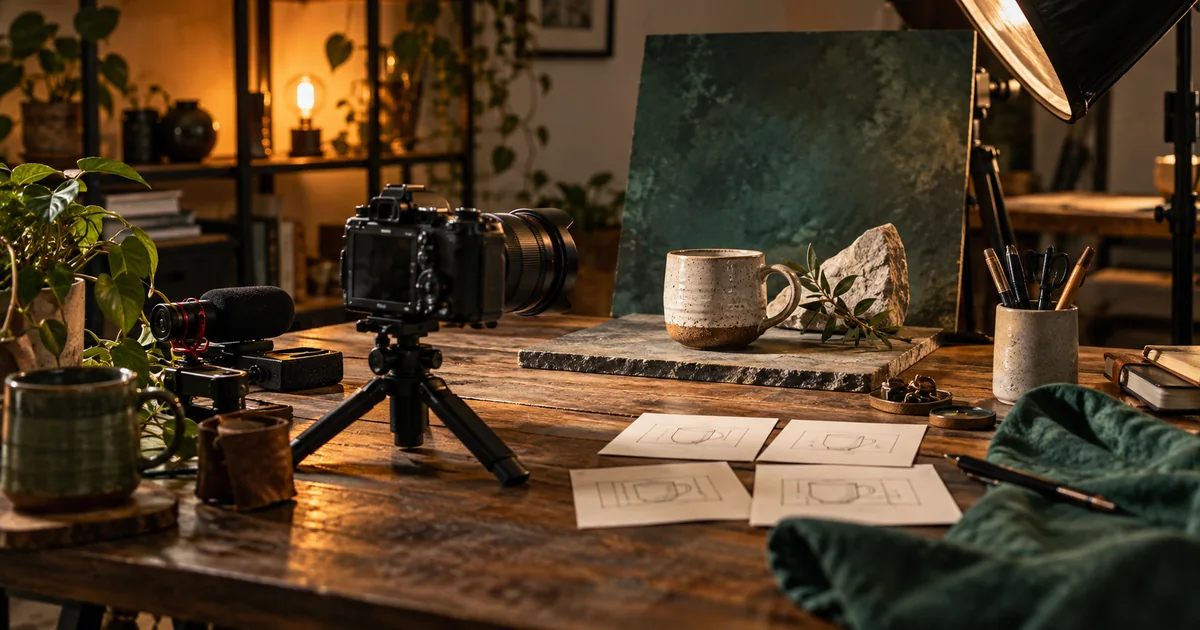
Check the linked provider pages for current plans, usage limits, and export access. “Free to try” does not necessarily include the deliverable you need. QuestStudio publishes this guide and is included as our own platform, not as an independently ranked winner. The hero is an original AI-generated editorial illustration, not a product screenshot or test result.
Perplexity: a starting point for source discovery
Perplexity’s Pro Search documentation describes a search workflow that combines information from multiple sources. That makes it a candidate when your content begins with questions about a changing product, an industry development, or an unfamiliar subject. Its useful output is a set of leads you can verify, not simply a polished paragraph.
For a camera tutorial, ask for manufacturer documentation about the exact feature you are explaining. Open the references and record the supported behavior in your notes. A citation attached to a sentence can still support only part of that sentence. Keep dates, product versions, and regional differences visible.
Skip an additional research subscription if your work rarely needs external facts or your existing process already finds the primary documents quickly. The trial should measure whether you reach trustworthy source material sooner, not how many paragraphs the assistant produces.
Claude: shaping material into a usable draft
Claude’s content-adaptation example shows a workflow built around supplied material and different publishing formats. Our recommendation is to use that kind of assistant after you have the core idea and facts: outline an explanation, tighten a spoken script, or turn an approved article into a shorter social post.
Provide a sample of your writing and a short list of facts the draft must preserve. Ask for a specific audience and delivery format. A sixty-second narration needs a different sentence rhythm from an essay. Read the result aloud; a smooth-looking paragraph can still be awkward to speak.
Keep editorial responsibility with the person publishing. Reject invented examples presented as real events, unsupported product claims, and a generic voice that erases your perspective. Choose a writing assistant for revision quality and controllability, not the length of its first response.
Canva: reusable visual packaging
Canva’s image-generation page documents generated images alongside editing and design exports. Canva earns a place here when the final job includes layouts: a thumbnail, carousel, cover, presentation, or repeated visual identity. The image is one ingredient in a design you may revise next week.
Try a three-slide explanation using the same type hierarchy, margins, and image treatment. Change the middle slide after the design is complete. Can you replace its image and shorten its headline without reconstructing everything? That small revision is a better selection test than admiring a single generated picture.
For exact text or product labels, retain editable elements and approved source files. A generated illustration should not become the only copy of an essential word. If you already finish designs comfortably elsewhere, evaluate whether Canva removes a real step before adding another design workspace.
Descript: editing spoken content through its transcript
Descript’s podcasting workflow combines recording, transcription, editing, and clip creation. It is a sensible shortlist choice for interviews, explainers, and narration-led videos because the words often determine the structure of the piece.
Test a passage containing a false start, a meaningful pause, and a speaker interruption. Remove the false start, keep the pause, and listen across the interruption. The important question is whether you can make the intended editorial change while preserving a natural conversation.
Do not automatically remove every hesitation. A pause can communicate uncertainty or give an explanation room to land. If your work is primarily visual effects, complex compositing, or detailed sound mixing, use the trial to check how the edited material will transfer to your finishing application.
Runway: generated video that has a defined place in the edit
Runway’s current getting-started guide describes tools, task-oriented apps, an agent, and workflows for generative video. Consider it when you need a visual that is difficult to shoot or when you are exploring a short sequence before committing to production.
Write the shot’s job before opening the generator. For a tutorial about a ceramic mug, an atmospheric opening might be useful, while a generated demonstration of its exact capacity could mislead. Decide what must remain factual and what can be illustrative.
Judge the usable section inside your real edit. A visually impressive clip that cannot connect to the next shot may add work. Save the accepted output and the input that produced it. Budget for attempts and revisions rather than treating every generated second as finished footage.
QuestStudio: creating supporting assets across Labs
QuestStudio’s Image Lab, Video Lab, Voice Lab, and Music Lab cover different parts of asset creation. It fits a creator who wants to draft a still, a short motion shot, narration, or a music idea while keeping each asset’s job clear.
For the mug tutorial, approve the still before asking for camera motion. Write the narration before generating a music bed. Export the accepted assets and assemble them in your editor. This sequence makes failures easier to identify: a bad shot does not force you to rewrite the script.
This is our own product, so treat the recommendation with that context. The Labs are not a promise that one request produces a fact-checked, fully edited campaign. Check the selected model’s supported inputs and keep a finishing step for timing, captions, and delivery.
Build the smallest stack that completes your format
| Publishing format | Start with | Add only when needed |
|---|---|---|
| Researched tutorial | Source research and a reliable editor | Generated B-roll for a specific missing shot |
| Interview podcast | Recording and transcript editing | Audio cleanup when the source needs it |
| Product carousel | Approved photos and editable layouts | Background generation for a defined campaign |
| Narrated visual story | A locked script and visual plan | Voice, music, and motion for approved scenes |
Do not interpret this list as six subscriptions to purchase. Some products overlap, and an existing editor may already handle captions, layouts, or audio cleanup. Draw the path from input to finished file, then circle the step that consumes the most effort.
Run a one-project trial before expanding
Choose one piece you genuinely intend to publish. Write its audience, output format, and completion criteria. Give the candidate tool the same source material you would use in your normal process. Record setup time, correction time, failed attempts, and the final export you can actually use.
Then request one realistic change: replace a fact, shorten the narration, alter a thumbnail headline, or change a shot. Revision effort exposes costs that a first-generation demo hides. A tool is valuable when it makes the whole job easier, including the handoff.
For next week, keep the smallest combination that helped you finish. Store the approved script, original media, editable project, and export together. A growing collection of disconnected drafts is not the same as a repeatable publishing process.
Frequently asked questions
What are the best AI tools for content creators in 2026?
Our use-case shortlist is Perplexity, Claude, Canva, Descript, and Runway, with QuestStudio as our own option for generating creative assets across Labs. The right choice depends on the production step you need to improve.
Do I need an all-in-one AI tool?
Only if its combined workflow saves you effort. A focused tool paired with an editor you already know may be a better fit.
Which should a beginner try first?
Choose the tool for the task you repeat most often. Test one complete project and one revision before expanding your stack.
Were these tools benchmarked against each other?
No. These are documentation-based editorial picks. The guide provides a project trial so you can compare results on your material.
Before choosing software, use the generative AI task-selection guide to separate generation from retrieval, classification and calculation.
For another recorded-narration shortlist, compare Cartesia and ElevenLabs by revision workflow using the same script and tracking the effort to reach an accepted file.