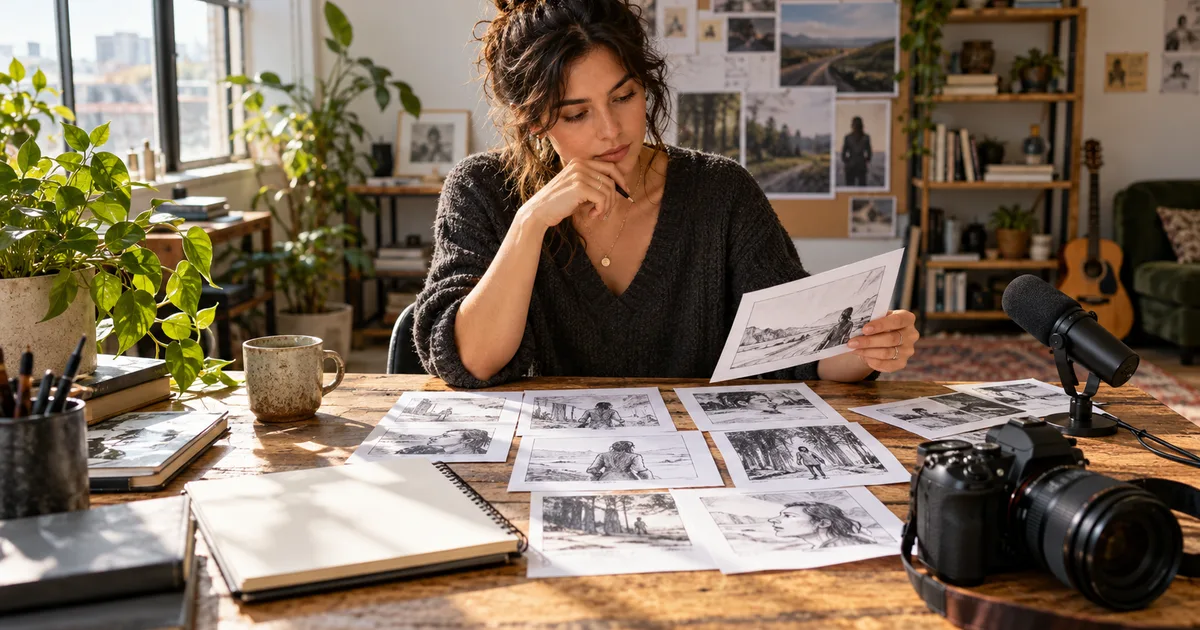

An appropriate task for generative AI is creating a draft, variation or explanation that someone can inspect and improve. Writing three opening lines for a video, exploring a background for a fictional scene and turning an approved script into a voiceover are useful examples. Deciding whether a product claim is true requires evidence, even if AI helped write the claim.
If you are answering “which task is a generative AI task?”, look at the requested output. Producing a new product description is a clearer example than classifying an email as spam or forecasting next month's sales. A system can combine these operations, so judge the specific step rather than the name of the application.
Separate “can generate” from “should generate”
IBM's introduction to generative AI describes systems that produce text, images, video, audio and code in response to a request. That definition identifies a capability. It does not tell you whether a particular output is accurate, appropriate or worth the time spent reviewing it.
A model can produce a photograph-like picture of a ceramic mug. It cannot establish the actual capacity of a mug you sell from that picture. The appropriate task might therefore be exploring a campaign setting while a real photograph and a verified specification sheet remain the sources for product details.
Use three questions before choosing a tool: What needs to be created? What must remain true? Who can check it? If you cannot name the thing being made, the facts it depends on and a reviewer, make the task smaller. “Help with my business” is too broad. “Suggest three visual directions for an openly illustrative announcement” is a task you can evaluate.
Examples of generative and non-generative tasks
| Task | Primary operation | Useful review |
|---|---|---|
| Draft a product description from approved notes | Generate text | Compare every claim with the notes |
| Sort existing descriptions into categories | Classify | Inspect labels against a category definition |
| Create a fictional café illustration | Generate an image | Check the brief and visual coherence |
| Calculate a total from invoice amounts | Calculate | Use a formula and reconcile source values |
| Write narration for an approved demonstration | Generate text | Match each sentence to the demonstrated action |
| Speak that narration with synthetic speech | Generate audio | Listen for pronunciation and timing |
| Find the latest published product specification | Retrieve evidence | Open the authoritative source and check its date |
| Produce three scene ideas from a brief | Generate alternatives | Choose an idea that meets the brief |
Some tasks cross the boundary. A summary creates new wording but should preserve the source's meaning. A chatbot can classify an email while generating a sentence that explains the label. Translation can be performed by different kinds of systems. In everyday planning, the important distinction is whether the output may introduce new material and what you will use to catch an error.
Use a four-question suitability check
- Is variation useful? Exploring several visual treatments is different from retrieving one exact order number. Use generation where alternatives help.
- Can you provide enough context? Supply the approved facts, audience and constraints. A missing ingredient list cannot be repaired by asking for more confident wording.
- Can you check the result? A designer can inspect a layout; someone who does not speak the target language may need another reviewer for translated narration.
- Can a mistake be caught before it matters? A private draft is easier to correct than a published claim or a message already sent to customers.
These questions are a planning aid, not a score that certifies safety. A single unresolved requirement can rule out the proposed task. If the available inputs cannot show the back of a garment, generating that view may create plausible but false construction details. Photographing the garment is the better next action.
Download the task-selection worksheet and record the actual deliverable, source of truth, reviewer and fallback. Keep it short enough to fill in before starting. An empty “reviewer” cell is more useful than an optimistic estimate of time saved.
Work through a creator example
Imagine a fictional pottery studio preparing a short announcement for a new green mug. The studio has an approved front photograph, a verified capacity measurement and a real clip of the handle. The goal is one clear social post, not an invented demonstration of durability.
Break the project into separate jobs. Drafting a warm introduction from the approved notes is a generative task. Cropping the photograph is an editing task. Checking the capacity is an evidence task. Creating background music is another generative task. Calculating the final file size is a technical check.
The studio could first ask for three introductions of different lengths. A useful instruction is: “Use only the facts below. Give three openings for a short launch video. Do not add claims about durability, materials or manufacturing.” The reviewer still needs to compare the outputs with the facts. An instruction to avoid invention reduces ambiguity; it does not guarantee obedience.
For visuals, a real product photo may already solve the job. If a conceptual background would help, preserve the approved product and review any generated scene for altered handle shape, rim thickness and color. Our editing-versus-generation decision guide explains when to edit, composite, generate or retake.
Finish by matching the narration to the image and checking the exported post at its actual display size. A beautiful picture and a fluent sentence can still contradict each other. The task is complete only when the combined result communicates the intended information.
Start with jobs that have visible acceptance criteria
Good first projects have a small output and a concrete finish line. A storyboard needs a coherent sequence. A voice audition needs the correct words and a usable delivery. A background variation needs to leave the subject recognizable. Choose a task where you can describe success without saying only “make it better.”
For an image, write the subject, framing, lighting and things that must remain unchanged. For speech, provide the approved script, audience and words that need pronunciation review. For a short video, define what happens at the beginning and end. Follow the storyboard workflow when the sequence needs planning before generation.
Keep the original material and the selected output. Record what you changed between attempts. If the output keeps missing the same requirement, reconsider the input or method instead of repeatedly adding adjectives to the prompt. Sometimes a clearer photograph or shorter sentence solves more than another generation.
How QuestStudio helps
Once you have chosen a visual task, Image Lab is a practical place to explore an image concept or supported reference-based workflow. Start with one asset and a brief you can evaluate. Available models and controls vary; choose the mode that fits the job instead of assuming every model exposes the same settings.
For spoken material, choose a short approved passage before comparing voices. For motion, prepare the shot plan first. Moving between tools is useful when each step has a purpose. It becomes expensive busywork when every new output resets the project.
Use the generative AI review checklist after selecting the task. Task selection asks whether generation belongs in the process. Review asks whether the particular output is ready to use.
Frequently asked questions
What would be an appropriate task for using generative AI?
Creating a reviewable draft, visual concept, narration or variation from a clear brief is often appropriate. Define the required facts, reviewer and acceptance criteria before generating.
Which task is a generative AI task?
Creating new text, images, audio, video or code is a generative task. Classification, retrieval and calculation are different operations, although one application can combine them.
Is summarizing a document a generative task?
It can be when a generative model writes a new summary. Check it against the original, especially names, numbers, exceptions and statements that were uncertain in the source.
Is generating an image always better than editing a photo?
No. Editing or retaining a real photograph is often preferable when appearance is evidence, such as a product listing or an accurate portrait.
How should I choose my first task?
Pick one small output you can inspect yourself, with inputs you are allowed to use and a clear fallback if generation fails. Avoid making the first project depend on several untested steps.
Hero: AI-generated editorial illustration. Worksheets and fictional examples are original teaching exercises, not measured provider results. Sources checked October 25, 2026.