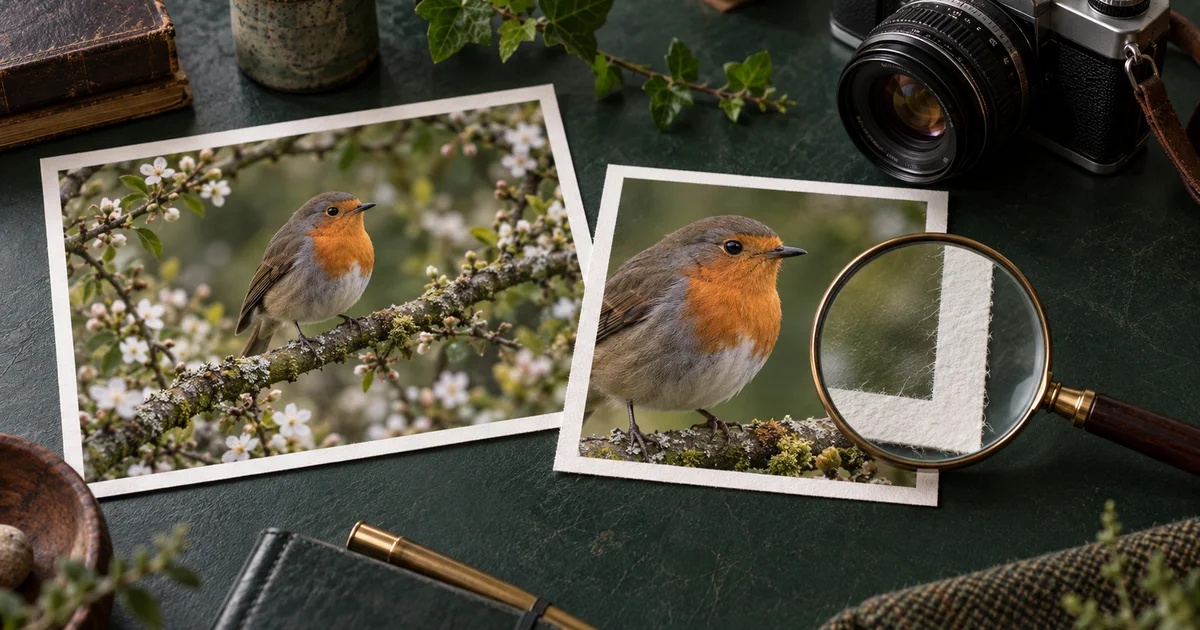

Content Credentials can help explain an image’s recorded origin and editing history. They cannot, by themselves, tell you whether the scene depicts a true event. To verify an AI image responsibly, first inspect the file’s provenance, then examine the claim being made about it.
Download the image-provenance record · Create an openly labeled illustration
Technical sources checked September 16, 2026. The robin-image cases below are hypothetical teaching examples, not results from an image detector or a live verification test. The hero is an AI-generated illustration.
Distinguish provenance, authenticity, and truth
The C2PA FAQ describes a standard for recording and validating media provenance through cryptographically signed information. A compatible verifier can evaluate the credential’s relationship to the asset and show recorded assertions about its creation or editing.
That is different from proving a caption true. An authentic photograph of a robin taken last year could be presented as a sighting yesterday. A photograph could accurately show a staged scene. A valid credential does not resolve those contextual claims.
It also differs from probabilistic AI detection. A detector estimates characteristics of the media; a provenance system examines recorded information associated with it. Neither should be casually described as a universal truth test.
Use precise language in your notes. “The credential records an AI-generation action” is narrower and more useful than “the internet says it is fake.” “No credential was found in this copy” is different from “the image is a real photograph.”
Start with the best available file
Ask for the original export or the nearest available source file. A screenshot, messaging-app preview, or social-media download may differ from the file the creator produced. Record where your copy came from and when you received it.
Keep that source copy unchanged. Work on a duplicate if you need to resize, annotate, or crop it. Give the files clear names such as source, received-platform-copy, and publication-export. This simple distinction prevents later confusion about which version you inspected.
Before sending a file to any online verification service, check whether you are permitted to share it and review the service’s handling of uploads. For public material, this is usually straightforward. For confidential material, use an approved workflow instead of treating every browser tool as interchangeable.
Read the credential without adding assumptions
Use a compatible viewer such as Content Credentials Verify. Its interface may change, so follow the current file-inspection flow rather than relying on old screenshots. Record the status and details actually displayed.
Look for the named signer or tool, recorded creation or editing actions, and any referenced ingredients or earlier assets. Note gaps instead of filling them with guesses. A history chain may be incomplete even when the information that is present validates.
| Observed result | What you can record | What it does not establish |
|---|---|---|
| Valid credential with an AI action | The signed record reports that action | Whether the accompanying claim is accurate |
| Valid camera-related provenance | The available record identifies a capture workflow | Whether the scene was staged or miscaptioned |
| No credential found | This inspection found no accessible credential | Whether the image is AI-generated or camera-made |
| Validation warning | The verifier reports a specific problem | The motive behind the problem or a complete origin story |
Copy the warning accurately if one appears. “Untrusted signer,” “asset mismatch,” and “no credential” are not interchangeable descriptions. If you cannot interpret a status, preserve the exact wording and consult the verifier’s documentation.
Compare the original with the publication export
Imagine a creator supplies a robin image with recorded provenance. An editor crops it for a banner, exports a smaller JPEG, and sends it through a publishing system. Inspect both the source and the final downloadable image.
If the source shows credentials and the exported copy does not, record the difference. Metadata or credential information may be removed in processing. C2PA also describes mechanisms that can help recover associations in some workflows, but availability is not universal. Do not promise that every stripped credential can be recovered.
Test the actual route you use: export, upload, then download or retrieve the delivered asset. A local file retaining its record does not prove that the published version retains it. The point is to understand your delivery pipeline, not to blame a particular platform without testing it.
Keep a separate source note even when credentials survive. A caption, source URL, creator attribution, and a description of significant edits remain useful to a human reader who never opens a provenance viewer.
Verify the claim attached to the image
Now examine the statement the image is supposed to support. “A robin photographed in our garden” is a different claim from “the first robin ever recorded in this region.” The second requires evidence beyond the existence of a plausible-looking bird image.
Check the original publication, relevant dates, credited photographer or creator, and any independent reporting. Compare landmarks or subject details when they matter. A reverse-image search can help locate earlier appearances, but absence from search results is not proof of originality.
For a product image, compare the depicted item to approved photographs and specifications. For a chart, verify the underlying numbers. For an illustration, clearly identify it as an illustration. These checks address what readers are likely to infer from the image.
Our AI image fact-checking workflow covers this editorial layer in more detail. Provenance helps organize the investigation; it does not replace subject knowledge.
Write a finding that matches the evidence
Consider three hypothetical outcomes. In the first, the source credential records AI generation, and the caption says “concept illustration.” The provenance and presentation are compatible. You still review whether the illustration is suitable for its use.
In the second, a camera-origin record validates, but the caption claims the image was taken yesterday while an earlier publication shows the same scene last year. The problem is the caption. Calling the image AI-generated would misdescribe the evidence.
In the third, no credentials are found and the source cannot be established. The correct result is unresolved provenance. If the article depends on the image as factual evidence, use a better-supported source or state the uncertainty explicitly.
A useful note includes the file inspected, verifier and inspection date, reported status, relevant recorded actions, independent source checks, and the remaining uncertainty. Avoid converting that note into a confident binary label when the evidence remains mixed.
Publish your own AI illustrations with a useful record
When you create an illustration in Image Lab, keep the creative brief, output date, selected file, and a short description of significant edits. Label the image in context when readers could otherwise mistake it for documentary evidence.
This guide does not claim that every QuestStudio output carries Content Credentials. Inspect the actual file and the provider’s current behavior. A plain-language disclosure and a retained source record are useful even when a credential is unavailable.
For a factual article, write the caption before final approval. If you cannot explain what the image shows without implying an unsupported event, change the image or its placement. The best verification workflow also reduces opportunities for misunderstanding.
Frequently asked questions
Do valid Content Credentials prove an image is true?
No. They help validate recorded provenance associated with an asset. The scene, caption, and factual claims still require independent evaluation.
Does a missing credential mean the image is AI-generated?
No. Credentials may never have been added, may have been removed, or may not be accessible to the verifier. Missing information leaves provenance unresolved.
Should I inspect a screenshot or the original?
Prefer the closest available original, and inspect the delivered copy separately. A screenshot can lose information associated with the source file.
Are all QuestStudio images credentialed?
This guide makes no such claim. Inspect each actual output and keep a separate source record and appropriate disclosure.