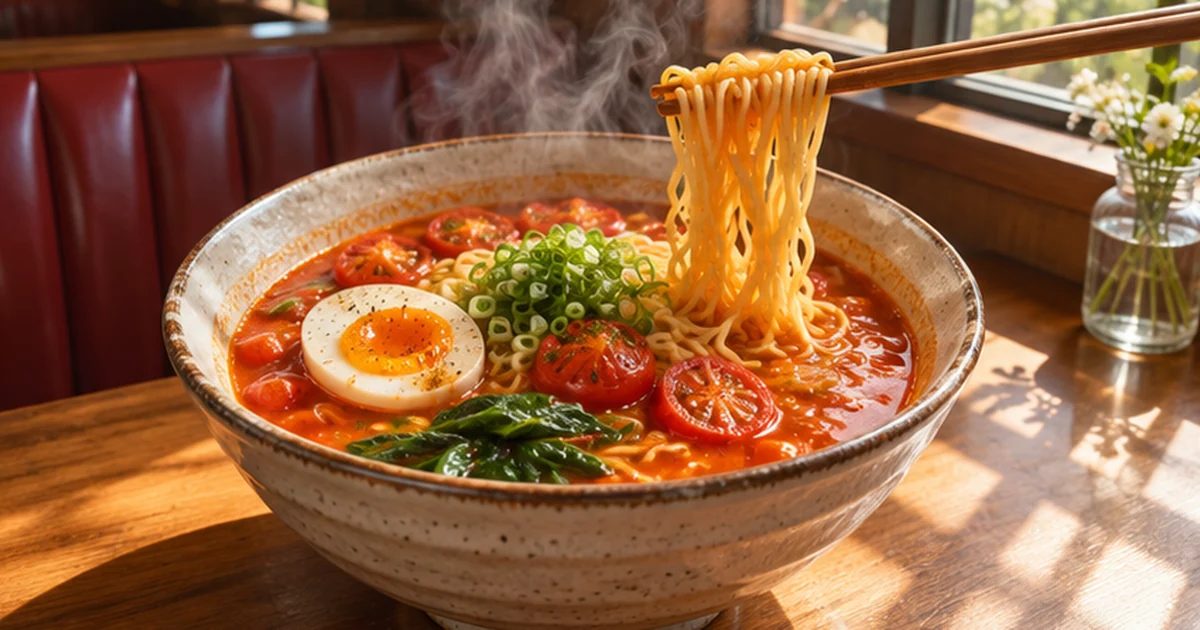

A restaurant wants a quiet moving menu image of its tomato ramen. Steam should lift from the broth while the egg, noodles, bowl, and table stay recognizable. For a still that needs one narrowly directed movement, we favor QuestStudio Video Lab. Dreamina is a strong alternative when a food photographer already prepares images there and wants to take a selected photo directly into its image-to-video workflow.
- Choose QuestStudio when
- The editor needs one controlled movement with a still fallback.
- Choose Dreamina when
- A photographer wants to animate a reference within Dreamina.
Photograph the dish you actually serve
Start with the real serving, the right bowl, and an angle that will work on the menu screen. Check where the steam can be seen against a darker background. If the only visible space above the broth is a bright white window, describing more steam may produce a large opaque cloud. Adjust the composition or choose another source before asking the software to manufacture visibility.
Identify the fixed details. In this example there are two egg halves, a strip of nori at the back, a red rim on the bowl, and a slice of tomato near the spoon. A moving garnish changes the dish the diner expects. Circle these features on a reference copy and let the cook confirm the ingredient count and serving appearance.
Give each tool the same motion map
Dreamina describes generating motion from reference imagery. Use the same restaurant photograph and start with a simple description of gentle steam above hot broth and a stationary viewpoint. When comparing results, read the available model controls and choose equivalent settings where practical. A dramatic camera move may look impressive while answering an entirely different brief. Dreamina image to video
In Video Lab, select an image-to-video model that accepts the source and describe the steam's origin, direction, and density. Try a thin irregular wisp rising behind the near egg and dissipating before it reaches the top of frame. Give the background a specific job, such as remaining still enough for a menu heading. Keep the original photograph available for the close comparisons that follow.
Watch four physical boundaries
Follow the ellipse of the bowl rim. A slight pulse there makes the whole vessel appear to breathe. Next watch the contact point between the egg and broth. If the egg slides across the surface, the movement has escaped the intended area. Third, check the nori outline against the background. A dark outline can stretch into a plume and turn a food detail into part of the steam.
Last, inspect where the steam starts. It should seem to rise from the food. If it appears behind the booth or shoots out of the ceramic wall, the direction is hard to believe. Play the take at normal speed and briefly cover the top half with a piece of paper. You should still see a convincing photograph of the dish in the lower half.
Use a still plate when only part of a take works
Suppose the steam is excellent in the upper middle but the noodles wiggle gently. In a conventional editor, put the original photograph below the moving take and reveal only the usable steam region with a soft mask. Watch the boundary for changes in exposure. The technique works best when camera position and lighting are stable. A drifting source can create a double rim even with a soft mask.
For a menu that repeats indefinitely, try the actual transition or cut in a repeated timeline. Steam naturally dissipating into clear air can make a quiet place to restart. Reversing steam until it visibly sinks back into the broth looks unusual. If a believable loop is difficult, show a short motion accent and return to a still. The cinemagraph workflow goes deeper on building selective movement from an image.
Put a number on usable menu time
Imagine the menu player shows each dish for six seconds. In a candidate clip, the first second feels still, the next three show a fine wisp, and the bowl distorts near the end. Put the three usable seconds between short holds of the exact approved photograph. Check the transition into motion on a large screen. A tiny shift in the camera or a change in the broth's color will stand out at the join even if the generated segment looked acceptable on its own.
If the cut into motion is visible, try choosing a better starting frame or keeping the motion in a smaller area above the dish. Then ask a server to read the menu as if helping someone choose lunch. Can they point out the tomato and eggs while the price stays clear? Keep the result only if the moving image helps that ordinary interaction. A comparison sheet that records three usable seconds, one simple composite, and an approved serving description tells the restaurant more about the value of a tool than a note saying it produced a six-second clip.
Get the kitchen and menu designer to review together
Play a preview with the real item name, description, and price in place. The cook should confirm the dish is accurate. The menu designer should confirm steam and highlights do not make the words hard to read. Check it at the distance a diner will actually stand from the display. You may find the subtle version reads better than the most animated version.
Choose Dreamina when the photographer's direct image-to-motion workflow produces a usable food clip with little local correction. Our preference is QuestStudio for a menu team that wants to control motion one region at a time and review the generated clip beside the original. Keep the approved still as a fallback for static menus and slower screens.
Frequently asked questions
Can I add steam to a dish normally served cold?
Confirm the service with the kitchen. Motion on a menu communicates temperature and preparation, even when no one writes those words.
Should the camera push toward the bowl?
Only if the placement benefits. A fixed camera makes it easier to identify escaped movement, preserve type placement, and composite a clean still underneath.
What if steam hides the ingredients?
Reduce density, shorten the visible segment, or move the main wisp behind the focal ingredient. A diner should still recognize the serving.
Does every menu screen need a loop?
No. Test the actual player and content sequence. A short accent followed by a clear still can be more legible during a quick ordering decision.
Compare more Dreamina and QuestStudio workflows
Continue with a useful next step
 Image
Dreamina Alternative for Festival Poster Art in Two Sizes
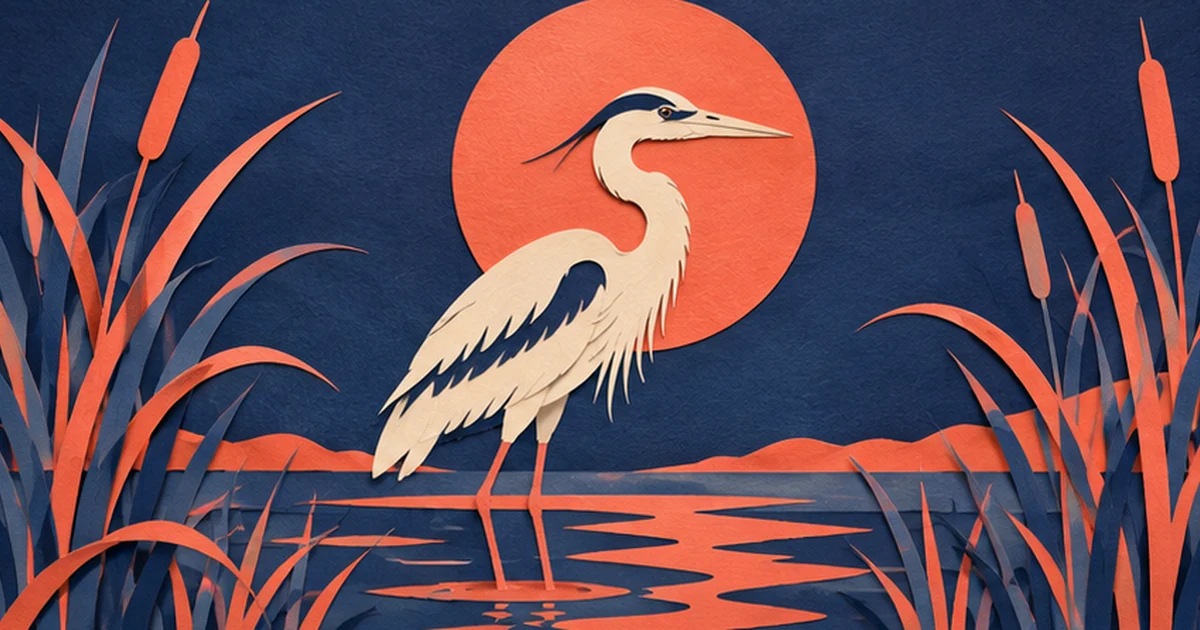
Compare Dreamina and QuestStudio for a heron festival poster. Keep one recognizable image across print and vertical stories, with room for type in each.
 Video
AI Cinemagraph: Keep One Detail Moving and the Rest Still
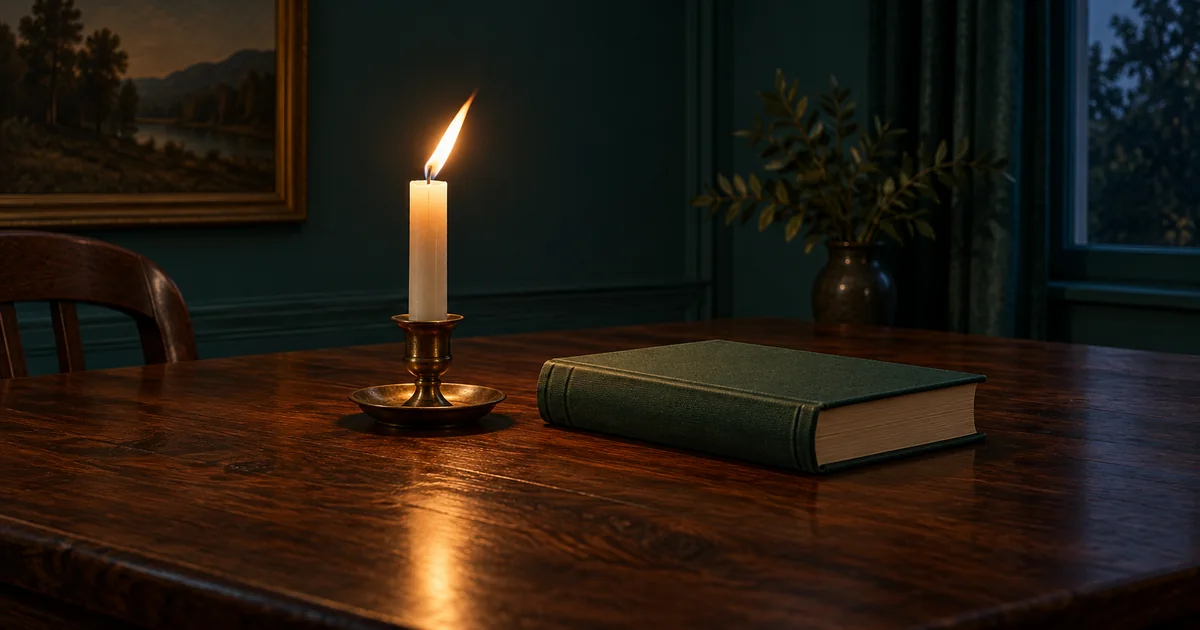
Build an AI cinemagraph with a stable plate, selective motion, a clean mask, and a loop test, using an original candle scene and review worksheet.