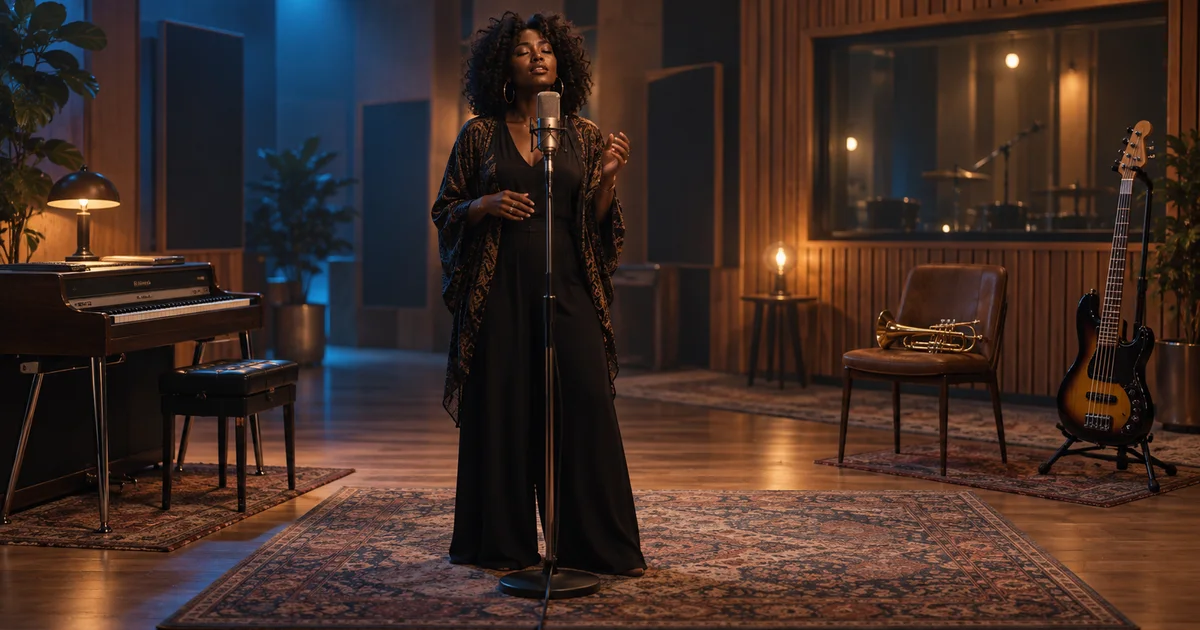

Every instrument enters in the first five seconds. The chorus arrives, but there is nothing left to add. Mureka V9.5 emphasizes arrangement space and musical development. This guide turns that promise into an audible assignment you can judge across the whole song.
Download the arrangement and listening sheet · Develop a song brief in Music Lab
Editorial guide checked September 13, 2026. Examples and worksheets are original planning material; the hero is an AI-generated illustration, not a model benchmark.
Read the V9.5 claims as separate questions
Mureka's V9.5 model article, published August 28, 2026, emphasizes arrangement space, structure, vocal expression, and musical direction. Those are useful things to test, but they are not interchangeable. A song can follow every requested instrument and still have a weak chorus.
The developer's own hundred-song comparison reports prompt-control results of 97% for V9.5 versus 92% for V9, while overall usability is 28% versus 25%. Those are different measures in a developer-run evaluation, not a 97% promise that your songs will be ready to release. The figures also do not establish a universal ranking against other music generators.
For this guide, the practical question is narrow: can the arrangement leave enough space in the verse for the chorus to feel like an arrival? We will use an original song sketch, a section map, and a listening record. No generated performances are presented here as tested results.
Give the song one emotional movement
The working title is “Last Tram Home.” A person leaves a busy evening feeling disconnected, then notices a familiar light in a window and decides to call someone. The movement is from inward observation to a small outward action. It does not need an enormous orchestral build to become meaningful.
Choose a compact palette: electric piano, rounded bass, restrained drums, and a short brass response reserved for the chorus. The lead vocal should remain understandable. By keeping the palette small, you can hear whether the arrangement follows the section roles instead of merely producing a dense collection of pleasant sounds.
Keep genre, tempo feel, and vocal role stable during the first comparison. If one attempt is slow soul and another is fast electronic pop, you are comparing different song concepts as well as different arrangements. Explore that broader choice later if the original direction fails to serve the lyric.
Map density before writing a long prompt
Density means how much musical activity competes for attention at a moment. It can change through instrument count, register, rhythm, harmony, or vocal layering. A chorus does not need to be simply louder. It can feel wider because the verse leaves the upper register open and the chorus introduces a clear response there.
| Section | Primary job | Supporting parts | What to withhold |
|---|---|---|---|
| Verse | Make the scene and words clear | Electric piano, bass, light drum pulse | Brass response and backing harmonies |
| Chorus | Make the decision memorable | Fuller groove and short brass answers between vocal lines | Busy fills under the title phrase |
| Second verse | Add a new detail without resetting the song | Return to the smaller palette with one subtle variation | Continuous chorus-level intensity |
| Final chorus | Resolve the emotional turn | One additional harmony layer | A completely new genre or unrelated climax |
| Ending | Let the final decision settle | Piano and a natural final decay | An abrupt cut through the last word |
The withheld column is the useful constraint. “Big chorus” tells the model what you want to hear later; withholding something earlier gives that change a reason to register. If brass is already answering every verse line, its chorus entrance cannot supply the contrast described in this map.
Turn the map into an audible brief
Mureka's song creation guide supports working from a musical direction and prepared lyrics. Keep the musical description separate from words you intend to sing. Use the available custom-lyrics controls in the selected interface rather than assuming every text field has the same purpose.
These are musical intentions, not guaranteed switches. After generation, locate the actual section transitions by listening. If the model does something useful that differs from the plan, decide whether to accept that creative choice. Do not mark a failed instruction as a success simply because the overall recording is polished.
Use a short original lyric to test the transition
This sketch gives the verse a scene and the chorus a decision. It is original material for this exercise. Extend or revise it before making a full song, and keep production instructions out of the lines meant to be sung.
Read the words aloud before generating. The chorus has longer lines, so listen for rushed syllables and swallowed endings. If a line does not fit, simplify the language before asking for more intense vocals. A stronger performance cannot make an overcrowded lyric automatically easier to understand.
Do not evaluate only the first chorus. A second verse may remain too dense after the chorus, and the final section may add so many layers that the main phrase disappears. The section map gives you a way to inspect those later decisions without relying on a vague overall impression.
Compare takes around the transition
Save each take with its exact model, brief, lyrics, and settings. Listen at approximately matched levels. First play the end of the verse through the beginning of the chorus; then listen to the complete song. The short comparison makes the arrangement change easy to hear, while the full pass reveals whether that change belongs in a coherent piece.
- Space: can you follow the verse words without concentrating on the transcript?
- Arrival: does the chorus introduce a distinct musical change?
- Placement: do brass responses leave room for the important vocal phrases?
- Return: does the next verse regain enough space to continue the story?
- Completion: does the ending finish the lyric and decay naturally?
Mark each item pass, fail, or uncertain, with a timestamp. A useful observation might be “the brass enters before the chorus and masks the last two verse words.” That is an illustrative failure description, not a report from a generated sample. Record what actually happens in your own take.
Track rejected attempts as well as accepted ones. If a direction requires six revisions before the chorus works, the review time is part of the workflow cost. A single impressive excerpt cannot tell you how reliably the approach will produce complete songs.
Revise the section that failed
If the chorus has no contrast, first reduce the verse's competing activity in the brief. If the brass masks the vocal, specify shorter responses in the gaps or remove brass and test another contrast. If the last line rushes, shorten that line while leaving the musical description stable. Each revision should answer an audible problem.
When an available editing or remix control can preserve an accepted section, check its behavior before relying on it. Keep the original take. A local revision may still affect transitions or neighboring material, so review the seam and the complete result. For more detailed finishing, an exported file or suitable stems may belong in an external music editor.
Develop the same arrangement assignment in Music Lab
Mureka V9.5 is not currently listed in QuestStudio. Music Lab offers different models, including MiniMax Music 2.6 and Google Lyria 2. Choose a model suited to the intended vocal or instrumental task and use its supported fields; do not assume their lyric handling or section controls match Mureka.
The prompt handoff carries the musical description only. In Music Lab, select Music if a previous session left Stem Split or Video → Audio active, then check the imported brief. For a vocal-capable model, enter the original lyrics separately in the lyrics field. Confirm the selected model and quote before generating.
Start with the section map and keep the chorus's job clear. The downloadable listening sheet turns the result into a reviewable choice: which take carries the lyric, where the arrangement opens up, and what still needs work before the song is ready.
Frequently asked questions
What does Mureka V9.5 emphasize?
The developer describes improvements in song structure, arrangement space, vocal expression, and following musical direction. Evaluate those claims on your own material.
Does a high prompt-control score mean every song is usable?
No. Following a prompt and producing a finished song are different criteria. Read how each reported measure was defined.
Will section labels guarantee an exact arrangement?
No. They communicate intent, but the result still needs listening review and may need revision or editing.
Can I select Mureka V9.5 in QuestStudio?
It is not currently listed. Music Lab offers MiniMax Music 2.6 and Google Lyria 2 as different generation options.