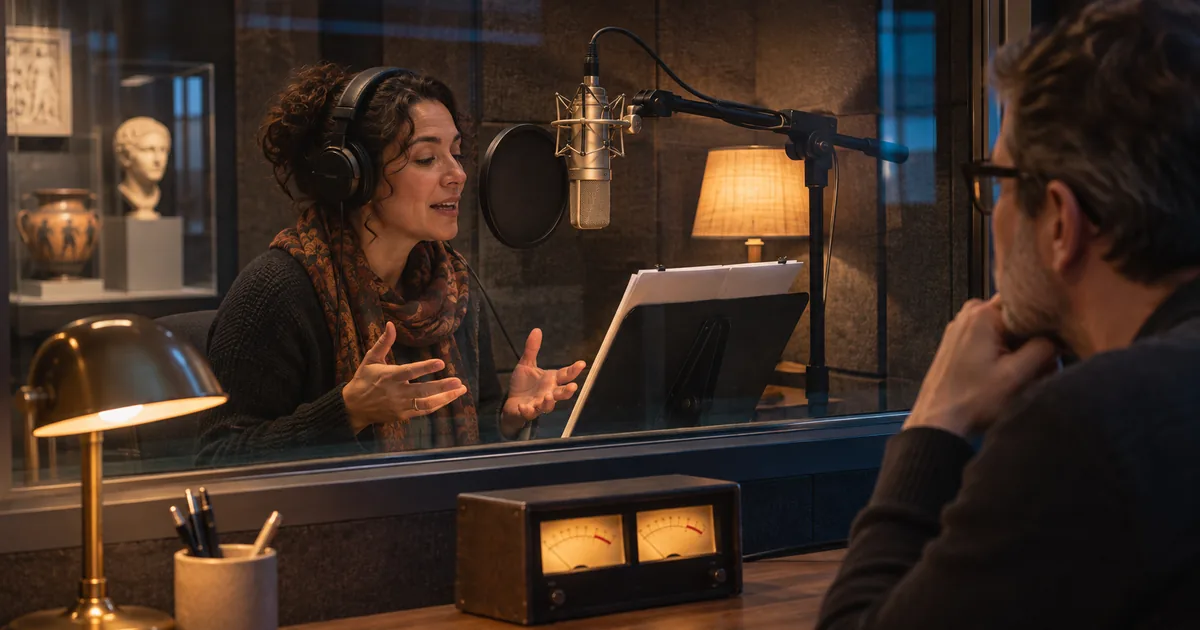

Nuance Labs AI develops technology for face-to-face AI conversation. Its public research preview lists Emma and Nora, two personas you can talk to in a live video conversation. QuestStudio Voice Lab serves a different production job. You bring a script and make a take you can time against a video, an animation, or a narrated scene. Nuance Labs research preview · QuestStudio Voice Lab.
The thing to decide is whether the audience will talk back. A visitor who can interrupt with a question needs a system that can respond in the moment. A viewer who presses play on a 15-second welcome video needs a line they can hear clearly before the next cut.
What Nuplex, Emma, and Nora do
Nuplex is the model behind Nuance Labs' audiovisual conversation work. The company introduced Emma in November 2026 as the first persona built on Nuplex 1.0 and describes the model as full-duplex. In conversation terms, that means it is designed to handle incoming signals while it is responding. Think of a listener nodding while you finish a sentence, or a speaker pausing when you start to interrupt. Nuance Labs' Emma research post.
The preview is a way to see the personas in a conversation. The research post also links to a beta API platform for developers. If you need API access to build something of your own, check the platform for its current access requirements. An available preview and an integration for your project involve different steps. Nuance Labs developer platform.
If you are comparing it with writing or roleplay apps, write down the first outcome you need. A conversation may give you an idea for a scene. A story draft gives you text to revise. A recorded take gives you audio you can place in an edit. The best AI story generators guide covers the writing and interactive-story options.
Use the same scenario to compare live and scripted AI
Imagine a short-film festival with a fictional screening called The Lantern Room. Visitors in a live lobby could ask about the sound, the room, or how to get to their seats. The film's opener would play the same approved welcome to every viewer. Both need a well-delivered voice, but you can evaluate them with different tasks.
| Task | Set up the test | What to inspect |
|---|---|---|
| Explore live conversation | Ask a question, then add a clarification halfway through a response. | Does the conversation pick up the change? Can you tell whose turn it is? |
| Prepare a repeatable voiceover | Write three short lines and mark where they should land in the edit. | Are the words clear and consistent? Does the last line leave room for the closing shot? |
| Revise one detail | Change a line or ask the same follow-up from the same starting point. | For live testing, note how the response adapts. For narration, verify the new take fits the original timing. |
For the live test, use a made-up location and tell the persona the relevant facts first. Ask “Where do we sit?” and then clarify that you meant where to wait before doors open. Record whether it acknowledges the clarification and whether the next sentence answers it. One successful exchange shows what happened in that conversation. Repeat the test with a different clarification before deciding how to use the experience.
Write down what happened in each live turn
Use the same opening question for three short sessions. In the first, wait for the answer to finish. In the second, clarify the question during the reply. In the third, pause midway through your own question to see whether the persona gives you room to finish. After each session, write one sentence describing the answer and one describing the turn-taking. Keeping those observations apart helps you see whether an apparent delay came with a better answer or an avoidable interruption.
A sample note could read, “It stopped when I clarified, then directed me to the seats when I asked where to wait.” That gives you a precise follow-up. The interaction handled the interruption, and the content still needs a clearer description of where the lobby ends. If the same direction matters to every viewer, put it in the approved script.
For the recorded version, work from the actual cut. Place the audio under the establishing shot and listen at the volume your audience will likely use. If a line and an important visual arrive at the same instant, move a pause or shorten the line. That change often does more for clarity than a different voice.
Make a scripted voiceover in QuestStudio
Here is a short sample for the fictional screening. It contains only the spoken lines, so you can open it directly in QuestStudio Voice Lab. Put your performance directions in your notes while you audition the voices and settings available to you.
Welcome to The Lantern Room. In a moment, the lights will go low and the first story will begin. Settle into your seat. We’ll meet you on the other side.For a 15-second cut, try giving the title the first three seconds, the welcome and seating line the next nine, and the closing image the last three. These are editing marks for the example. Measure the actual take after you render it. If the final line lands over the closing image, try cutting “In a moment” and compare the shorter version at the same playback speed.
- Choose one delivery to test. Start with a warm, steady read. Listen for whether “The Lantern Room” is easy to catch on first hearing. If the name is rushed, add a pause by splitting the opening into its own sentence or separate take.
- Compare against the picture. Try a cut with the final shot held for three seconds. If the read runs long, shorten the second line and test again. Use the voiceover timing guide for a longer cut.
- Keep an approved version. Save the exact script and note the voice, model, and settings that produced the selected read. If you change a line later, listen for level and pacing differences around the edit.
Make the take your video needs. Create a QuestStudio account and start in Voice Lab with this sample or your own script.
Create a QuestStudio accountNuance Labs AI FAQ
What is Nuance Labs AI?
Nuance Labs is an AI research company developing real-time audiovisual conversation. Its research preview offers face-to-face video chats with AI personas Emma and Nora.
What is Nuplex?
Nuplex is Nuance Labs' audiovisual model. The company describes it as full-duplex, with the ability to deal with incoming signals while responding in an ongoing conversation.
Can I try Emma and Nora?
The Nuance Labs research preview lists both personas. Open its public preview page to see the current access and browser requirements.
Is Nuance Labs AI an AI story generator?
Its public preview is designed for live conversation. For a written story, choose a prose drafting tool. For a video that needs fixed lines, use a scripted voiceover workflow.
Can I use QuestStudio for the narrated version?
Yes. Bring your script to Voice Lab, select a speech model and available voice, then listen to the generated take against your video before editing or exporting it.
Related guides
 Creator Workflows
10 Best AI Story Generator Sites for 2027
Compare ten sites for drafting, roleplay, adventures, or making visual stories.
 Voice
Fit voiceover to a 15-, 30-, or 60-second video
Use a timing budget and test where each line lands in the edit.
 Voice
Keep a voice consistent through a script
Find where pacing or tone shifts and repair the affected passage.