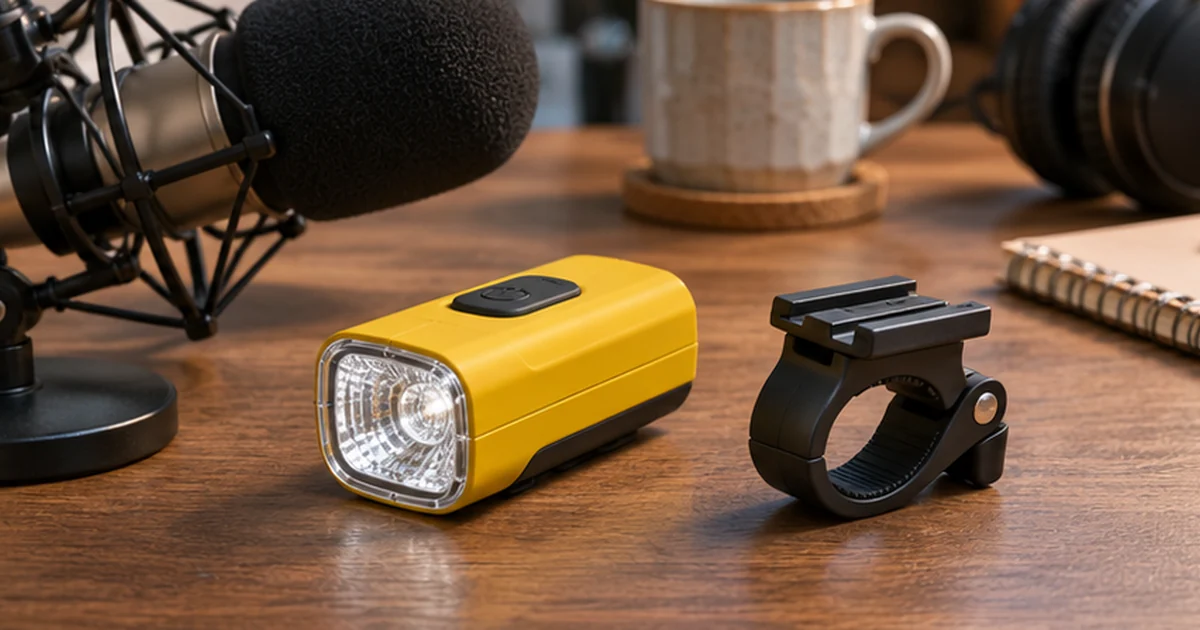

One picture edit can serve two markets when each voice track lands on the right action. For a bike-light ad with a fixed close-up and a locked end card, our choice is QuestStudio. Voice Lab lets the producer audition narration as a separate asset before the editor fits it to picture. Pollo AI also offers multilingual text to speech, and it deserves a trial when the same creator is already making the video in Pollo.
- Choose QuestStudio when
- A producer delivers separate language tracks for a locked edit.
- Choose Pollo AI when
- A creator already working in Pollo wants to audition multilingual speech there.
Mark what the audience has to see
Suppose a twelve-second ad shows a rider clipping a lamp onto a handlebar, switching it on, and riding away. Put markers at the instant the bracket closes and the instant the beam appears. Reserve the final two seconds for a readable end card. A voice track that fits twelve seconds can still explain the clip after the lamp is already lit.
Write an English scratch line such as “Clip it in. Press once for the light.” Ask a fluent reviewer in the second market to express those two actions naturally. For example, “Encájala. Pulsa una vez para encenderla” could start a discussion with a Spanish-language reviewer about the product noun and the local term for the control. Give them the video. A literal translation made without seeing the bracket can describe a different action.
Compare an actual line in both tools
Pollo's speech tool documents turning text into speech with a choice of voices and languages. Use the market's version of the line to audition a voice at a natural pace. Where two regional options are available, let a listener from the intended market assess the pronunciation and register. A familiar accent can still be a poor fit for an instructional line if every word receives equal emphasis. Pollo text to speech
In Voice Lab, select a speech model and voice suitable for the language you actually need. Keep a separate file for each language and each approved take. Do not assume that every available voice supports every language equally. Audition the button instruction as a whole sentence. A beautiful isolated reading of the brand name will not tell you whether the verb is intelligible over cycling footage.
Fit each line to the action it describes
Try a cue sheet with four entries. The first allows the viewer to see the bracket before speech starts. The second puts the attachment verb alongside the closing action. The third lands the instruction around the button press. The fourth leaves the final card clear. Write start and finish times from the actual edit beside the words your listener should hear there.
If the speaker is still explaining attachment when the lamp turns on, trim the script before accelerating the audio. The picture may already establish the handlebar, freeing the speaker to say only what the rider does. Try a shorter, locally natural verb and audition the line again. If the short version becomes abrupt, borrow a little time from a neutral establishing shot, provided the end card and product action remain legible.
Give the language reviewer two listening passes
First play the soundtrack without picture. Ask the listener what they think the rider is being asked to do. This isolates a wording problem from the visual explanation. Then play the complete ad on a phone at normal listening volume. If the instruction disappears under the bracket click, lower or move the sound effect before ordering a new voice.
Leave names and model numbers in their approved written form on the end card. If the spoken script needs a phonetic spelling, keep that spelling in the voice script only. Send reviewers both forms so an editor cannot accidentally paste the pronunciation workaround into customer-facing captions. The voiceover timing guide has more on matching recorded speech to an existing edit.
A sample twelve-second cue sheet
For a first edit, give the rider and handlebar the first two seconds. Let the attachment happen during seconds two through five, the press and beam during five through nine, and the end card fill the remaining three. Write the actual completion time beside each action after picture lock. If the switch closes at seven seconds in this version, the speaker might begin the button phrase just before seven and finish as the beam appears. That timing leaves some room to breathe before the final card.
Now imagine the second-language take puts the word for the light at ten seconds. Listen to the whole clause with a fluent reviewer. Moving that single word earlier may sound unnatural in the language. Try starting the full clause earlier under the hand reaching toward the switch or replace an unnecessary descriptor with a shorter expression. When both versions are approved, add the actual audio filename and cue range to each row. The next editor can see why the translations have different start times even though the bicycle and the action are identical.
Decide what should travel to the next market
Keep the locked picture, a clean audio bed, and each language's voice and captions as separate deliverables. Write down which visual marker controls each line. This gives a third translator a useful brief and lets an editor replace a single phrase without asking the entire team to rediscover the timing constraints.
Pollo is attractive if staying in its video ecosystem simplifies the two-language review. We favor QuestStudio when a producer owns voice casting and an editor owns the final mix. Judge both on the exported film and the amount of rewriting needed for the second market. A quick first-language preview is only the beginning of this job.
Frequently asked questions
Can both languages use identical subtitle timing?
Begin with the same picture markers, then time each subtitle to its own spoken phrase. Word order and reading pace may differ.
Should I translate the product name?
Use the brand's approved local name and have a fluent reviewer confirm how it is spoken. Keep spelling instructions for the voice separate from display copy.
What if the end card has no room for the last line?
Shorten the line or move a useful phrase earlier. Preserve enough time for the viewer to read the action on the card.
Is lip sync necessary here?
The example uses off-camera narration. Track meaning against visible actions. A spoken presenter on camera would add mouth movement and performance as separate criteria.
Compare more Pollo AI and QuestStudio workflows
Continue with a useful next step
 Video
Pollo AI Alternative for Product Demo Videos From Photos
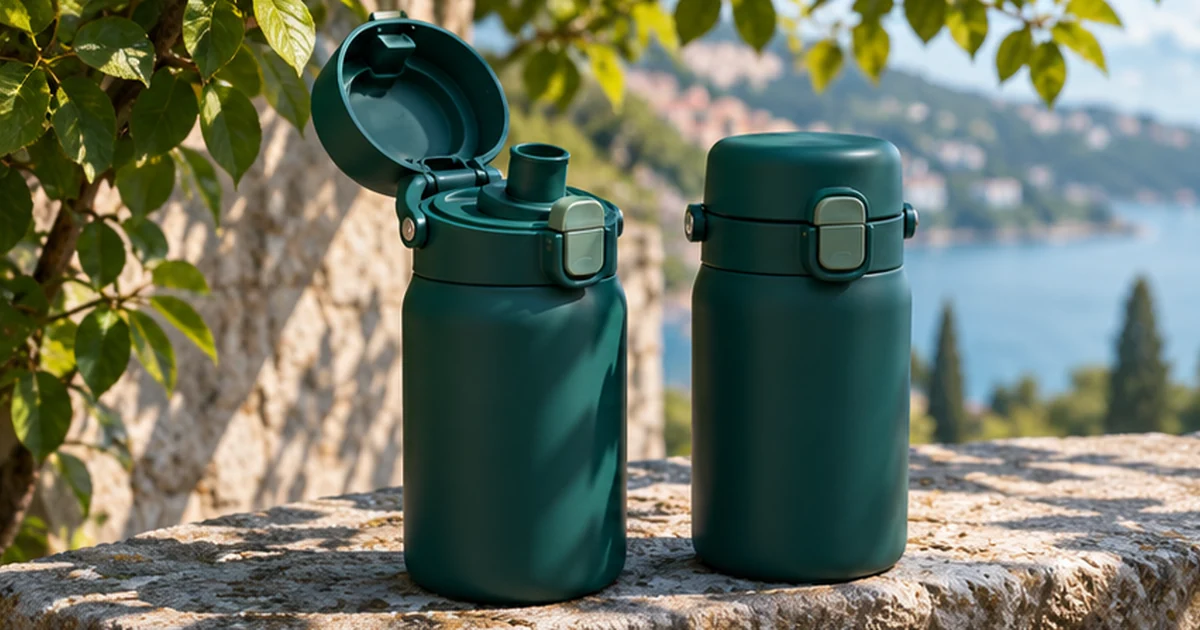
Compare Pollo AI and QuestStudio for a flip-top bottle demo. Match the cap, hinge, and final frame before turning an approved product photo into motion.
 Voice
AI Voiceover Timing: Fit a 15, 30, or 60-Second Video
Fit AI voiceover to a video using a real timing budget, measured takes, careful script cuts, and pitch-preserving tempo changes only when they help.