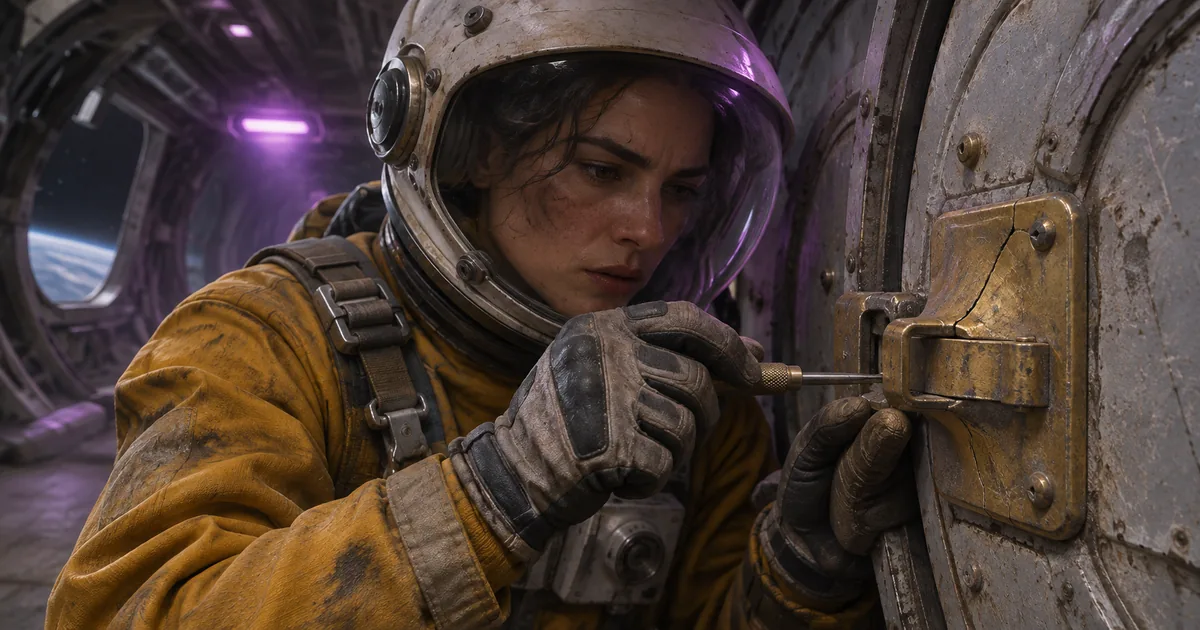

Build a sci-fi sequel teaser by pairing a recognizable character with one thing that changed since the last story. Use the character still as a reference. Plan three beats before animating. You need a setup, a clue, and a reason to keep watching. Spend your first motion test on the beat where movement changes what the audience learns.
Jump to the Video Lab example.
Pick a visual promise for the sequel
Write two sentences for yourself. In the first, say what the audience already knows about the character. In the second, say what is different now. A costume and background can make a clip look like part of a series, but the audience still needs something to notice. A small clue with a consequence can give a teaser a stronger shape than a long tour of the world.
Imagine an original story about an orbital mechanic named Renn. In the first episode, Renn sealed a service hatch with a cracked brass latch. In the teaser, the same latch moves from the other side. The new question is who returned to a part of the station Renn believed was empty. The mustard pressure suit, off-white helmet, and scarred latch connect the two stories. A strip of violet light across the floor gives the new shot its own visual identity.
Write those details on one reference card. Note the shape of the helmet visor, the color of the suit, and where the brass crack runs. Keep them in the first motion test. If a model makes the suit more elaborate or adds a second latch, the audience may lose the detail they were supposed to recognize. See the character continuity guide for a second pass on recurring visual details.
Lay out three images before animating
| Beat | Picture | Question it gives the audience |
|---|---|---|
| Recognize | Renn stands in the old service corridor in the familiar suit. | Why is Renn back at the hatch? |
| Notice | Violet light slips out below the door and touches the brass latch. | Who turned the power on? |
| React | The latch moves a fraction while Renn holds still. | Who is opening it from the other side? |
Use the approved character frame as the visual center of the sequence. Build a wide frame that shows where the hatch sits in the corridor and a closer frame that makes the latch readable. Use stills for your first cut. Check whether the orientation is consistent. If the hatch is on Renn's left in the wide shot, give the audience a clear reason if it appears on the right in the close shot.
Keep a held frame wherever motion adds little information. The first frame can establish the space and the color in a clean hold. Give the latch the main motion beat. Cut before the audience sees the other side of the door. Put the title or release information on a separate card so you can revise it without regenerating the shot.
Use the reference still to test one motion
Start with a shot where the latch and Renn are both visible. Set the motion request around one physical action. Keep the camera position steady so the audience knows what to watch.
Open the example in QuestStudio Video Lab.
Landscape 16:9 image-to-video shot based on my uploaded reference still of an original orbital mechanic in a mustard pressure suit and off-white helmet, beside a gray station service hatch. Keep the character, costume details, dust, and violet floor light consistent. Lock the camera. Show the cracked brass latch shifting just a little toward the right, then stopping. Keep the hatch shut. Renn stays in position. No costume changes, new characters, signage, or camera pan.Compare the clip with the source frame at the start, middle, and end. Focus on the helmet edge, sleeve seam, and crack in the latch. If the whole hatch swings when all you wanted was the latch to twitch, cut earlier or make the instruction smaller. Keep the other objects stable so the audience can read that the latch really moved.
Check story continuity at playback size
Lay the three beats in order and watch them without audio. Ask a viewer what changed in the last shot. If they say the light changed or that Renn decided to turn, the latch may be too small or the motion too subtle. Crop the latch closer or give the shot a longer hold. A shorter gap between the discovery and reaction can also help.
Then add only the sound cues that make the cut clear. A soft click draws attention to the latch if the viewer already has time to see it. A strong sweep or impact that starts before the clue can pull attention away from it. Check the same cut again muted. Someone should still be able to follow the setup and recognize the reveal.
Keep the original still, prompt, and approved reference sheet with the teaser. When you change the title or make a social crop, you have a reliable place to check which helmet and prop belonged to the shot. The storyboard-to-animatic guide gives you a timing pass you can use before generating more clips.
Keep a useful continuity record for the next version
Make a two-column note while watching the test. On the left write the detail that must match the first story, such as the off-white visor or which way the latch is cracked. On the right write what you actually saw on the approved frame. Add times for details that drift during the clip. If the brass changes to silver halfway through, note where it happens. A clean opening may work in an early cut even if the full take goes too far.
Try a version where the audience hears the latch before seeing it move. Start from the same edit and move the sound by a few frames. Ask whether viewers look closer or think a different object clicked. Then try the version with sound and movement together. Change only the timing. Choose the version that makes the clue read at the size people will watch it.
Leave the last image open long enough to recognize that the door remains shut. If you cut to the title too early, viewers may think the video glitched or that the latch never moved. A deliberate hold preserves the mystery and also gives you a stable frame for reviewing the suit and prop before you export.
Bring your approved original still into Video Lab and test the one action the audience needs to notice.
Create a QuestStudio accountFrequently asked questions
How many shots should a short sci-fi teaser use?
Try three beats first. Establish the character, show a clue, and end on the reaction or unresolved question.
How do I keep a character consistent in the teaser?
Use the same approved reference and a short list of costume and prop details. Compare each new frame against the still.
Should I animate all three storyboard frames?
Animate the beat where motion reveals something. Use held stills to check framing and timing for the other beats before deciding.
Where should I put the title or release date?
Use an editable title card or a text layer in the editor. It stays easy to change as the teaser evolves.
Related guides
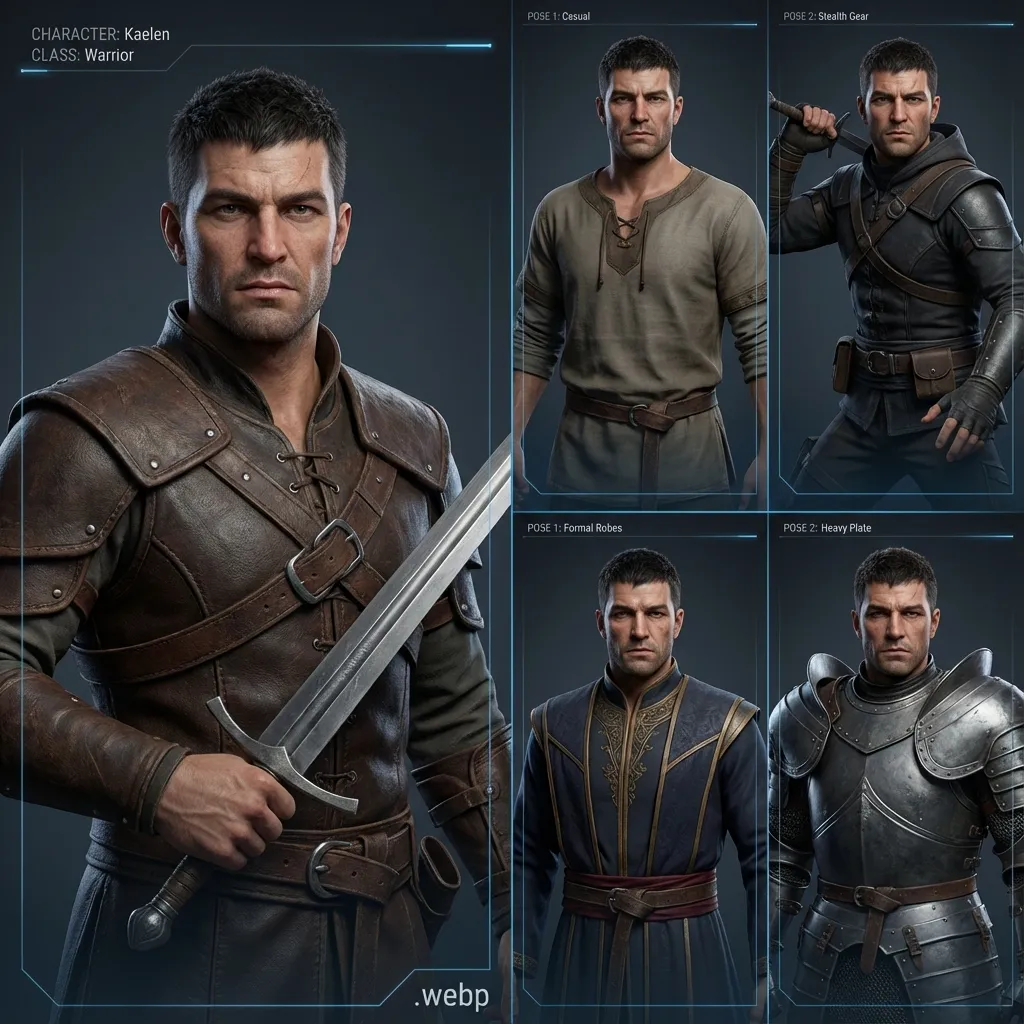 Image
How to Create Consistent AI Characters: A 7-Step Reference Workflow
Create consistent AI characters across images, outfits, and scenes with a 7-step reference workflow, identity prompt, test matrix, and video handoff.
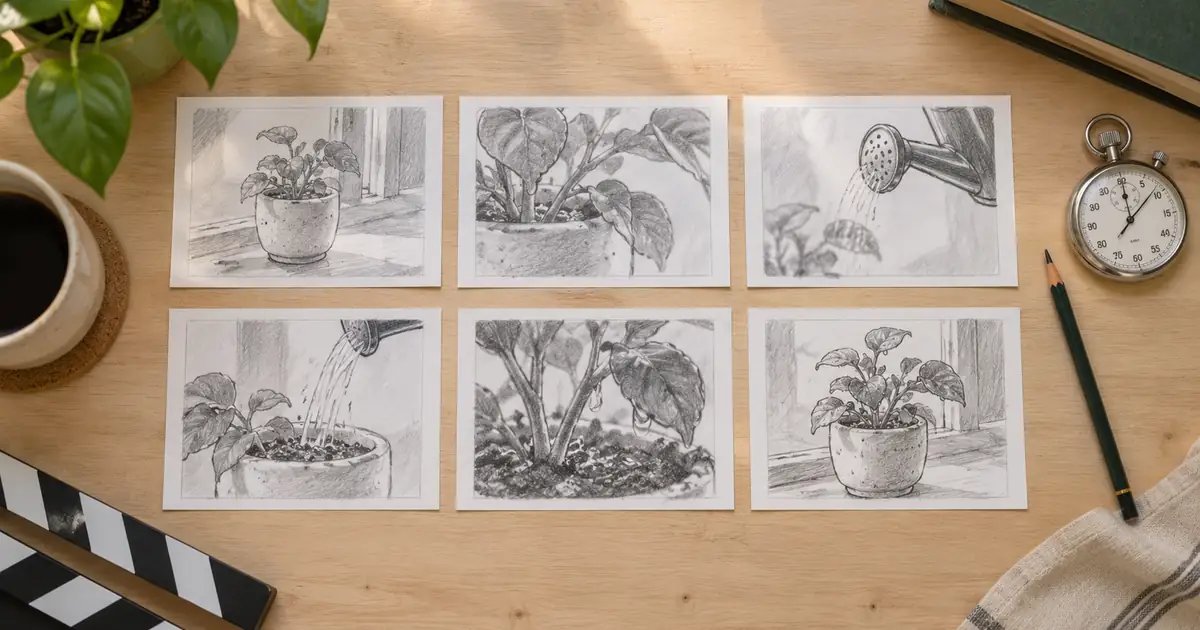 Video
AI Storyboard to Animatic: Time Your Shots Before Video
Turn AI storyboard frames into a useful animatic. Build a timed shot list, test narration and transitions, and find pacing problems before generating video.