Bring the actual product
Describe the promotion, then upload your product photo in Image Lab before generating.
For your next product promotion
Bring a product photo you already have. Explore a new setting, inspect the details, and keep approved visuals together for your next promotion.
Prepare a product visualPrepare your brief without an account. Review the setup in Image Lab before generating.
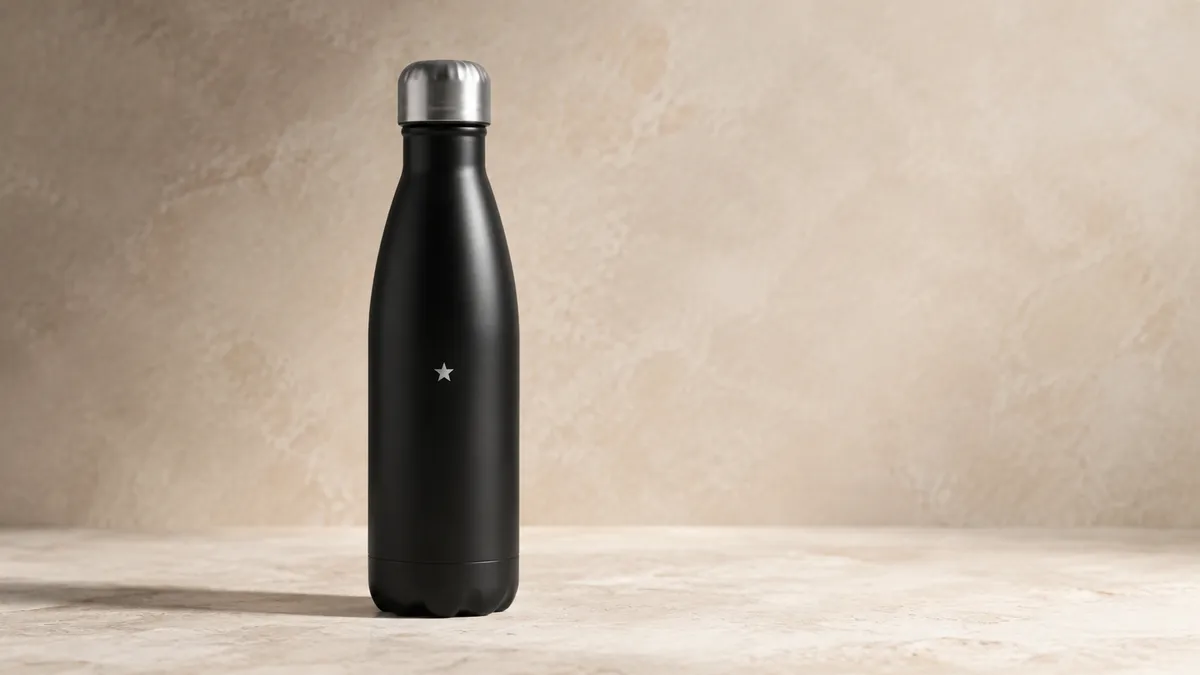
Describe the promotion, then upload your product photo in Image Lab before generating.
Compare packaging, label, color and proportions with your original. A reference guides the result; it cannot guarantee an exact match.
Save the image and brief to a project. Make another format or explore a short clip after you approve the product details.
Sample directions. Make them specific to your work.
Start with your existing product photo
Adapt this brief : A clean studio settingGive the same product a new context
Adapt this brief : A lifestyle sceneCompose around your campaign message
Adapt this brief : Space for an offerKeep your approved work and brief in a product project. Review each new variation against the original photo before spending more credits on motion or additional versions.
Explore ProjectsA free account includes five FLUX Schnell text-to-image outputs total. Free outputs are public in the community showcase. Reference-based generation and other models require eligible trial or paid credits. Check the model and credit estimate in the Lab before each generation.
The 7-day plan trial requires a card and includes 100 credits total. No charge on day one; monthly billing begins after the trial unless canceled.
Compare plans and credits