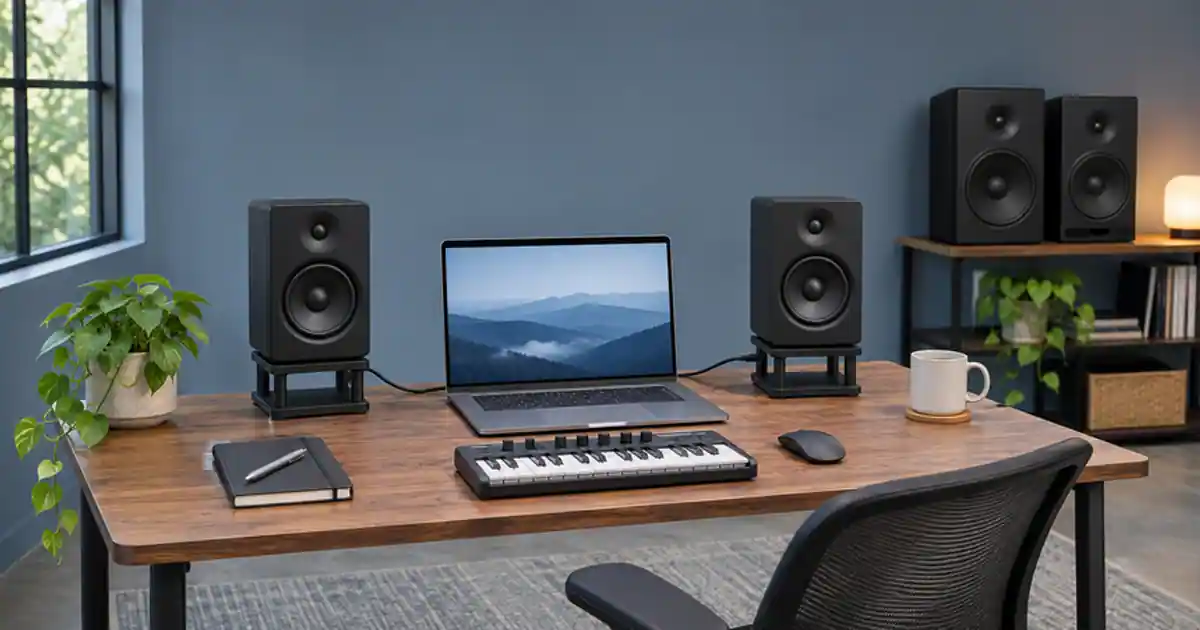

Choose 3.5-inch monitors when the smaller cabinets let you put both speakers at the right height and distance from your seat. Consider 5-inch monitors when you have space to place them and the work depends on judging more of the low end. I’d measure the entire setup first. A larger pair squeezed behind a display can be harder to use than compact speakers aimed at the place you actually sit.
My gear pick for this setup
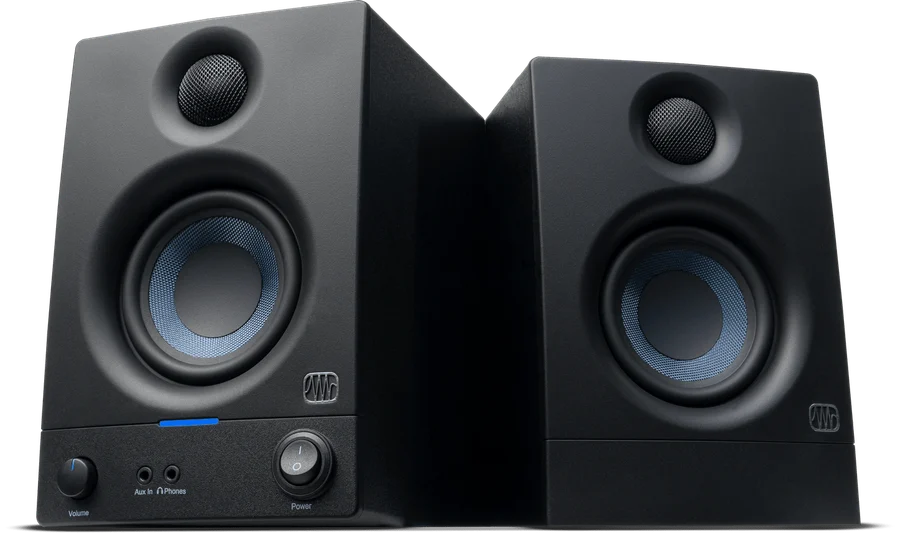
PreSonus Eris 3.5 2nd Gen, black pair
For close listening at a desk where the smaller pair leaves room for symmetric placement.
I’d consider the wired Eris 3.5 pair for speech, arranging, and checking edits at close range. I’d compare larger monitors or a second playback system for bass-dependent decisions.
Make a cardboard footprint for each candidate
Use the manufacturer's cabinet dimensions to cut two paper footprints. Leave room behind each one for the power and audio cables and any clearance the manual calls for. Place them where both speakers can be similarly spaced from the listening position. If one is trapped behind a screen while the other sits at the edge of the desk, move the screen or plan stands. Measure the space from the speaker fronts to the seat where you edit and measure the distance between the speakers.
A nearfield arrangement is a reasonable starting point for a small creator desk. Aim each speaker toward the listening position with the tweeters near ear height. The two speakers and your head should be roughly the same distance from each other as a first placement. Then listen and adjust. A drawing that works on paper still has to accommodate a display, equipment, and your normal sitting posture. Do not shop by woofer diameter alone. Cabinet width, height, placement guidance, and input options affect daily use.
Choose what the monitor must reveal
For an edit that contains mainly speech, check consonants, the balance of background music under the narration, and edit clicks. Those jobs can benefit from a compact nearfield setup that you can place well. For music with a bass line below what the speakers reproduce clearly, use a known second reference. A larger woofer can support lower or louder playback in some designs, but check the individual model's documented response and the conditions used to report it.
Set a comfortable playback level and repeat the same passage on another system. I’d use a familiar reference with a clear bass and vocal relationship so I know what to expect. If the desk makes the low end sound different when I lean forward, I check speaker and seat position before turning the bass up in the mix. Wall distance, desk reflections, and the room all affect what reaches your ears. Swapping the speaker alone can leave those problems in place.
Compare two sizes at similar volume
Play a short spoken line with a music bed, a section with a bass transition, and a quiet ending. Use a similar listening level for both systems so louder does not win the comparison by default. Write down whether you can follow the line, tell when the bass arrives, and spot the click you know is there. Then move the speaker pair to the positions it would have on your own desk. A shop demo with both sizes installed ideally cannot tell you whether the larger pair fits behind your screen.
Check the connections before ordering. Match the outputs you have on your interface or computer to the inputs the pair accepts. Confirm how the powered and companion speaker connect on the exact kit. Work out where the volume control and headphone cable will go. If you already have a good closed-back pair, the desktop speakers can give you a second perspective. The monitor and headphone guide covers using both during a single editing session.
Carry the listening decision into the next mix
Open a short piece of music you own or draft one in Music Lab. Export a preview and listen to the same ten-second section on the speakers and another familiar device. Mark one adjustment you hear on both. Keep a note if a bass concern is specific to the desk. If you are comparing soundtrack options for a voice track, the version with the clearest speech and smoothest transition across playback systems is a useful starting point.
I’d buy the compact pair if it passes that check and can sit in a symmetrical position. I’d look at a larger pair when the footprint, inputs, and listening distance work and I can explain what I need to hear that my current setup misses. If the main frustration is the room or desk position, solve that before committing money to a larger box.
Test the center with a voice you know
Play a familiar mono spoken line through both speakers. It should appear to come from roughly between them when you sit at the marked position. If it pulls strongly to one side, compare distance, aiming, nearby reflective surfaces, and left-to-right levels before shopping for a different size. Repeat with the display in its usual place. This small check exposes placement limits that a manufacturer's frequency chart cannot show.
A desk-fit and listening scorecard
Cut two footprints for each pair, including rear cable space. Place both sets on the desk and mark the listening position with tape. For each size, record the distance between speakers and the distance to your seat. Play a familiar voice-and-music mix and mark speech, kick and bass separation, and whether the stereo center stays put when you sit normally. Try the same mix on headphones. If the larger speakers need to sit behind the monitor, try the smaller layout first and reserve a second reference for the lowest frequencies.
Download the small-desk studio monitors worksheet (CSV)
Frequently asked questions
Will 5-inch monitors always have more useful bass?
Response varies by model and placement. Check specifications and compare a familiar track at similar listening levels in a usable position.
Can I use 3.5-inch speakers for video editing?
Yes, especially for speech and general balance checks at close range. Verify bass-sensitive changes on another familiar system.
Do I need a subwoofer on a small desk?
Start with the job you need to hear and the space available. A subwoofer adds placement and setup work. Headphones or another known system can provide a second check.
Should I put the speakers right against a wall?
Follow the manufacturer's clearance guidance and listen at your editing seat. Compare practical positions before applying tonal corrections.
Sources and further reading
Affiliate disclosure
As an Amazon Associate I earn from qualifying purchases.
Continue with a useful next step
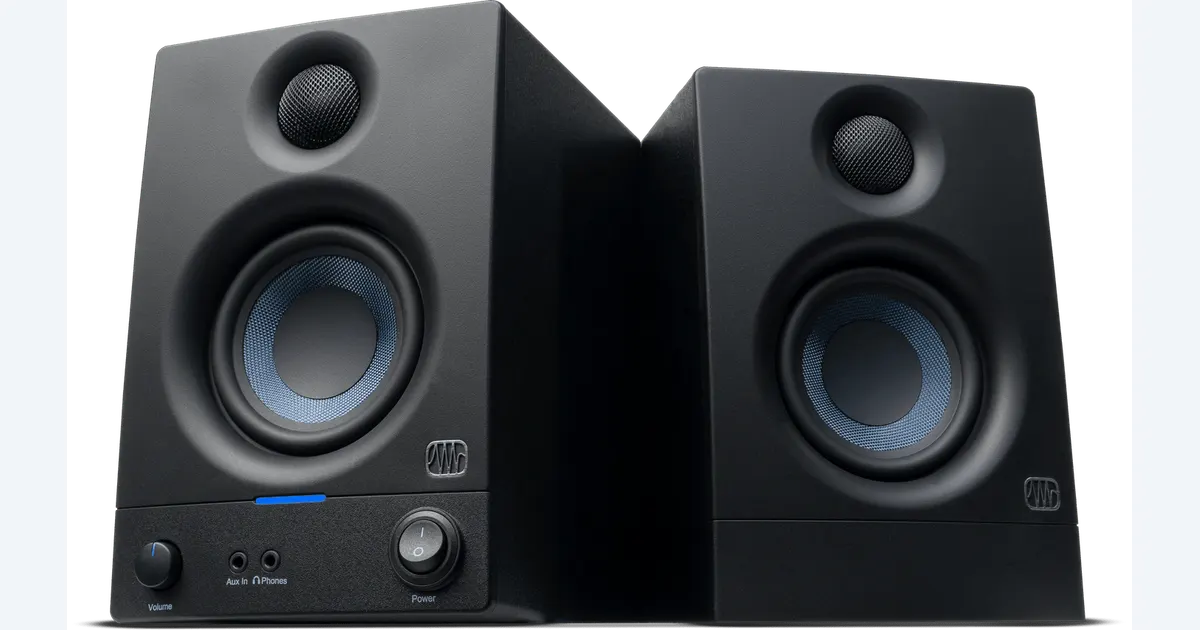 Creator Workflows
Studio Monitors vs Headphones for a Small Creator Desk
Decide when studio monitors add value beside headphones. Check Eris 3.5 connections, room fit and playback translation with a practical listening sheet.
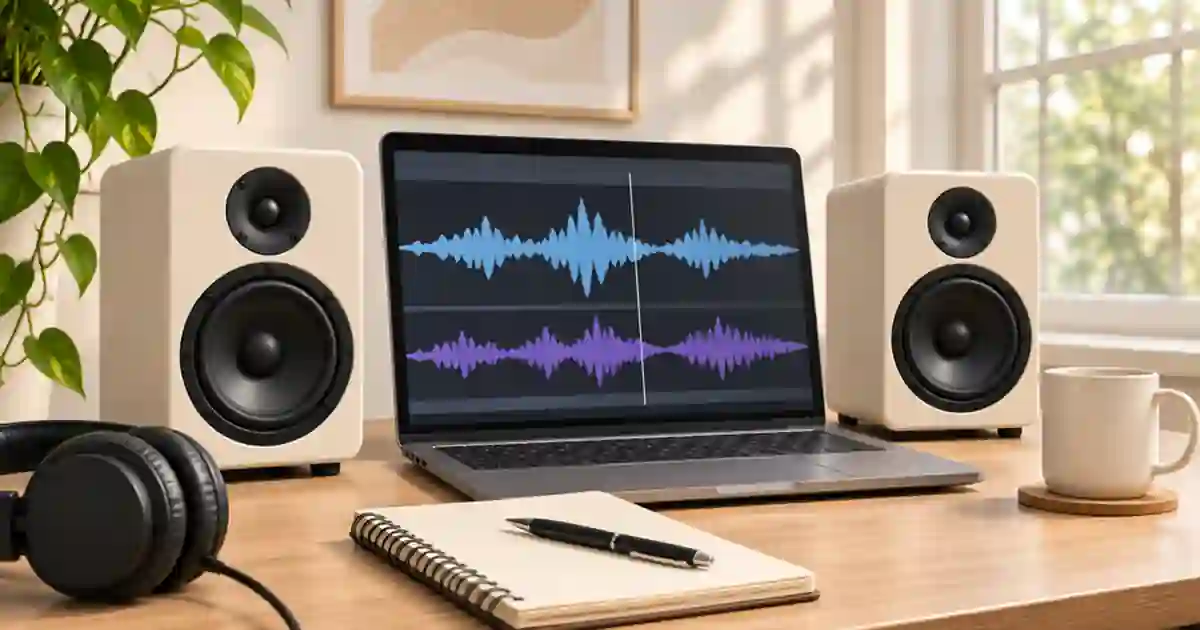 Voice
How to Check a Voiceover and Music Mix in Mono
Check a voiceover and music mix in mono to catch masked words, vanishing effects and stereo phase issues. Compare the same phrase at a matched level.
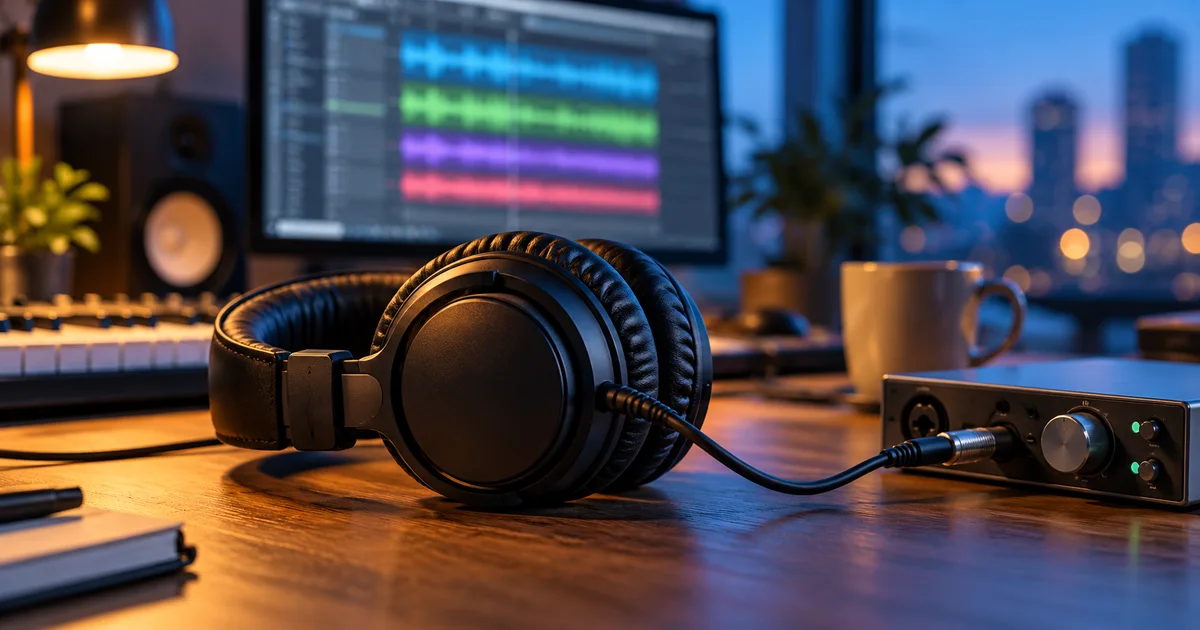 Voice
Headphones for Video Editing, Voice and AI Music
Compare Sony MDR-7506 and Audio-Technica ATH-M40x for editing speech and video. Use a repeatable listening check for comfort, cable fit and audible flaws.