
A calm voice reading without a break can feel surprisingly busy. Guided audio needs space after the instruction, not only slower syllables inside it. Treat silence as part of the composition and the session becomes much easier to shape.
Download the two-minute guided audio cue sheet · Audition a calm opening
Define a modest listening purpose
Choose one small experience: noticing the room, taking a quiet pause, or listening to a short reflective passage. A two-minute piece should not promise to treat anxiety, cure insomnia, or reliably change a listener’s body. This guide is about producing clear, considerate audio.
Our original exercise, A Moment by the Window, invites attention to ordinary sounds and surroundings. It does not require closed eyes, a specific breathing pattern, or a particular emotional response. The listener can adapt the invitation or stop.
That limited scope also helps the writing. You do not need a grand introduction about transformation. Tell the listener what kind of short experience they are about to hear, then leave space for it.
Write invitations that are easy to hear once
Use short sentences with one action each. “Notice one sound near you” is easy to understand. A sentence that asks the listener to relax, visualize a landscape, count breaths, and release tension at the same time creates a queue of instructions.
Prefer optional language when the experience allows it. “You can keep your eyes open” leaves room for different listening situations. “You must feel completely calm now” imposes an outcome the recording cannot know.
Read the script aloud at a normal, gentle pace before adding pauses. If the language only sounds calm when stretched unnaturally, simplify it. A warm ordinary speaking voice can be more comfortable than exaggerated whispering or a theatrical “meditation voice.”
Use this original five-part script
Generate these as separate coherent passages, keeping direction notes outside the spoken text. The first block can be sent directly to Voice Lab using the handoff below. The downloadable cue sheet includes all five passages and their editing windows.
A. Arrive
B. Listen
Notice one sound near you. Then notice a sound farther away. You do not need to name either one. Let them come and go.
C. Notice contact
Feel where your body meets the chair or the floor. If you want to move a little, make room for that.
D. Leave room
Let your breathing follow its own pace. If your attention wanders, you can return to a sound in the room.
E. Return
Take a moment to look around. Notice one ordinary detail you had not seen before. When you are ready, continue with your day.
The words are deliberately simple. Adapt them to your audience and context, but keep the invitation modest. Avoid adding unsupported health claims to make the description sound more valuable.
Plan silence in a separate cue sheet
A two-minute session is not two minutes of continuous speech. Place each accepted passage inside a window, then let the remaining time serve as intentional space. The following plan totals 120 seconds; the actual spoken durations must be measured after generation.
| Block | Editing window | What fills the window |
|---|---|---|
| A: Arrive | 0–20 seconds | Opening speech, followed by a short settling space |
| B: Listen | 20–45 seconds | Sound invitation, then time to notice |
| C: Notice contact | 45–70 seconds | Contact invitation, then an unhurried pause |
| D: Leave room | 70–95 seconds | Brief guidance, then space without new instructions |
| E: Return | 95–120 seconds | Closing words and a gentle ending hold |
If block B takes thirteen seconds, its twenty-five-second window leaves twelve seconds afterward. If a block overruns, shorten the wording or adjust the session plan. Do not silently speed it up to satisfy a table that was only a starting design.
Audition the transitions as well as the voice
Test the opening, one middle passage, and the closing before generating every line. Listen for a stable vocal identity, clear consonants, and an ending that settles naturally. A voice may sound warm on the first sentence but become breathy or strained when asked to remain quiet.
Keep the accepted voice and supported settings consistent across blocks. Compare the last words of A with the first words of B. If the second block suddenly sounds louder, closer, or more energetic, regenerate or adjust it before building the whole session.
Do not select a take solely because it sounds soothing in isolation. It must also pronounce every word correctly and remain intelligible at a comfortable listening level. Excessive breathiness can compete with background texture and make soft consonants disappear.
Do not rely on punctuation for exact pause lengths
Ellipses and commas can influence phrasing, but they are not a reliable editing clock. Some models support special tags; others may speak the tags aloud or ignore them. Keep the clean script separate from any model-specific direction syntax.
ElevenLabs’ pause documentation distinguishes audio tags for Eleven v3 from SSML breaks used by certain other models. It also describes limits and potential artifacts. Do not assume that one provider’s markup works across all voices or interfaces.
For the long spaces in this exercise, arrange the approved speech clips on an editor timeline. This makes every pause visible and adjustable. You can change a twelve-second listening gap to ten seconds without regenerating a good spoken passage.
Keep the space quiet without making it feel broken
A sudden switch from a noisy voice recording to digital silence can sound like a dropout. With synthetic speech, listen for background hiss, room tone, or reverb that appears only while words are spoken. Smooth the boundaries gently if necessary.
Use short fades at clip edges to prevent clicks, but do not fade away the first consonant or the end of a word. If the voice has a natural room tail, preserve enough of it to let the phrase finish. A pause should feel intentional rather than like an accidental stop.
Listen through the longest gap without watching the timeline. Does the session still feel coherent? If the space feels confusing, the preceding sentence may need to explain the invitation more clearly. More background sound is not always the right fix.
Add music only after the voice-only session works
Choose a restrained instrumental texture without a busy melody or sudden accents. A track that sounds beautiful alone can interrupt an exercise when it introduces a bright percussion hit every few seconds. Keep speech as the main guide.
For this short piece, a stable low-level bed may work better than dramatic ducking on every sentence. If the music rises sharply during each pause, the listener may experience the gaps as musical events rather than open space. Use slow, deliberate level changes and compare against a voice-only version.
Check headphones and an ordinary speaker. If the voice becomes difficult to hear, reduce the bed or choose a sparser arrangement. Do not force the listener to increase the entire playback level just to recover the words.
Make the opening and ending predictable
Begin gently, with enough lead-in to avoid an abrupt first syllable. End with a clear return to ordinary listening and a short tail. A loud promotional sting immediately after a quiet session can undo the production choices that made it comfortable.
If you add visuals, keep them simple and avoid flashing changes or unnecessary movement. A still image or restrained scene can support the audio. The recording should still make sense without looking at the screen.
- All instructions are clear and optional where appropriate.
- No performance notes are accidentally spoken.
- The voice stays consistent across sections.
- Long gaps are intentional and reviewed.
- Music never obscures the words.
- The final export contains the complete opening and ending.
How QuestStudio helps
Audition the opening in Voice Lab, then generate the remaining passages with the same supported voice setup. If you want an original background texture, draft it separately in Music Lab. Assemble the speech, silence, fades, and bed in an audio editor.
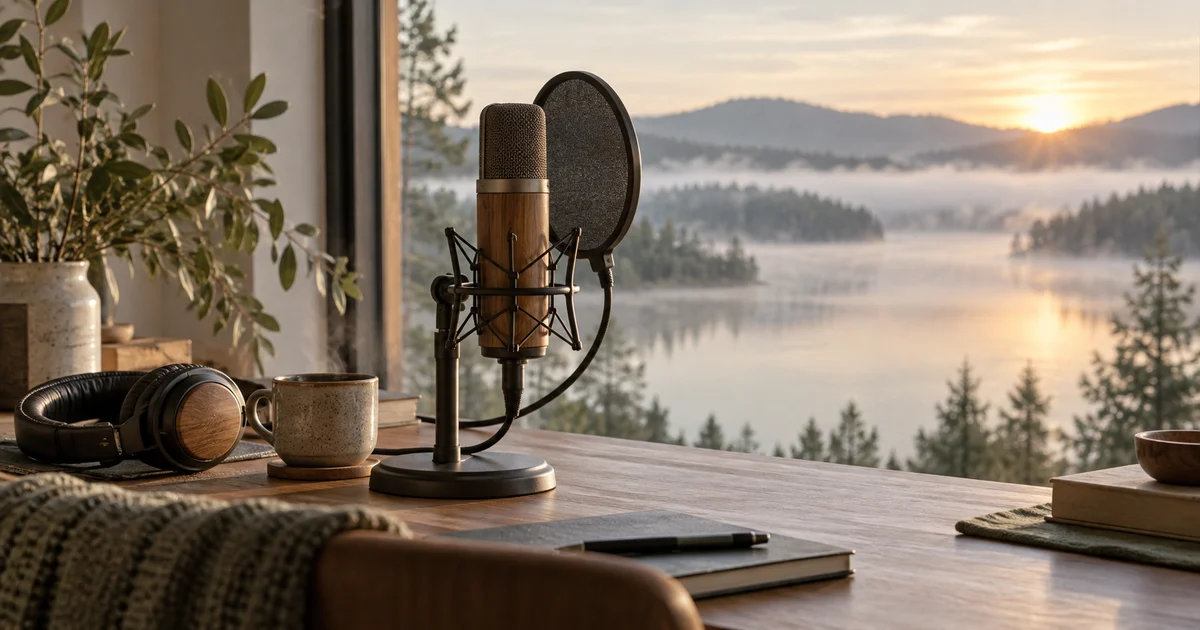
The script and cue sheet are original editorial material prepared September 24, 2026. The hero is an AI-generated recording-space illustration. No listener study, therapeutic result, or model-specific timing guarantee is claimed. The production goal is a clear, considerate two-minute piece whose actual exported duration and transitions you have checked.
Frequently asked questions
How do I make AI guided meditation audio?
Write a modest script, audition a suitable voice, generate coherent sections, and arrange deliberate pauses in an editor. Add music only after the speech-only version works.
How slow should the voice be?
Slow enough to understand comfortably, without stretching every syllable. Measure the take and leave silence between invitations instead of relying on extreme speed reduction.
Can I type long pauses into every AI voice model?
No. Pause syntax and support vary. For exact long gaps, place the accepted clips on an editor timeline.
Does the session need background music?
No. A clear voice with thoughtful spacing can stand alone. Music should support the experience without competing with the guidance.
Can I promise that the audio will reduce anxiety or cure sleep problems?
This production workflow provides no evidence for those claims. Describe the listening experience accurately and avoid presenting it as a demonstrated treatment.
Continue with a useful next step
 Voice
VoiceAdobe Enhance Speech: Clean a Recording Without Losing the Speaker
Choose a speech-cleanup test, compare matched listening levels, and catch missing consonants, altered names, and unnatural room changes before export.
 Voice
VoiceAI Museum Audio Guide: Script and Voice One Clear Stop
Build an AI museum audio guide from approved exhibit facts. Write one clear stop, direct the narration, test it in the gallery and track later revisions.
 Voice
VoiceAI Voice Changes Mid-Script: Keep Long Narration Steady
Keep AI narration consistent across sections. Save a voice reference, track settings, review joins, and repair complete phrases without changing the speaker.