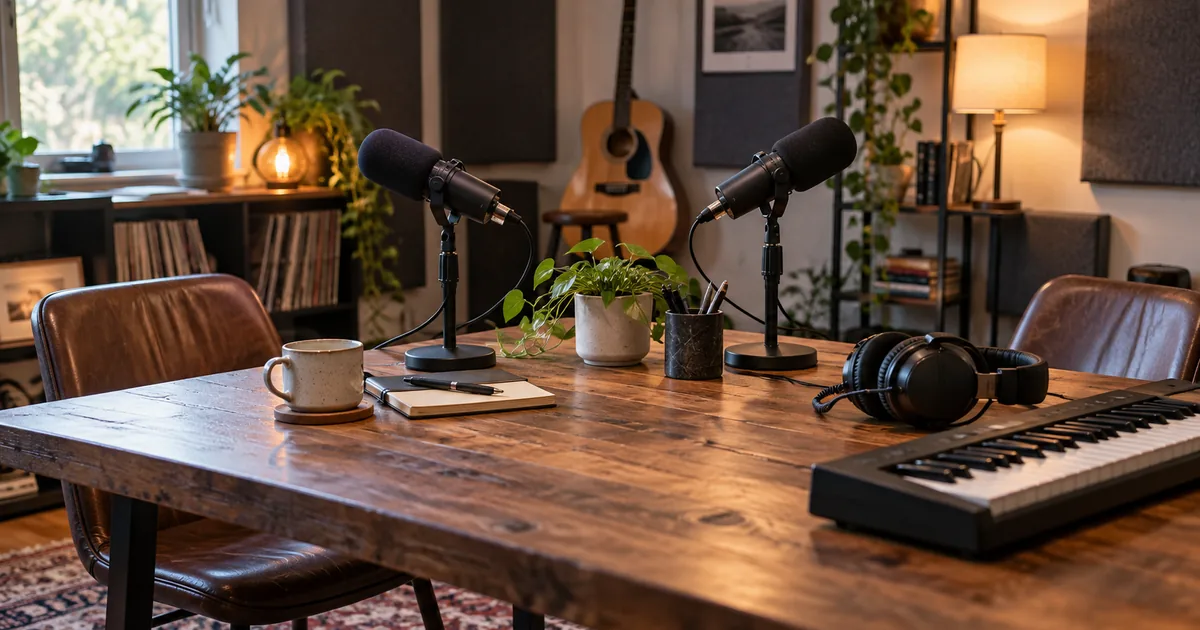

A strong music cue can make a podcast recognizable. A long musical preamble can also delay the reason someone pressed play. Start with the host’s first line and decide what the music must do before, during, and after it.
Download the production worksheet · Draft an original podcast cue
Write the opening before choosing the sound
Record or draft the first sentence of the episode. Is it a direct promise, a question, a cold-open excerpt, or a formal welcome? Each creates a different music requirement. A dramatic interview excerpt may need silence before the theme; a short practical update may need only a brief recognizable gesture.
For our fictional show, Harbor Notes, the host begins: “Today, one small idea for a better creative week.” We want a warm, focused opening with no sung words. This is an invented production example, not a claim about a real show’s audience or retention.
Soundstripe’s podcast intro music guide discusses choosing music for the show’s format. Treat duration as an editorial decision. There is no single intro length that every podcast should use.
Make a timing plan with the host entry marked
Place the first spoken word on the timeline before polishing the music. In our example, the cue gets a short exposed opening, drops beneath the host, and resolves before the main segment. The exact seconds below are a working plan, not an industry standard.
| Example time | Job | Music behavior |
|---|---|---|
| 0 to 2 seconds | Recognizable opening | Small motif, no large buildup |
| 2 to 8 seconds | Host introduction | Sparse texture beneath the real sentence |
| 8 to 10 seconds | Move into the episode | Short resolution or controlled fade |
Read the sentence at a comfortable pace. If it takes longer, change the plan. Do not rush the host to satisfy a music draft. For a show with a cold open, move the cue after that excerpt and check the transition from the actual final word.
Choose one memorable musical feature
Pick a short motif, a distinctive instrumental combination, or a rhythmic gesture. You do not need all three at high intensity. A sparse piano figure with a soft brushed pulse can give the show a recognizable tone without competing with the voice.
Describe the mood in terms that lead to arrangement decisions. “Warm and curious” might mean rounded tones, a modest tempo, and space between notes. “Urgent” might mean a tighter pulse, but it does not require a huge riser before every episode.
Avoid asking for a copy of a particular artist’s recording or a recognizable existing theme. Build an original brief around instruments, energy, rhythm, and the show’s subject. If you need a smaller recurring brand gesture, the sonic logo workflow covers that distinct job.
Generate a music brief, not the final timeline
A generator may not place every change at the exact second you request. Use the prompt to shape the material and use your editor to fit the final cue. Keep the spoken host recording separate so you can control intelligibility and timing.
If the selected model has duration controls, choose an appropriate starting duration within its supported range. A prompt mentioning a short cue does not guarantee an exact ten-second usable file. Listen to the result and cut a coherent phrase, rather than assuming the first ten seconds will work.
Audition the cue under the actual voice
A cue that sounds excellent alone can obscure consonants when the host enters. Import both files into an audio editor, start with the music low, and listen on headphones and a small speaker. Keep the voice comfortable before deciding how much music to add.
Listen for musical attacks landing on important words. A piano accent on “one small idea” may support the phrase or distract from it. Move the cue slightly, use a sparser section, or select another draft. Lowering the entire track may not solve a badly timed accent.
Use the music-under-voice workflow for a more detailed level and phrase review. If the host line is generated, approve its wording and pronunciation first. Replacing it later with a different cadence can change the whole opening.
Prepare three useful versions
Short cues inside an episode have a different role from the opening. Use the podcast transition stinger workflow to compare music, a spoken bridge and silence at each section boundary.
Save an opening version with the exposed motif, a restrained under-voice version, and an outro version with enough space for the final spoken line. They can share musical identity without being identical crops. Give each file a clear purpose in its name.
| Version | Use | Acceptance check |
|---|---|---|
| Opening | Introduce the show | Host arrives when intended |
| Under-voice | Support a short announcement | Words remain easy to follow |
| Outro | Close the episode | Final sentence and musical ending both complete |
Keep an uncompressed working master where your workflow supports it and export the delivery format your publishing process requires. Do not repeatedly edit an already compressed copy if you still have the original. Store the project file so next week’s intro does not become a new reconstruction task.
Fix awkward endings in the editor
If the generated cue ends mid-phrase, find a musically sensible stopping point and audition a short fade. If you join compatible sections, listen across the boundary for a sudden chord, room, or energy change. A crossfade can soften an edit, but it cannot make every incompatible phrase fit.
Audacity’s Crossfade Clips documentation explains an editing route for fading between clip sections. Use it as an editor instruction, not as a feature promise for Music Lab. Keep the host entry intact while adjusting the music.
Listen to the entire opening without watching the timeline. If the edit still draws attention to itself, simplify it. A clean short cue is more useful than an elaborate transition that interrupts the first idea.
How QuestStudio helps
Use Music Lab to generate original cue material from the brief, then assemble the final host-and-music opening in your audio editor. Voice Lab can help audition a draft spoken introduction, while the podcast trailer voice guide covers the different job of promoting the show.
Before publishing, check the terms for the selected music provider and any other audio you included, and keep a record with the project. An AI-generated file should not be labeled universally royalty-free based on the prompt. Approve one reusable opening package before generating more themes.
Frequently asked questions
How long should AI podcast intro music be?
Use the shortest cue that serves the show’s opening and gives the host an intentional entrance. Test it with the actual first sentence rather than following a universal duration.
Should intro music include singing?
Only if the format needs it. Instrumental material is often easier to arrange beneath speech because it avoids competing words.
Can a prompt place the host entrance exactly?
Do not rely on that. Generate suitable music material and set the exact host entry in an audio editor.
Is AI podcast music automatically royalty-free?
No universal claim applies. Check the current terms for the selected provider and any other material in the production before publication.
Start with one version you can inspect. Draft an original podcast cue, then use the worksheet to decide what needs another pass.
Continue with a useful next step
 Voice
VoiceAI Podcast Transition Music: Make Short Stingers Work
Create short AI music stingers for podcast section changes. Plan their role, trim the cue, protect speech and test the transition in the finished episode.
 Voice
VoiceBest AI Podcast Editing Tools in 2026: Edit, Clean, and Finish
Compare Descript, Riverside, Adobe Podcast, Auphonic, and Cleanvoice in 2026. Choose for dialogue editing, recording workflows, speech repair, or final leveling.
 Voice
VoiceBest Voices for Music Hooks vs Narration: Tone and Pacing Rules That Actually Work
Learn how to choose the best AI voices for music hooks vs narration with simple tone and pacing rules that make vocals sound more natural.