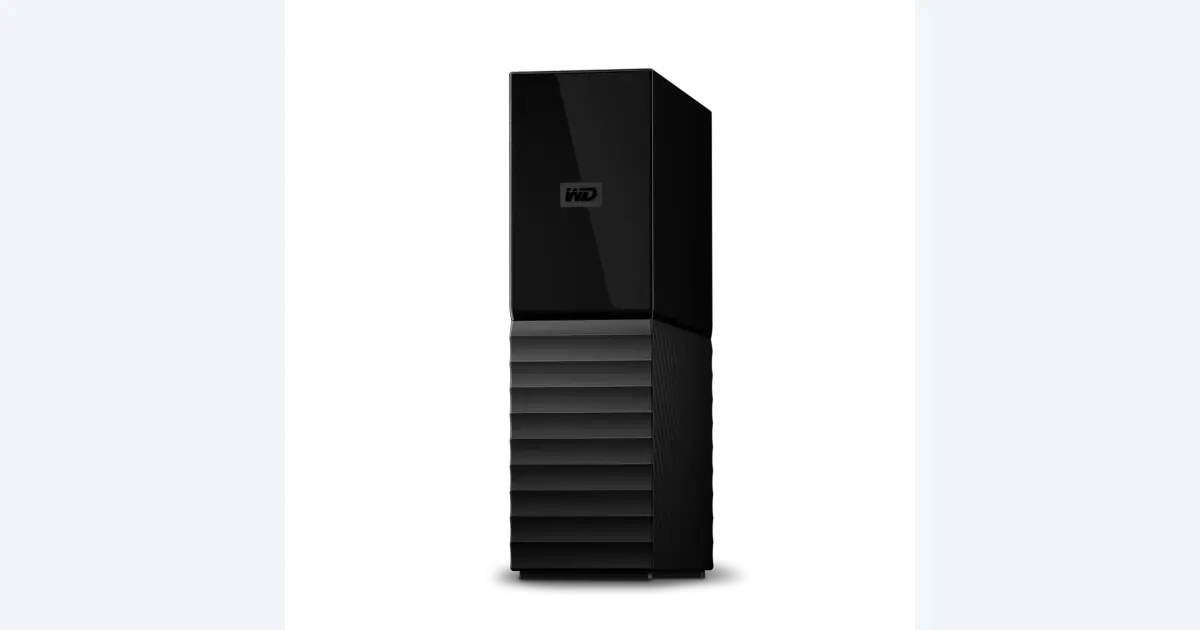

A desktop hard drive can hold a separate local copy of footage, project files and approved exports while a faster SSD handles active editing. The 8 TB WD My Book is one candidate for that role. The useful buying decision is how much history you need and how you will restore it, not whether a drive has “backup” in its product description.
A product to consider
Check the fit below, then select Buy on Amazon for the current offer and buying options. We may earn a commission from this paid link.
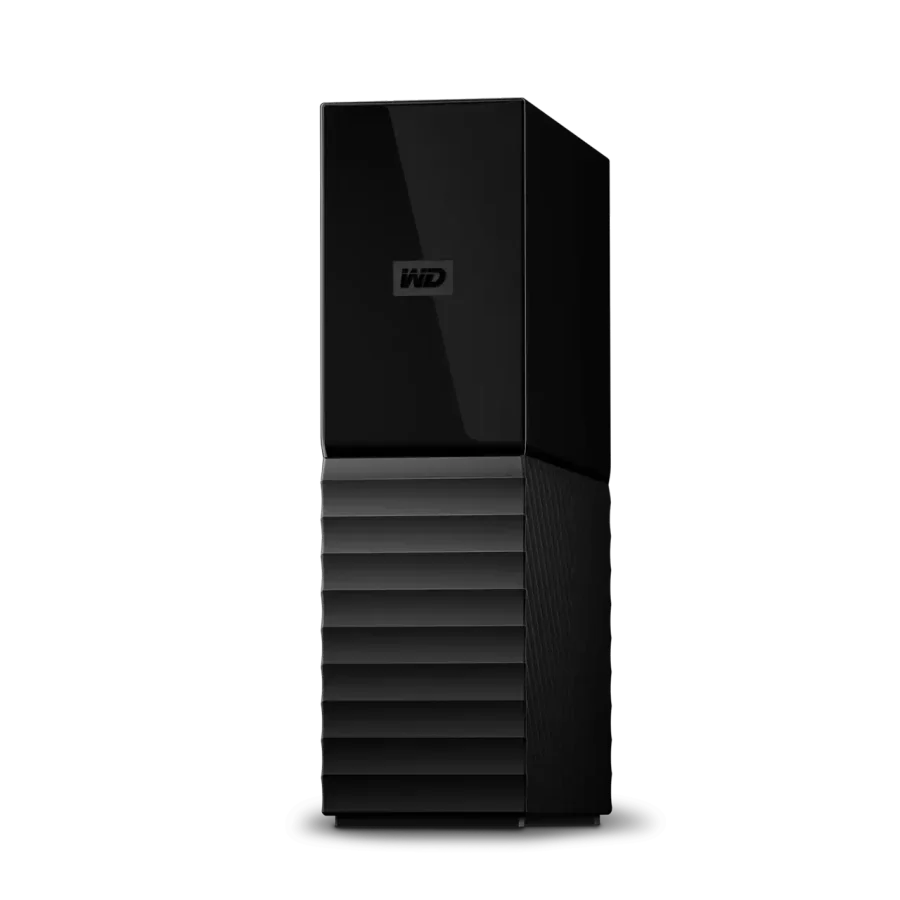
WD My Book desktop hard drive, 8 TB
For a separate local backup copy at a desk with power and a supported USB connection
This is the single-drive WDBBGB0080HBK-NESN, not My Book Duo or a network storage server. Capacity is not a backup strategy; keep independent copies and test a restore.
Download the practical worksheet
Original blank CSV worksheet. Record your own setup and observations.
Give working storage and backup different jobs
Your working drive contains the files you actively change. A backup preserves another recoverable copy. An archive retains a finished project for an intended period. Those roles can overlap in a system, but they should not become interchangeable labels for the same only copy.
Moving footage off the computer onto a hard drive does not automatically back it up. If the original is then deleted, the external drive may be the sole copy. Likewise, a second folder on the same physical disk cannot protect against that disk failing. Write down the actual devices or services holding each copy.
Our working-SSD guide covers connection speed and editing capacity. This guide focuses on recovery: which version survives an accidental deletion, where you retrieve it and whether the restored project opens with the required media.
Where a desktop My Book fits
The selected product is the single-drive 8 TB My Book, model WDBBGB0080HBK-NESN. It uses a USB connection and external power. It is not My Book Duo, a network storage server or a portable SSD. Plan a stable desk location with the documented power adapter, ventilation and a cable route that will not pull the drive over.
Western Digital's documentation describes password protection and supported backup software options. Check the current software and operating-system requirements for the exact product before relying on a bundled application. An older review mentioning WD Backup does not establish that the application remains a supported choice today.
A desktop HDD can be a useful capacity-oriented destination when a scheduled backup can take longer than active editing access. We have not tested this unit's throughput, acoustics or reliability. A USB interface maximum is not the sustained speed of the disk inside it, and an older teardown does not establish the mechanism in a current unit.
If you need travel storage powered only by the laptop, this is the wrong format. If you need simultaneous network access for several editors, a single USB desktop drive is a different solution. Choose the role before comparing capacities.
Estimate retained data, not just current footage
| Category | Include | Check before purchase |
|---|---|---|
| Irreplaceable sources | Camera media, audio and original references | How quickly does new material arrive? |
| Project state | Project files, sidecars and permitted dependencies | Can another machine reopen it? |
| Versions | Earlier edits and approved milestones | What history must remain recoverable? |
| Delivery | Final exports and approval notes | How long is retention actually needed? |
Use a recent completed project as the starting point. Separate files that are easy to regenerate from sources you cannot recreate. Proxies and caches may need a different retention rule from camera originals, but make that decision explicitly. Do not delete them merely because another workflow calls them disposable.
For illustration, six projects with 300 GB of retained files each total 1.8 TB before version history and growth. If you then choose to retain another 600 GB of revisions, the example becomes 2.4 TB. These are fictional planning inputs, not a claim that every creator needs 8 TB. Replace them with your actual folders.
Nominal capacity and the operating system's reported space can use different units, and backup metadata or retained versions consume space too. Leave a deliberate allowance rather than filling the destination to its label capacity. More capacity is useful only if the retention policy remains understandable.
Choose protection for the failures you care about
A local copy can help with a working-drive failure or a file deleted from the current project. It does not by itself protect against every event affecting the same room or connected devices. Consider a separate offsite or otherwise independent copy for irreplaceable material, using a service or device appropriate to the sensitivity and size of the work.
Synchronization and backup are not automatically the same. A sync job may propagate deletion or overwrite a good file with a bad version. Inspect retention and recovery settings instead of assuming a cloud icon means an earlier version can be retrieved. Record how long versions remain available.
Password protection also creates a recovery responsibility. Keep the required credentials and recovery information securely available through your normal credential process. Do not store the only recovery instructions on the encrypted destination they are needed to unlock. Avoid publishing client file names or private material in a public troubleshooting report.
Formatting can erase existing data. Before preparing a drive for another operating system or backup application, preserve anything already on it and follow current vendor instructions. A speed test is not a reason to reformat a drive containing the only copy of a project.
Run a restore drill without damaging the original
Choose a small completed practice project and keep its originals untouched. Restore into a new, clearly named folder outside the working project. The exercise succeeds when you can open the restored project and locate its required assets, not merely when the backup application reports completion.
- Choose: identify a known project version and expected files.
- Restore: recover it to a separate folder using the documented process.
- Inspect: check filenames, representative source clips and the approved export.
- Open: load the project in the intended application and resolve any missing-media warnings.
- Record: note elapsed time, required software, missing dependencies and the result.
Do not disconnect a drive during an active operation to simulate failure. Use the backup software's supported restore workflow and keep the test nondestructive. If the project opens only because it still points to the original media, you have not yet established that the restored copy is self-contained. Inspect the media paths.
Keep a short recovery note someone else could follow with appropriate authorization. Include the device label, backup location and application requirement, but no passwords in an ordinary project worksheet. Repeat the drill after a material change to the backup software, folder structure or editing workflow.
Retain the context around AI-assisted assets
An AI-assisted project may include original product photos, generated candidates, prompts, model choices, narration and approval decisions. A final MP4 does not preserve all of that context. Save what is necessary to understand the approved result and distinguish real footage from generated additions.
For work assembled in QuestStudio Editor Lab, retain the source assets and downloaded approved export in your own supported storage workflow. A local hard drive does not automatically back up a cloud account or guarantee that a remote generation can be reproduced later. Save permitted outputs deliberately.
The buying decision is complete when you know the destination's role, capacity calculation and restore procedure. Consider My Book when a powered desktop HDD fits those answers. Keep an existing suitable drive if it already provides enough independent space and passes your recovery exercise.
Finally, review failed and missed backup jobs instead of assuming a schedule always ran. A readable log and an occasional demonstrated restore are stronger evidence than an untouched drive beside the computer. Neither a new purchase nor one successful test guarantees future recovery; maintain the process as the project library grows.
Check the current offer
If the product fits your setup, check the selected model, condition, seller and included contents on Amazon. We may earn a commission from this paid link.
Frequently asked questions
Can I edit directly from My Book?
Some workloads may work, but this guide recommends it as a separate backup destination. Validate any active editing workload rather than assuming a USB label guarantees playback performance.
Is a second folder on the same disk a backup?
It may preserve a version but does not protect against that physical disk failing. Record independent destinations for important material.
Does 8 TB mean I need exactly 8 TB of files?
No. Size the purchase from retained sources, versions, growth and available space. The example capacity is a product option, not a universal requirement.
Can I trust old reviews for the internal drive model?
Not as proof of a current unit. Components and revisions can differ; this recommendation does not promise a specific internal mechanism.
What proves that my backup works?
A completed backup log is useful, but test recovery too. Restore a known project into a separate folder and verify its media and application paths.
Sources and further reading
Research and Amazon listings checked October 28, 2026. Check the current offer for condition, seller, price and included contents. Images: credited manufacturer product imagery, not QuestStudio test photographs. Original decision framework and worksheet: QuestStudio.
Affiliate disclosure and research approach
As an Amazon Associate I earn from qualifying purchases. If you buy through paid links, QuestStudio may earn a commission at no extra cost to you. See our editorial and affiliate policy.
This is a research-based guide using linked manufacturer documentation and clearly attributed published reviews where available. We have not tested this equipment hands-on. The worksheets are original exercises for your observations, not published test results.