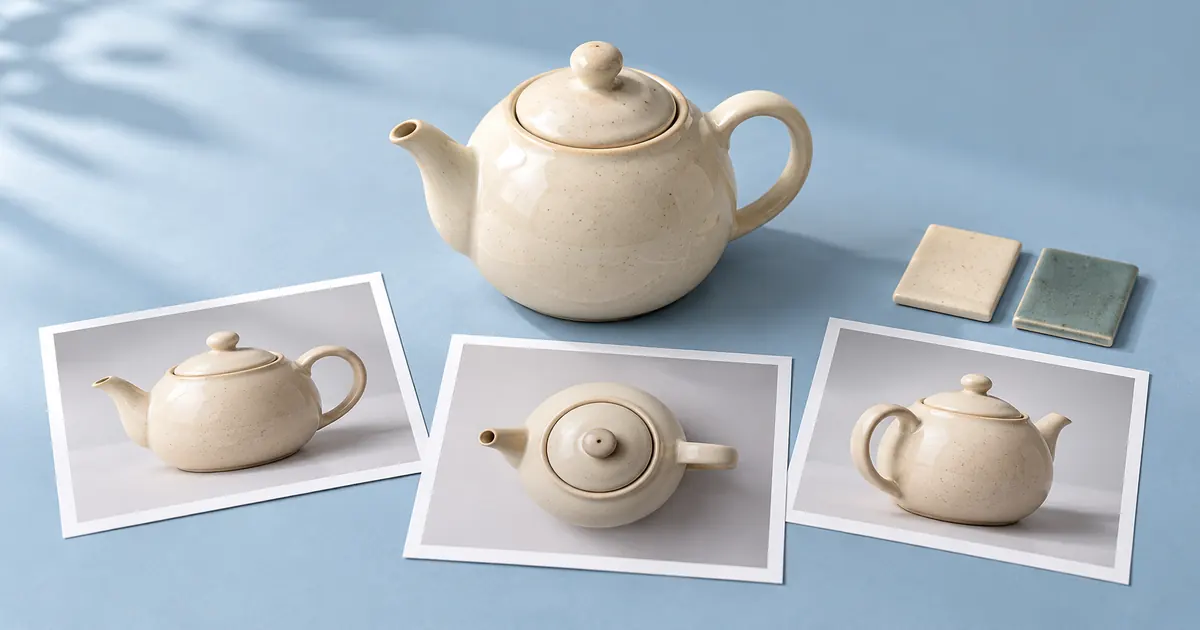

Choose an AI model by the finished asset you need and the controls required to make it usable. A strong image generator may still be the wrong route for preserving a client's exact packaging. A striking video preview may be unusable if the product changes shape halfway through. A pleasant voice may fail the job if it mispronounces the one name the audience needs to hear.
Start with a small task contract, remove candidates that cannot accept the required inputs, and compare a few outputs against the same checks. This guide uses three fictional creative jobs to show the process. It does not rank current models or present invented benchmark results.
Write the job before looking at model names
A task contract describes the source, intended output, required controls, and reasons you would reject the result. Keep it short enough to read while reviewing a candidate. “Make something cinematic” is an aesthetic preference. “Create a five-second product turn from this approved image without changing the cap or label” identifies a deliverable and a failure you can observe.
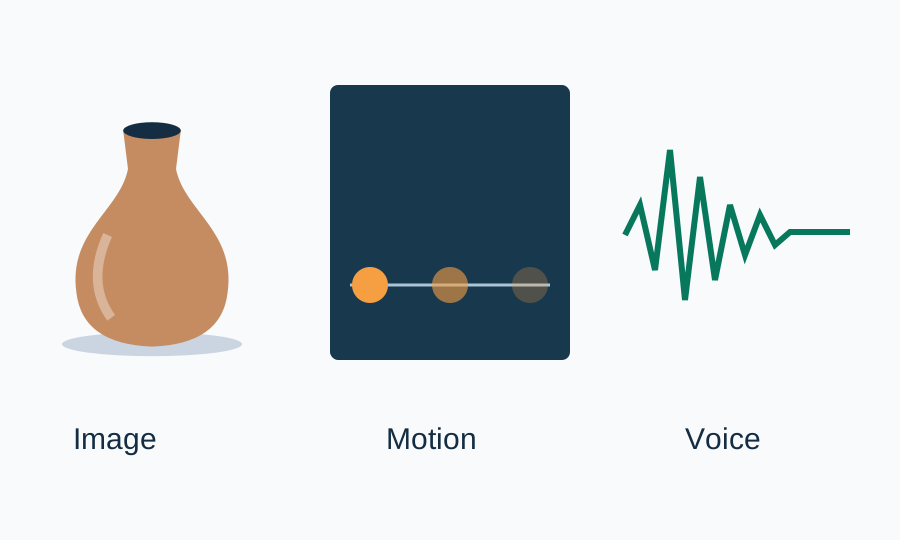
For a fictional ceramic-vase campaign, the image job needs an approved front photograph, a landscape supporting scene, and room for HTML copy outside the image. The video job needs a short reveal with a stable silhouette. The voice job needs a clean spoken line with an approved pronunciation of the collection name. These are connected campaign assets, but they have different acceptance criteria.
Filter by inputs and controls first
Check whether a candidate accepts your actual source material. Text-to-image generation is different from reference-based editing. Image-to-video is different from text-to-video. Text-to-speech is different from converting an existing voice recording. A model name alone does not tell you which operation a particular service exposes.
Look at the current interface and official documentation for the route you will use. Record supported input types, output dimensions or duration, available reference controls, and any access restriction that affects this job. Do not transfer a feature from a provider's API announcement to a different app merely because both mention the same model family.
Microsoft's model-selection guidance similarly treats task fit, availability, cost, and evaluation as separate filters. For a creator, the practical adaptation is simple: reject a route that cannot produce the required kind of asset before spending time judging its visual style.
| Job | Required capability | Reject when |
|---|---|---|
| Supporting product image | Accept the approved reference and preserve essential geometry | Handle, opening, color, or branding changes |
| Five-second reveal | Use the approved start image and offer a suitable duration | Product identity drifts or contact becomes impossible |
| Short narration | Use an appropriate language and reviewable pronunciation route | Name is wrong, words are missing, or delivery obscures meaning |
Make a small comparison that stays fair
Use the same approved source and the same essential constraints for each candidate. Keep a record of the prompt, settings, date, interface, and output file. If a model needs different syntax, adapt only the model-specific instructions and note that change. Comparing one carefully tuned result with one default result would answer a different question.
Review several ordinary examples when the task allows it. One good generation does not establish repeatability, and one failure does not establish that a model is generally poor. Start with a small trial because it is affordable and easy to inspect, then expand it if the decision matters or the early examples disagree.
For the vase campaign, prepare a plain front view and a more difficult angled view. For narration, include the collection name in an ordinary sentence and in a sentence with a number. For video, inspect the first frame, a middle frame, and the ending, then watch the transitions between them. Keep this as an acceptance exercise rather than assigning a grand score to an entire model family.
Separate hard failures from preferences
Some checks are pass or fail. A missing word, changed label, broken export, or unsupported source type can disqualify an otherwise attractive result. Other checks are preferences: warmer lighting, gentler pacing, or a less dramatic camera move. Apply the hard checks first so a pleasing style cannot conceal a material failure.
The downloadable sheet uses four fields: required checks, observed failures, usable outputs, and notes on revisions. It leaves model names and results blank. Fill those fields from actual outputs. The completed fictional example is explicitly a decision scenario: Candidate A is ruled out because its route lacks the necessary input control, while Candidate B remains eligible for a practical test. That is a feature-fit decision, not a claim that B generates better media.
Download the model task contract. Replace the fictional job with one deliverable you can inspect. If the finished asset must contain exact text, consider whether that text should be added as an editable layer after generation instead of making it a model-selection contest.
Count the work needed to reach an approved asset
A low cost per generation can be misleading if you must repeatedly repair the result. Track the number of attempts, the usable outputs, and the editing work needed for approval. Keep measured values separate from estimates. If you have not timed the revisions, record “not measured” rather than inventing an efficient workflow.
Use an estimate only for planning, label it, and replace it with observed work when the trial is complete. Include output delivery requirements such as a clean background, appropriate resolution, or an audio file an editor can import. A preview that looks good in a browser is not enough if the downloadable file fails your next production step.
A different route can also be the better decision. If a package label must remain exact, composite the approved label onto a generated supporting background. If an existing voice recording already sounds right, a conventional edit may be more useful than regenerating the performance. Model selection includes deciding when to preserve an approved asset.
Use the relevant QuestStudio Lab for the trial
Take image tasks to Image Lab, motion tasks to Video Lab, and spoken tasks to Voice Lab. Check the currently available models and visible controls there. The particular route and account can affect access; this article does not promise that every provider option is available in every Lab.
Save the approved prompt, source reference, and acceptance notes with the output. If the media needs a focused correction, use the relevant editing tool where available. The goal is one usable asset with a repeatable reason for choosing its route, not an endless model tournament.
For the broader platform decision, read the all-in-one studio guide. For a recurring instruction set, use the prompt-testing guide before adding it to a shared library. Those decisions support this task without replacing the output review.
Revisit the decision when the job changes
Keep a dated selection note with the accepted output. Reevaluate when a required input changes, a service changes its controls, the model is retired, or the acceptance checks start failing. Do not rerun the entire comparison merely because a new model name appears. A proven route that still meets the job can remain the practical choice.
When you do change routes, rerun the difficult examples as well as the easy one. Check whether earlier fixes still apply and whether filenames, aspect ratios, and source permissions remain suitable. That small regression check protects the creative decisions you already approved.
Frequently asked questions
Which AI model is best for every creative task?
There is no useful universal answer. Input support, control, output requirements, and the failures your project cannot accept should determine the shortlist.
Should I choose the newest model?
Only if it meets the job better in a relevant test or provides a required capability. A release date alone does not establish fitness for your asset.
How many samples should I compare?
Start with a small set you can inspect carefully, including an ordinary case and a difficult case. Expand it when outputs vary or the decision has larger consequences.
Can I use the same prompt without changes?
Keep the same essential task and constraints. If a route requires different syntax or controls, document that adaptation so the comparison remains understandable.
Does the example sheet contain measured model rankings?
No. It contains fictional task contracts and blank result fields. Fill the result fields only after reviewing your own actual outputs.
Try the task you can actually evaluate
Use an approved reference and a small acceptance brief in Image Lab. Record the available model and inspect the output against the task contract.