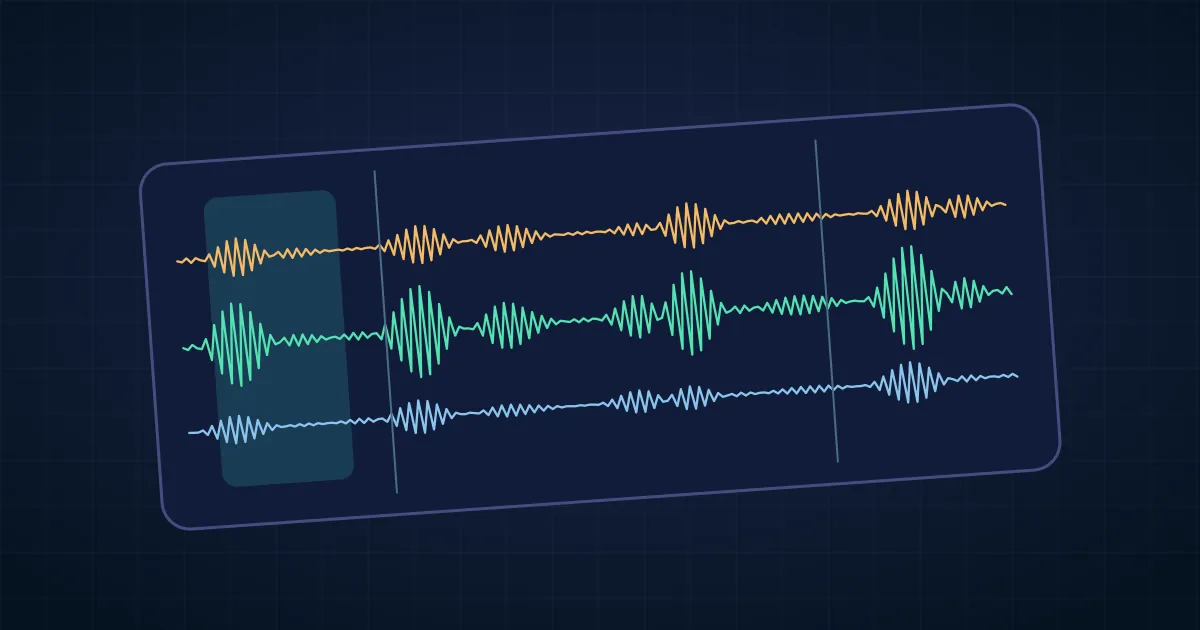

You can edit a podcast with free software by importing the host and guest recordings into Audacity, keeping them aligned, and doing three passes. First edit what the listener hears. Then fix the few sounds that distract from it. Finally balance and export the mix. Keep the project and original recordings so you can make corrections later.
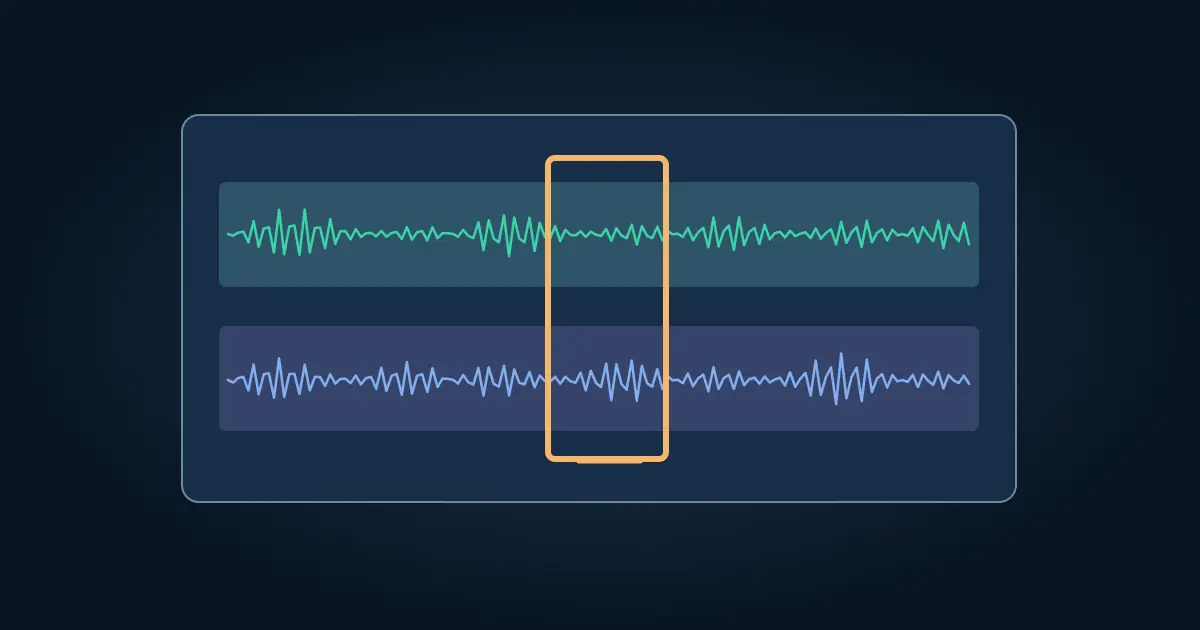
For two separate microphones, keep each speaker on their own track. A cut that shortens only one track can put the whole conversation out of sync, even if the edit sounds clean when you solo that track.
Set up the session and align the speakers
Keep the raw audio in a source folder. Open Audacity, import the recordings, and save a project with a new revision name. Rename the tracks clearly. If they start together, listen to a point where both microphones picked up the same clap or phrase. If they start at different times, align a clear event before editing.
Check one more shared moment near the end. Recordings on separate devices can drift. A start that lines up is only one data point. If the difference grows, resolve that timing problem before making dozens of cuts. If one track is a backup of the same speaker, use it selectively and keep the intended main track identified.
Audacity's editing guide explains basic clips and edits. Its multitrack tutorial provides more context for working with several sources.
Make a content pass before processing sound
Listen to the conversation from the beginning and mark the changes worth making. A false opening, a repeated answer, or a long break after a question can be a useful edit. A natural pause before a difficult answer may be part of the delivery. Try shortening the pause first and listen to whether the conversation still breathes.
For a shared time edit, select the same time across the tracks that need to move together. Confirm the exact selection and intended delete behavior before applying it. Audacity also documents Sync-Locked Track Groups for workflows where linked timing changes are useful. Confirm how the groups and any label tracks are arranged before depending on them.
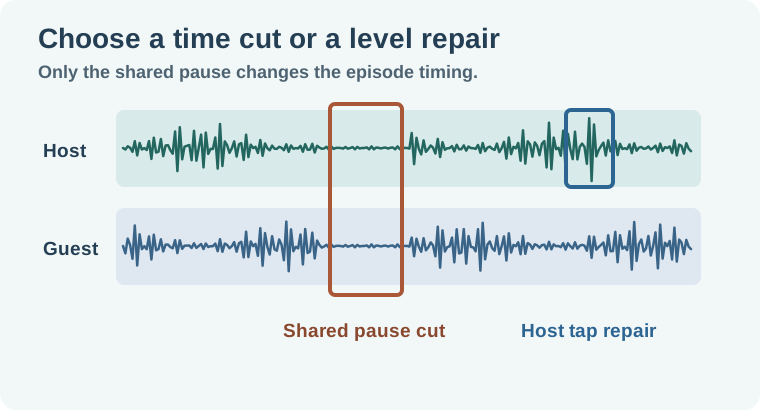
Worked example: shorten a pause without moving a reply
Imagine a host asks a question, then both speakers wait while the guest checks a note. Keep the end of the question and the beginning of the reply. Cut most of the pause from both tracks together, and play the result from just before the question ends. Leave enough gap for the guest's entry to feel natural.
Later the host bumps the desk while the guest is speaking. If the tap is only in the host's track, lower or mute that small region without removing time. Check the guest track in context. If both microphones picked up the tap, a local repair may be less conspicuous than cutting through the guest's word. The two edits have different jobs, and the worksheet records which tracks they affect.
Clean and balance the speech
Listen first for what distracts from a sentence. Use a light repair on a steady fan or hiss if needed. The Audacity noise profile walkthrough shows how to compare the result against a quiet consonant. Avoid heavy cleanup on one voice that makes it sound like it came from a completely different room.
Balance the speakers before adding an intro or bed. A listener should be able to follow the conversation without reaching for the volume after every turn. Check the quietest useful answer and the loudest laugh. If both cannot fit comfortably, use local level adjustments or gentle dynamics processing and listen again. Keep music on its own track and fade it under the first line so it does not compete with the welcome.
Export for the destination and reopen the file
Save the editable session. Export the required delivery format and check the destination's channel, bitrate or loudness requirements if it has them. A compressed listening file and an uncompressed archive can have different uses. Include the revision in the filename.
Open the export in an external player. Listen to the introduction, both sides of the most noticeable cut, and the closing seconds. Check that it is the intended duration and that no unused backup or test track slipped into the mix. The voiceover handoff guide offers naming ideas when another editor will need the originals and the approved mix.
For an episode that opens with a teaser, check that you did not repeat the same sentence word for word a few seconds later. The teaser can use a short excerpt and the full answer can still appear naturally in the conversation. Listen through the join at normal speed. If the room changes abruptly, let the original tail decay or use a short fade rather than dragging the clips until the silence disappears.
Keep a separate mix proof before adding a long intro or outro. This makes it easier to tell whether an export problem comes from dialogue alignment or an added music clip.
How QuestStudio helps
Use Voice Lab to audition a separate scratch intro if you are still deciding length or wording. Keep it on a separate track and label it as a scratch recording before you send the session. The podcast editing tool comparison helps if you need another workflow for transcripts or collaborative review.
Keep a short edit log with the project so the next revision can start from a clear set of choices.
Download the two-speaker podcast edit log.
Frequently asked questions
Can I edit the whole episode in Audacity?
Yes. You can arrange tracks, trim, adjust levels, and export audio. Choose a separate workflow if you need collaborative review or video delivery.
Why did the guest fall out of sync after a cut?
A time edit may have moved only one track. Undo and make the shared cut on all affected tracks.
Can I remove a tap without changing timing?
Try a local level change or repair on the affected track. A time deletion moves later audio.
Should I clean noise before making edits?
Start with the content pass for most sessions. If a noise makes it hard to hear enough to edit, make a conservative working correction first.
Do I need a project file after exporting?
Keep the editable project and original tracks so you can correct a cut or create another delivery version.