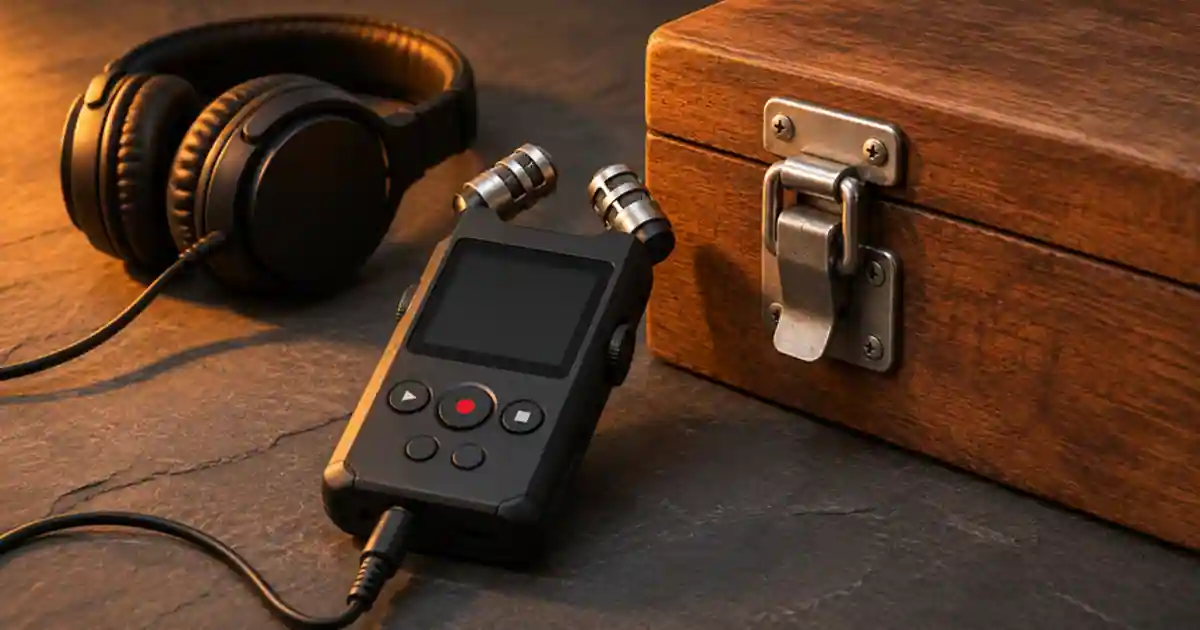

Use the phone you have for a first pass at sound effects. Consider a dedicated recorder when you repeatedly need controllable placement, monitoring, or stereo files that are easier to organize. I’d compare one quiet sound, one short impact, and a few seconds of room tone before buying. The differences that matter are the ones you can still hear after the sound is under picture and narration.
My gear pick for this setup
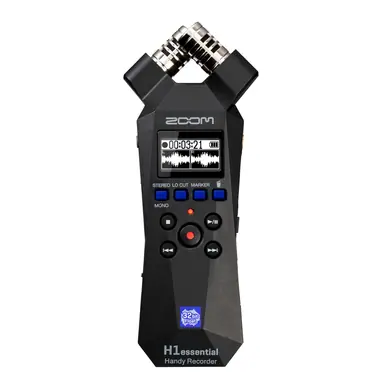
Zoom H1essential recorder (H1e Only)
For a creator who repeatedly needs dedicated stereo recording and removable storage for effects.
I’d choose the Zoom H1essential for a separate handheld recording workflow. Start with your phone if you need a few simple sounds and can already get clean, editable takes.
Start with sounds you can repeat
Pick a paper rustle, a latch, and a door close you can perform safely at the same volume. Keep the sound source still and put a tape mark where you place the phone or recorder. Record several takes without moving the device. Leave space before and after each sound. This makes it easier to hear what the app does to quiet material and gives you enough room to make clean edits. Keep the recording stand off the surface you are striking or tapping so you can judge the sound separately from the mount's vibration.
Try a close position and then move back. A close recording often lets you hear the detail with less room sound. A distant one can better match a wide shot or give you the sound of the space. Listen for a hard reflection after the latch click and for steady appliance noise between events. If the sound is dull, reposition the microphone before buying a device. The same geometry can limit both a phone and a dedicated recorder.
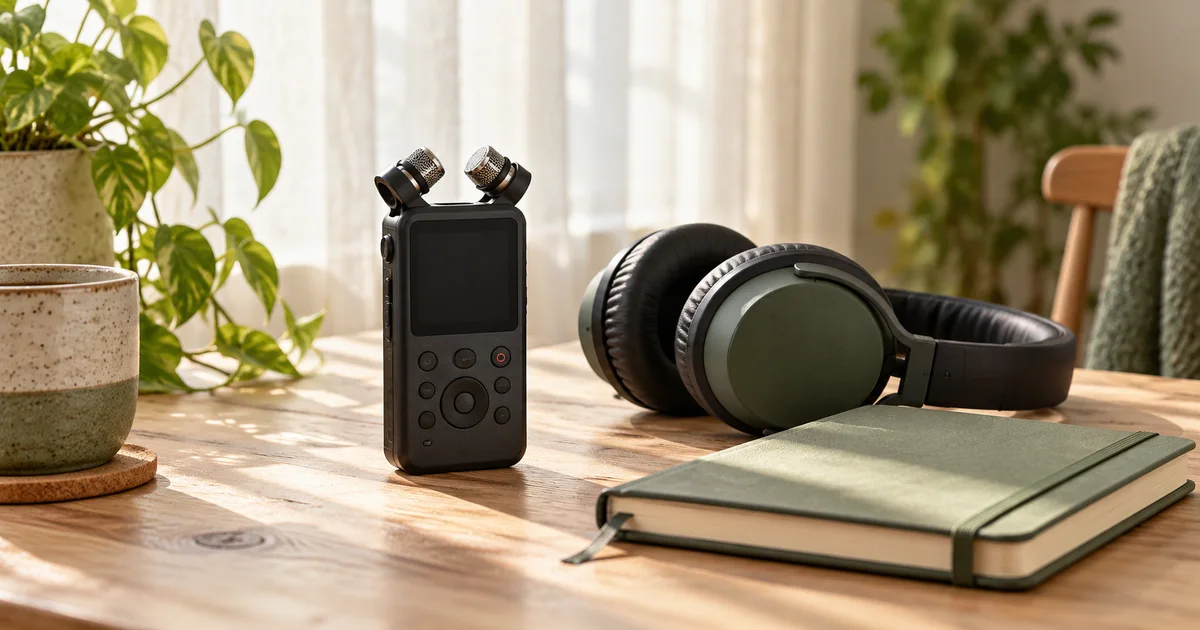
Compare the controls you will use
On the phone, check which microphone the app is using and where it saves the file. If the app applies automatic level changes or noise reduction, decide whether that helps this type of recording. A useful speech setting can attenuate a short rustle or make room tone rise in a gap. If your app can record uncompressed files at the rate your project uses, try that before comparing devices. Put the phone in a stable holder so a handling tap does not get confused with the intended effect.
A handheld recorder such as the Zoom H1essential provides built-in stereo microphones and a separate monitoring and file workflow. It records 32-bit float. That file format gives you useful level flexibility later, within the limits of the microphones and rest of the recording chain. It does not prevent wind rumble, a vibrating mount, or overload at the microphone. If you need a specific external mic or multiple separate inputs, check the recorder's actual connections before buying a model based on the file format alone.
Listen in the edit at matched levels
Import the quiet sound and the impact from each device. Trim equivalent sections and match their playback loudness. Place the latch transient on the frame where the action happens. Leave a short tail after it. Compare how easy it is to hear the click, whether the tail fits the shot, and whether the room noise jumps when you switch between takes. A louder source can seem sharper until you match levels. A clean mono phone recording can still be the better fit for a narrow on-screen action.
Check the stereo image if that is part of the purchase decision. Record a controlled movement left to right with the recorder fixed. Listen on headphones, then check it with the rest of your mix. If a narrow sound is easier to place under a voice track, use it. If you need the space or movement for your scene, preserve the stereo take as a separate option. The product demo sound guide explains how to align a real click or pour with the action on screen.
Make a library you can find later
Name the files for the action, surface, and distance. Keep a dry click apart from a wider room version. Record a few seconds of room tone where you capture each batch and group it with the takes. When the editor asks for a gentler version, a second performance often sounds better than trying to rescue a file that already has the wrong character.
If your cut needs narration, audition a permitted voice in Voice Lab and place it beside the isolated effect in the edit. Lower or shorten the effect where it competes with a word. I’d buy the recorder if the tests reveal a real benefit you will use repeatedly, such as better monitoring, repeatable mounting, or a clean separate stereo file.
Decide what to pack with the recorder
Write down the accessories your proposed setup actually needs. Count removable storage, batteries or supported power, a way to position the recorder, headphones, and appropriate wind protection. Confirm that you can transfer the card files into the editor without borrowing a cable on the day. For a single indoor click, the short phone workflow may be sufficient. For a recurring shoot where you need to leave the phone free to film, having a dedicated recorder makes it easier to repeat the same sound position.
A three-file buying test
Make a take of folded paper, a latch click, and six seconds of the room with the phone. Borrow a recorder if possible and repeat each at the same position. Put both latch clips under a short video and line up the onset. Match their level before comparing. Note handling noise, room noise, stereo movement, and the time it took to find and export each file. If your phone makes an edit-ready result, keep it. If the recorder solves the same recurring problem in several takes, you have a concrete reason to buy it.
Download the field recording for sound effects worksheet (CSV)
Frequently asked questions
Do sound effects need to be stereo?
A narrow on-screen action can work well in mono. Stereo is useful when movement or the sound of the space matters.
Will 32-bit float remove wind noise?
No. Use physical wind protection and suitable placement. File headroom cannot undo noise that reached the microphones.
What should I record first?
Choose a quiet sound, a short impact, and room tone. These reveal different problems and give you a fairer comparison.
Can I use a recorder's built-in microphones?
Yes. Built-in stereo microphones can suit many short effects. Check the input options if you need an external or differently positioned microphone.
Sources and further reading
Affiliate disclosure
As an Amazon Associate I earn from qualifying purchases.
Continue with a useful next step
 Creator Workflows
32-Bit Float Audio: What It Can and Cannot Fix
Understand 32-bit float recording without the hype. Separate file headroom from microphone overload, wireless dropouts and the audio sent to your phone.
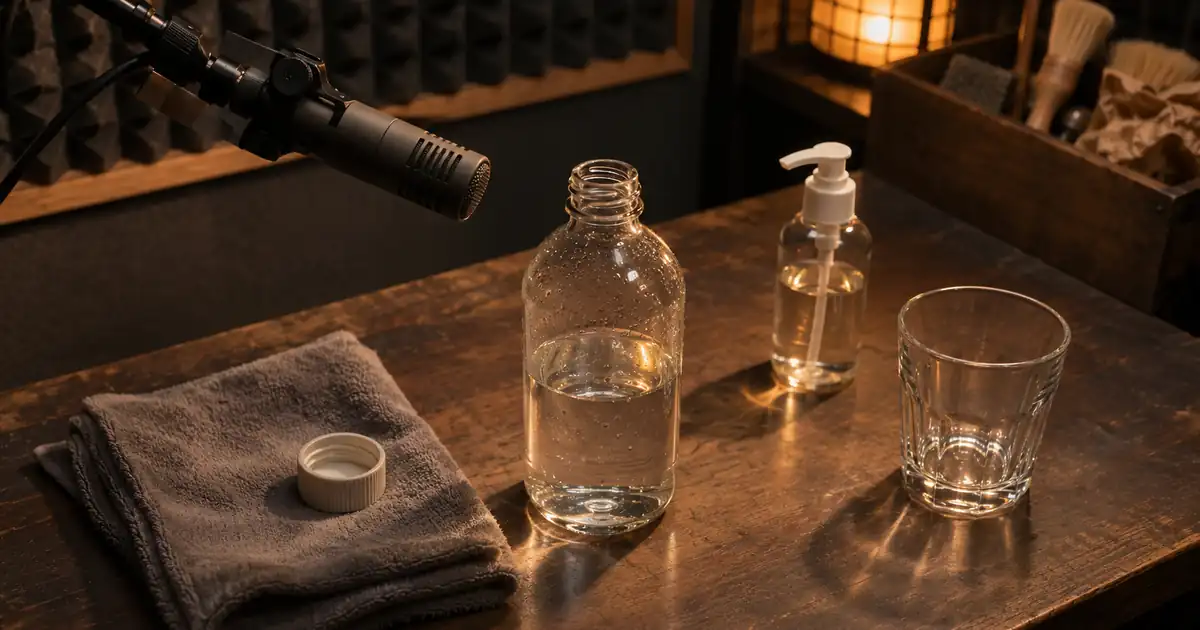 Music
Product Demo Sound Effects: Sync the Cap, Click and Pour
Build product demo sound effects around visible contact. Time a cap, click and pour with a cue sheet, separate sound layers and review the final exported video.
 Voice
How to Record Room Tone for Cleaner Voiceover Edits
Record room tone with your voiceover mic and use it to smooth narration cuts. Learn what to capture, where to crossfade and how to check a repaired pause.