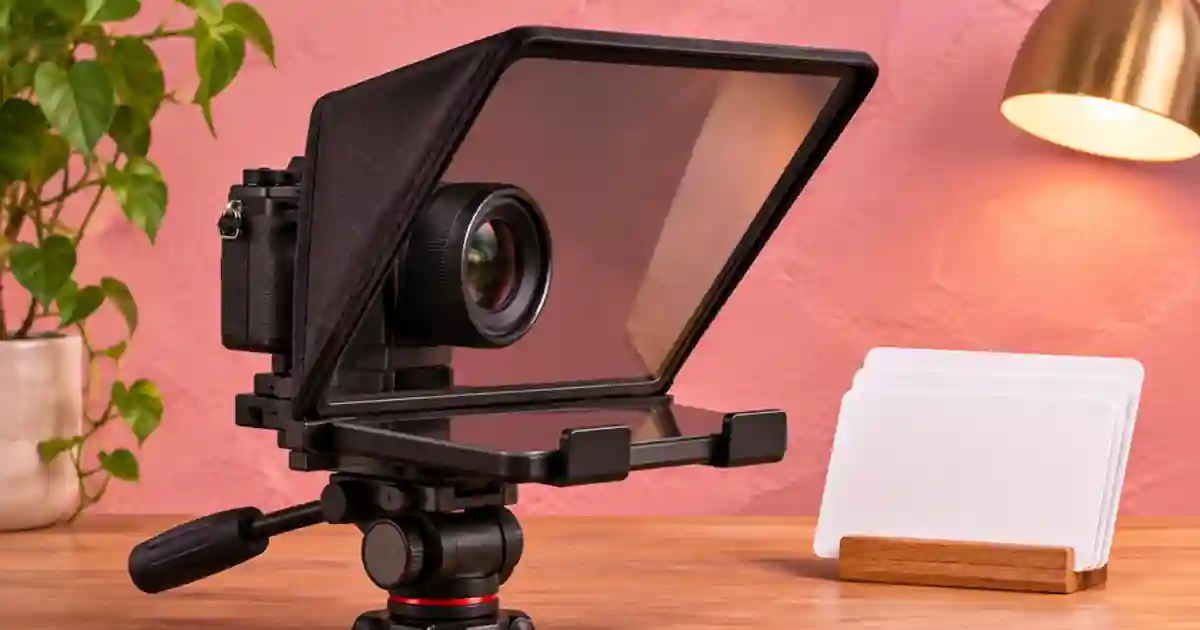

If a teleprompter makes your delivery sound stiff, I recommend editing the script out loud before adjusting scroll speed. A script that looks clear on a laptop can be hard to read while looking into a lens. I use short spoken thoughts, break at natural pauses, and rehearse the few lines that keep causing a stumble.
My gear pick for this setup
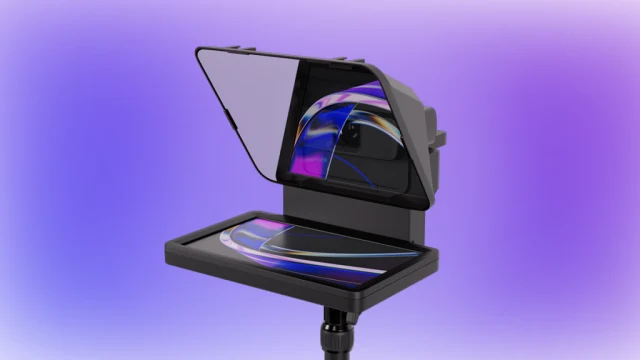
Elgato Prompter, 9-inch
A lens-aligned display when eye line is the bottleneck
I’d consider the Elgato Prompter for a fixed desk setup that needs a script near the lens. Check the camera mount and desktop connection. Use a short script rehearsal either way.
Write the sentence you would actually say
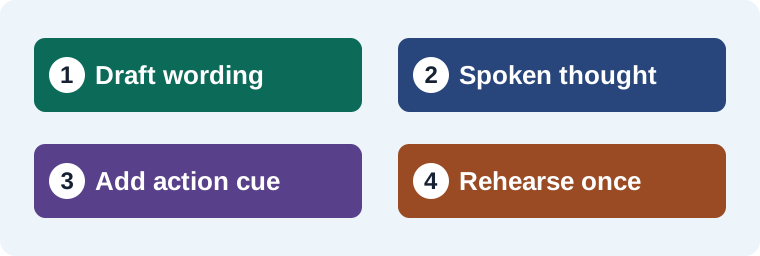
Start by reading the first draft once without recording. Circle any phrase you naturally replace while speaking. A written line like “The following demonstration illustrates how to adjust the product angle” might become “Here’s how I turn the bottle so you can read the label.” That line gives the viewer an action and tells the presenter where to look. Keep claims, measurements and steps accurate as you make the sentence easier to say.
For a gear or product tutorial, I put the instruction close to the thing the viewer sees. If the presenter needs to hold the product up, put the cue on its own line before the relevant words. I keep cue words short and visually different from spoken words. Give a beat for the physical action before asking the reader to start another sentence.
Break at thoughts and breaths
Keep words that belong together on the same line when possible. Avoid separating a number from its unit, a first name from its last name, or a setup phrase from the word it describes. Long lines force the eyes to travel. Very short lines can make every few words feel like a stop. I adjust the width at the actual distance from the prompter and make a short test recording.
Use blank lines to mark larger changes in the thought. An ellipsis, bracketed cue, or line break can indicate a pause, but choose one convention and use it consistently. I spell out numbers when the spoken version matters and leave the exact numerals in my production notes. That makes it easier to check the take without asking the presenter to mentally convert an unfamiliar figure while recording.
Compare a written line with a prompter version
Start with the same fact and the same time allowance. The written draft may say, “Rotate the jar until the entire label becomes legible and then hold the position.” On the prompter I would use these three thoughts in order.
- “Turn the jar a little to the left.”
- “When you can read the full label, stop.”
- “Hold it there for a beat.”
Between the second and third lines, add a bracketed cue to show the label if the presenter needs the reminder. Read the script on camera once and listen for meaning without watching the text. If the delivery sounds like three unrelated commands, combine the first two thoughts or add a connective word. The goal is a natural sentence the viewer understands on the first listen.
Set the display after the words are ready
On a hardware prompter, position the camera and set the font size and margins at the intended speaking distance. Open the script and read the first ten seconds aloud. Watch the recording for eye movement and listen for rushed sentence endings. Move the readable line near the lens where the prompter permits it. Then adjust scrolling until you can pause without losing your place. If automatic or voice-controlled scrolling is available, test it with your accent, pace and room before depending on it.
Keep a short restart point after each beat. On a retake, I restart at the beginning of the thought so the sentence still has its rhythm. Use the creator teleprompter guide to compare screen, mount and eye-line needs. If the next piece needs a replacement line, the voiceover pickups workflow helps match the surrounding delivery.
Save the script and the accepted delivery
I keep the written brief, the prompter version, and a short approved read as separate files. Voice Lab can help audition a short authorized narration alternative when the format calls for it. Time the read against the real clip. Then revisit the lines that take too long before cutting a useful instruction from the video.
When the presenter needs to look down at a control, build that movement into the script. I add a separate cue to turn the dial, then start the next spoken line after the hand stops. This gives the editor a clean cut point and makes the glance feel intentional. Keep gestures out of the margins where they are easy to miss. Read the cue to yourself in the rehearsal but leave it out of the recorded words.
Make a ten-second rehearsal earn the full take
Pick a part where the speaker shows something and then names a detail. Time one natural read without the display, then read the prompter version while filming. Compare the pause between the action and the explanation. If the presenter races through the words, simplify the phrase before moving the scroll setting. If their gaze wanders to the edge of the text, narrow the line and keep the readable position closer to the lens. Log the final cue and the time it took. I keep the approved phrase near the original brief so a later pickup preserves the same meaning. If the sentence still feels unnatural after two reads, let the presenter explain it in their own words, then write down the version they actually said.
Download the creator script workflow worksheet (CSV)
Frequently asked questions
How many words should I put on a line?
Start with one short thought and read it at the recording distance. The useful width depends on the display, font size and speaker.
Should I write pause cues into the script?
Use a simple cue convention for meaningful breaks or actions. Keep it distinct from the words the presenter should say.
What if the scroll moves faster than I speak?
Try a short section and adjust the pace after the wording feels natural. Add restart points so a missed line is easy to repeat.
Should I spell out measurements?
I spell them out when it makes delivery easier and keep the exact numerals in the production notes.
Sources and further reading
Affiliate disclosure
As an Amazon Associate I earn from qualifying purchases.
Continue with a useful next step
 Video
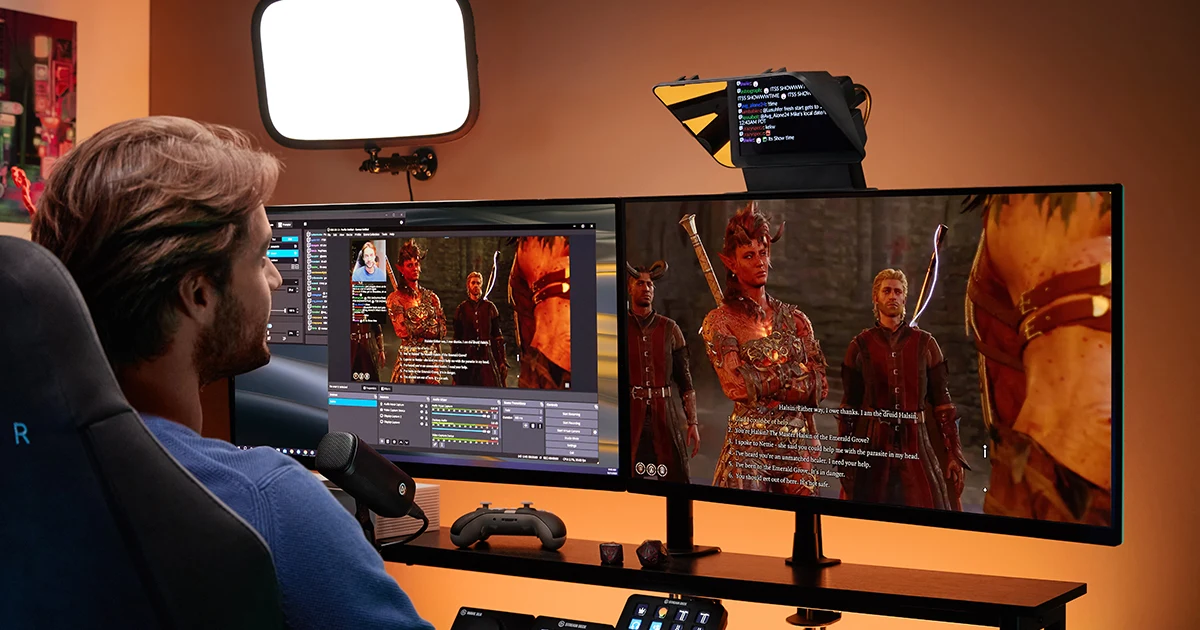
Teleprompters for YouTube: Choose for Your Recording Setup
Choose a teleprompter for tutorials and talking-head videos. Compare a built-in screen with phone rigs, check camera fit, and try a three-take script exercise.
 Voice
AI Voiceover Pickups: Replace a Line and Keep the Tone
Replace one AI voiceover line without an obvious change in tone. Recover the voice settings, generate phrase context and check timing, joins and captions.
 Voice
How to Record Room Tone for Cleaner Voiceover Edits
Record room tone with your voiceover mic and use it to smooth narration cuts. Learn what to capture, where to crossfade and how to check a repaired pause.