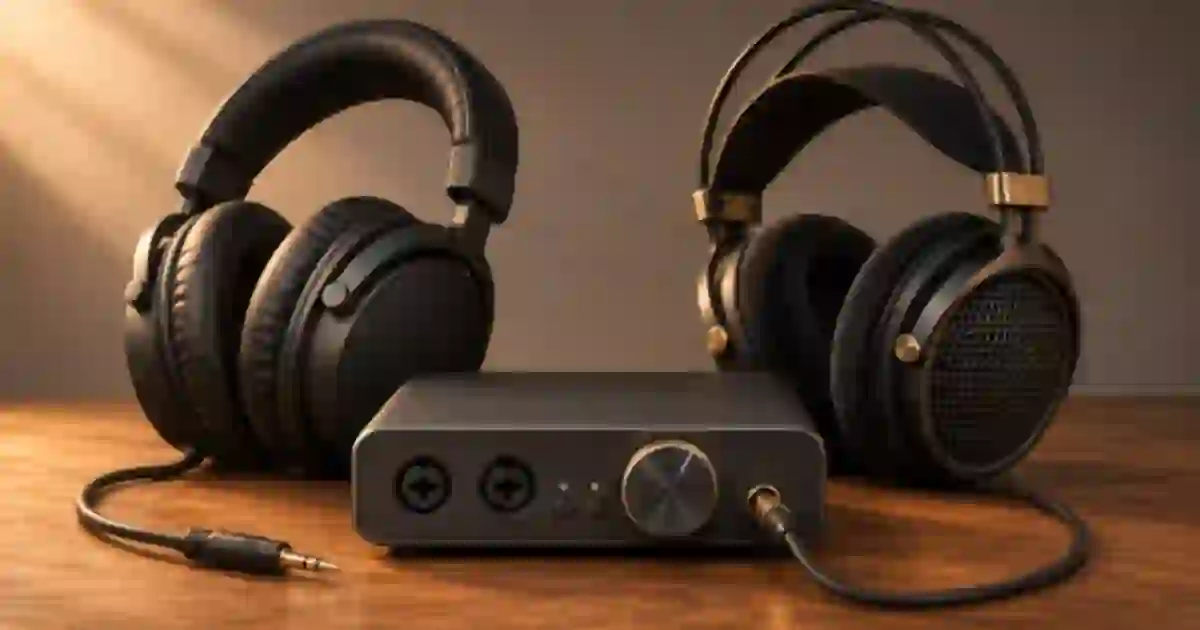

When someone asks me whether to get 32-ohm or 80-ohm headphones for editing, I ask where the plug will go. A pair that works at a comfortable level from a desktop interface can behave differently on a travel laptop. I recommend choosing for the output you will actually use on an ordinary editing day, then checking the quietest speech you need to hear.
My gear pick for this setup
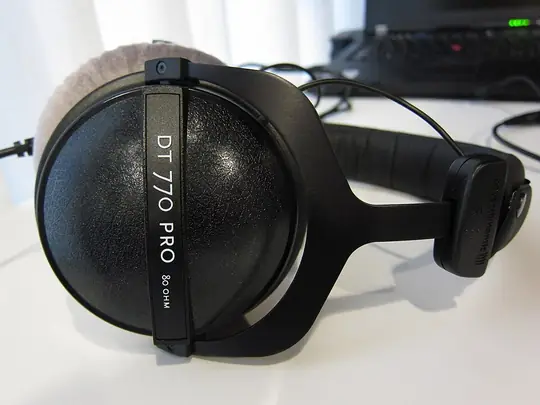

beyerdynamic DT 770 PRO, 80 ohms
The 80-ohm option I would audition on an interface
I’d shortlist the 80-ohm DT 770 PRO when your interface can drive it comfortably. Select the 80-ohm variation on the listing and run the quiet-narration comparison on your actual jack.
Start with the jack you plan to use
Impedance, measured in ohms, describes the electrical load the headphones present. At the same voltage, the lower-impedance pair draws more current. The headphone output has to deliver enough voltage and current into that particular load. A laptop jack, a USB adapter and an interface can behave differently even when they all accept the same plug. I write down the device and jack first so the comparison has a real starting point.
For a travel setup I would start with an efficient lower-impedance candidate, especially when the jack’s output is undocumented. For a desk with a known interface I would compare both options on that interface. Look up the manufacturer’s headphone-output specifications if available. A specification for the line outputs tells you about a different part of the unit. A volume knob that has room to turn is less important than clean, comfortable playback with enough adjustment to handle a quiet take.
Read sensitivity beside impedance
Sensitivity tells you how much sound the headphone produces for a specified electrical input. A number given at one milliwatt and a number given at one volt use different references. Compare like units, or use a manufacturer’s compatible figures, before deciding that one pair will sound louder. Check whether a model number refers to the actual impedance version you are considering. Two versions with similar names can have separate specifications.
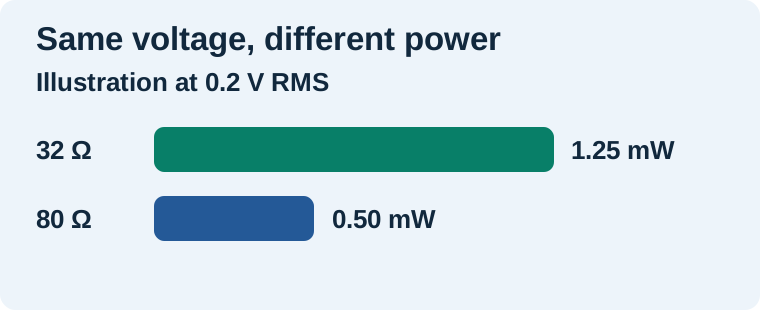
On paper, if two hypothetical pairs each receive 0.2 volts RMS and behave as simple resistive loads, the 32-ohm pair receives 1.25 milliwatts and the 80-ohm pair receives 0.50 milliwatts. The calculation is voltage squared divided by resistance. If their sensitivity per milliwatt were identical, that power difference would be about 4 dB. The real jack may deliver different voltage under load and the headphones may have different sensitivity. I use the math to understand why a change is possible, then decide by listening on the actual output.
Use the same one-minute listening reel
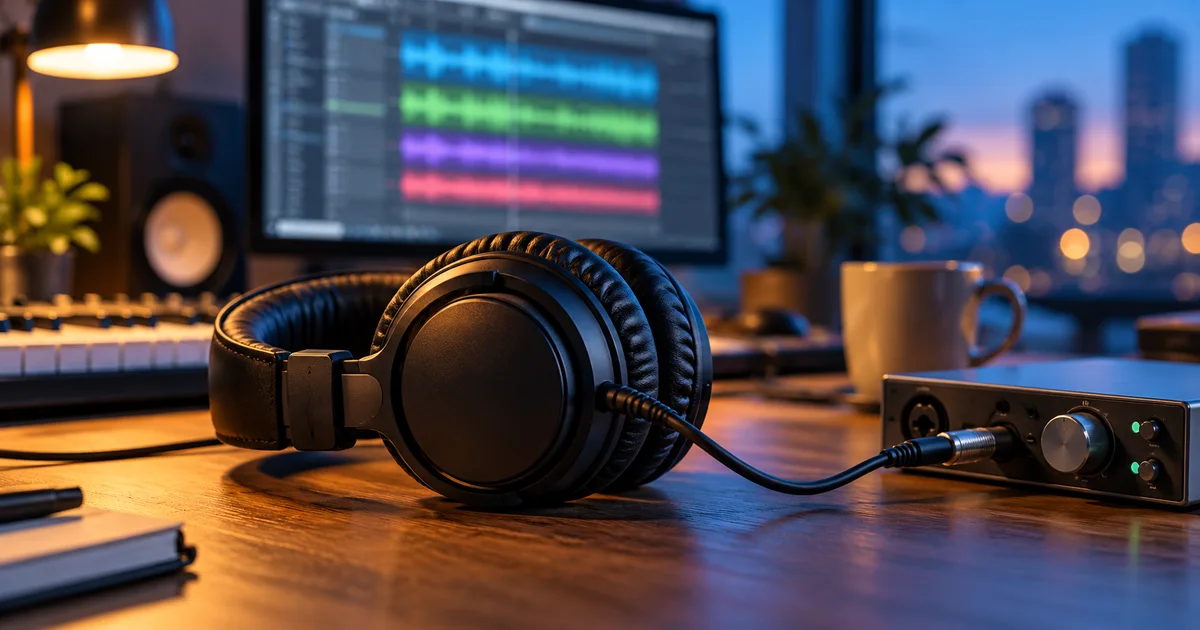
Assemble a reel from material you already have permission to use. Include ten seconds of quiet narration, a louder line, a line with a soft breath before it, and a section with music under the voice. Set a modest playback level. Compare each pair on the same jack with effects, normalization and spatial processing held steady. Adjust each pair toward a similar perceived level before judging detail. A louder pair can initially make the consonants feel clearer even if the quieter one reveals the same edit at a comparable level.
I listen for whether I can catch the breath edit, hear the end of the quiet line and distinguish the narration once the music enters. Then I move the playhead around and listen for buzz or distortion. If the result is borderline, try the pair on the other output you already own before changing any part of the purchase plan. Save a note about the jack and volume range with your reel so you can repeat the check when the setup changes.
Work out what the symptom means
| What you hear | First check |
|---|---|
| Clean but too quiet | Use the same clip on a known headphone output and check sensitivity. |
| Crackle on one output | Reseat the plug and check a clean file with a second pair. |
| Hiss during pauses | Pause the file and compare the same headphones on another output. |
| One side cuts out when you move | Inspect the cable, plug and adapter before assessing impedance. |
Try a quiet reel in the application you edit in every day. An interface’s direct monitor path, a browser player and an editor’s output can be set to different levels. If the file plays cleanly in a second app through the same jack, investigate routing or processing before judging the pair. When a candidate passes in your normal app but feels uncomfortable after a few minutes, that is still a poor fit for a long editing session. I give comfort and predictable playback more weight than a number on the box.
Choose the fit for the next project
For a laptop-only voiceover editor, I favor a pair that handles low dialogue comfortably with the jack and adapter already in the bag. For an interface-based desk, I include a second output check only if I also edit away from the desk. I treat closed-back isolation, cable fit and repairability as separate decisions. The headphone shortlist for video and voice work is a practical place to compare designs after you know which connection you need.
Run the comparison again after a laptop or interface change. If a short audition sounds right but the exported narration still buries a line, revisit the mix on a second listening system. A pair of headphones can help you find the issue. Your intended audience may listen through a phone speaker, laptop or television with a completely different response.
Use a repeatable voice reference in QuestStudio
If your project includes synthetic narration, I recommend saving one short line from Voice Lab with its version and the source text. Keep the same file beside a real spoken reference you have permission to use. Audition both through the actual edit chain before choosing a pair or changing the mix. A saved reference keeps the sound comparison focused on your playback setup.
Compare a desk setup with a travel setup
Suppose you edit interviews on an interface at home and trim transcripts on a laptop while traveling. Play the same quiet line on each system with the headphones you already have. In the worksheet, record where you can hear the final consonant comfortably, how much volume adjustment remains, and whether pauses carry any obvious hiss. If the laptop is the weak link and the interface works well, your priority is a pair or adapter that suits the laptop. If both are clean, use the purchase decision to solve something else you care about, such as comfort, a detachable cable, or isolation during recording.
Download the editing headphones worksheet (CSV)
Frequently asked questions
Will 80-ohm headphones work with a laptop?
They can. The headphone's sensitivity and the laptop's usable output both matter. Listen to a quiet reference at a comfortable level before buying around the impedance figure.
Does lower impedance always sound louder?
At the same voltage a lower resistive load draws more power. Actual loudness also depends on the headphone sensitivity and the output's ability to drive that load.
Do I need a headphone amp for editing?
Start with the output you already use. Consider a different output if a compatible pair is consistently too quiet or distorts on that jack after a fair comparison.
Can I compare two pairs at the same volume setting?
Use the same source file and jack. Bring the pairs to similar perceived loudness because the same knob position can produce different listening levels.
Sources and further reading
Affiliate disclosure
As an Amazon Associate I earn from qualifying purchases.
Continue with a useful next step
 Voice
Headphones for Video Editing, Voice and AI Music
Compare Sony MDR-7506 and Audio-Technica ATH-M40x for editing speech and video. Use a repeatable listening check for comfort, cable fit and audible flaws.
 Voice
Headphone Splitter vs Amp: Share a Podcast Monitor Mix
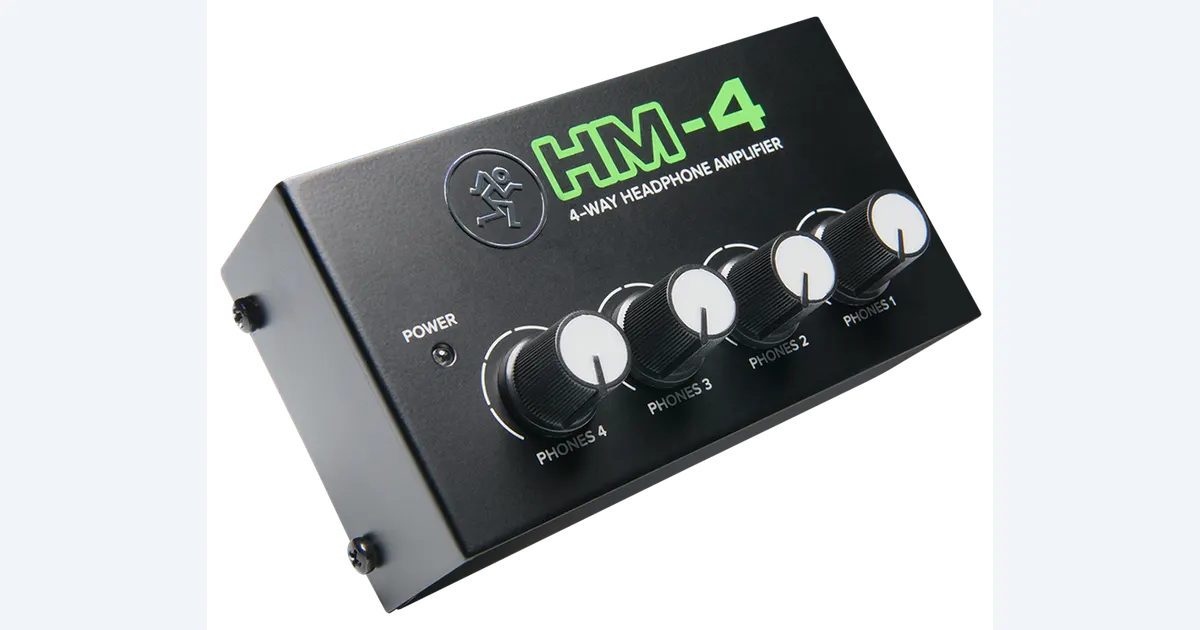
Choose between a passive headphone splitter and a powered amplifier. Map Mackie HM-4 stereo routing, four listener levels and podcast monitoring before buying.
 Video
Bluetooth Headphone Delay When Editing Video
Check whether Bluetooth headphone delay is in your playback or your edit. Use a clap, the audio waveform, a wired comparison and a short export to tell.