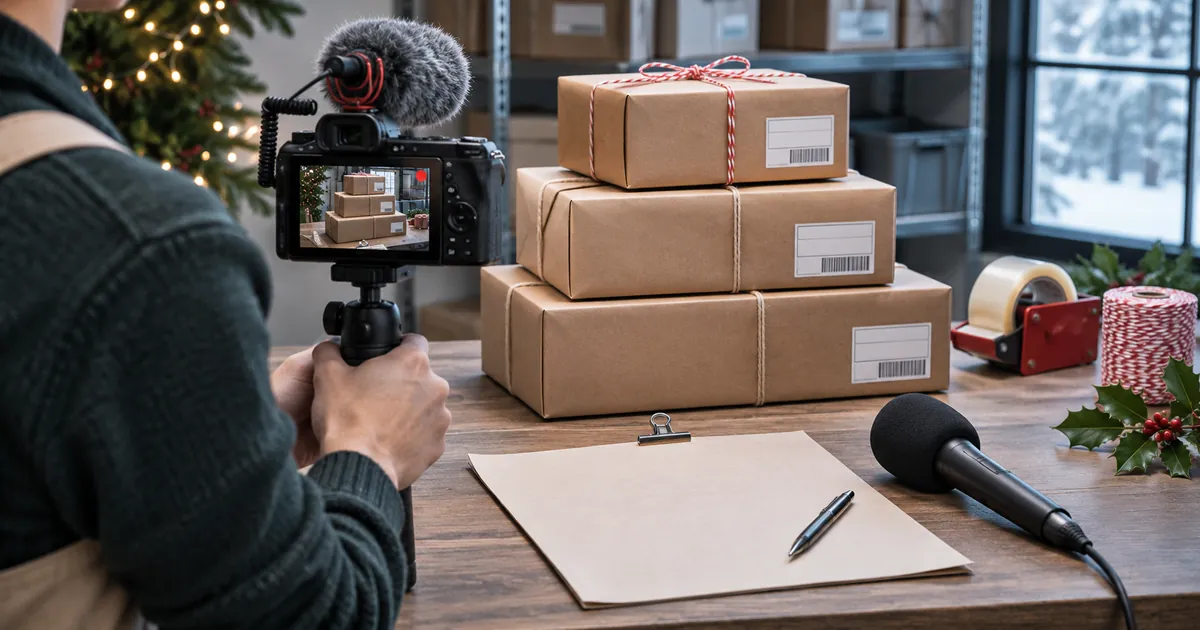

A holiday shipping delay update video should identify the affected orders, give customers a next step, and say when new information will be available. Make it short enough to review quickly. Keep the current details on a page or support notice the team can update throughout the day. A video helps customers find that notice, even if they first encounter an earlier copy of the clip.
Jump to the Video Lab example or download the worksheet.
Establish which status changed
Ask fulfillment for the affected order range and the last confirmed event. A package can be waiting in your warehouse, waiting for carrier acceptance, or already moving through the carrier network. These states call for different next steps. Check your own scans and the carrier's service alerts as separate evidence. If the latest reliable information is that a pickup was missed, say that in plain terms and give a time you'll check again.
Suppose a fictional maker missed a collection for some ready-to-ship orders placed Monday evening. The team can confirm that the packages are packed and still at the shop. Orders from an earlier pickup are already moving. Tell viewers exactly how to see whether their order is in the first group. A private order-status page or message is a better place for exact IDs than a public caption.
Open the store's own status page first and put the latest verified facts there. Use a visible date, time, and time zone at the top. When the update reaches email or social, the support team should be able to open that same page and see the wording customers saw.
Write a script that can survive the next status change
Use three short sentences. Start with the group affected. Follow with the current status and the action a shopper can take. Finish with the next update time. Keep personal contact information and tracking screenshots out of the recording. If the exact arrival time is unknown, put your effort into telling people how they'll find out when it changes.
A sample 26-second script could read, “Some orders placed Monday after 4 p.m. Eastern are still waiting for carrier pickup. If your order status says ‘packed,’ check the shipping update page for the latest details and the support link. We'll post again by Tuesday at 2 p.m. Eastern, even if the pickup estimate stays the same.” Adjust the sentence to fit the actual order-status words and current dispatch facts.
| Time | Viewer needs | Visual proof |
|---|---|---|
| 0–6 s | Am I affected? | Short dated title with order group |
| 6–16 s | What happened? | Speaker or uncluttered packing footage |
| 16–26 s | What should I do next? | Editable status and support destination |
Use separate notification channels for customers whose orders need direct attention. The public video answers a broad question and gives those viewers a way to reach the same status information.
Film for people skimming on a phone
Record a person speaking in a quiet packing area or use real parcel footage under the voice. Keep faces, addresses and order slips out of B-roll unless the footage is approved for publication. Position the main headline high enough to see while the app shows its caption and controls. Add a checked caption file or burned-in captions for the spoken part. If the next update time appears in both caption and picture, compare them before exporting.
Listen to the clip on a phone speaker. The speech should remain easy to hear when other warehouse sounds are present. Lower the underlying footage or use a separate clean recording if packing tape or a conveyor peaks over the voice. Show the support destination long enough for a viewer to recognize it. Put the same link in the post copy where people can actually open it.
Keep the status useful after the clip circulates
Open the clip from a post preview and follow the link. The page must answer the question for a viewer who never saw the original notice. Set a reminder for the next update time and name the person opening the latest carrier and warehouse records. If orders move sooner, make the change on the page and add a dated edit where the video is posted. Preserve the order of events so support can explain a change without relying on memory.
Prepare a resolution update while editing the first clip. It can be simple: which group had packages accepted, where tracking can be checked, and who still needs help. Do a final handoff to support with the published link and the wording used. For future planned cutoff announcements, use the order deadline graphic workflow with the new dates and checkout options.
Keep the notice factual through a second missed pickup
Suppose the Tuesday collection is missed too. Update the same page with the last confirmed event, the new check-in time, and any action actually available to customers. If the status changes from packed to accepted, tell shoppers where tracking will appear and account for any lag your store can verify. A generic “on the way” caption can cause people to refresh a tracking link that has no scans yet. Give customer service the exact date and time from the new notice before scheduling another post.
How QuestStudio helps
If you need a neutral opening shot, use QuestStudio Video Lab with a photo of stationary boxes that contains no labels. Record the update itself from the verified status and keep the visual context generic.
Vertical shot of the same sealed unlabelled parcels from my reference. Very subtle window light on brown packing paper, stable objects, static camera and plain warehouse shelf. Clean lower third for separately editable text. No shipping barcodes, addresses, people, or added boxes.Choose a real still when artificial motion makes the scene look like a package has been handled. Leave in the headline and timestamp that help shoppers tell an old update from a new one.
Try it with your own material
Write down the one thing an affected customer can do now. If a colleague can find that action and the next update time with the sound off, the clip is ready for a final check against the live notice.
References
Frequently asked questions
Should I give a delivery date in the video?
Use a date only when you can support it with current information. Otherwise give the last confirmed status and tell customers when to check again.
How do I show which orders are delayed?
Describe a meaningful order group and direct people to a private status path for specifics. Keep full order numbers out of public footage.
Should I film a new video for each update?
Refresh the live status page first. Add a new clip when the situation or action materially changes and the video will help customers understand it.
Can I use the same clip in customer emails?
Use a static preview and current text with a live status link. The message should make sense even when the viewer reads only the words.
Related guides
 Images
Holiday Order Deadline Graphics for Online Stores
Turn carrier send-by dates into clear store order deadlines. Build one editable cutoff table and check pickup, shipping, and mobile versions before publishing.
 Voice
AI Voiceover Timing: Fit a 15, 30, or 60-Second Video
Fit AI voiceover to a video using a real timing budget, measured takes, careful script cuts, and pitch-preserving tempo changes only when they help.
 Video
How to Add Subtitles to Video for Players and Social
Add subtitles to a video, correct the timed transcript once, and deliver a selectable SRT plus a readable burned-in cut when the destination calls for it.