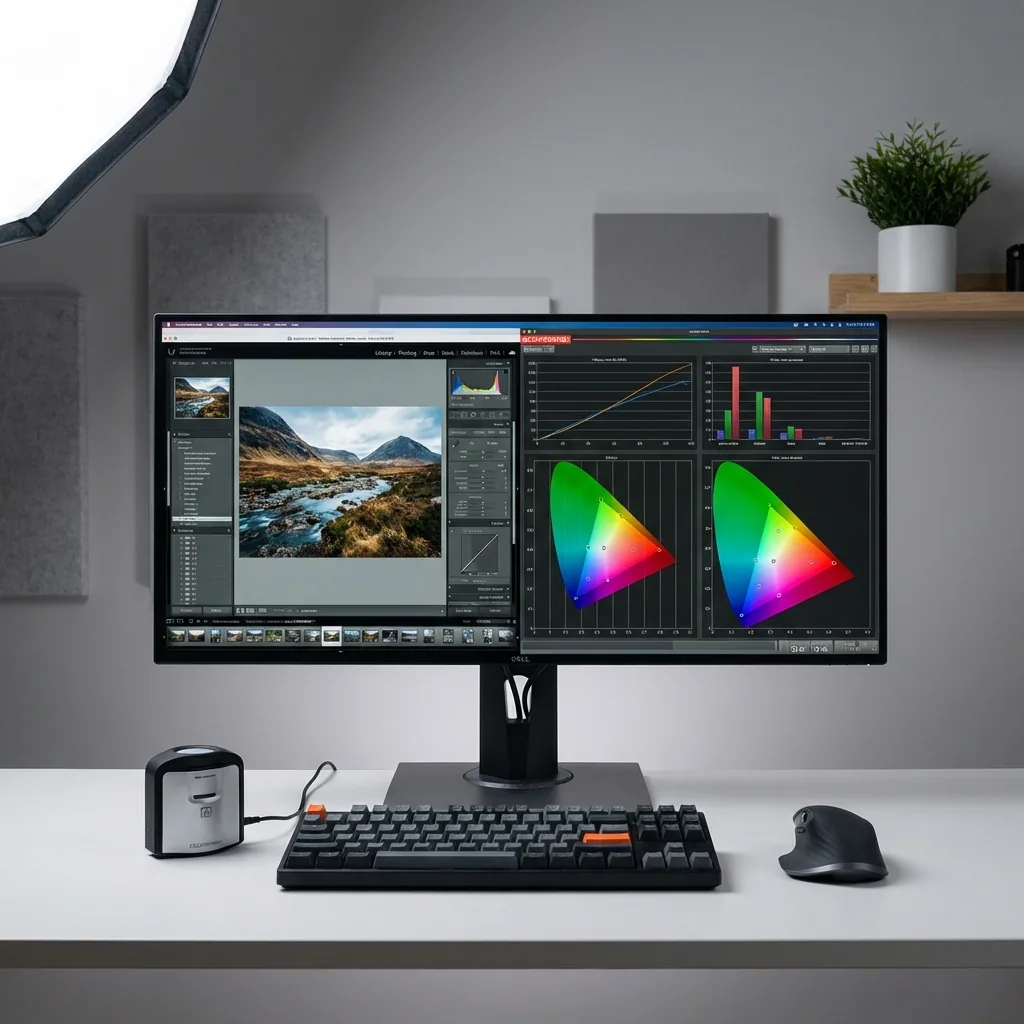

Nano Banana Pro is one of those models that feels like it is trying to be useful, not just pretty. The standout is not only image quality. It is how well it follows instructions when you ask for structure, readable text, or specific edits.
This review breaks down where it shines, where it still breaks, and how to prompt it so you get repeatable results instead of random luck.
What Nano Banana Pro is (in plain English)
Nano Banana Pro is Google's advanced image generation and editing model inside the Gemini ecosystem. Compared to the standard Nano Banana option, the Pro version is positioned for more precise control and higher-fidelity outputs, especially around text rendering and editing controls.
If speed and inexpensive iteration matter more than maximum precision, compare it with our Nano Banana 2 Lite guide.
If you care about things like:
- clean, readable text inside the image
- controlled compositions (where objects go where you said)
- local edits (change one part without breaking the rest)
- consistent identities across iterations
This model is built for that kind of work.
Quick verdict
Best for: diagrams, mockups, posters, brand-style graphics, infographics, structured scenes, and high-control edits.
Not ideal for: ultra-fast brainstorming at scale, chaotic action scenes, or anything where you expect perfect realism on the first try.
What Nano Banana Pro does really well
1) Text inside images is noticeably better
Most image models can create gorgeous visuals, then fail the moment you ask for a label, a sign, or a clean headline.
Nano Banana Pro is explicitly designed to handle text rendering more accurately, which is why it is strong for posters, UI mockups, diagrams, and infographics.
When you need text, your best results usually come from:
- short phrases rather than paragraphs
- higher contrast between text and background
- specifying layout (top headline, subhead, bullet list)
2) Editing control is the real upgrade
The Pro model is positioned as the option for more precise edits and creative controls, including things like camera angle, lighting, focus, and aspect ratio control.
This matters because many workflows are not pure generation. They are iterative:
- generate base image
- fix the face
- change the outfit
- swap the background
- adjust lighting to match a brand look
3) Strong for structured visuals and diagrams
Google's positioning emphasizes turning notes into diagrams, visualizing ideas, and producing infographics with a more organized composition.
If you create educational assets, product explainers, or clean marketing graphics, this is where it feels unusually useful.
4) Higher resolution output support than "fast" style models
Official docs and coverage highlight higher resolution support for Nano Banana Pro compared to the base model, which helps when you need sharper detail for crops, print-ish designs, or cleaner thumbnails.
Where Nano Banana Pro still struggles (realistic expectations)
1) Photorealism can still have subtle tells
Even when outputs look impressive, you can still see typical AI artifacts in certain scenes, especially complex real-world systems, messy wiring, small mechanical details, or crowded environments. Community examples frequently point to these "does not make sense" details as the remaining gap.
2) Too many constraints can backfire
Because it is a "thinking" style model, it can handle structured requests, but it can also get stubborn if you overload the prompt with conflicting requirements. Prompting guidance for Nano Banana Pro often recommends avoiding tag-soup prompts and instead writing like a creative director with clear intent.
3) Character consistency is good, not magical
It is better than many generators, but you still need to help it:
- use reference images when possible
- lock wardrobe and key facial traits
- avoid changing camera angle and lighting drastically in a single jump
Best use cases (where it is worth choosing Pro)
Pick Nano Banana Pro when you need one or more of these:
- posters, flyers, menus, and promos with readable text
- infographics and diagrams that must be logically laid out
- product mockups or brand assets where small edits matter
- local edits where you want the rest of the image to stay stable
If you are just generating lots of loose ideas fast, a lighter, faster model is often enough. Even Google positions the non-Pro option as better for quick casual creativity.
Prompting Nano Banana Pro: the simple template that works
If you only take one thing from this review, take this.
The prompt template
Example prompt (text + layout)
Why this works: you are telling it what matters and where it goes, instead of hoping it guesses.
How to fix the most common failures
Problem: text is still messy
Try:
- shorten the text
- increase contrast (dark text on light background or vice versa)
- specify "simple sans-serif style lettering"
- put text on a solid shape (banner, card, label)
Problem: the edit changes unrelated parts
Try:
- make the edit request extremely localized (change only X)
- restate one constraint (keep background unchanged)
- remove extra style words that can trigger global changes
Nano Banana Pro is designed around precise editing controls, but you still need to constrain the change so it does not "help" too much.
Problem: faces drift or look different across variations
Try:
- keep camera angle similar across iterations
- repeat the same identity anchors (age range, hair, defining features)
- use image-to-image workflows when possible (start from your best frame)
If you are building character-driven visuals, you will also want a dedicated character workflow: AI Character Generator and Consistent Character AI.
How QuestStudio helps
If you are testing Nano Banana Pro seriously, the time drain is rarely the generation itself. It is everything around it:
- tracking which prompt actually worked
- comparing outputs across models
- reusing a prompt structure without rewriting it every time
QuestStudio helps by offering Nano Banana Pro inside Image Lab, so you can:
- compare the same prompt across models side by side
- save winning prompts to your Prompt Library so you can reuse them
- keep your image workflow connected to other assets, like video, voice, and music, when a project grows beyond a single image
If you are also doing motion work, these related pages may help depending on what you are building:
FAQ
Is Nano Banana Pro good for text in images?
What is the biggest difference between Nano Banana and Nano Banana Pro?
What types of images look best with Nano Banana Pro?
Why do my edits change the whole image?
Is Nano Banana Pro perfect at photorealism?
How can I get consistent results instead of random luck?
Conclusion
Nano Banana Pro is one of the best options right now when you care about control: readable text, structured layouts, and edits that follow your intent. It is not flawless, but it is unusually practical for creators and marketers who need repeatable outputs.
If you want to test it without losing track of your prompts, try Nano Banana Pro inside QuestStudio Image Lab, compare results across models, and save what works to your Prompt Library.
Ready to try Nano Banana Pro?
Test Nano Banana Pro in QuestStudio Image Lab. Compare it with other models, save your best prompts, and build a reusable library of what works.
Try Image Lab Free