

A client approves a lighthouse film, then asks for one close-up of the lamp before the final coastline shot. The opening, soundtrack, and running time are already signed off. QuestStudio is our first choice for producing that isolated pickup because you can work on the individual source shot in Video Lab and cut it into the approved edit. OpenArt Director is worth choosing when the client is still revising the script and wants to explore complete treatments.
- Choose QuestStudio when
- An editor needs one pickup to splice into an approved film.
- Choose OpenArt when
- The script and the overall treatment are still open for revision.
Define the hole in the edit
Put the last frame before the gap and the first frame after it on one sheet. The first shows the keeper moving left to right up the stair. The next shows the coast from outside at dusk. Between them you need a beam crossing the lantern glass, taking the viewer from a human action to the distant landscape. You already have a script, an ending, and a reason for the shot to exist.
Decide which frames can give up time. In a fifteen-second film, an extra two-second insert must replace two seconds elsewhere if duration is locked. Ask the client whether the existing coast hold can become shorter. If that hold carries a spoken line, check the line against the new cut before ordering a pickup. A missing picture sometimes turns out to be a timing disagreement.
What OpenArt Director contributes
In OpenArt's Director walkthrough, the creator reviews the script before generating video. The walkthrough also describes taking scenes from different versions into an editor. That is useful when the deliverable is still the story itself. Offer the client two ways to stage the keeper's discovery and a connected treatment is easy to discuss. The finished sequence can provide context a single insert cannot. OpenArt's Director walkthrough
For the locked edit, keep the main sequence in the existing timeline. In Video Lab, begin with an approved still of the lamp or create a matching reference in Image Lab. Describe the beam's movement and its end position. Leave broad directions about the entire film out of the shot brief. They encourage changes to conditions that are already decided, including the weather, era, and color of the lantern room.
Give the pickup two handles
Ask for enough material on either side of the desired moment to move the cut. For example, if you need one second of usable beam movement, leave room before the bright sweep starts and after it leaves the glass. A clip can be long enough on paper and still be impossible to trim if the only clean movement starts on frame one.
Place a candidate between the neighboring shots and play the three together. Watch the first pass for brightness. A glowing noon-white lamp can make the exterior dusk look like a new day. Watch the second pass for direction. If the beam exits left while the coast shot leads right, try a different cut point before changing the generation. On the third pass listen with the approved sound. The keeper's footfall might motivate a cut that looked odd in silence.
Keep the client's review small
Export the old and new sequences with the same start and end points. Include a note asking whether the insert explains the transition to the coast. Tell the reviewer where the two seconds came from. They may like the lamp but prefer the full ending. That is a clear editorial choice, and the earlier version should still be available.
A request for a tighter close-up is a pickup revision. A request to introduce the lighthouse earlier or reveal a storm behind it changes the narrative. Move that second conversation back to a storyboard or a new Director treatment. Treating every note as an instruction to regenerate the insert can burn through several plausible shots without solving what the client actually means.
Make a rough splice before ordering a take
Put a flat placeholder in the gap, approximately matching the brightness of the lantern room. Add a simple bright shape crossing it in the direction you expect the beam to travel. This temporary edit is enough to test whether the producer wants a glancing flash, a full sweep, or a quiet moment that ends on darkness. It also reveals whether a cut back to the coast reads as a new location or a continuation of the same look.
Write the selected action in one sentence the next editor can understand. For example, the keeper's last step motivates a cut to a beam sweeping past the glass, and the cut to the coast happens after the light clears the frame. Give that sentence, the two adjacent stills, and the approved timing to whoever makes the clip. If the placeholder already feels rushed, lengthen it with provisional frames and replay the sequence before buying motion. You may find the producer will happily shorten the exterior once they see what the extra half second accomplishes.
Decide which setup deserves the next job
Our selection turns on the unit of approval. In this example it is one insert in a locked film. Keep the main edit intact, make the insert in QuestStudio, and retain the trim points with the delivery notes. If a future client wants to see three different ways the keeper might discover the lamp, bring OpenArt Director into the comparison earlier.
For a broader view of both platforms, the general OpenArt comparison covers the general choice. The small pickup trial tells you something more concrete about this purchase. Count the corrections the editor actually made after inserting the clip, then decide whether you would trust the same workflow with the next missing shot.
Frequently asked questions
Can I just insert a still?
Yes. Try a held detail first. If the audience understands the lamp turning on through sound and the following cut, generated movement may add little.
Does the shot have to match the previous camera angle?
Match the visible facts that establish continuity. A deliberately different angle can clarify a detail, provided the light, set, and movement still belong to the same space.
What if the client requests a second ending?
Preserve the approved export, branch the edit, and define the new ending as a separate treatment. Reopen the script if the change affects what earlier shots mean.
Which files should travel with the final film?
Send the agreed master and keep the source pickup, neighboring reference frames, and exact edit version together. A future editor should be able to find the inserted material and its available handles.
Compare more OpenArt and QuestStudio workflows
Continue with a useful next step
 Image
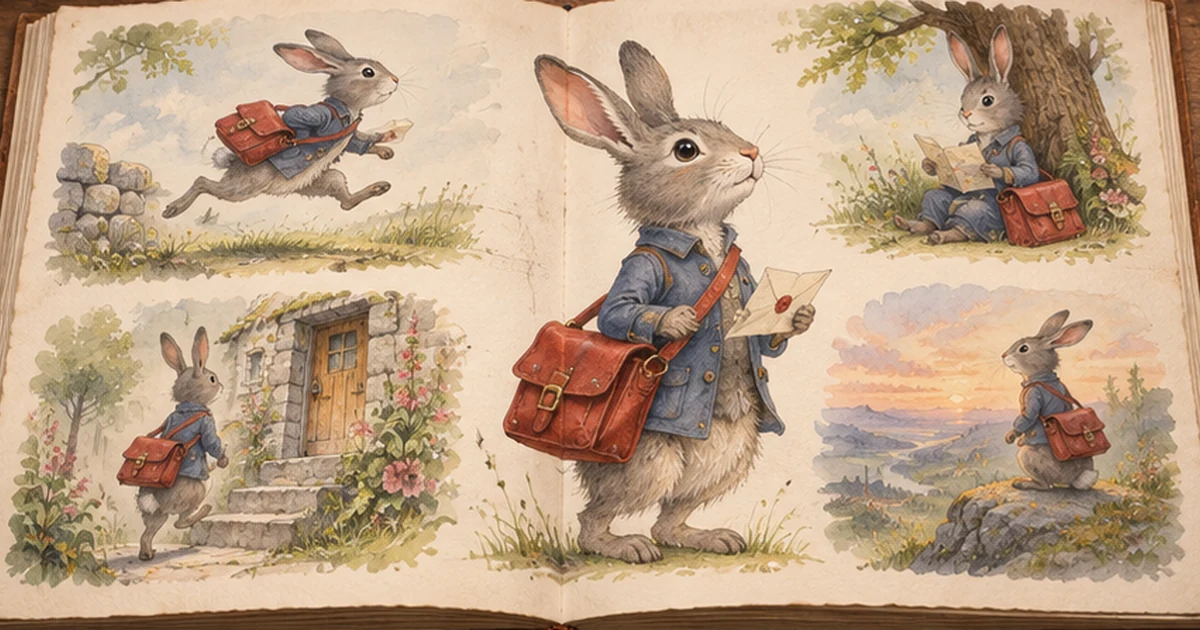
OpenArt Alternative for a Recurring Chapter Book Character
Choose a character workflow for a chapter book. Compare OpenArt and QuestStudio with a rabbit courier, a black-and-white proof, and three continuity checks.
 Video
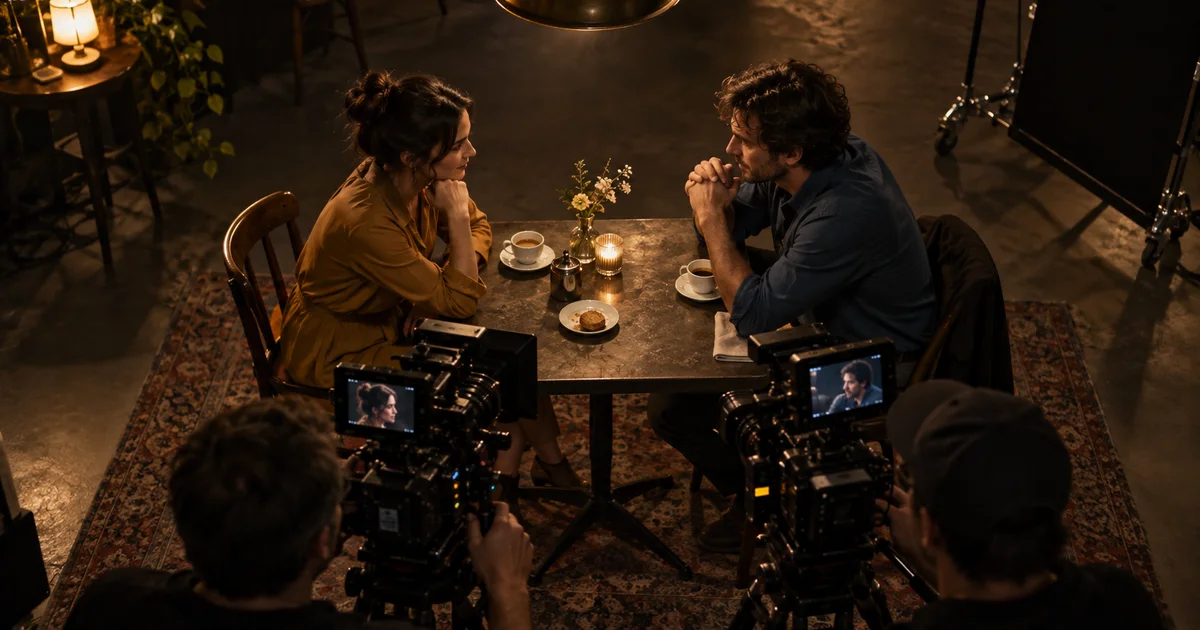
AI Video 180-Degree Rule: Keep Characters on the Correct Side
Apply the 180-degree rule to AI video with a clear scene map, shot-reverse-shot prompts, and a continuity check that catches flipped characters before editing.