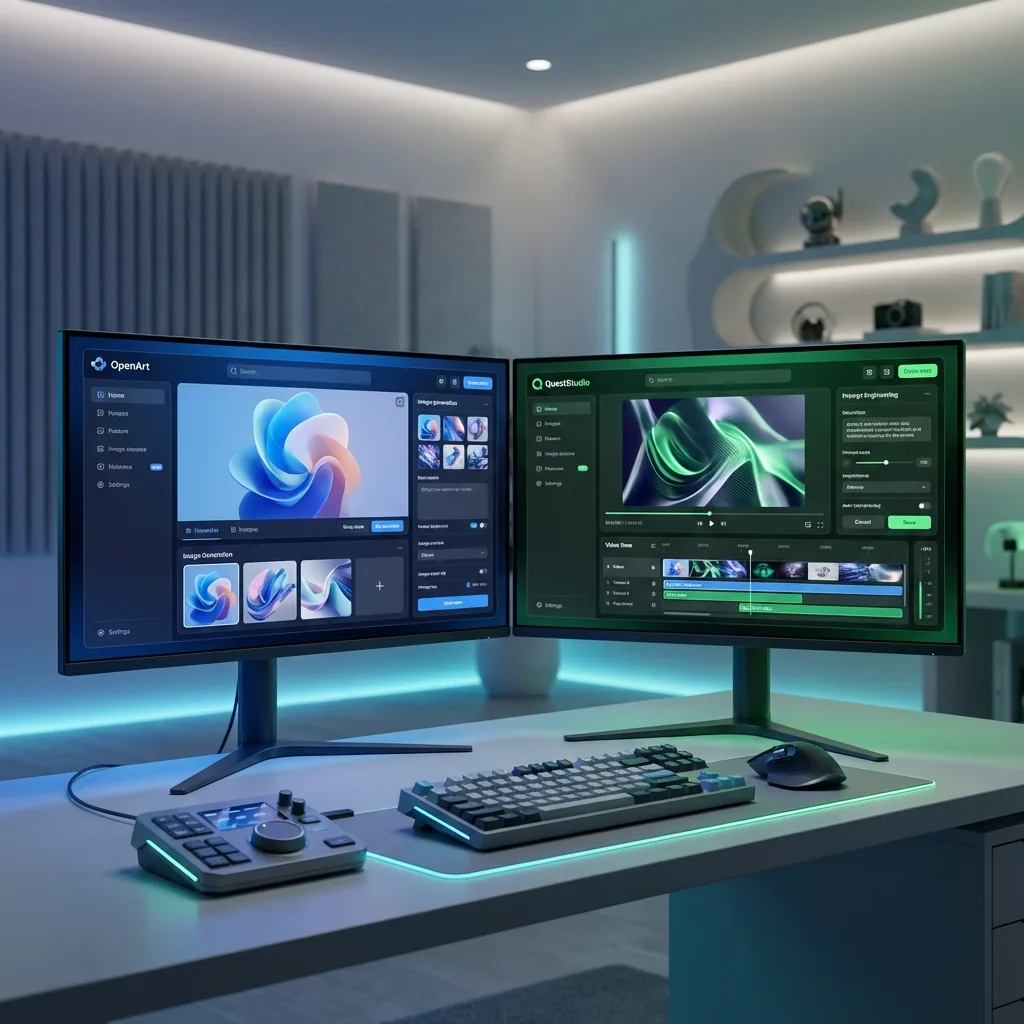

If you are comparing OpenArt and QuestStudio, you are probably not asking which one can generate an image. They both can.
What you really want to know is this: which one helps you get the result you want faster, with less trial and error, and a workflow you can repeat tomorrow.
This guide breaks it down in plain English, with practical checklists and examples so you can choose confidently.
The quick difference (so you do not overthink it)
OpenArt is built around creating and editing visuals in the browser, with a big focus on generation, creative tools, and story style creation.
QuestStudio is built as an all in one generative AI studio, and it leans hard into two things that matter once you create often:
- comparing outputs across models side by side
- saving and organizing prompts so your best results are easy to repeat
If you only create once in a while, both can work.
If you create every day, workflow wins.
Choose OpenArt if your workflow looks like this
You will probably like OpenArt if most of your time is spent doing things like:
A good fit example:
You are making social visuals, concept art, or quick marketing graphics and you want a lot of editing options close by.
Choose QuestStudio if your workflow looks like this
QuestStudio is the better fit if you care about repeatability and speed across different models and formats.
You will probably like QuestStudio if you often say:
A good fit example:
You are building a content pipeline, like YouTube thumbnails + banners, product visuals, blog images, short videos, and character assets, and you want your prompts and outputs organized.
The comparison that actually matters: workflow, not feature lists
Here is the most useful way to compare these tools.
1) Model choice and output quality
If you have ever thought "this prompt should work, why does it look off," it is usually a model mismatch.
What helps most is being able to run the same prompt across a few strong models, then keep the winner.
OpenArt gives you lots of creation paths and options.
QuestStudio makes the comparison step the main workflow, so you can quickly see which model wins for your specific prompt and style.
Practical tip:
If you are testing a new style, do not do 20 rerolls on one model.
Do 1 to 2 generations across a few models, then commit to the best one.
2) Editing and fixing bad generations
Most creators do not need infinite generations.
They need one good generation, then a clean fix pass.
OpenArt is strong when you want a tool that feels like an editor plus generator in one place.
QuestStudio helps on the "get it right" side of the loop, especially when you use model comparison to reduce how often you need major edits.
If your workflow is heavy on fixes, you can still do that in QuestStudio with focused tools like:
- background cleanup using Background Remover
- sharpening and quality improvements using Image Upscaler
- rescuing older or low quality images using Photo Restorer
3) Prompts, consistency, and not losing your best work
This is where most creators either level up, or stay stuck rerolling forever.
If you do not save prompts and results in a structured way, every project starts from scratch.
QuestStudio is built around Prompt Library and Prompt Lab style organization so you can:
- save prompts that worked
- reuse them across projects
- keep outputs tied to the prompt and model that created them
If you publish content regularly, this matters more than a long feature list.
You can also build a consistent character workflow and keep everything organized around that project:
- create character concepts in AI Character Generator
- keep identity stable with Consistent Character AI (or Character Consistency)
- reuse the same prompt structure across image to image workflows in Image to Image AI
4) Multi modal creation, beyond images
If you want more than images, it helps when everything lives in one place.
QuestStudio is positioned as an all in one studio across:
- images: AI Image Generator
- videos: AI Video Generator and Image to Video AI
- voice: AI Voice Generator and Voice Cloning
- music: AI Music Generator
If you are building content that needs visuals plus voiceovers plus music, this reduces tool hopping.
A simple decision checklist
Pick OpenArt if:
- you mainly want a browser based visual creator and editor
- you like exploring lots of creative tools in one place
- you want story style creation workflows built into the platform
Pick QuestStudio if:
- you want side by side model comparison to find the best output faster
- you want to save and organize prompts so results are repeatable
- you want one studio for images, video, characters, voice, and music
If you are still stuck, use this rule:
If you create occasionally, pick the tool that feels simplest.
If you create weekly or daily, pick the tool that makes your workflow repeatable.
How QuestStudio helps (without the sales pitch)
Most creators do not fail because they lack ideas.
They fail because their process is messy.
QuestStudio helps you tighten the process:
- Compare outputs across popular models side by side using the same prompt, so you stop guessing
- Save your best prompts and outputs in a structured library, so you can reuse what works
- Keep projects organized so your assets do not get lost across tabs
If you want to build a full content pipeline, you can keep everything under one roof:
- generate images in AI Image Generator
- turn a still into motion using Image to Video AI
- generate voiceovers using AI Voice Generator or Voice Cloning
- add music using AI Music Generator
- create channel assets like YouTube Thumbnail Generator and YouTube Banner Generator
- package visuals for creators with AI Album Cover Generator or AI Book Cover Generator
The point is not to use more tools.
The point is to stop rebuilding your workflow every time you start a new project.
FAQ
Is OpenArt good for beginners?
Is QuestStudio only for advanced users?
Which is better for consistent characters?
Do I need both tools?
How do I waste less time and credits on rerolls?
What is the fastest way to improve results in either tool?
Conclusion
OpenArt and QuestStudio can both create strong outputs, but they reward different workflows.
If you want a creation and editing focused experience, OpenArt can make sense.
If you want to compare models, keep prompts organized, and build repeatable results across images, videos, characters, voice, and music, QuestStudio is built for that.
If you want to test it the practical way, try QuestStudio with one real project: run the same prompt across a few models, save the winner to your prompt library, and reuse it for your next asset.
Ready to try QuestStudio?
Compare models side by side, save your best prompts, and build a reusable library. Start with a free trial and see why creators choose QuestStudio for production workflows.
Get Started Free