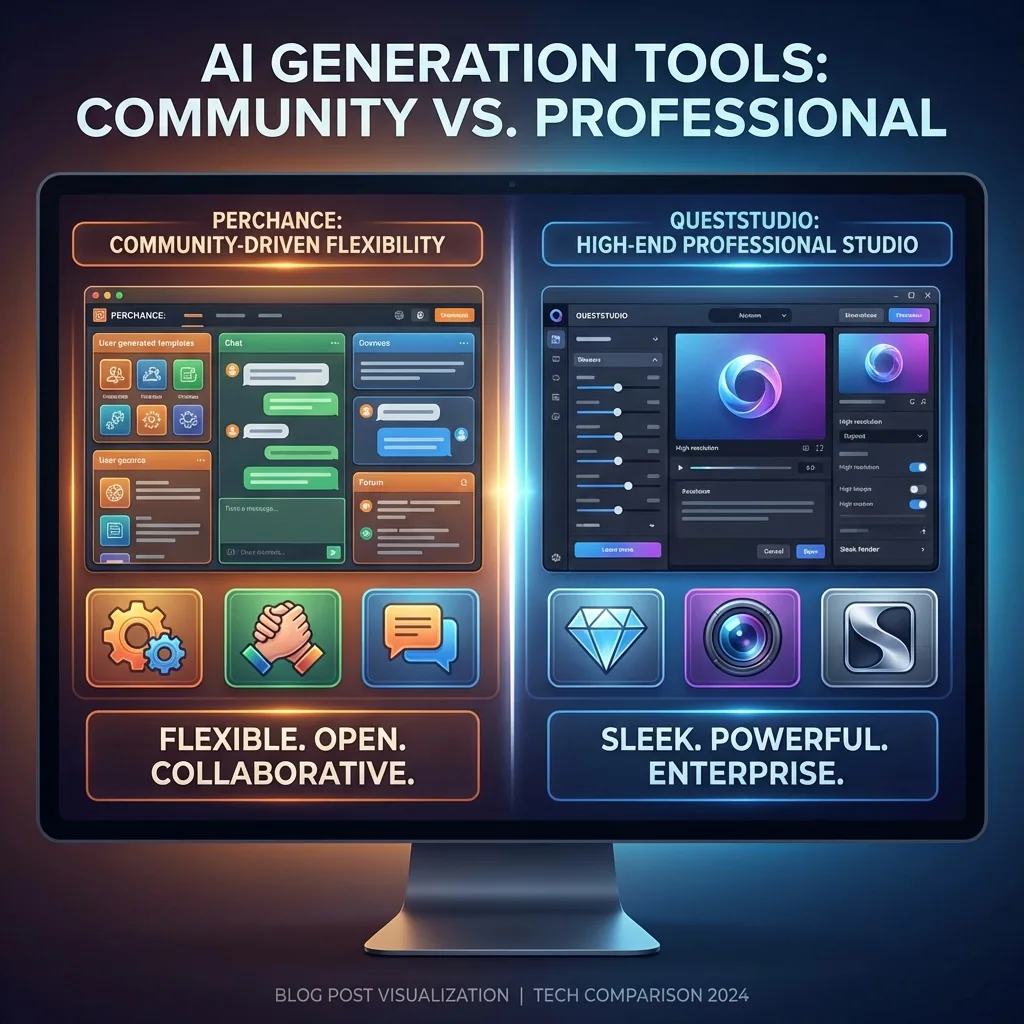

If you are choosing between Perchance and QuestStudio, you are probably trying to answer one simple question.
Which one helps me create what I want faster, with less guesswork?
Perchance is popular because it is free, fast to try, and does not force you to sign up. QuestStudio is built for creators who want a full workflow in one place, with serious controls, side by side model comparison, and a prompt system you can reuse across projects.
Here is the real difference, in plain language.
The quick summary
Choose Perchance if you want:
- A quick, no sign-up way to generate AI images from text
- A casual tool to experiment with prompts and styles
- A lightweight experience focused mostly on image generation
Choose QuestStudio if you want:
- An all in one studio for images, video, voice, music, and characters
- Multiple model comparison so you stop guessing which model is best
- Pro controls like inpainting, seed control, negative prompts, resolutions up to 4K, and structured prompt organization
If you create content regularly, QuestStudio is the stronger long-term choice because it is built around repeatable workflows, not one-off generations.
Perchance strengths and where it fits
Perchance is at its best when you want to type a prompt and get images quickly without logging in. It is designed for low friction experimentation, and it has prompt guides and community discussions that help people learn the basics.
Perchance is a solid option if your goal is:
- Generate some quick visuals for fun or inspiration
- Test prompt ideas without setting up an account
- Make lots of batches fast and keep moving
Where Perchance usually becomes limiting is when you want a full production pipeline, consistent assets, organized prompts, and the ability to move from image to video to audio without switching tools.
QuestStudio strengths and why it wins for serious creators
QuestStudio is built like a creator workstation. Instead of doing one thing, it covers the whole loop: plan, prompt, generate, edit, upscale, organize, and reuse.
Here is what that looks like in practice.
1) Better image workflows, not just image generation
QuestStudio Image Lab supports:
- Text-to-image
- Image-to-image with reference modes like style, character, and depth
- Inpainting with mask editing
- Character profile support
- Multiple model comparison mode so you can run the same prompt across models and pick the best result
It also gives you the controls most creators end up needing:
- Aspect ratios: 1:1, 3:4, 4:3, 16:9
- Resolutions from SD up to 4K
- Style presets, negative prompt, seed control
- Visual prompt builder, surprise prompt generator, queue management, bulk actions
If you have ever wasted time rerolling the same prompt, model comparison changes everything. You quickly learn whether the prompt is the problem, or the model is.
For related workflows, you can naturally route into:
2) Video generation and transformations in the same studio
Perchance is mainly known for image generation. QuestStudio is built for creators who also need motion.
QuestStudio Video Lab includes models like Sora 2, Veo 3.1, Kling Turbo, Seedance Pro, and Runway Gen-4 variants, with:
- Text-to-video
- Image-to-video
- Video-to-video transformations
- Storyboard mode for multi-scene projects
- Aspect ratios for widescreen, story vertical, and square
- Duration controls and queue tools
If you are building short-form content, ads, trailers, or story sequences, you do not want to bounce between five tools.
Relevant internal links:
3) Voice and music, so your content feels finished
If you are publishing content, visuals alone are not the whole job.
QuestStudio Voice Lab supports text-to-speech, voice cloning, and speech-to-speech workflows, plus voice profile management and multilingual options.
QuestStudio Music Lab supports text-to-music, sound effects for videos, and even stem splitting so you can separate instrument tracks.
Relevant internal links:
4) Characters, consistency, and custom training
If you want consistent characters, brand visuals, or product consistency, you need more than random rerolls.
QuestStudio includes:
- Character Forge for consistent character creation and management
- Identity controls, traits, and reference-based workflows
- LoRA Lab for training custom LoRAs for style, character, or product consistency
- The ability to use trained LoRAs inside Image Lab
Relevant internal links:
5) Planning and prompts that you can actually reuse
This is the part most creators ignore until they are overwhelmed.
QuestStudio includes:
- Planning Lab with multiple AI models for brainstorming and checklists
- Prompt Lab with a prompt library, folders, bulk upload, search and filter
- Send prompts directly into Image, Video, Character, or Audio workflows
Perchance has prompt guides, but QuestStudio is built around prompt organization as a core feature, not an afterthought.
Relevant internal links:
Which one should you pick for your workflow
Use this quick decision guide.
Pick Perchance if:
- You want a free, no sign-up image generator to experiment quickly
- You mostly need casual image generations and do not care about a full pipeline
Pick QuestStudio if:
- You want better control over results, including inpainting, seed control, negative prompts, and 4K outputs
- You want side by side model comparison to stop wasting time
- You want images, video, voice, music, characters, and prompt organization in one place
- You want consistent characters or custom LoRA training for brand-level consistency
Bottom line:
If your goal is to publish content consistently, QuestStudio is the smarter choice because it helps you build a repeatable system.
How QuestStudio helps (woven in, not a pitch)
Most creators do not need more tools. They need fewer tool switches.
QuestStudio helps you:
- Plan projects, generate prompts, and keep everything organized
- Compare multiple models fast so you pick the best output early
- Move from image to video to voice and music without rebuilding your workflow
- Save prompts and reuse them so your results improve over time
If you are creating YouTube assets, these can fit naturally too:
FAQ
Is Perchance really free and no sign-up?
Why do different Perchance generators give different results?
Is Perchance good enough for professional work?
What makes QuestStudio faster than using a single free generator?
Does QuestStudio cover more than images?
When should I switch from Perchance to QuestStudio?
Conclusion
Perchance is great when you want quick, free image generations with zero setup.
QuestStudio is the better choice when you want a creator-grade workflow: model comparisons, real editing controls, organized prompts, consistent characters, and the ability to generate images, video, voice, and music in one place.
If you want to feel the difference immediately, try QuestStudio with one real project: generate the same prompt across multiple models, save the winner to your prompt library, then reuse it for your next asset.
Ready to try QuestStudio?
Compare models side by side, save your best prompts, and build a reusable library. Start with a free trial and see why creators choose QuestStudio for production workflows.
Get Started Free