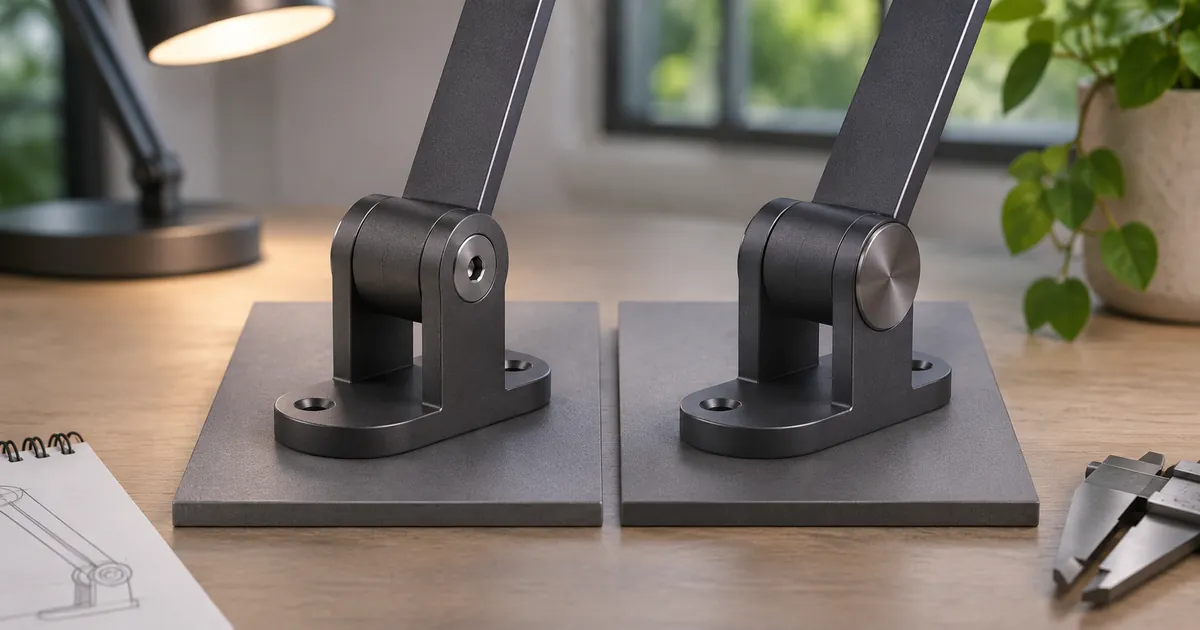

Turn one product change into a clear release demo by showing the same task before and after the update. Match the angle, starting state, and visible evidence. Describe the current version and the conditions where the change works. A viewer should be able to say what changed and how it affects their use without needing to decode a feature announcement.
Jump to the Video Lab example or download the worksheet.
Pick an improvement the camera can prove
Start with a release note, a verified specification, and the two versions you can inspect. Write a one-sentence description of the change. “The desk lamp now has a captive hinge pin” is clearer than “improved construction.” Select the task where the difference appears. Does the owner fold the lamp for storage, fit it to a narrow shelf, or remove one part? Put that visible action at the center of your demo. A claim such as better durability may require a separate test and cannot be proven from one attractive movement.
Consider a fictional folding lamp whose adjustable knob is now captive so it stays attached when the hinge opens. The older version's knob can be removed during the same operation. Show both starting from the same ordinary closed position. Use the real manufactured units and check the exact release scope. If only the new graphite SKU changed, make that clear near the comparison. A matching shot of the amber version can help with color description and should never appear to demonstrate a hinge update that it lacks.
Capture the dimensions and parts the buyer needs to confirm. A smooth close view of the new movement can still miss a tiny label or attached piece. Record a detail angle and keep a wider reference so a reviewer can see which part is being moved.
Film a controlled before and after
Lock the camera height, crop, light, and distance. Mark the product position on the tabletop and match the focus. A side view may be best for seeing when a knob lifts out. Record the operator's hand following the same gesture for both versions, using reasonable pressure. Keep both outcome frames long enough to compare. An old clip showing an unrelated setup can place a stronger emphasis on the problem than the update actually solves. Capture a new before shot if you have the older unit and can show a fair comparison.
| Beat | Earlier product | Current sample |
|---|---|---|
| Start | Lamp closed, same view | Lamp closed, same view |
| Action | Loosen the knob during fold | Same hand and basic motion |
| Result | Knob removed from hinge | Knob remains in place |
| Destination | Earlier version recorded in notes | Direct link or docs for confirmed variant |
Label the two columns or clips in editable text. Put exact variant and version information in the caption or nearby description. If the result is more important than the approach, hold a frame after both operations and give the viewer one line of explanation. A drawn pointer can show the knob's position in the new variant. Keep it away from the fastener or actual hinge. The guide to callouts on moving products explains how to attach that pointer without sending it to the wrong feature.
Match the dialogue and caption to the real change. Say that the knob stays attached during normal adjustment if you can show it. If servicing requires removing it with a tool, write that in the product documentation where relevant and avoid an absolute claim.
Keep a simple delivery order
Open on the real task or outcome. Give a short identifier for the old version, show the previous action, and then introduce the current version. Put the shots close enough together for viewers to remember a specific motion. A side-by-side presentation works when each half has enough space to show its product. On a narrow phone, two sequential clips with matching scale can be easier to inspect. Compare the actual preview before choosing.
Keep your core transcript brief. A clear version might say “On the earlier lamp, the adjustment knob comes out at the end of the turn. This graphite version holds the knob in place during normal folding.” Show each result while the relevant sentence plays. Hold after the new action so the viewer can see which pieces are still attached. Use real audio where it helps confirm the movement. If the exact action isn't visible, capture a second view instead of banking on the explanation.
Carry the same product identifier, offer, and availability through the title, captions, and destination. Help a reader reach the correct product or documentation page, especially if multiple versions still ship. The preorder guide has an approved claim record for products that have not launched yet.
Check the change from the viewer’s perspective
Ask a new viewer what was improved. Listen for “it looks nicer” if the actual change was that the part doesn't loosen entirely. That suggests the result angle or label needs a stronger proof. Have them identify which version in the store has the feature. Check on a phone with captions and sound separately. The proof should work with the products in the picture even when the narration is muted.
Save the actual samples, source labels, and feature state beside the final export. Put the release number and date in the content record. If a supplier changes the parts again, revisiting the demo takes one side-by-side capture and a review rather than recreating the campaign.
How QuestStudio helps
Use QuestStudio Video Lab to explore neutral establishing movement around a verified still. Use real footage for the before and after action that demonstrates the change. A visual sketch can help plan the shot, while the actual hardware establishes the claim.
Use the supplied real graphite lamp photo for a steady tabletop establishing view. Gently move the camera laterally, preserve the lamp, hinge geometry and finish exactly, no moving parts or hands, unchanged product marks.Keep the resulting establishing shot only if it accurately matches the current lamp. Place the real matched demonstration immediately after it and make the version labels editable.
Try it with your own material
Show the old and new parts doing the same job beside each other. If someone can identify the improvement and reach the right version, the release demo communicates a useful change.
References
Frequently asked questions
What if I don't have the old unit?
Use an approved original clip that honestly shows the same task. If a fair comparison is unavailable, demonstrate the current version and describe the change precisely.
Should I show every new feature?
Use one change if it solves one clear buyer question. Make a second demo for another job that needs its own proof.
Can I use an AI-generated before shot?
Use real evidence for the product and action. A clearly identified concept may explain an idea, but physical claims need verified material.
What if only one variant has the update?
State the applicable variant in the video and destination. Verify a shopper can identify and select it before publishing.
Related guides
 Video
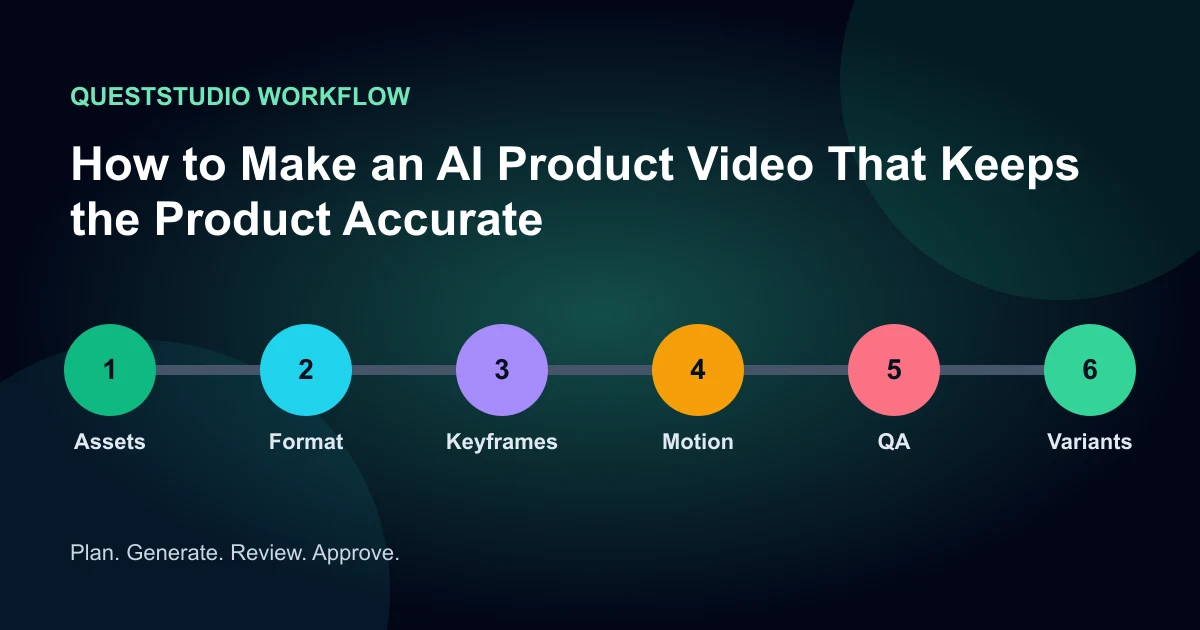
How to Make an AI Product Video That Keeps the Product Accurate
Make an AI product video from approved photos with safe motion, shot planning, model tests, frame-by-frame QA, and ad-ready variants.
 Creator Workflows
Preorder Product Launch Creative Buyers Can Trust
Build preorder ads and product images around a confirmed ship window. Use a claim sheet, real prototype photos, and a test checkout before publishing.
 Video
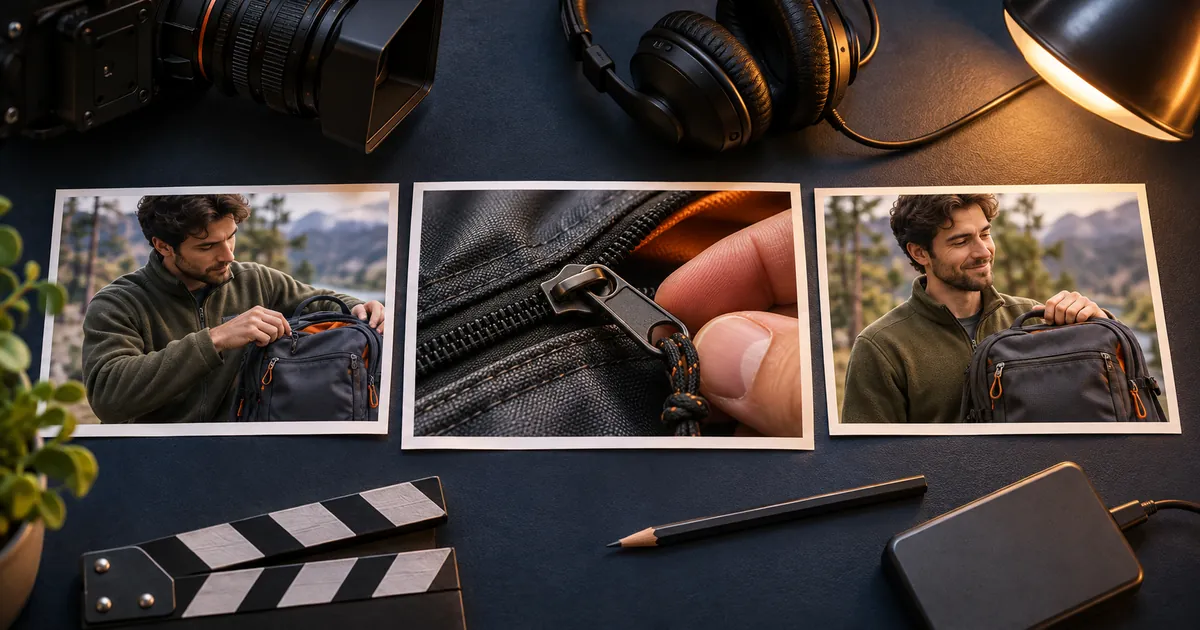
Cutaway Editing for Product Demos With Missing Frames
Hide unusable video frames with a cutaway that still explains the action. Preserve the original audio, find real detail footage, and test both joins.