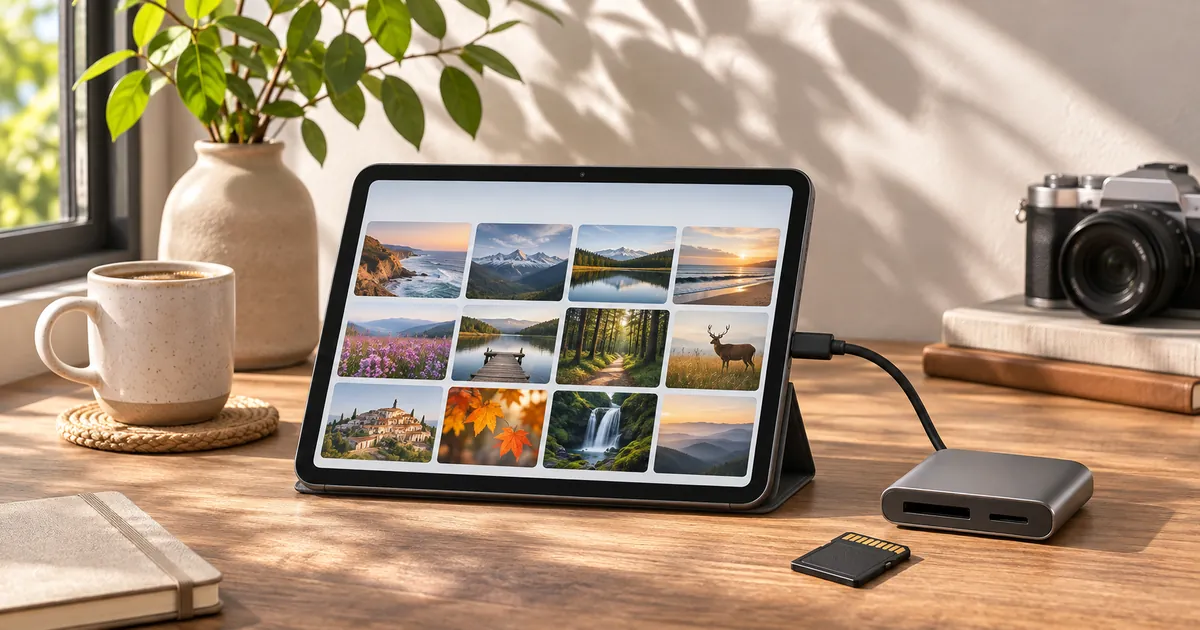

A card reader makes iPad culling easier when your camera stores work on full-size SD cards and your iPad can read the files in the app you use. Start by importing a small batch that includes every file type you shoot. The ProGrade PG08 dual SD reader is worth considering when you rotate two full-size SD cards or also offload to a computer.
Gear to consider
We may earn a commission if you buy through these Amazon links.
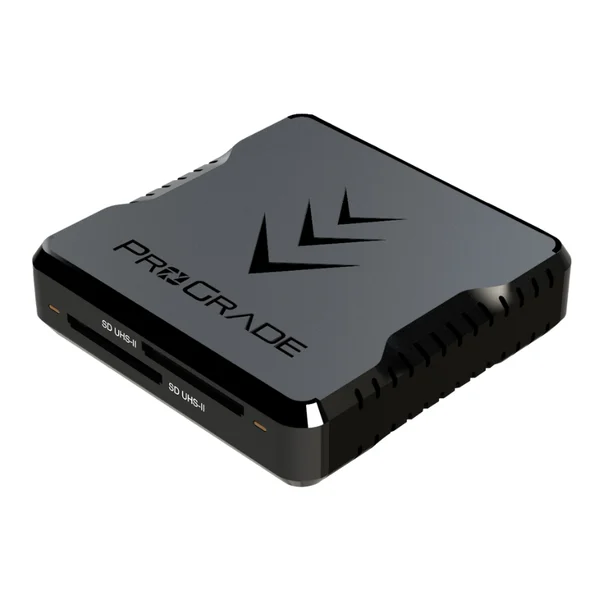
ProGrade Digital PG08 dual-slot SD reader
For full-size SD cards and a tested iPad workflow
Consider the PG08 if you rotate two full-size SD cards or will also use it with a supported computer. Test your iPad and app before relying on two slots.
Decide what the iPad needs to retain
For fast on-set picks, import a small set of JPEGs or previews and mark selects while the camera originals remain on the card. For actual RAW editing, test that your app can open raw files from your camera, including special compressed variants you use. Decide where the files and decisions will go after the shoot. A rating in a particular app may not travel with a copy of the file unless that app exports the rating or stores it in a compatible catalog or sidecar.
Choose a consistent folder and card naming pattern. For example, use the shoot date plus a short job name, then A01 and B01 for cards from two cameras. That makes it possible to find original files even if both cameras start at the same number. Make a note when a card is already backed up and when it was used to import picks. These are separate states.
What the reader and reviews actually cover
ProGrade's PG08 documentation describes two full-size UHS-II SD slots and lists compatibility details for the reader. Read that alongside Apple's iPad import instructions and the instructions for your app. A dual-slot SD reader does not give you a CFexpress or microSD slot. Check the exact card format and the iPad connector before buying.
Shutter Muse tested the PG08 as a dual-card reader. Its computer-based tests help explain where separate slots could save handling time. They do not establish what your iPad and chosen import app do with two cards mounted at once. Use one slot at a time until you see how your device labels each source and which files your app presents.
| Working pattern | Start with | What to test |
|---|---|---|
| One card and quick JPEG picks | A compatible single-slot reader | Time to the first usable thumbnail |
| RAW culling on iPad | A sample of every camera file type | Preview, selection and export of decisions |
| Two full-size SD cards per session | PG08 if the host and app support your plan | Which source is active and where files go |
| Verified offload | An independent second copy | Counts and representative files on both copies |
Run a twelve-file import before leaving
Use a spare card with test images. Shoot a mix you will actually encounter, such as six JPEGs and six raw files or a few RAW+JPEG pairs from two bursts. Connect the reader directly with the correct host cable. Import a subset into the app you use for culling. Check that both kinds of images display, poses can be compared at the zoom you need, and the original file names are visible when you make decisions.
Mark three picks and note their file names. Try the handoff to your normal editing station, or export the selects along with the list. If ratings do not travel, keep a reliable filename list and use full file paths where names can repeat. Try reopening your selections after disconnecting the reader. This tells you whether you copied files to the iPad or made decisions against files still on removable storage.
Make the culling kit easy to recover
Before a long session, verify available iPad space, make sure your chosen app works offline if needed and pack the correct cable. If the second card contains photos from a different camera, import a few files from it independently before combining batches. Label physical cards clearly. Confirm copies before reuse and keep cards with the only original in a separate case. The verified SD copy guide walks through the handoff checks.
If you mainly need one card and already own a compatible reader, time the workflow with it first. A dual-slot unit makes more sense when handling two cards is routine or when the same reader will do more work on a separate supported computer. See the UHS-II reader guide for how slot and host limits affect a larger transfer.
Keep the first pass small enough to finish
On a busy shoot, start with the candidates from one setup before importing a whole afternoon. Compare eyes, hand positions or product edges at the same zoom, then flag a first pick and one alternate. Save enough context that an editor can identify the shoot and camera card without asking. If two files look identical and you need a filename, verify it against the original card while it is still labeled. A small finished pick list is easier to hand off than a large import with uncertain selections.
Turn selected frames into a clear reference in QuestStudio
Once your original files and pick list are preserved, use Image Lab to explore treatments with photos you have permission to use. Keep the selected original next to the experiment. Note which file informs each crop or concept so the handoff from the tablet to editing stays traceable.
Frequently asked questions
Does a dual-slot reader speed up every import?
It can reduce card swapping. Your card, iPad connection and app set the actual throughput and determine whether the two sources work together in your workflow.
Can I connect the PG08 to a Lightning iPad?
Verify the exact iPad and supported adapter and power arrangement before buying. A USB-C plug alone does not establish a compatible route for a Lightning model.
Will Photos and a separate editing app show the same picks?
Test with your apps and file types. Use a clear filename-based handoff where ratings or flags are saved inside one app's library.
Can I format a card after culling on the iPad?
Wait until the full set of required originals is verified in independent storage. A folder of picks or thumbnails is an incomplete copy of the shoot.
Choose the reader around your file flow
Keep a simple single-slot reader for one-card shoots if it passes your import test. Choose the dual-slot PG08 when you have a compatible iPad setup, regularly use two SD cards and can describe how each copy and pick will reach the editor.
Download the setup checklist (CSV)
Ready to check the listing?
We may earn a commission if you buy through these Amazon links.
ProGrade Digital PG08 dual-slot SD reader
Sources and further reading
Affiliate disclosure
As an Amazon Associate I earn from qualifying purchases. Recommendations draw on product documentation and the external tests linked above. The hero is an AI-generated setup illustration.
Continue with a useful next step
 Video
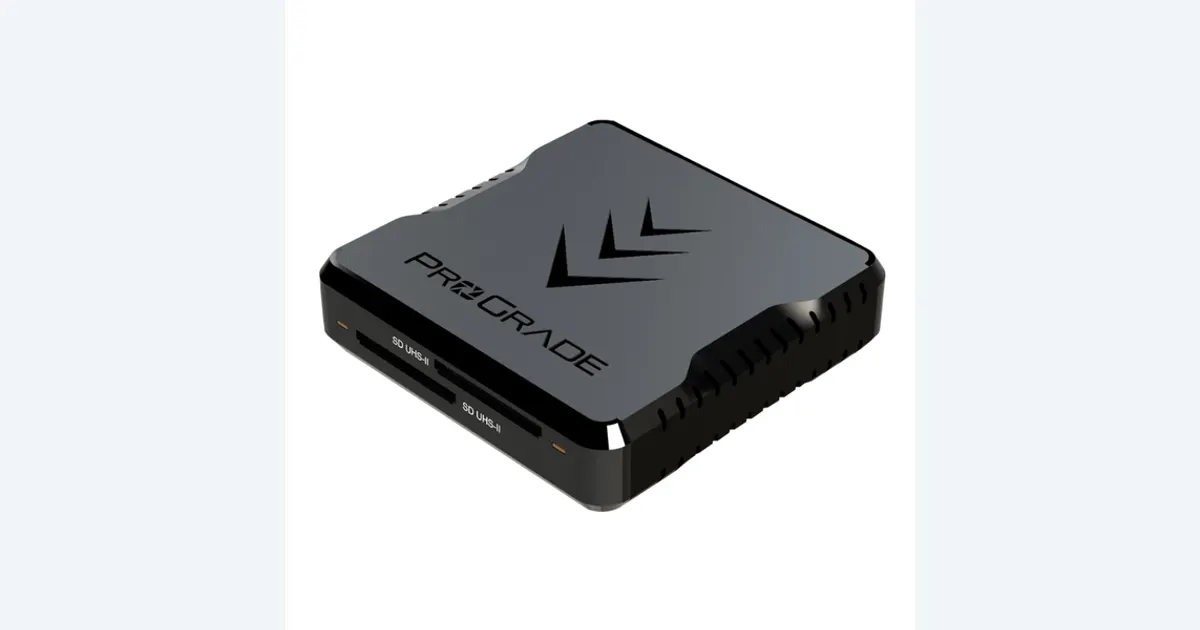
UHS-II Card Readers: Build a Verified Video Offload
Choose a UHS-II SD card reader for video ingest. Check ProGrade PG08 slots, host speed and two-copy verification before you erase a camera card.
 Creator Workflows
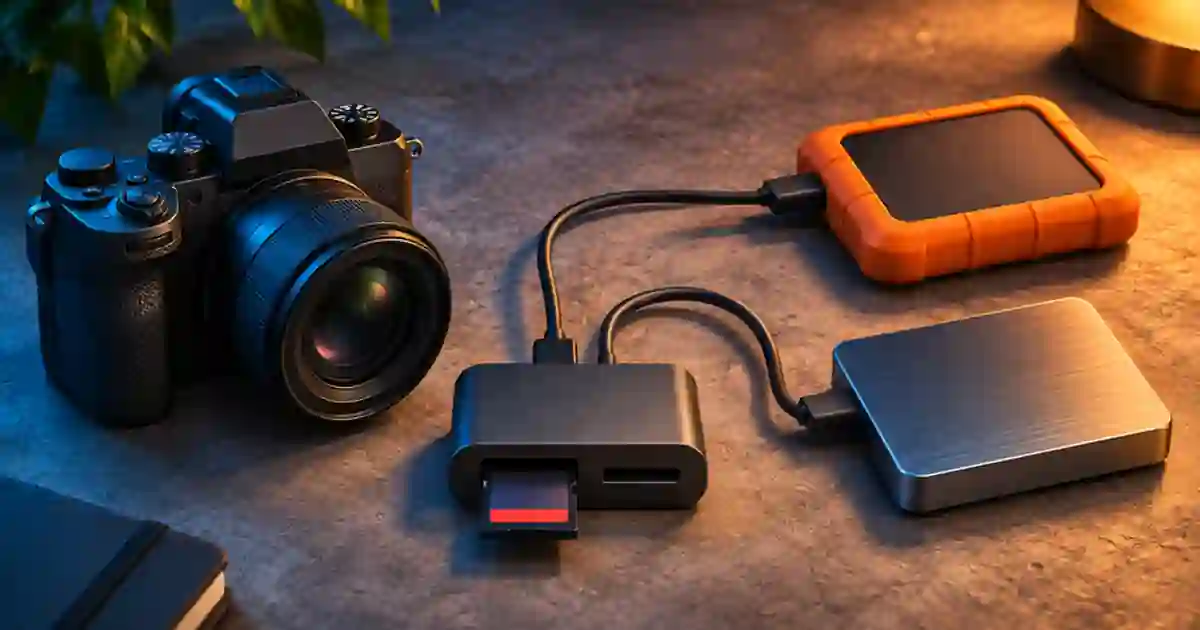
Verify an SD Card Backup Before Formatting It
Verify a camera SD card backup with file hashes, two separate destinations, and playback checks before you format the card for your next shoot.