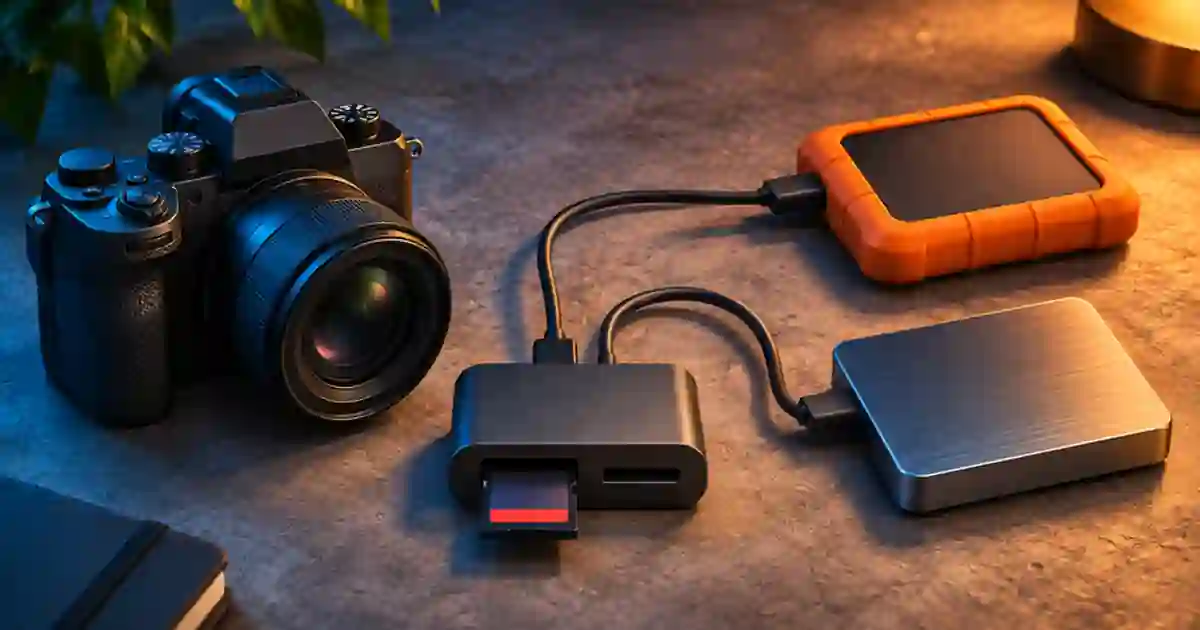

Before I format a camera card, I want two readable copies on separate storage devices and a record that each matches the card. Seeing a folder appear on a drive is a start. I recommend checking the full folder structure, comparing file hashes, and opening representative clips from the actual destinations while the card is still available.
My gear pick for this setup
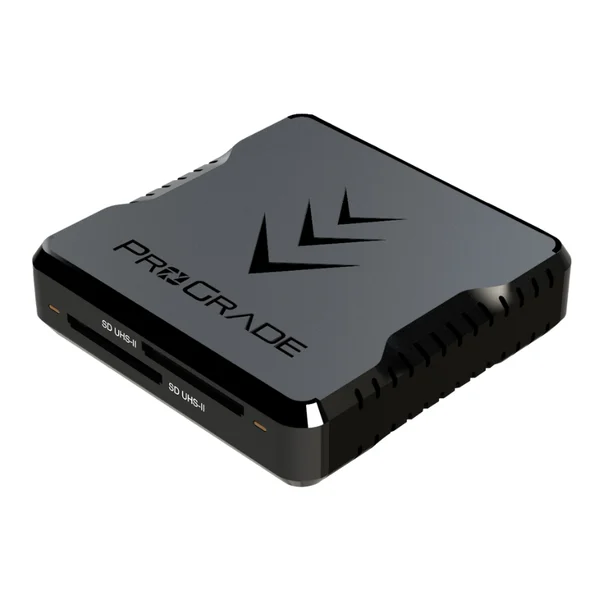
ProGrade Digital PG08 dual-slot SD UHS-II reader
A two-slot reader for a repeatable camera offload
I’d use the ProGrade PG08 if I regularly offload full-size SD cards and the host connection supports it. I’d still verify each destination and keep the card until both copies pass.
Keep the card as the source of truth
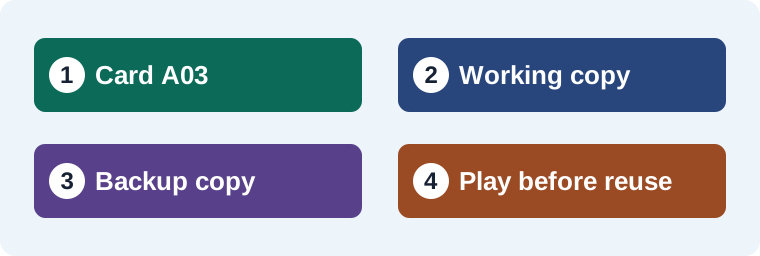
Give every physical card a unique label and match it to a folder name. For example, I would copy card A03 into a new A03 folder on the working drive and another A03 folder on the backup drive. If your camera makes a parent directory containing metadata and video together, copy that directory intact. Some applications rely on the folder structure for clip names, spanned recordings, audio or other metadata. Selecting only the obvious MP4 files can leave you with an incomplete camera original.
Keep the card unchanged while checking the copies. Avoid renaming files on the source or removing small sidecar files because you think you will never use them. If the card shows a read error, preserve it and log which file failed. I would try a known good reader and connection before approving either destination. A second copy made from a bad first copy can reproduce the same bad data.
Compare files by relative path and hash
A checksum is a compact value calculated from a file's bytes. If a source file and its copy have the same SHA-256 hash, that is a strong check that their contents match. Compare the file list as well. A matching hash for one clip tells you about that clip, while a manifest records a hash for each expected path. An offload tool that verifies its copies can generate a report. Keep the report with the card label and date.
On Windows, I can spot-check one file with PowerShell’s Get-FileHash -Algorithm SHA256 -LiteralPath followed by the file path. Repeat for the source and each destination. Keep quotes around a path containing spaces. For a real shoot, I prefer a full manifest or verified-copy tool to a series of manual spot checks. Match rows by relative path so two cameras that reuse the same filename do not get mixed up. If a path is missing or its hash differs, retry the copy into a new folder and keep the original card.
Open clips from each actual destination
After verification, I unplug or eject the source card safely and open clips from the working drive and the backup drive. That removes the risk of a player following a shortcut back to the card. Check the beginning and end of a long take and any unusual format or high frame rate clip. Listen for expected audio and see whether the editor recognizes metadata and file structure. A hash proves that the bytes match. Playback tells you whether the copied material serves the edit and whether it was readable in the first place.
If the editor created proxies automatically, confirm the file you opened is the original on the destination. On a long project, I note when the full-resolution files went online and which backup path has been verified. That makes it easy to hand the project off or pull a replacement clip without guessing where the masters live.
Use a clear decision for reusing the card
| Result | Card decision |
|---|---|
| One verified destination | Keep the card until the second copy is verified. |
| Both copies match but a required clip will not open | Keep the card and investigate the original and editor support. |
| One hash or folder is missing | Repeat that copy and check the full report again. |
| Both copies match and the media plays | Record the approval and follow the camera’s format procedure when ready. |
For a small product shoot, my written sign-off is simple. Card A03, two verified destinations, opened first and last takes, kept the report. I only reuse the card after the person responsible for originals agrees. The recording time guide can help plan a spare card so you do not have to hurry the decision on set. If offload itself is the bottleneck, see the reader and connection workflow.
Keep generated inserts with the edit
When I add a short supporting shot from Video Lab, I store it with the edit and give it a shot and take number. Keep it separate from the camera card manifest so a later replacement leaves the verified camera originals easy to identify. Back up the accepted insert alongside the project file and compare it against the captured shot before delivery.
A card log that earns a format decision
For a 12-clip card, I’d record the camera ID, number of files in the complete directory, and the location of both verified copies. If a long clip opens on the working SSD but the backup hash report flags a mismatch, I keep the card and create a fresh backup folder. I open the new copy after matching the report, and only then mark the card reusable. The worksheet keeps all three records together. Review the destination name before signing off, especially if both drives have similar names. An offload verification that points at the same drive twice gives you fewer independent copies than the log implies.
Download the media backup workflow worksheet (CSV)
Frequently asked questions
Can I compare file sizes instead of hashes?
File size catches some incomplete transfers. A checksum comparison also checks whether files with the same length contain the same bytes.
Do I need a second drive?
I recommend separate storage devices so losing one drive does not remove both copies. Use the backup policy your project requires.
Should I hash the card after deleting clips?
Verify against the original folder while it is intact. Keep the card unchanged until both destinations are approved.
Does a matching checksum prove the source footage looks good?
It shows the copied bytes match the source. Open representative files to check playback, audio and the format your editor needs.
Sources and further reading
Affiliate disclosure
As an Amazon Associate I earn from qualifying purchases.
Continue with a useful next step
 Video
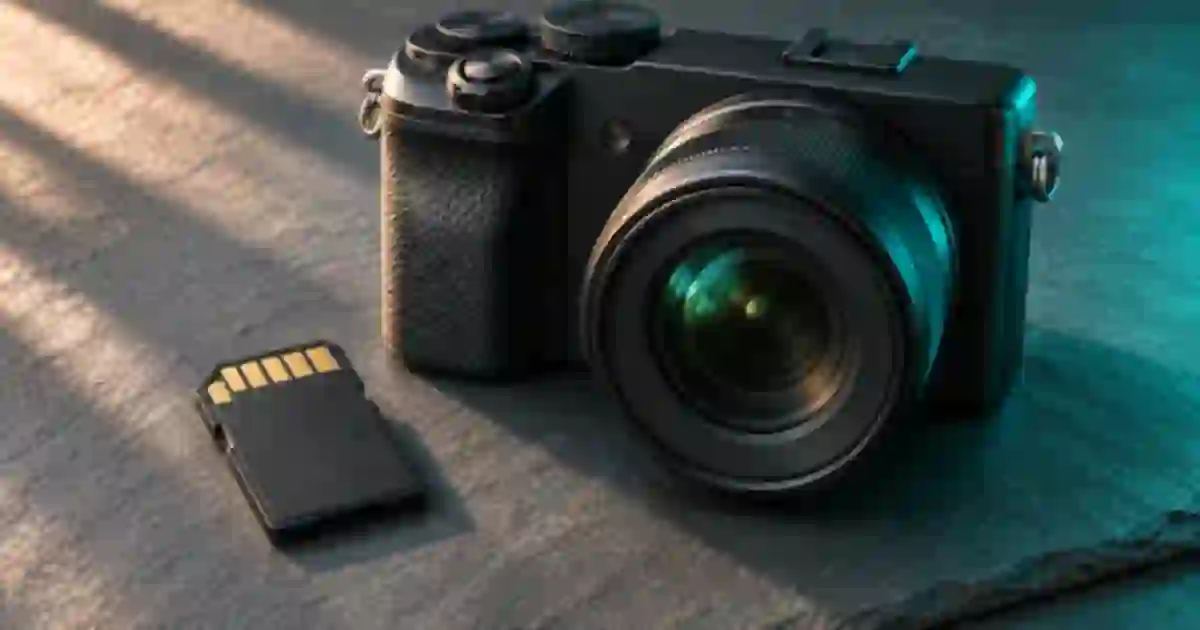
UHS-II Card Readers: Build a Verified Video Offload
Choose a UHS-II SD card reader for video ingest. Check ProGrade PG08 slots, host speed and two-copy verification before you erase a camera card.
 Creator Workflows
SD Card Recording Time for 4K Video by Bitrate
Estimate 4K SD card recording time from bitrate and free space. Compare 64, 128 and 256 GB cards, then leave room for extra takes and camera overhead.
 Video
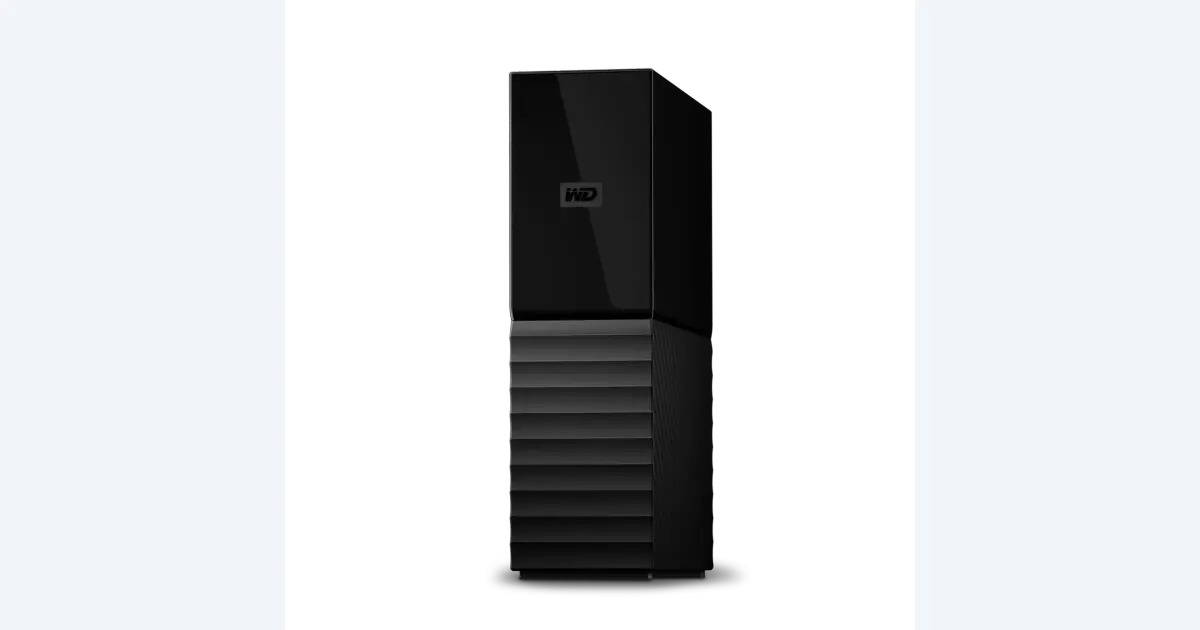
Backup Hard Drives for Video: Plan a Real Restore
Choose backup storage for video projects by retention and recovery. See where an 8 TB WD My Book fits, then run a nondestructive project-restore exercise.