
This guide turns a current search question into a repeatable production decision. It focuses on the source, controls, review, and destination checks that determine whether an output is actually useful.
The short version
Seedance 2.5 changes the planning unit from an isolated clip toward a connected scene. ByteDance's July 31, 2026 launch describes up to 30 seconds in one generation, extensions, many multimodal references, timestamp-level controls, and more reliable editing. Seedance 2.0 established the joint audio-video and reference workflow that made the upgrade possible.
That does not make every 2.0 workflow obsolete. A five- or ten-second product action, camera insert, reaction, or transition may be easier to approve as a bounded shot. Longer generation creates more opportunity for continuity—and more surface area to inspect. Choose by deliverable and access, not release number.
Seedance 2.5 vs 2.0 at a glance
| Decision | Seedance 2.0 workflow | Seedance 2.5 change |
|---|---|---|
| Planning unit | Controlled audiovisual clip | Longer connected sequence |
| Single generation | Shorter clip workflow | ByteDance states up to 30 seconds |
| Continuation | Build adjacent clips | Multi-round extensions |
| References | Multimodal reference generation | Up to 30 images, 10 videos, and 10 audio clips per official launch |
| Editing | Regenerate or finish externally | Timestamp-targeted and reference-based edits |
| QuestStudio | Available in Video Lab | Not currently listed |
Access and exposed controls vary by platform. Treat ByteDance's primary documentation as the model capability source and the interface you use as the operational source.
What longer generation changes
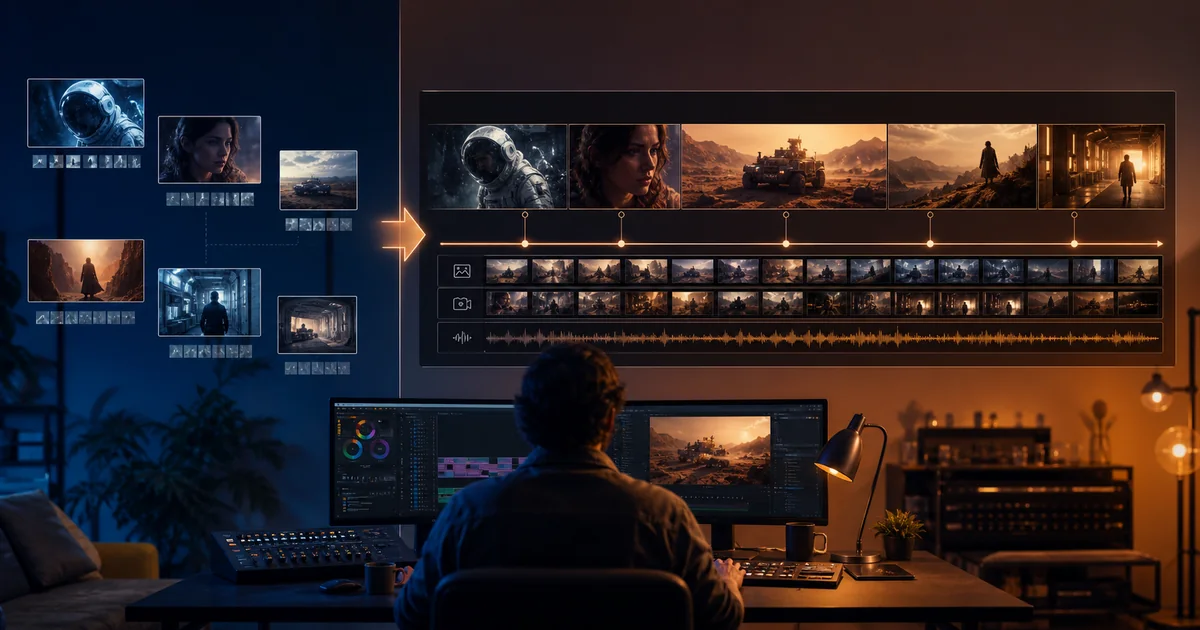
A 30-second generation can contain setup, development, turn, and resolution. That can reduce seams between independently generated clips, but it requires a beat map. Write what changes across time, which facts must survive every beat, and where the camera may transition. If the prompt is just a paragraph of atmosphere, extra duration can become extra wandering.
Longer is valuable for continuous performances, walk-throughs, demonstrations, and multi-shot sequences with one audiovisual language. It is less valuable when each shot needs a different approval owner, product claim, crop, or channel version. In those cases, modular clips may remain safer.
What the expanded reference system changes
The official launch says 2.5 can accept up to 30 images, 10 videos, and 10 audio clips in a single pass. Capacity is not a recommendation to fill every slot. A large reference pack needs a manifest: identity, wardrobe, product, location, camera, movement, voice, ambience, or style. If two sources control the same fact, declare precedence.
Use the smallest set that proves the workflow. Begin with one character anchor, one location frame, one motion reference, and one authorized audio reference. Add a source only when it resolves a named failure. This keeps rights, conflicts, and production decisions understandable.
What timestamp editing changes
ByteDance describes edits targeted to particular time ranges, including character, action, plot, camera perspective, green-screen, and reference-based adjustments. The production advantage is selective repair: a problem at seconds 12–15 may not require rebuilding a successful opening.
Selective editing still needs regression review. After changing one interval, inspect the seconds before and after it, identity, wardrobe, object state, light, sound continuity, and the final export. A local fix can create a new seam. Save the pre-edit version and document the requested change.
Use this decision tree
- Do you have 2.5 access? If no, design a modular 2.0 workflow rather than waiting.
- Does the story need a continuous 15–30 second arc? If no, a bounded 2.0 shot may be sufficient.
- Do many references control distinct facts? If yes, 2.5 capacity may help, but build a manifest.
- Will one interval need targeted changes? If yes, 2.5 editing can reduce full regeneration.
- Can your team review the longer result? If no, divide the work into independently approved shots.
Example: a 24-second product story
The deliverable opens in a kitchen, follows a reusable bottle into a bag, moves through a commute, and ends at a desk. In 2.0, plan four shots with a locked product reference, screen direction, light progression, and edit handles. Generate and approve each shot, then build sound and continuity in the editor.
In 2.5, write a four-beat timeline and supply product, location, motion, and audio references with named roles. Use a consistent bottle state and specify where scene transitions occur. If the desk reveal fails, target that interval, then verify the entire sequence. The creative idea is the same; the unit of generation and repair differs.
Do not confuse a model launch with availability
At launch, ByteDance said Seedance 2.5 was rolling out through Jimeng AI and Doubao Pro, with BytePlus ModelArk API access coming soon. Availability can change. Check the current platform, region, plan, API, output rights, and controls before building a deadline around it.
QuestStudio currently exposes Seedance 2.0, not 2.5. That makes the current CTA useful for testing a bounded version of the brief, but it is not a 2.5 trial. The distinction must remain visible in product copy and editorial recommendations.
How to run a fair workflow comparison
Use one authorized story brief and define outcome measures: accepted seconds, attempts, repair time, continuity errors, audio errors, and total time to approved export. In 2.0, divide the brief into shots. In 2.5, use a connected sequence only if you have access. Do not call it a benchmark unless the references, settings, review panel, and sample are genuinely comparable.
A one-generation win is anecdotal. Repeat the workflow across several representative jobs before changing a production standard.
Final selection checklist
- The current host actually exposes the named version and required controls.
- The deliverable benefits from a clip or a connected sequence, not duration for its own sake.
- Every reference is authorized, necessary, and assigned one role.
- Beat timing, camera transitions, subject state, and audio are explicit.
- Targeted edits are reviewed for regressions before and after the changed interval.
- Product, identity, dialogue, physics, and claims pass at full size and destination size.
- Cost is evaluated per approved second and final export.
Read the official Seedance 2.5 launch for current first-party capability details, then use QuestStudio's available Seedance 2.0 route when a bounded shot can complete the job today.
Frequently asked questions
Is Seedance 2.5 longer than Seedance 2.0?
ByteDance says Seedance 2.5 supports up to 30 seconds in one generation plus multi-round extensions.
Does Seedance 2.5 support more references?
The official launch states up to 30 images, 10 video clips, and 10 audio clips in one pass.
Is Seedance 2.5 available in QuestStudio?
Not currently. QuestStudio lists Seedance 2.0 in Video Lab.
Should I always choose Seedance 2.5?
No. Choose based on access, deliverable length, reference complexity, editing needs, and the team’s ability to review the result.
Does timestamp editing remove the need for QA?
No. Review the edited interval and the surrounding sequence for new continuity, identity, audio, or physics failures.