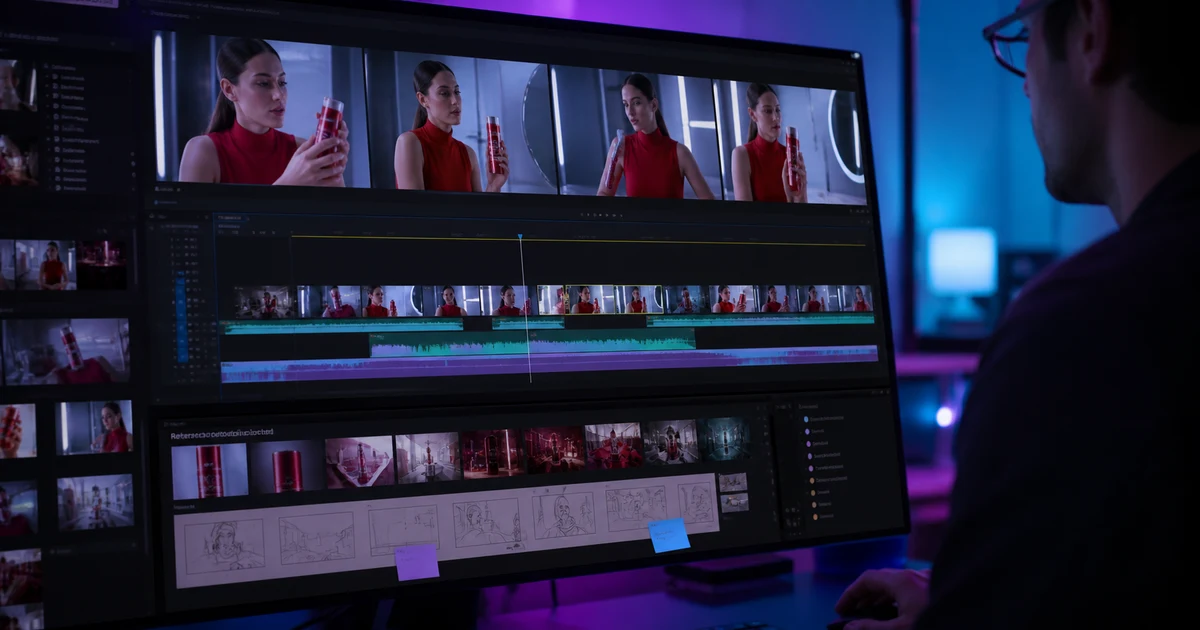

How to Edit AI Video Clips Together Without Continuity Breaks helps you complete one real creation job with a repeatable process and a clear approval standard. It focuses on the decisions that determine whether the output is useful, accurate, and ready for its destination.
Why generated clips resist editing
Traditional coverage records the same people, set, and props across multiple angles. Generated clips may reinterpret those facts every time. A jacket gains a pocket, a package changes dimensions, light moves to the other side, or a walk cycle begins on the wrong foot. The editor inherits all of those decisions.
The fix is not a larger transition library. It is a smaller, explicit continuity system shared by generation and editing.
Create a continuity bible
Save a hero reference for every recurring person, object, and location. Record wardrobe, product geometry, palette, time of day, key-light direction, lens family, camera height, screen direction, and the state of important props. Add a simple top-down map when geography matters.
Generate for editability
Ask for a single shot, not a miniature montage. Specify the starting state, one action, end state, camera behavior, and what must remain unchanged. Leave one or two seconds of stable material before and after the action when the model allows it.
For adjacent clips, share an overlap: the same hand reaching, door opening, head turn, camera push, or object crossing frame. The overlap gives the editor a motivated cut point and exposes drift early.
Use five reliable seam strategies
- Matched action: cut during the same motion at a compatible phase.
- Cutaway: insert a verified detail that adds information while time advances.
- Occlusion: cut as a foreground object briefly covers the subject, without using it to hide a factual defect.
- Direction reset: use a neutral head-on or establishing shot before reversing screen direction.
- Audio lead or lag: begin the next sound before the picture changes or let the prior sound continue, creating perceptual continuity.
Match color and motion conservatively
Balance exposure and white balance before applying a look. Match skin and product colors using trusted references. Do not flatten every clip into the same contrast if the light logically changes.
For a deliberate timing change, follow the speed-ramp workflow to place the ramp around a readable action and check for duplicated edges or warped in-between frames.
Speed changes should preserve believable weight. Optical flow can create melted hands, duplicated edges, or elastic objects. Inspect frames around the cut at full size and normal playback speed.
Know when to regenerate
| Problem | Edit or regenerate? | Reason |
|---|---|---|
| Extra frames before action | Edit | Timing defect outside the useful moment |
| Minor exposure mismatch | Edit | Can be balanced without changing truth |
| Face or product changes | Regenerate | Structural continuity failure |
| Impossible limb or physics | Regenerate | Trust cannot be restored by a cut |
| Screen direction reverses | Reorder, reset, or regenerate | Depends on available neutral coverage |
Build one sound world
A continuous ambience bed can connect visually different clips. Add only motivated effects and keep perspective consistent: a wide shot should not sound like a microphone touching the object. Verify lip-sync and pronunciation after every timing change.
Seam review checklist
- Identity, wardrobe, product, and environment match the continuity bible
- Motion direction and phase remain understandable
- Light and color shifts have a scene reason
- No transition hides a material defect or false claim
- Audio perspective and ambience remain coherent
- The complete export was watched without pausing
For two clips shown simultaneously, follow the split-screen layout and timing workflow to calculate panel crops and synchronize one visible event.
Frequently asked questions
Why do AI clips look like different scenes when edited?
Each generation may reinterpret identity, objects, lighting, lens, and motion. A continuity bible and shared references reduce that drift.
What is the best transition for AI clips?
A motivated matched-action cut is usually stronger than an effect. Use transitions only when they serve time, place, or meaning.
Can color grading make AI clips match?
It can balance exposure and palette, but it cannot fix changed faces, products, anatomy, or geometry.
How much overlap should clips have?
Aim for a clear repeated state or action plus a short stable handle when possible; exact duration depends on the shot.
When should I regenerate a clip?
Regenerate when structural truth or continuity fails, especially identity, product detail, anatomy, physics, or required text.
Continue with a useful next step
 Video
VideoOpus Clip ClipAnything Tutorial: Find Clips That Keep the Context
Use ClipAnything prompts to find useful moments in long videos, then check source context, clip boundaries, captions, and the promise of each short.
 Video
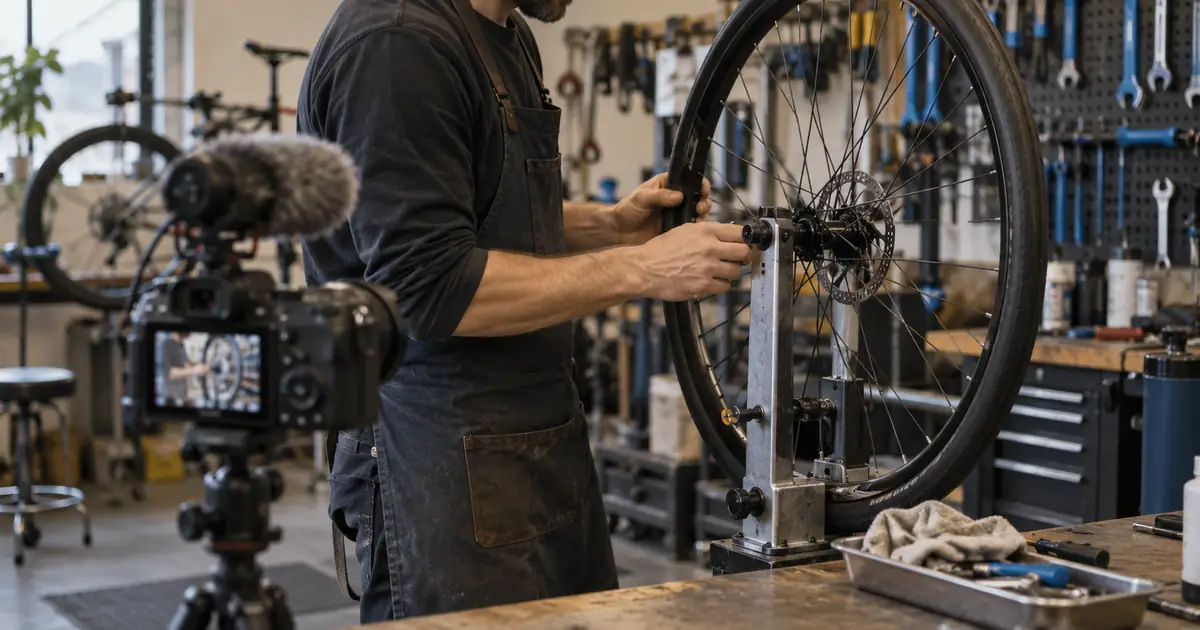
VideoAI Interview B-Roll: Build a Shot List From a Transcript
Build an interview B-roll shot list from transcript beats. Choose real footage, diagrams or AI illustration, then check relevance, continuity and edit fit.
 Video
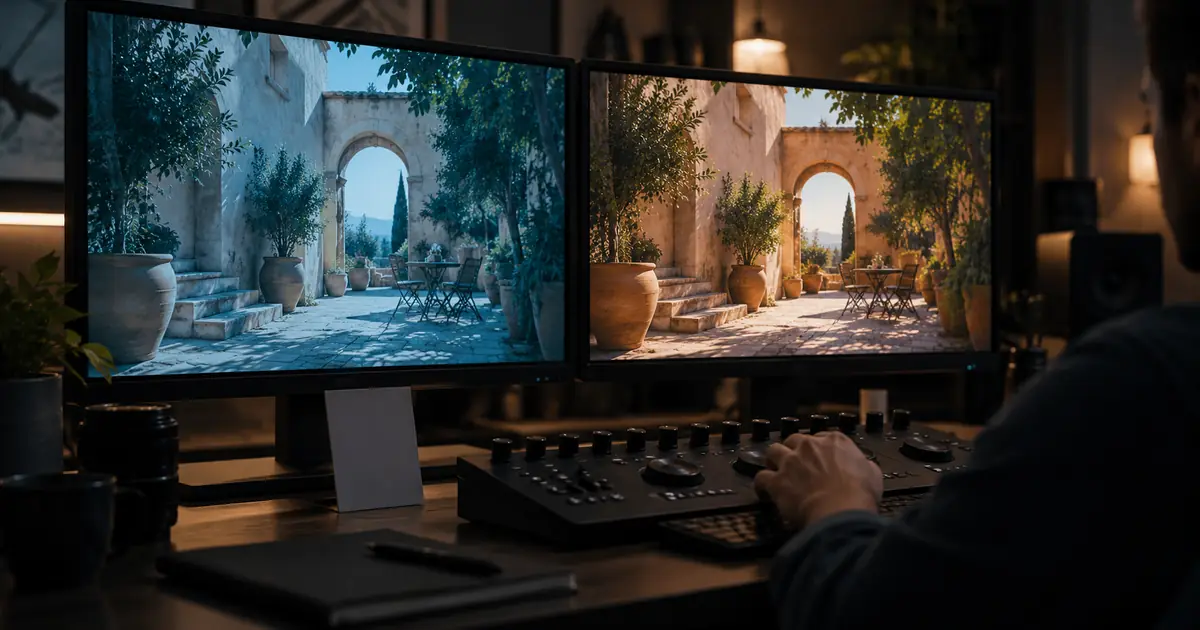
VideoColor Match AI Video Clips Without Flattening the Scene
Color match AI video clips with a reference shot and a three-frame review. Check source interpretation, exposure, skin and export before applying a final look.