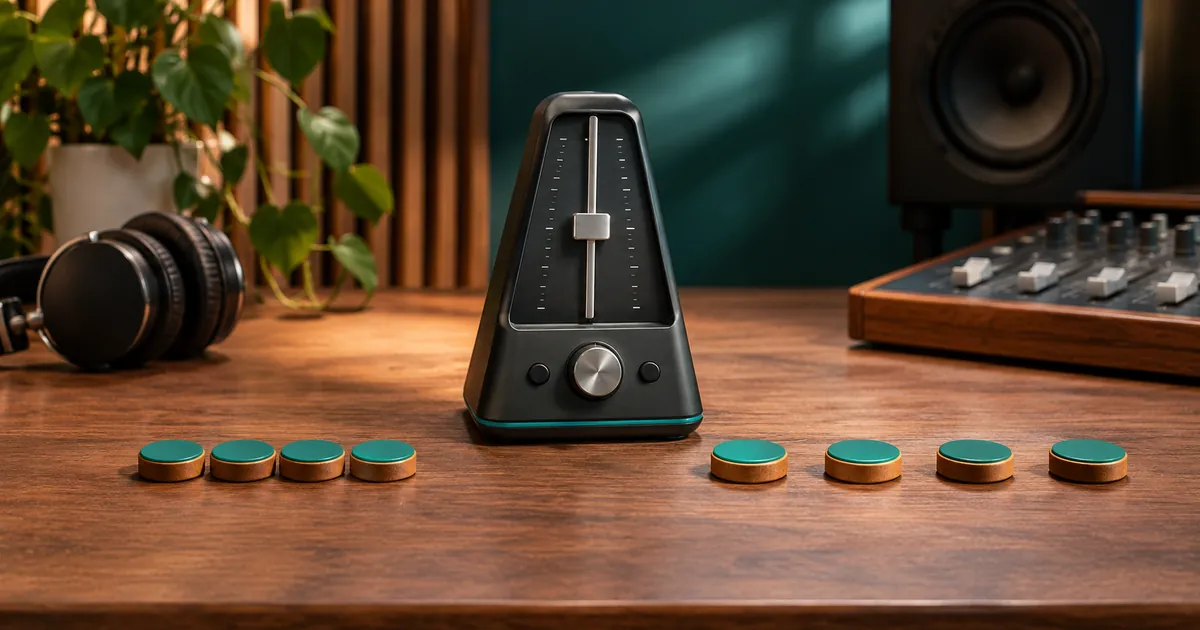

Fit a four-beat sonic logo to two tempos by rebuilding the note spacing from the approved motif and testing each ending against its actual video slot. Start with the pitches, relative accents, and rhythm that make the phrase memorable. Calculate the timing for both tempos, then listen for changes in the clip's transient and tail. The faster version should still feel like the same phrase a listener recognizes.
Jump to the Music Lab example or download the worksheet.
Write down what identifies the phrase
Use an original, approved sonic mark. Save the musical notes or source stems and record the bits a listener is supposed to recognize. A simple cue can be four notes with a rising interval on the first two beats and a soft landing on the fourth. Keep the pitch relationships and a deliberate strong first beat. Timbre, spacing, and a held last note can also matter. Decide which qualities are essential before asking everyone to approve a faster version by ear.
Consider two fictitious edits. A short product video leaves two seconds for the mark while a longer explainer leaves three. Use 120 beats per minute for the first and 80 for the second if the cue occupies four quarter-note beats. In a steady four-four bar, 60 divided by tempo gives seconds per beat. At 120, each beat lasts half a second. At 80, each lasts three quarters of a second. This calculation gives the time from the start of beat one to the start of the next bar. The last note begins one beat before that boundary.
Put the music against the actual closing shot. A two-second ending may include motion or another cue that leaves less than two seconds for sound. Identify when the logo becomes visible, when any words finish, and what the listener will hear at the boundary.
Rebuild the attacks and tail to fit both rates
Start in a project where you can control tempo. Recreate the cue with its original instrument or render the same individual note events at the two rates if the file setup allows it. A written or MIDI sequence can adopt the new tempo while retaining the intended pitch or notes. Play each instrument and check whether a longer note needs different release. Sustained textures may need envelope changes to support the short cut, even when the main onsets are correct.
| Tempo | Four beat attacks relative to start | Next bar boundary |
|---|---|---|
| 80 BPM | 0.00, 0.75, 1.50, 2.25 s | 3.00 s |
| 120 BPM | 0.00, 0.50, 1.00, 1.50 s | 2.00 s |
| Both versions | Keep the intended pitch and relative accents | Approve the sound after encoding |
An approved recording can also be stretched with a pitch-preserving tool. Listen for softened attack, unnatural tails, or a wobbling timbre. Don't assume changing playback speed preserves pitch and tempo independently. A piano-like hit can sound dull after a big warp while a soft pad survives better. If the notes are clean and isolated, rebuilding from real recorded samples can retain more of their character. Make your own originals where a mark needs distinct rights and repeatability.
Set the last note's decay for the available space. In the fast example, it starts at 1.5 seconds and needs to settle inside 2.0. In the slower example it starts at 2.25 and can ring closer to 3.0. A strong tail can mask the start of the next clip or end abruptly, so check the exported sound past the musical last beat.
Test the cue beside the end card and dialogue
Start the first accented note on the intended visual reveal or immediately after any final spoken phrase. Compare two different positions before locking the animation. If the viewer is reading a long subtitle when the first note appears, test whether the words are still clear. Give the ending support in the picture, such as a simple held mark that stays readable through the tail. The fastest approved audio candidate may still need a slightly earlier picture cue to feel matched.
Listen once with headphones and once in mono from a phone. Have an unfamiliar listener compare both versions without seeing the speed labels. Ask whether they recognize the phrase as the same mark and what part changed. You can run the clips between a few unrelated music examples so the immediate context doesn't tell them your expectation. If the short version loses the strongest pitch relationship or makes the final note disappear, adapt the sequence or choose a useful shorter anchor.
Keep a delivery stem without narration if the cue will be reused. Give each version a name with the actual tempo and bar count. The cue sheet handoff can capture how it enters and which end cards use which version.
Make the exact first and last frames part of review
For a 30 fps edit, the fast version's attacks occur near frames 0, 15, 30 and 45 when the mark begins exactly at frame zero of that section. Your editor may put audio events at subframe positions. At 80 BPM, quarter notes do not land on uniformly spaced integer frames at 30 fps, because one beat lasts 22.5 frames. Keep sample-accurate audio timing when possible and compare which visible frame carries any synchronized animation. Control within the audio lane helps preserve the musical rhythm. A graphics cue can start on a readable neighboring frame.
Reimport both deliveries. Confirm that no click appears at the boundary and the end card resolves with the phrase. Document which project contains each original performance and cut. If you later speed up a campaign, pull the matching approved cue instead of stretching the entire finished mix. A small sample preview and a correctly named stem can make that choice obvious.
How QuestStudio helps
Use QuestStudio Music Lab to explore a short original motif before its identity is approved. Once you select a cue, keep its notes and source audio available. Rebuild or adapt from that known reference in an editor so timing and musical details can be checked.
Short original four-note audio signature for a craft product studio. Soft mallet attack, simple rising first two pitches, a rounded lower final note and light room decay. Strong first attack, clean ending, no vocals or added arrangement.Sketch the chosen musical phrase and set the exact tempo in your editor. Listen to the same three identifying qualities at both rates. Compare against the sonic logo workflow if the new cue needs further development.
Try it with your own material
Write the four attack times down before stretching anything. Keep the same motif audible on both exports, and approve each tail at the size and length of the campaign that uses it.
References
Frequently asked questions
Does speeding a recording up change the pitch?
It can when speed and pitch are tied to playback. Check the exact stretching mode or rebuild the note events at the new tempo.
What if a four-beat mark is too long?
Start with the part of the original cue that defines it and design an approved shorter ending. Keep a separate delivery version.
Should I use the same instrument at both rates?
Start with it and compare. A shorter release or less reverb can keep the note attacks clear at the faster tempo.
Can I trust automatic tempo adjustment?
Compare its phrasing and attack against the known original. Check that the intended marks and eligible end cards still line up.
Related guides
 Music
AI Sonic Logo: Design a Short Sound People Can Recognize
Build a sonic-logo brief, separate motif from timbre, and test a short brand sound at real playback levels with a reusable listening worksheet.
 Music
AI Music Tempo Drift: Fix the Grid or Repair the Audio
Diagnose AI music tempo drift before stretching a track. Separate a wrong BPM, an offset grid and real timing changes, then check the repaired audio by ear.
 Music
AI Music Cue Sheet: Track Versions, Uses and Durations
Prepare an AI music cue sheet for an editor with exact filenames, used ranges and durations. Separate production tracking from rights records with a CSV sheet.