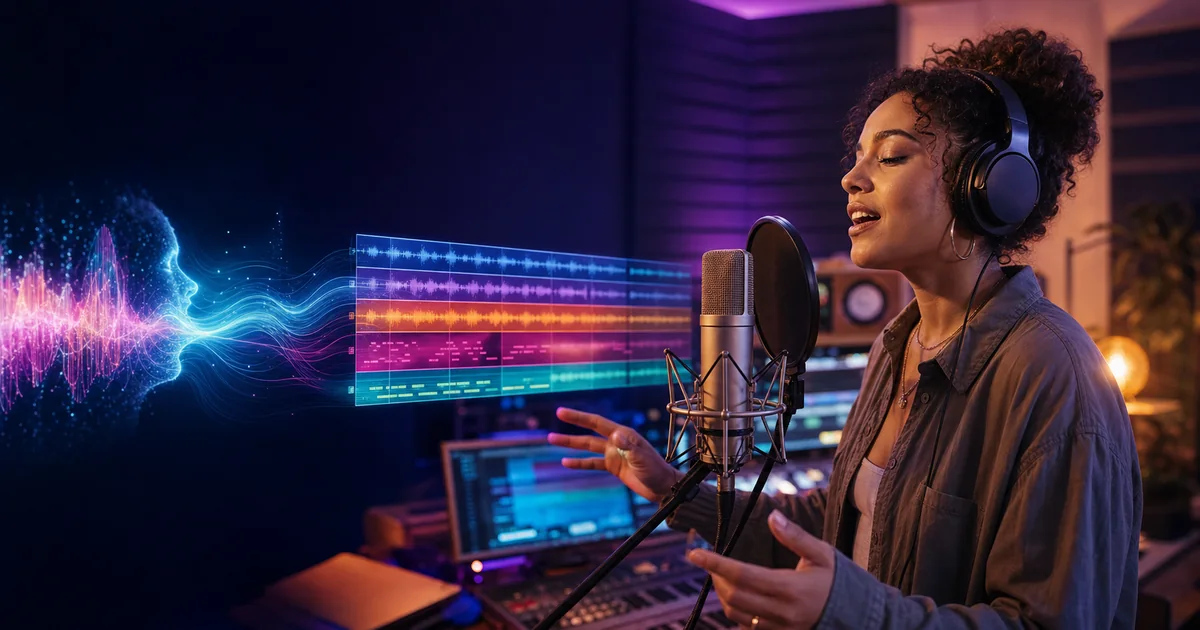

Suno v5.5 Voices can create songs using a verified profile based on your own voice. You can record audio, upload an eligible file, or use your voice from a song in your Suno library, then select that Voice during creation.
The output is still AI-generated singing, not your untouched recording placed over an instrumental. Treat the Voice as a creative model that needs testing across range, genre, pronunciation, and emotion.
Practical rule
Test one controlled variable, approve the useful result, and preserve that decision in the next stage.
What Changed in Suno v5.5
Suno's v5.5 overview centers on three personalization features:
- Voices: capture the essence of your voice for generated songs.
- Custom Models: Pro and Premier users can create personalized model variants from eligible music they own.
- My Taste: adapt suggestions using your listening and creation preferences.
Voices focuses on singer identity. Custom Models focuses on your broader sound. My Taste affects personalization and discovery rather than training a dedicated singing identity.
How to Create a Suno Voice
- Open the Voice creation dialog from the creation workflow.
- Choose an existing Voice or create a new one.
- Select audio from an eligible library song, record through the microphone, or upload a file.
- Provide the required verification and confirm that the voice is yours.
- Preview the source and select the cleanest section.
- Name the Voice clearly so it is not confused with a style or project.
- Run a short controlled song test before a full track.
Suno's current help page says uploaded or recorded audio can range from 15 seconds to four minutes, with up to two minutes selected for the profile. Verify current requirements inside the product before recording a session.
Prepare Better Voice Source Audio
- Record one person only in a quiet space.
- Keep microphone distance and input level consistent.
- Avoid clipping, heavy reverb, background music, harmony, and noise removal artifacts.
- Include natural sustained vowels, clear consonants, and a comfortable pitch range.
- Do not force extreme high or low notes solely to add range.
- Use a lossless or high-quality source when available.
If your source needs cleanup, our guide to preparing audio for a clean voice clone explains the same core signal-quality principles.
A Controlled Suno Voice Test Prompt
Use the same lyrics and production description across several tests. Change only one variable, such as key or tempo, so you can tell whether the Voice remains recognizable.
How to Evaluate the Result
Identity
Does the voice remain recognizable through verse and chorus?
Range
Does tone remain plausible at the lowest and highest notes?
Words
Are names, consonants, and language pronunciation clear?
Expression
Does the performance sound musical rather than copied or flattened?
Listen on headphones and a phone speaker. Note where identity breaks instead of simply regenerating the entire track.
Permissions and Responsible Use
Use only your own voice or a voice you have explicit permission to model. Do not use the feature to impersonate another person, create deceptive endorsements, or publish sensitive material in someone else's identity.
Keep the original source, verification record, song versions, and applicable platform terms. If collaborators, labels, clients, or distributors are involved, agree on AI use and ownership before release.
How QuestStudio Helps
Use Voice Lab for spoken voice workflows, Music Lab for track creation, and Prompt Lab to preserve the test recipe. QuestStudio is useful when voice, music, images, and promotional video need to stay connected around one release.
Create a free account to test the broader workflow before deciding whether recurring production supports a paid plan.
Frequently Asked Questions
What is Suno v5.5 Voices?
It is a feature for creating generated songs with a verified Voice profile based on your own eligible recordings.
Is the generated vocal my original recording?
No. The finished performance is generated using the Voice profile rather than simply placing the untouched source recording into the song.
How much audio can I upload?
Suno's current help documentation describes 15 seconds to four minutes of source audio, with up to two minutes selected. Check current in-product requirements.
What are Suno Custom Models?
They are personalized model variants for eligible paid users based on music they own and are allowed to upload.
What is My Taste?
It is a personalization feature that learns from preferences such as genres and usage patterns.
Can I use someone else's voice?
Do not create a Voice without the person's explicit authorization and compliance with Suno's rules and applicable law.
Final Takeaway
Complete the reader's job first, then use QuestStudio when organizing prompts and connecting media stages makes the process easier to repeat.
Create a free QuestStudio account for one real project, or compare plans after the workflow proves its value.
Related guides
Continue with a useful next step
 Voice
VoiceAI Song Cover vs Voice Clone: The Crucial Difference Most Creators Miss
Learn the real difference between an AI song cover and a voice clone, when to use each one, and what affects quality, control, and creative flexibility.
 Voice
VoiceHeadphones for Video Editing, Voice and AI Music
Compare Sony MDR-7506 and Audio-Technica ATH-M40x for editing speech and video. Use a repeatable listening check for comfort, cable fit and audible flaws.
 Voice
VoiceBest Voices for Music Hooks vs Narration: Tone and Pacing Rules That Actually Work
Learn how to choose the best AI voices for music hooks vs narration with simple tone and pacing rules that make vocals sound more natural.
Suno introduced v6 on September 9, 2026. To preserve an older song while testing the new family, plan the move to Suno v6.