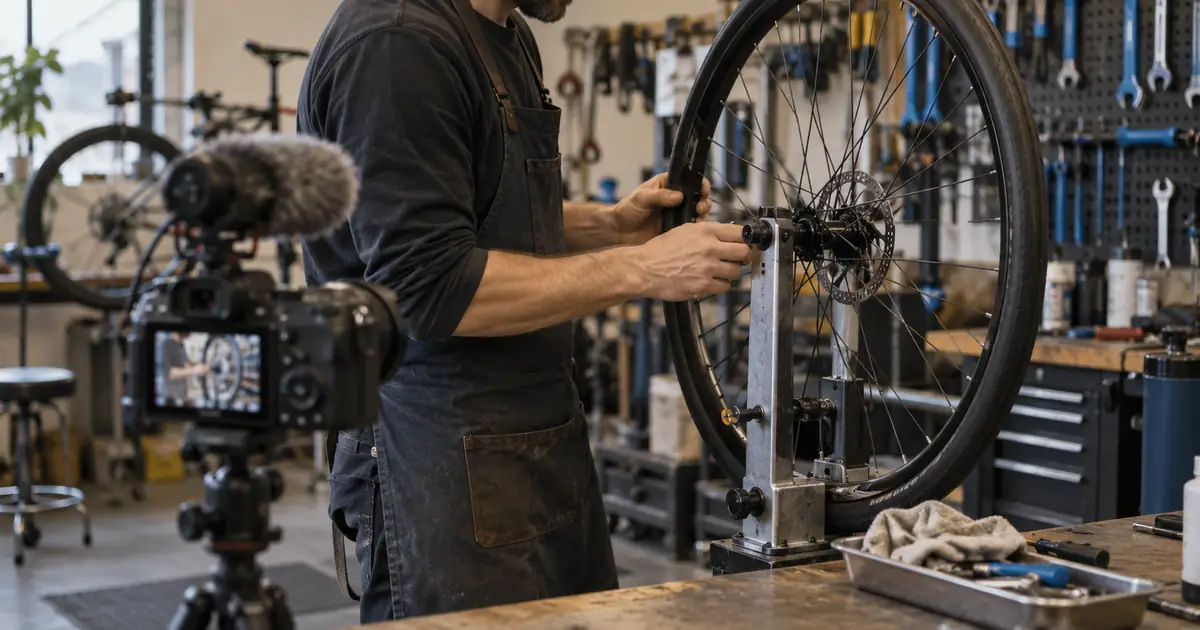

To build an AI interview B-roll shot list, mark the transcript's key ideas, decide what each one needs viewers to see, and choose the appropriate source before writing a generation prompt. Some moments need real footage. Others benefit from a diagram, a document or a clearly illustrative AI shot. Not every sentence needs a cutaway.
This workflow uses a fictional interview with a bicycle repair shop owner. It turns a transcript into an edit plan with timecodes, visual purpose, source choice and acceptance checks. The goal is useful coverage that supports the speaker without implying that generated footage records real events.
Mark meaning before collecting images
Work from a transcript checked against the recording. Automatic transcripts can mishear names, numbers and technical terms. Keep source timecodes attached so that an editor can return to the actual sentence and its surrounding context.
Mark four kinds of beats: concrete actions, objects that need explanation, factual claims that need evidence, and emotional moments where the speaker's expression matters. These categories suggest different visual treatments. A personal admission may be strongest on the speaker's face rather than covered with generic workshop footage.
Write a one-sentence visual job for each candidate cutaway. “Show where the cable enters the brake” is actionable. “Make this part more interesting” is too vague to guide a shot choice or justify generation.
Choose the source before choosing the look
For a claim about the actual shop, use verified material from that shop when available. A generated busy workshop cannot demonstrate that the business served a certain number of customers. A synthetic before-and-after cannot establish that a particular repair succeeded.
An AI illustration can support a general concept, such as a close view of an unbranded wheel turning. A diagram may explain a hidden mechanical relationship better than a photorealistic clip. A real document may be necessary when the speaker refers to a specific record, with sensitive details removed as appropriate.
| Interview beat | Visual job | Preferred source |
|---|---|---|
| “We moved into this shop last spring.” | Identify the actual place | Real exterior or verified archive |
| “Cable tension changes how the brake feels.” | Explain the mechanism | Approved close-up or diagram |
| “The first week was difficult.” | Preserve the emotional delivery | Stay on the interview |
| “Small adjustments can change the ride.” | Provide a general visual transition | Real detail or disclosed illustration |
Use the interview coverage worksheet to record that choice alongside each timecode. The source column prevents a visually plausible idea from quietly becoming supposed evidence.
Plan coverage around the edit, not every noun
Look for clusters of related sentences. One useful insert may cover a complete explanation, while cutting to a different object for every noun can make the sequence feel restless. Give the viewer enough time to understand the shot before changing it.
Also mark cuts that need coverage: a removed hesitation, a shortened answer or a jump between related ideas. Supporting footage can make these edits smoother, but it must not alter the meaning of what the speaker said. Listen to the assembled answer without pictures to check that it still represents the interview fairly.
Keep some wide, medium and detail options when they serve distinct jobs. A wide shot establishes the workspace; a detail explains the tool. Three nearly identical close-ups are less useful than a smaller set with clear editorial roles.
Turn a transcript beat into a constrained shot brief
Write the subject, action, framing, environment and continuity requirements. Include what must not appear when it matters: invented company branding, readable customer records or a face that could be mistaken for the interviewee.
Separate the desired screen duration from the generation request. If the edit needs three seconds, you may need a longer candidate clip to obtain a clean start, readable action and stable ending. Available clip lengths depend on the model; plan the final trim in the editor.
For a general wheel insert, the brief might say: “A close view of an unbranded bicycle wheel rotating slowly in a neutral workshop; no visible mechanic's face; steady framing; ordinary daylight.” It is narrow enough to review. “Make cinematic B-roll for this interview” leaves too many decisions unresolved.
The broader Runway B-roll guide discusses generated supporting footage and its production role. Apply that idea to an explicit transcript need rather than treating generation as the default for every shot.
How QuestStudio helps with illustrative coverage
Use Video Lab for the shots your plan identifies as suitable for generation. Where a model accepts a reference image, supply an approved reference to guide composition. Check that you have the right to use any source media and that the resulting shot fits the intended context.
The prompt describes a candidate, not proof that the model will preserve every spoke. Inspect the entire clip. For missing inserts in a Premiere-based edit, the generative media B-roll workflow covers that narrower production problem.
Review relevance before visual polish
First replay the clip with the sentence it supports. Does it clarify the idea, merely decorate it, or accidentally contradict it? A shot of disc brakes is a poor match if the speaker is explaining a different brake mechanism. Attractive lighting cannot fix that mismatch.
Then inspect motion and object consistency. Wheels, fingers, cables and tools are easy places for errors to become visible. Check the beginning, middle and end, and watch at normal speed. A single appealing still does not establish that the moving clip is usable.
Finally inspect continuity with adjacent footage: lighting direction, camera height, color temperature and the apparent location. If the illustration could be mistaken for a recording of the real business, add clear context or select a less documentary-looking treatment. Keep any disclosure readable in the final format.
Test the shot in the finished sequence
Place the candidate over the actual interview audio. Leave enough time before and after the key action to trim cleanly. Listen for accidental audio from generated media and remove or replace it if it conflicts with the interview.
Review captions, graphics and face visibility together. A close-up that works alone may become crowded when a caption covers its essential detail. Test the vertical crop separately if the interview will also become short-form clips.
For a larger planned sequence, a rough storyboard-to-animatic pass can reveal pacing problems before more generation. Keep the coverage sheet updated with the selected file, source, disclosure decision and final timeline location so another editor can understand the choices.
Frequently asked questions
Can AI B-roll replace all interview coverage?
No. Real places, events, results and personal experiences may require authentic footage or documents. Use generated material for appropriate illustration and avoid presenting it as evidence of something that happened.
Should every interview sentence have B-roll?
No. Keep the speaker visible when expression, credibility or emotional delivery matters. Use supporting shots when they clarify an idea or serve a specific edit.
How long should a B-roll shot stay on screen?
Long enough for its visual job to be understood within the sequence. Test it against the actual narration; there is no single duration that fits every action or audience.
What belongs in a transcript-based shot list?
Include source timecode, interview beat, visual purpose, source choice, shot brief, continuity requirements, review status and the selected file or timeline location.
Can I make a generated workshop look like the real business?
A realistic resemblance can confuse viewers about what was actually filmed. Prefer authentic footage for identifying the business, and make illustrative material clear in context.
Let the interview determine the coverage
Choose one transcript beat where illustration would help. Write its visual job and its limits, then use Video Lab for a candidate insert and review it inside the actual edit.
Hero image: AI-generated editorial illustration. Examples are original planning exercises, not measured model tests.
Continue with a useful next step
 Video
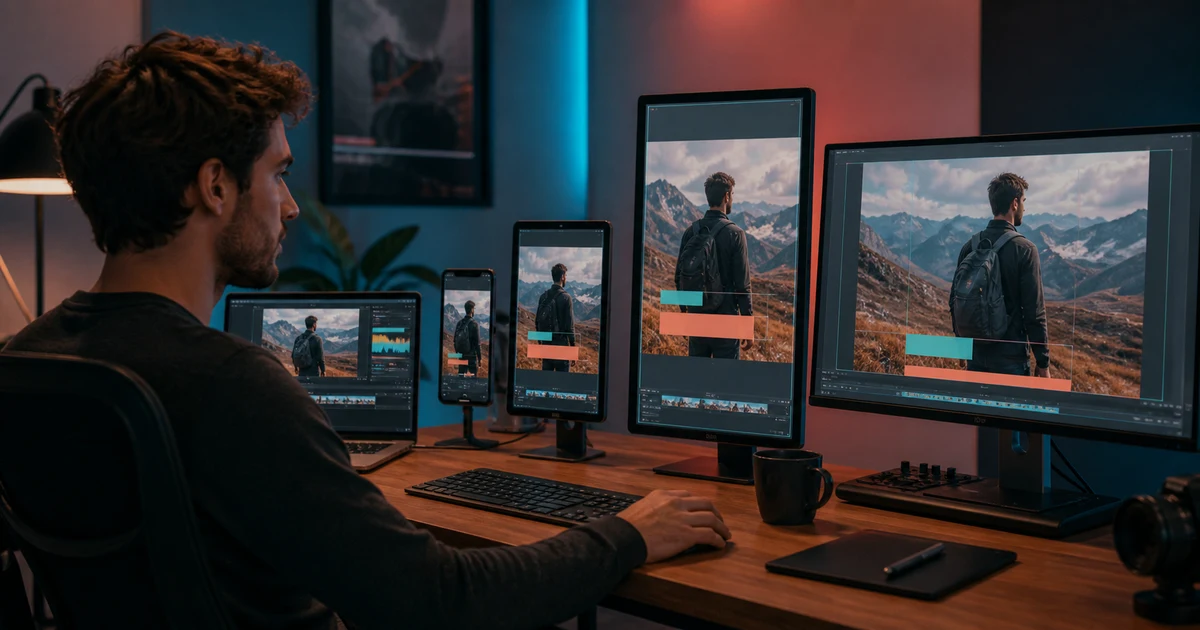
VideoAI Video Repurposing Workflow: Vertical, Square, and Landscape
Repurpose one approved video into vertical, square, and landscape versions without losing the subject, proof, captions, pacing, or call to action.
 Video
VideoCinematic Video Editing Prompts: 25 Shot-by-Shot Templates
Copy cinematic video editing prompts for trailers, product ads, travel films, reels, and narrative scenes with pacing, continuity, and QA guidance.
 Video
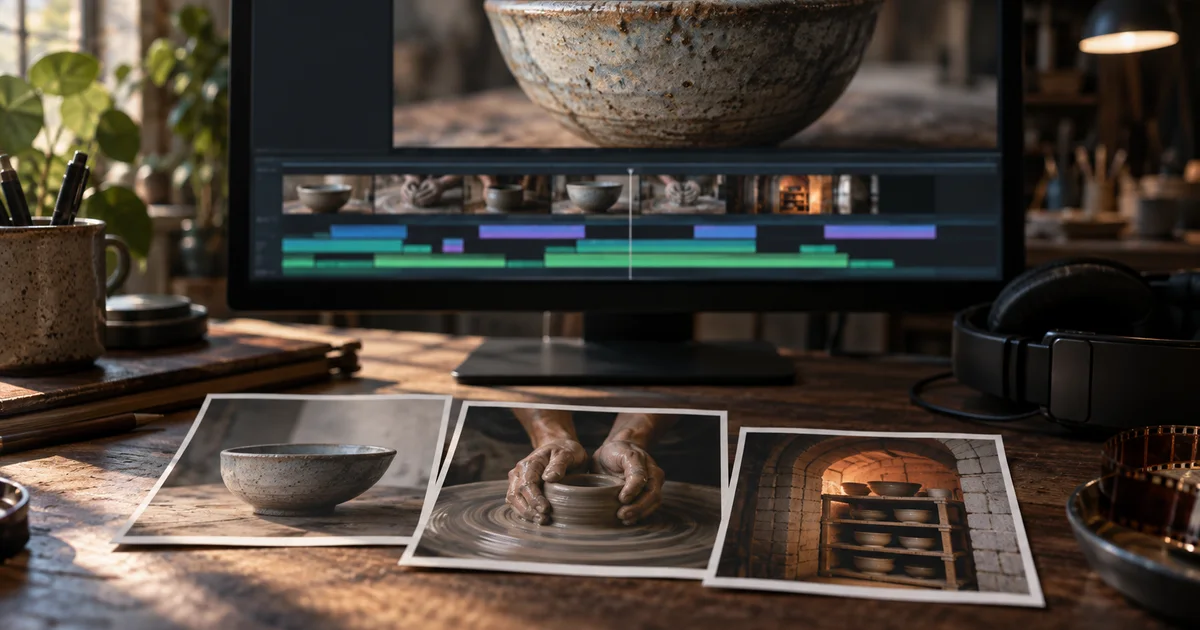
VideoPremiere Generative Media Tool: Make B-Roll That Fits the Cut
Use Premiere’s Generative Media Tool to fill a specific edit gap, match surrounding shots, and check generated b-roll before it enters your final sequence.