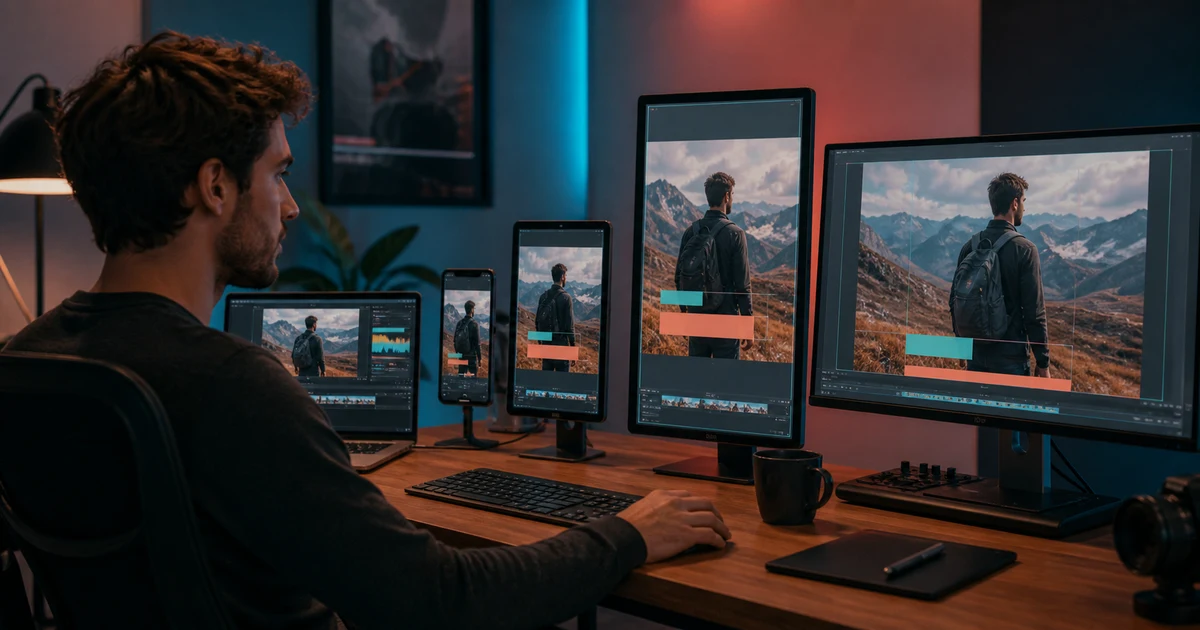

AI Video Repurposing Workflow: Vertical, Square, and Landscape helps you complete one real creation job with a repeatable process and a clear approval standard. It focuses on the decisions that determine whether the output is useful, accurate, and ready for its destination.
Keep a clean master
Archive the highest-quality approved timeline without burned-in captions, platform graphics, or music that cannot travel. Store dialogue, music, effects, captions, logos, and source clips on separate tracks. A flattened social export is a poor starting point for another channel.
Define the destination job
| Format | Typical composition pressure | Review priority |
|---|---|---|
| 9:16 vertical | Narrow width, interface overlays, close viewing | Faces, hands, product, captions, CTA safe zones |
| 1:1 square | Less horizontal context and less vertical runway | Central hierarchy and readable proof |
| 4:5 portrait | Feed prominence with moderate context | Product scale and headline spacing |
| 16:9 landscape | Wide negative space and distant mobile details | Eyeline, geography, and text size |
Recompose every shot
Duplicate the approved timeline, change the sequence setting, and adjust framing shot by shot. Keep the viewer’s eye on the same story subject. Use position keyframes to follow meaningful motion, but avoid constant automatic tracking that creates seasick movement.
If the crop removes proof, choose another angle or source clip. Generative expansion is acceptable for decorative margin only when it does not invent product, body, location, or documentary detail.
Rebuild graphics and captions
Move captions inside each platform’s practical safe area and break lines by phrase. Recreate lower thirds, prices, disclosures, and CTAs at the new reading distance. Do not shrink a landscape title until it technically fits; redesign the hierarchy.
Keep exact wording, timing, and claim qualification synchronized with speech. Test sound-off comprehension separately.
Protect the story rhythm
A vertical version may benefit from a tighter opening or closer proof, but do not speed the entire edit automatically. Preserve the time needed to understand a demonstration, disclosure, or emotional beat. If the destination requires a shorter runtime, remove a complete beat rather than slicing every shot.
Handle audio and music rights
Confirm the music license and library availability for every channel. Export dialogue and effects cleanly so restricted music can be replaced. Recheck loudness, captions, and synchronization after any duration change.
Version without losing lineage
Name each export by project, approved master version, destination, ratio, runtime, language, and date. Record what changed. When the underlying claim or source changes, create a new master lineage instead of silently overwriting every derivative.
Destination QA
- The main subject and proof remain visible in every shot
- No crop removes product facts, hands, captions, or disclosures
- Graphics were recomposed rather than scaled blindly
- Music and footage rights cover the destination
- The file was watched in the actual platform frame with sound on and off
- Version names trace back to the approved master
Before adapting a long recording into several formats, use the find complete teaching moments with ClipAnything guide. It includes an original exercise and a worksheet for reviewing the result.
Frequently asked questions
Can I automatically crop 16:9 video to 9:16?
Automatic tracking can create a starting point, but every shot still needs composition and safe-zone review.
Should every version have the same duration?
Not necessarily. Preserve the core promise and proof, then adapt runtime deliberately to the destination.
When is generative expansion safe?
Use it for non-essential margin only when it does not invent people, products, locations, evidence, or buyer-relevant detail.
Do captions need to be rebuilt?
Yes. Line breaks, size, placement, and timing should be checked for each frame and interface.
How should files be named?
Include project, source master version, destination, aspect ratio, runtime, language, and date.
Continue with a useful next step
 Video
VideoAI Interview B-Roll: Build a Shot List From a Transcript
Build an interview B-roll shot list from transcript beats. Choose real footage, diagrams or AI illustration, then check relevance, continuity and edit fit.
 Video
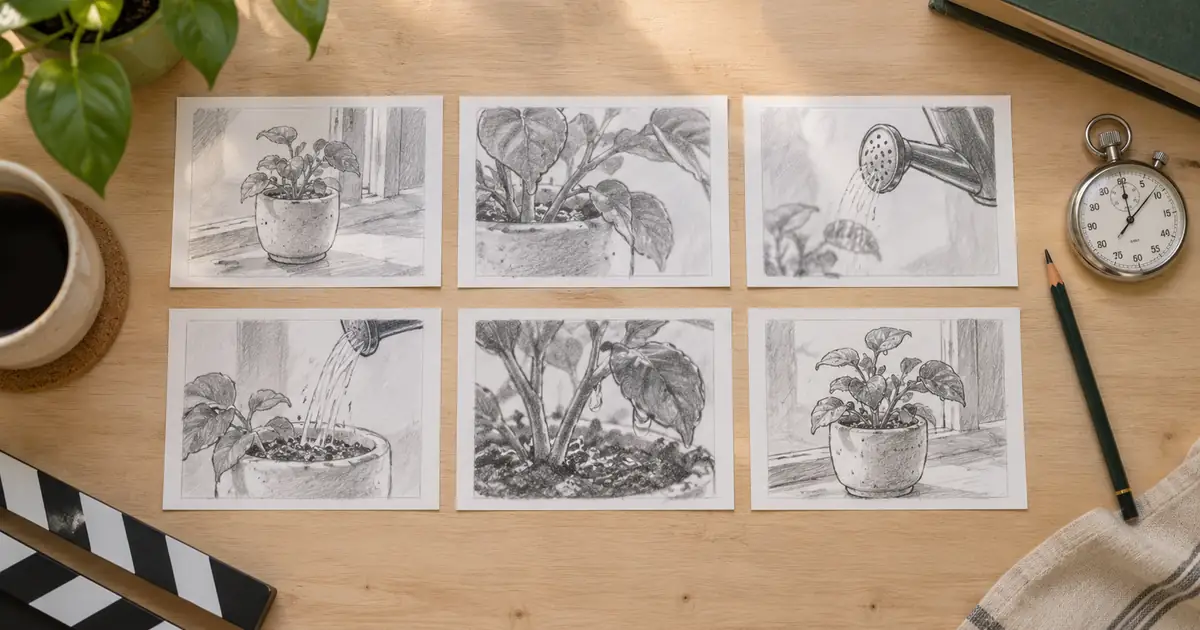
VideoAI Storyboard to Animatic: Time Your Shots Before Video
Turn AI storyboard frames into a useful animatic. Build a timed shot list, test narration and transitions, and find pacing problems before generating video.
 Video
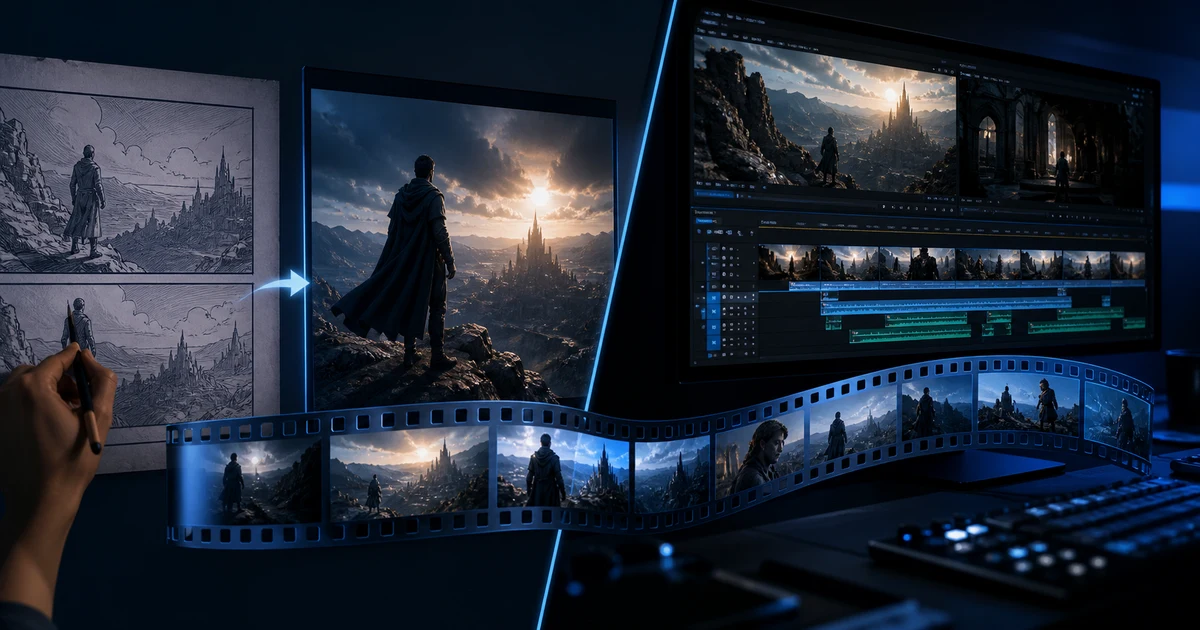
VideoAI Video Generator vs AI Video Editor: Which Tool Do You Need?
Compare AI video generators and AI video editors by job, input, control, failure risk, and workflow so you choose the right stage instead of the wrong tool.