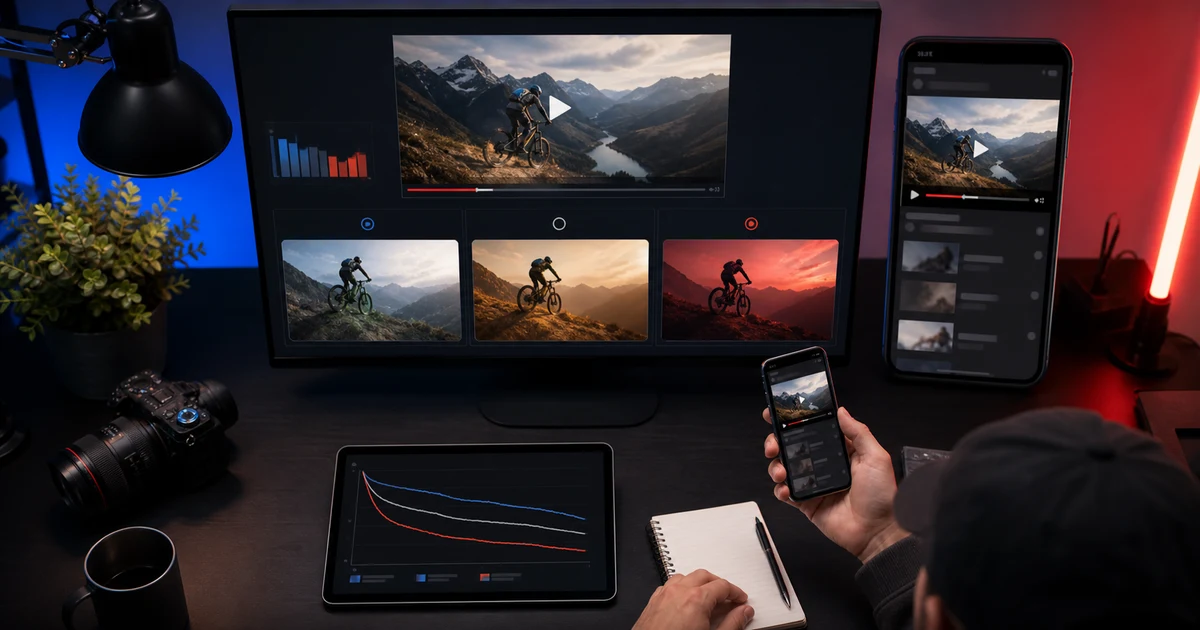

Build a control before making more thumbnails
Write one sentence describing the video's real value to a specific viewer. Use the free YouTube Thumbnail Prompt Generator to turn it into a control composition. Build and copy without signup, or carry the direction into Image Lab after creating an account. Check the model's credit estimate before generating an image.
Example test brief: a camera review for beginners
Question: Is the lens easier to recognize against a brighter background? Control: the real reviewed lens on a neutral dark desk. Variant: the same lens, pose, crop, and headline with a brighter background. Held stable: the video title, promise, model, output dimensions, and reference. Make the brightness difference visible enough to matter at a small size. This is an experiment hypothesis, not evidence that the brighter version will win.
Use the control image as a reference when generating the variant. Compare the images before the audience test: reject invented lens markings, altered product geometry, or a simultaneous change in expression and crop. Record credits spent on rejected attempts as well as the final images so you can judge the cost of usable creative work.
Run the audience test in YouTube Studio
YouTube's current A/B testing supports up to three options on eligible desktop Studio videos. For this experiment, choose Thumbnail only and keep the title stable. Access requires advanced features; Shorts and some other video types are excluded. Review the current YouTube eligibility and A/B testing instructions before starting.
YouTube evaluates outcomes using watch time, so do not declare a winner from click-through rate alone. Read the result in the Reach report. A test may need up to two weeks and can remain inconclusive; that is not proof that either thumbnail won. Changing the title or thumbnail during the test stops it. Log the result, tested variable, and next question before making another variant.
The QuestStudio builder prepares prompts; it does not upload to YouTube, measure audience performance, or predict a winning thumbnail. For more starting compositions, see the thumbnail prompt examples. Keep the approved control in your weekly creator workflow for the next video.
AI Thumbnail Testing Workflow: Improve Clicks Without Clickbait helps you complete one real creation job with a repeatable process and a clear approval standard. It focuses on the decisions that determine whether the output is useful, accurate, and ready for its destination.
Begin with the content contract
Write the specific value the video delivers and the moment that proves it. The thumbnail should help the intended viewer recognize that value. It should not invent a result, celebrity, product, danger, location, or reaction absent from the content.
Choose one visual hypothesis
State: “For this audience, changing the thumbnail from [control] to [variant] will improve qualified views because [reason].” Test one major variable: subject scale, proof frame, composition, color contrast, text treatment, or emotional framing.
If face, background, headline, color, crop, and icon all change, a winner provides no reusable lesson.
Build variants from verified assets
Use real video frames, authorized portraits, exact products, and accurate before/after states. AI can clean a background, extend decorative space, or create a clearly representative concept, but compare identity, product, and evidence against the source.
Design for recognition at small size
Reduce the thumbnail to its real feed size. The main subject, action, or proof should remain legible without fine detail. Use a clear hierarchy and sufficient contrast. Text, when necessary, should add information rather than repeat the title.
Check light and dark interfaces, mobile crop, and localization expansion. Avoid tiny badges, dense diagrams, and decorative clutter.
Run a valid platform test
Use native A/B testing when available and follow its current rules. YouTube’s official test can compare titles and thumbnails, and changing the tested title or thumbnail stops the experiment. Keep the video, audience period, and other packaging stable enough to interpret the result.
Do not call a winner from a handful of impressions. Record the observation window and uncertainty.
Read clicks with watch quality
| Pattern | Likely meaning | Next move |
|---|---|---|
| CTR up, watch quality stable | Value became easier to recognize | Replicate the principle |
| CTR up, early exits up | Packaging may overpromise or attract the wrong viewer | Restore message match |
| CTR flat, watch quality up | Variant may filter for better-fit viewers | Evaluate business goal |
| Both down | Concept or execution missed | Return to audience and proof |
Save the learning
Record the hypothesis, control, variant, invariant, dates, audience context, result, and conclusion. “Larger face won” is weak. “Close proof of the repaired object improved qualified views for search traffic” can guide the next video.
Thumbnail QA
- The thumbnail represents content actually delivered
- Only one major visual variable changes
- Identity, products, and before/after evidence are accurate
- The concept reads at real mobile size
- The test follows current platform rules
- The decision includes watch or conversion quality, not CTR alone
Frequently asked questions
How many thumbnail variants should I test?
Use the platform-supported number while keeping each variant tied to one clear hypothesis.
Can I use AI-generated faces in thumbnails?
Only when the identity and context are authorized and the image does not imply a real reaction or person absent from the content.
Is click-through rate the winning metric?
No. Pair it with watch quality, audience fit, and the video’s actual business goal.
How much text should a thumbnail use?
Use only text that adds necessary information and remains readable at feed size.
Can I change the title during a thumbnail test?
Check current platform rules; YouTube states that changing the tested title or thumbnail stops its native experiment.
Continue with a useful next step
 Image
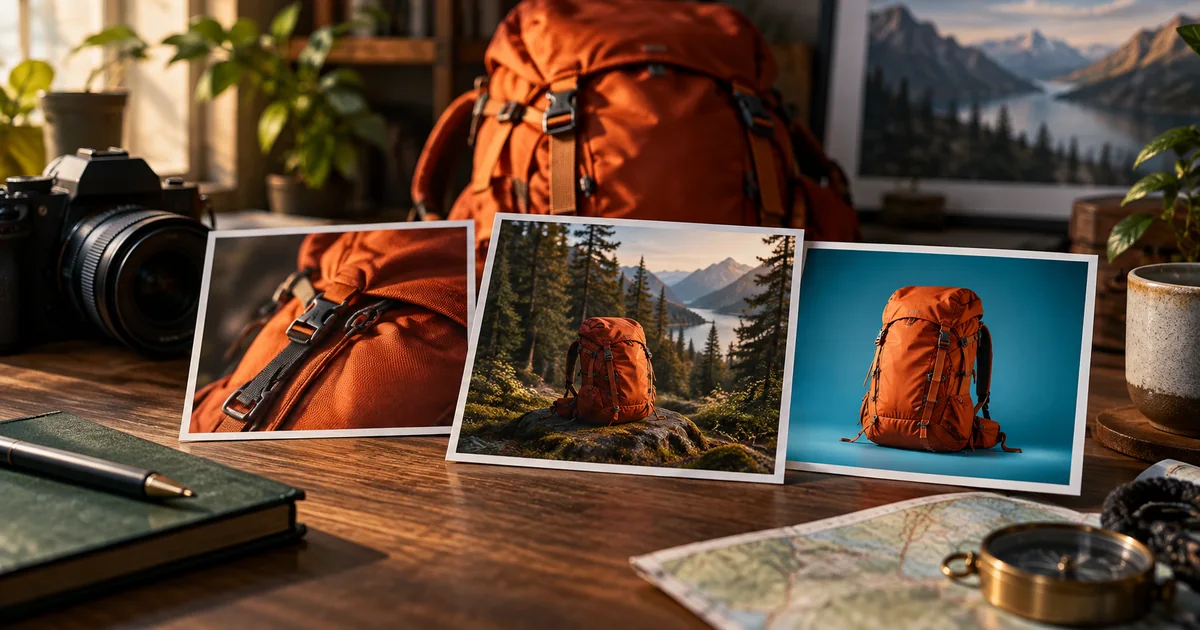
ImageBest AI Thumbnail Makers in 2026: Five Tools by Use Case
Compare Canva, Adobe Express, Ideogram, Pikzels, and QuestStudio for AI thumbnails in 2026. Choose between editable layouts, concepts, and specialist workflows.
 Image
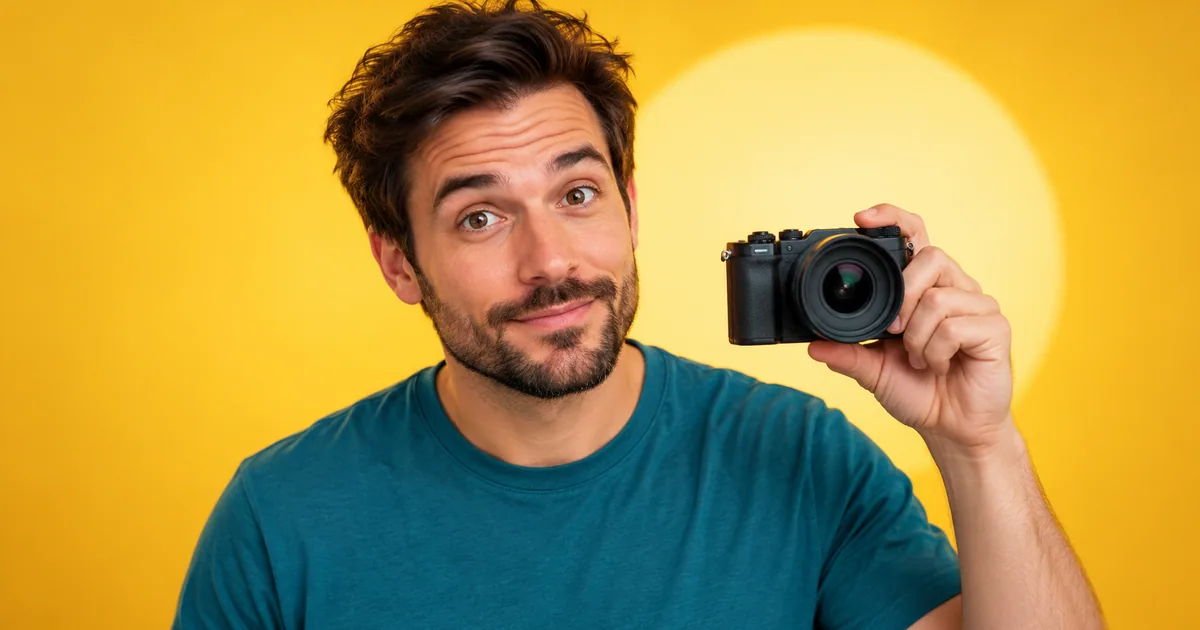
ImageYouTube Thumbnail Prompts for AI Image Generators: 30 Copy-Paste Ideas for Click-Worthy Thumbnails
Copy YouTube thumbnail prompts for AI image generators, with realistic examples for creators, products, podcasts, gaming, tutorials, reviews, and ads.
 Image
ImageChatGPT Profile Picture Prompts: 25 DP Ideas That Keep You Recognizable
Copy ChatGPT profile picture prompts for LinkedIn, Instagram, WhatsApp, creator profiles, and avatars, with identity, crop, and export checks.
Before preparing the test candidates, compare AI thumbnail makers for 2026 by editable layouts, visual concepts, and revision controls.