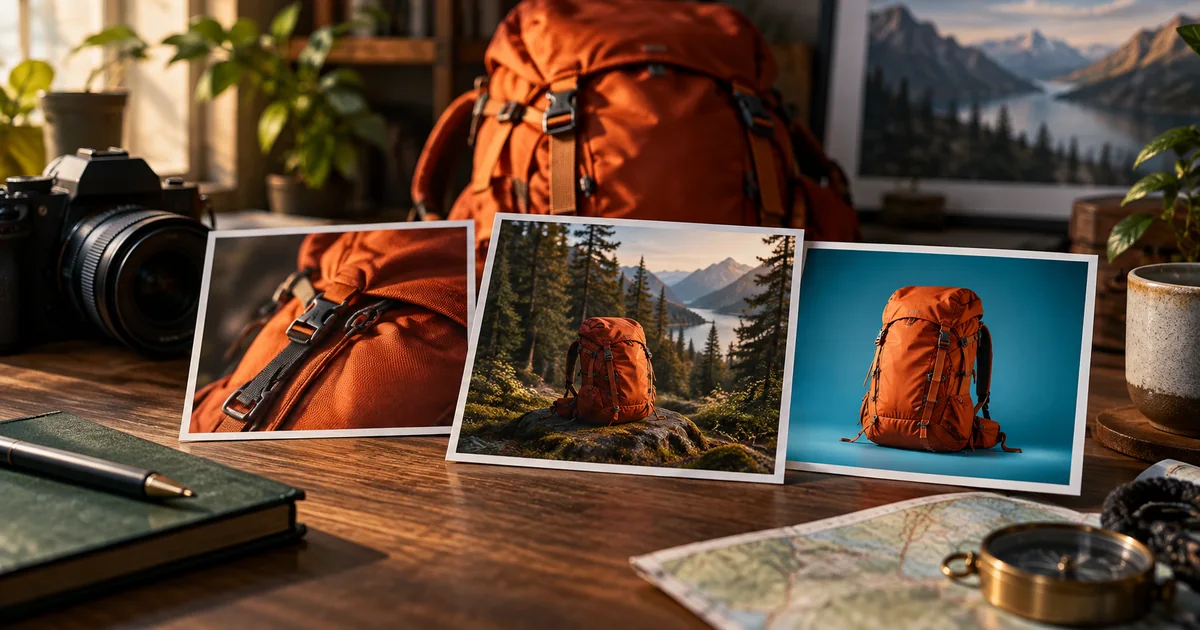

A thumbnail maker can generate a striking picture and still leave you with the wrong deliverable. You may need an editable headline, a faithful product photo, a recurring face, or several distinct visual concepts. Those requirements separate a useful thumbnail workflow from a folder of attractive images.
Download the thumbnail maker trial · Create a thumbnail source image
Compare the kind of thumbnail work you need
| Tool | Our recommended fit | Tradeoff to test |
|---|---|---|
| Canva | Reusable layouts and editable text | Whether the generated visual fits the template |
| Adobe Express | Thumbnail design and editable template workflows | Whether your imported assets remain convenient to revise |
| Ideogram | Concept images, remixing, and reference-led revisions | How much final layout work remains |
| Pikzels | A dedicated thumbnail generation process | Whether notes produce the specific change you requested |
| QuestStudio | Creating and editing source visuals | Final typography and channel testing happen separately |
How these picks were selected
These are editorial recommendations by use case, based on official product pages and documentation checked September 24, 2026. The selection separates layout editors from image generators and thumbnail specialists. We prioritized revision control and a path to a usable finished file. We have not run a comparative hands-on benchmark of these products, so the list does not claim a measured quality winner. The practical trial below is a method you can run on your own material.
Check the linked provider pages for current plans, usage limits, and export access. “Free to try” does not necessarily include the deliverable you need. QuestStudio is our own platform. We have not measured a CTR advantage for any product in this list. The hero is an original AI-generated editorial illustration, not a product screenshot or test result.
Canva: our pick for reusable channel layouts
Canva combines image generation with design editing and common export formats. Its role in a thumbnail workflow is especially clear when you need to repeat a visual system: a consistent type hierarchy, a small set of colors, and a recognizable placement for the subject.
Start with your own photograph when the video is about a real person or object. Use generated imagery to support the setting or concept, then keep the headline as editable text. That gives you a way to change the words without regenerating the entire picture.
Try replacing a three-word headline with a five-word alternative. If the new line forces the subject into an unreadable corner, improve the layout before judging the generator. Canva is a sensible choice when the ongoing design work is more important than obtaining a completely new image for every upload.
Adobe Express: a design-first alternative
Adobe Express’s thumbnail maker provides a thumbnail design workflow, while its generative template documentation covers creating editable templates from a prompt. Consider it when you want a visual starting point that remains a design project.
Use the trial to inspect the pieces, not just the preview. Can you replace the image, adjust the type, and preserve spacing? If you bring existing brand assets into the project, check their appearance at export and at the small size viewers will actually see.
The decision between Express and another layout editor may come down to the workspace your team already knows. A familiar, editable template can be more valuable than a new generation feature if revisions pass through several people.
Ideogram: concept generation and visual revision
Ideogram’s image guide documents remixing, style references, Canvas, and background tools. Its Character Reference documentation adds a reference-based route for a recurring subject. Those capabilities make it a candidate for exploring a visual concept before final layout.
For the backpack example, try three ideas: a close view of a broken buckle, the pack beside a steep trail, and a clean comparison of packed versus empty volume. Each image should express a different reason to watch. Changing only the background color is a weak concept test.
Reference controls are useful inputs, not proof that every detail survived. Compare the face or object to the source. Even when a generator can render text, keep essential title copy editable in your finishing design so a late word change stays simple.
Pikzels: a specialist thumbnail workflow
Pikzels offers prompt-based thumbnails and revisions through notes. It is worth shortlisting when your recurring task is specifically making video thumbnails and you want a tool organized around that output.
Give it a brief that names the video’s central promise, the real subject, and what must be visible at a glance. Ask for one change after the first result: move the backpack left, make the damaged buckle clearer, or leave more space for a headline. Compare the whole image afterward for unintended changes.
Treat predictive scores and marketing claims as separate from observed channel results. A score inside a tool is not a controlled audience test. Avoid recreating another creator’s distinctive finished thumbnail; use your own subject and a concept that truthfully represents your video.
QuestStudio: draft the image before building the layout
QuestStudio Image Lab can help generate a source scene or revise an existing image with a supported editing model. It is most useful here when you already know the layout but need one visual ingredient, such as a clean object shot or an illustrative background.
Ask for the subject on one side with uncomplicated space for text on the other. Save an approved image before experimenting further. Bring it into your layout editor and add the final words as text layers.
QuestStudio is the publisher of this article, so this is a product-fit explanation rather than an independent award. Image generation does not automatically supply an editable thumbnail template, a reliable prediction of audience response, or a channel experiment.
A three-concept trial for your next upload
Use one real video as the test. For an original example titled “What Fits in a Small Hiking Pack,” define three approaches: show the surprising amount of gear, show the packed bag on a trail, or show the one item that does not fit. All three should be supported by the actual video.
Keep the subject reference, output dimensions, and headline treatment consistent enough to compare the visual ideas. Record which tool produced a usable draft and how much finishing work it needed. A generator that requires repeated repairs to the bag’s straps may be a poor fit for a product-led channel.
| Check | Pass condition for this trial |
|---|---|
| Promise | A viewer can connect the image to the video’s actual subject |
| Subject fidelity | The real face or product remains recognizable and accurate |
| Small-size read | The important detail survives a feed-sized preview |
| Revision | One requested change can be completed without losing the concept |
| Delivery | The exported image meets the destination’s current requirements |
Judge readability before adding decoration
Reduce the image until it resembles its likely display size. Can you identify the object and the main visual question? If the important buckle disappears, a sharper background will not solve the problem. Move closer, remove competing props, or choose another concept.
Keep the strongest contrast around the subject or essential text. Avoid placing a detailed face, several arrows, tiny labels, and multiple inset images in the same small area. Decoration should help a viewer understand the promise, not make them decode the design.
Inspect the final exported file, not only the canvas. Check crop, color, text edges, and the relationship between the image and the video title. A thumbnail and title can complement one another without repeating every word.
Compare cost per usable thumbnail
Count the complete job: concept attempts, image repairs, layout work, and the final revision. A low generation price can still become expensive when each usable thumbnail takes many attempts. Conversely, a familiar editor may make a paid plan worthwhile if it replaces repetitive layout work.
Check whether the plan includes the image quality, background controls, and exports you need. Do the trial before committing a whole series to a tool. Keep the master photo, approved visual, editable design, and final file together so next week’s revision does not begin from scratch.
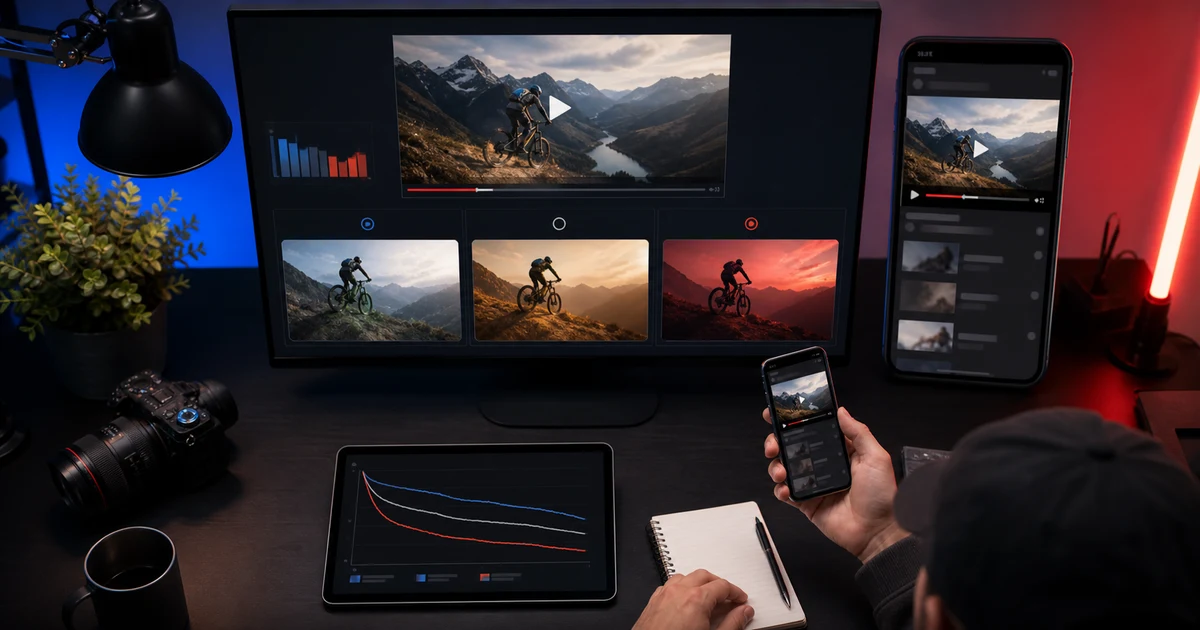
For audience testing, use the separate thumbnail testing workflow. A design tool helps you prepare candidates; viewer behavior determines how those candidates perform in their actual context.
Frequently asked questions
What is the best AI thumbnail maker in 2026?
For editable layouts, begin with Canva or Adobe Express. For visual concepts, consider Ideogram; for a specialist workflow, consider Pikzels. QuestStudio is our own option for source-image creation.
Should I generate the headline inside the image?
Editable text is usually easier to revise and proofread. Generated lettering can be part of an illustration, but essential copy should remain under your control.
Can AI thumbnails guarantee more clicks?
No. Topic, audience, title, distribution, and the video itself affect performance. A tool score is not evidence of a measured CTR improvement.
What should I test before paying?
Make one real thumbnail, request a specific revision, inspect it at small size, and export the final file. Record the correction work as well as generation time.
Continue with a useful next step
 Image
ImageAI Thumbnail Testing Workflow: Improve Clicks Without Clickbait
Create and test AI-assisted thumbnails with one controlled visual hypothesis, accurate content representation, native experiments, and watch-quality review.
 Image
ImageYouTube Thumbnail Prompts for AI Image Generators: 30 Copy-Paste Ideas for Click-Worthy Thumbnails
Copy YouTube thumbnail prompts for AI image generators, with realistic examples for creators, products, podcasts, gaming, tutorials, reviews, and ads.
 Image
ImageAI Website Hero Images: Plan Desktop and Mobile Crops
Create AI website hero images that work on desktop and mobile. Plan headline space, choose separate crops and check the real page before exporting final assets.