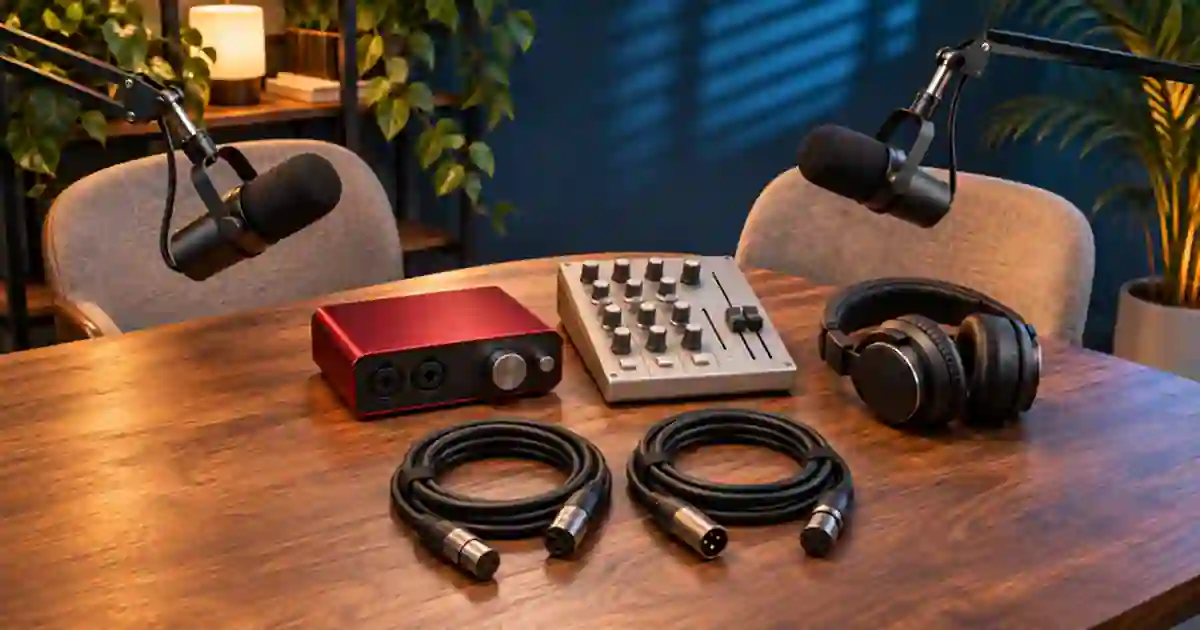

Choose an audio interface if your podcast mainly needs one or two microphones recorded as independent tracks on a computer. Consider a mixer or podcast console when you need to control a live mix, give people different headphone feeds, bring in calls, or record without the computer. Some devices can do both. I’d compare their recording outputs and monitoring paths before buying from the category name.
My gear pick for this setup
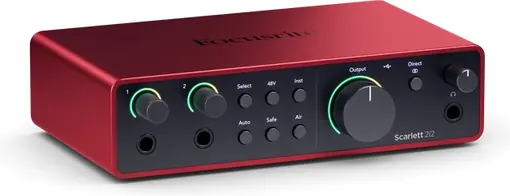
Focusrite Scarlett 2i2, 4th generation
For one or two local XLR mics recorded separately in software with a simple shared monitoring plan.
I’d consider a Scarlett 2i2 for a two-mic edit-first show. For independent headphone mixes, onboard recording, or several guests, check a larger interface or a dedicated podcast mixer.
Count inputs for the biggest episode you repeat
Make a list of the host, local guests, and any regular music or call sources. A host and an in-room guest usually need two actual microphone inputs if you want a separate mic for each. A mixer with several advertised channels may devote some to stereo line or USB playback. Look for the count and type of mic preamps, then check what reaches the recorder. The Scarlett 2i2 can serve a simple two-input workflow. Its two mic inputs are not enough for three local mics.
Write one requirement beside each source. For the guest microphone, you might need an isolated track you can edit. For a sound bed, you might want to audition it in headphones and keep it out of the raw voice files. For a caller, you may need the local conversation sent back without returning the caller’s own voice. Check the device and software for that routing. The rear-panel socket count cannot tell you what the software records.
Separate the saved tracks from the live mix
Some USB mixers send the computer a stereo sum. Others expose multiple input channels to compatible software. If a guest coughs over the host, an isolated microphone track can help you lower that mic without changing the host. It cannot erase bleed already recorded by the other microphone. Check whether the device sends each needed input separately, whether the app can record it, and whether you can recover the tracks from the final file or project.
If you stream the episode, decide which mix the audience should hear and which tracks the editor should get. Confirm that the live mix contains all speakers and necessary cues. Record a backup where the setup supports it, and check its format. A backup stereo mix may be useful even when you still need separate files to make the planned edit. The OBS audio track guide explains how one app can route a live mix and edit tracks differently.
Work out how each person will hear the session
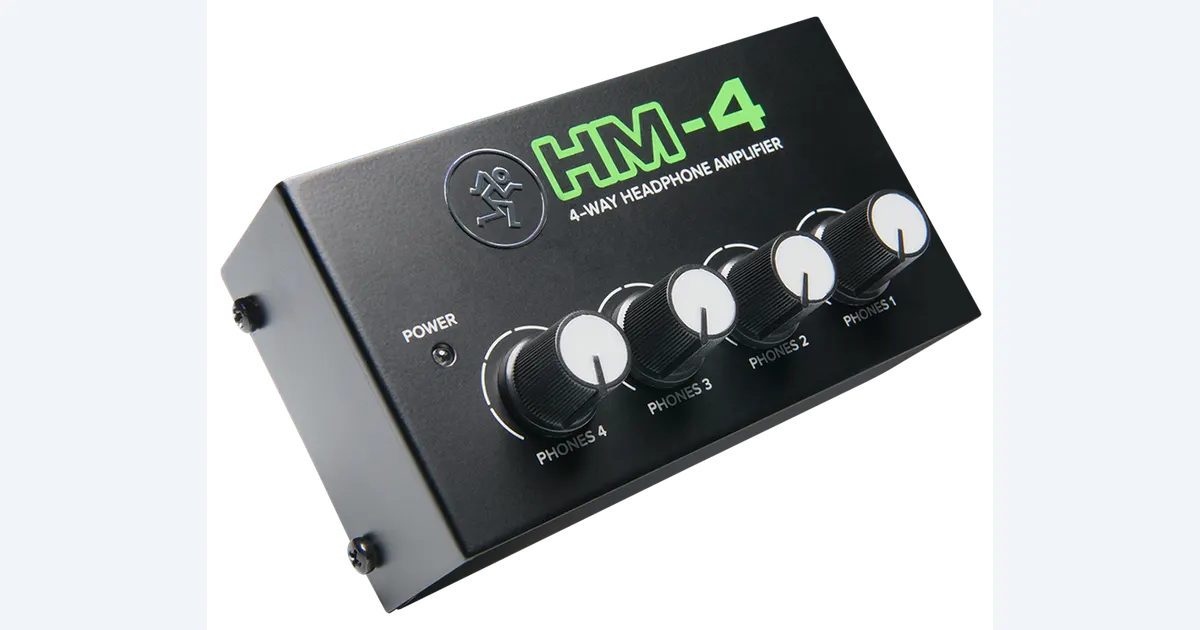
Check the available headphone outputs and whether each output has its own mix or just its own level. A basic interface can give you a straightforward monitor path. A compatible headphone amplifier can distribute a shared mix to more people if that meets the job. It cannot create independent mixes by itself. For a remote guest, rehearse the return audio and listen for an echo or a delayed copy of the voice. The headphone distribution guide covers shared monitoring options.
Watch what happens when the host changes volume. A control that only affects the headphones may leave the recorded level unchanged. A channel gain or fader can change the live feed, the saved track, or both depending on the device. Verify those behaviors with a disposable recording. I’d write the key controls into a one-page setup sheet rather than trying to discover them while someone is speaking.
Make the purchase decision from a rehearsal
Record each speaker alone, then have them talk over each other briefly. Play the output in the editor. Check that both voices are centered in the delivery mix and that their isolated tracks can be adjusted independently if required. Test the cue the guest hears. If a simple interface delivers everything you need, it may be the easiest setup to maintain. If the repeated difficulty is live routing or operating without a computer, compare consoles on those features.
For a replacement introduction, start with a clean recording from the host or audition an authorized voice in Voice Lab. Place the pickup beside the existing edit and check level and pacing. Preserve the original interview tracks so the edit remains easy to inspect.
Include the backup and remote guest in the budget
Write down how you will capture the episode if the main app stops recording. A device with local recording can help when the feature saves the tracks or mix you need. A separate remote recording may give you the guest file even when the local interface captures only the host. Check the result in a short call before paying for a more complex console. Compare the total setup, including monitor distribution, cables, and the software you will actually open every week. Choose the smallest setup that lets everyone hear the cue and gives the editor the files they expect.
For an interface and recorder combination, record a clap at the start and near the end. Compare the timing before relying on the two files together. Keep the backup as its own file and name which channel or mix it carries.
A two-person signal test
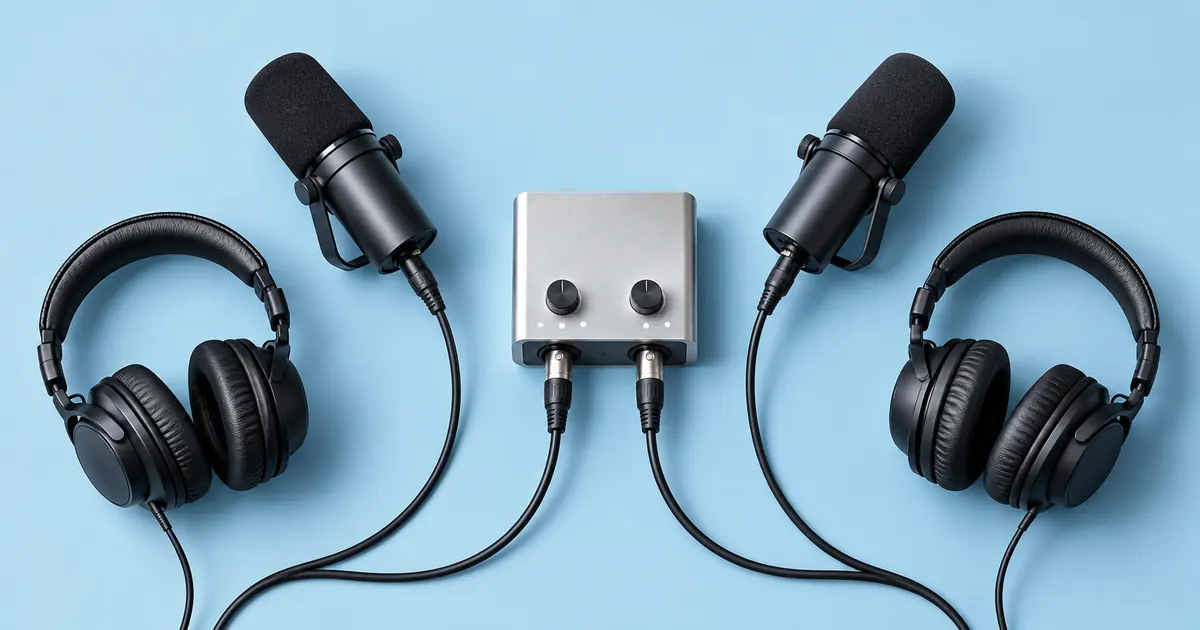
Draw two lines from the microphones to the proposed recorder and two lines to the headphone positions. Label whether the audio is isolated, summed, or returned to a caller. Record each person saying their name, then overlap for two seconds. Play the delivery mix and solo each recorded track. Check what happens when a headphone knob or channel fader moves. If you need a separate recording and hear only a combined mix, resolve the routing before spending on additional microphones.
Download the podcast audio routing worksheet (CSV)
Frequently asked questions
Does a USB mixer always record individual channels?
No. Check whether it exposes each needed channel or only a stereo mix to the recording application.
Can two people share one interface?
Yes, if it has enough mic inputs and a suitable monitoring plan. Verify how both people will listen.
Is a headphone amplifier an independent mix?
It can distribute the source you send it. Separate cue mixes require suitable routing and outputs upstream.
Which should I buy for a live show?
Compare physical controls, return audio, isolated recording, and backup options. Rehearse the full routing before the show.
Sources and further reading
Affiliate disclosure
As an Amazon Associate I earn from qualifying purchases.
Continue with a useful next step
 Voice
Equipment for Podcasters: Three Recording Setups
Choose equipment for podcasters by planning solo, remote, or two-person recording. Trace the signal path and check inputs, monitoring, storage, and total costs.
 Voice
Headphone Splitter vs Amp: Share a Podcast Monitor Mix
Choose between a passive headphone splitter and a powered amplifier. Map Mackie HM-4 stereo routing, four listener levels and podcast monitoring before buying.
 Creator Workflows
OBS Separate Audio Tracks for Mic and Desktop Sound
Set up separate mic and desktop audio tracks in OBS. Keep a combined preview mix, test the isolated tracks and fix missing or doubled audio before editing.