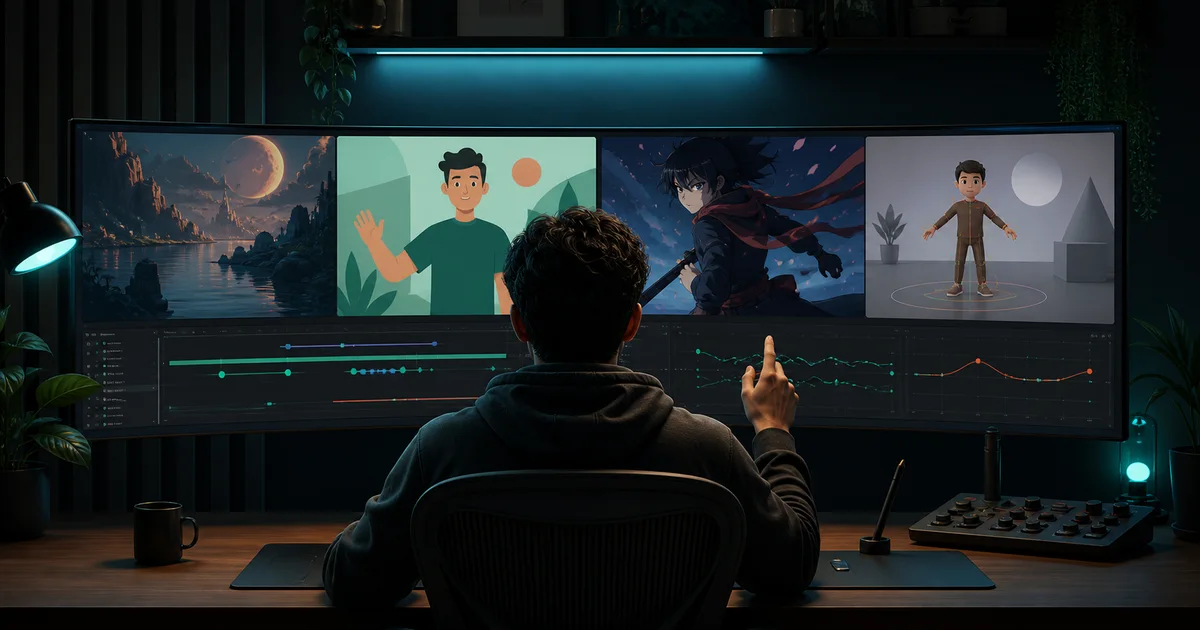

The best AI animation generator is the one built for your actual production job. A cinematic shot model, an editable business-explainer builder, a rigged 3D character tool, and a social template editor can all rank for “AI animation generator,” yet they produce different assets and fail in different ways.
This guide compares eight products using current first-party documentation checked on September 2, 2026. It is a documented-capability comparison, not a hands-on quality benchmark. Product pages explain what a tool is designed to do; only a controlled test with your own brief can show whether it meets your standard.
First decide what “animation” means for your project
Generative shot
A short scene created from text, an image, or a clip. Judge motion, prompt adherence, identity, and editability.
Editable explainer
A structured sequence with scenes, characters, narration, and text that a team can revise after generation.
Rigged character
A reusable 3D or 2D character driven by animation clips, dialogue, facial expression, or captured motion.
Template motion
Designed elements animated on a timeline for posts, presentations, intros, and other repeatable formats.
This distinction is the central buying decision. If you need a sixty-second training video that remains editable, ten beautiful five-second clips are not enough. If you need an expressive fantasy shot, a slide-and-character explainer system may feel rigid. Write the deliverable before you open a tool.
AI animation generators compared
| Tool | Best fit | Starting input | Main control | Watch for |
|---|---|---|---|---|
| Runway | Cinematic generative shots | Text, image, or clip | Generation plus editing | Short generations still need assembly |
| Adobe Firefly | Creative Cloud workflows | Text, image, or sketch | Model choice and Adobe handoff | Partner-model terms can differ |
| Vyond | Business explainers and training | Prompt, script, URL, or document | Editable scenes and templates | Less suited to cinematic shot craft |
| DomoAI | Anime and stylized conversion | Text or existing video | Style and video-to-video change | Style success is not continuity proof |
| Krikey | 3D characters and avatars | Text, character, or motion video | Rigged character editor | Different aesthetic from generative film |
| Canva | Template-led social motion | Designed page, assets, or clips | Motion paths and design timeline | Not a full character-animation system |
| InVideo | Complete script-to-video drafts | Idea or script | Prompt edits to scenes and voice | Generated facts and stock choices need review |
| Vidu | Stylized reference-led shots | Text, image, or references | Reference and frame control | Claims of consistency require your test |
The eight best tools by production job
1. Runway: best for cinematic generative shots
Runway documents text-to-video, image-to-video, video editing, reference-led characters, extending, upscaling, and timeline assembly. That makes it a strong fit when “animation” means a designed sequence of short, generative shots rather than an editable cartoon explainer. Its current AI video generator overview also makes an important limitation explicit: longer work is assembled from short generations. Test the hardest recurring subject across several shots before committing.
2. Adobe Firefly: best for Creative Cloud handoff
Adobe positions Firefly for animation from text, images, and sketches, with horizontal and vertical output plus handoff into Premiere and After Effects. The Firefly animation page also exposes Adobe and partner models. That breadth is useful for teams already finishing inside Creative Cloud. Check which model generated each asset, because Adobe's statements about Firefly models do not automatically describe every partner model.
3. Vyond: best for editable business explainers
Vyond Go turns a prompt, URL, or document into a video draft, then hands the result to an editor with scenes, templates, avatars, and text-to-speech. Its product documentation centers training, sales enablement, and explainers. Choose it when revision, brand consistency, and repeatable corporate formats matter more than cinematic motion. Verify every generated claim in a training or customer-facing script before approval.
4. DomoAI: best for anime and stylized conversion
DomoAI's text-to-video guide documents prompt-led scenes and styles including anime, realistic, pixel art, and 1990s aesthetics, with video-to-video available for further restyling. It fits creators who value a strong visual treatment or want to translate existing motion into another style. Run a full-scene test: a convincing still frame does not prove stable faces, hands, backgrounds, or timing across motion.
5. Krikey: best for editable 3D character animation
Krikey is a different category from diffusion-style video. Its text-to-animation tools combine characters, automated rigging, body animation, lip-synced dialogue, and a 3D editor. It can also translate uploaded motion to a character. This is useful for mascots, presenters, lessons, and reusable avatar scenes where direct edits beat repeated regeneration. The tradeoff is an intentionally character-led 3D look rather than photographic cinema.
6. Canva: best for template-led social animation
Canva combines designed pages, video editing, motion paths, Magic Animate, Beat Sync, and generated clips. Its video-effects overview shows where it fits: fast intros, posts, presentations, and branded motion made from editable design elements. Pick Canva when layout, typography, team familiarity, and channel resizing matter most. Pick a specialist when you need rigging, multi-shot character continuity, or precise generative camera choreography.
7. InVideo: best for a complete script-to-video first draft
InVideo says its animation generator can write a script, generate visuals, add voiceover and subtitles, then accept prompt-based edits. That is valuable when your bottleneck is assembling a complete social or explainer draft rather than crafting one hero shot. Treat the draft as an edit starting point: confirm facts, replace generic scenes, review pronunciation, check stock and music licenses, and tighten pacing manually.
8. Vidu: best for reference-led stylized animation
Vidu documents text, image, and reference inputs, plus frame control and animated styles. Its animation overview emphasizes character and scene consistency. That makes it worth a controlled test for recurring stylized subjects. Do not accept the word “consistent” as the test result. Compare face, silhouette, costume, palette, props, and environment across at least five planned shots.
Use this six-part animation scorecard
- Job fit: Does the output type match the final deliverable?
- Control: Can you revise the failed element without rebuilding everything?
- Continuity: Do identity, style, props, and setting survive multiple shots?
- Motion: Are body mechanics, camera movement, timing, and transitions believable?
- Production fit: Are aspect ratio, resolution, audio, captions, and export usable?
- Economics: What do retries make one approved scene cost?
Use the same ten-second brief, reference pack, destination format, and pass threshold in every candidate. Record failed attempts as well as winners. A tool that produces one spectacular demo and nine unusable variants may cost more than a quieter tool with repeatable control.
A practical test workflow
- Write one output job. Example: a five-second 9:16 mascot introduction with one wave and a locked background.
- Lock the references. Use the same character sheet, palette, script, and end frame for every tool that supports them.
- Choose one hard motion. Hands, turning, object interaction, and camera parallax expose weaknesses faster than a static pose.
- Generate a small batch. Keep settings and prompt meaning stable. Change only what the product requires.
- Score blind where possible. Judge the output before looking at the vendor name or credit cost.
- Finish one real export. Add audio, captions, edit timing, and publish-format checks before calling a workflow usable.
For a structured starting brief, use QuestStudio's free cinematic video prompt generator. If you begin from artwork or a character frame, run the source through the image-to-video consistency checker before spending credits.
Where QuestStudio fits
QuestStudio is most useful when your animation workflow crosses several stages. Build and compare keyframes in Image Lab, keep the brief and accepted prompts in Prompt Lab, then test motion in Video Lab. It is not a replacement for Vyond's editable explainer scenes or Krikey's rigged 3D characters.
The advantage is a controlled creative record: the same source, prompt, revisions, and approval criteria can move with the project. Start free, prove one representative scene, and review plans only when the workflow produces something worth repeating.
Frequently asked questions
What is the best AI animation generator?
The best tool depends on the production job. Runway fits generative shots, Vyond fits editable business explainers, Krikey fits 3D character animation, DomoAI fits stylized conversion, and Canva fits template-led social motion.
Can AI generate a complete animated video from text?
Yes, tools such as InVideo and Vyond can turn a prompt, script, document, or URL into a structured video draft. You should still verify the script, replace weak scenes, check rights, and edit the final timing.
Which AI animation tool is best for consistent characters?
Choose a tool that accepts character or subject references, then run a multi-shot identity test. Vidu and Runway document reference-led workflows, while Krikey uses editable rigged characters for a different kind of consistency.
Are AI animation generators free?
Many tools offer a limited free plan or trial, but credits, watermarks, export resolution, and commercial terms change. Compare the cost per approved scene after retries instead of choosing from a free label alone.
Can I use AI animation commercially?
Commercial use depends on the tool, plan, model, inputs, stock assets, characters, voices, and current terms. Confirm the exact generation path and keep a record of sources, permissions, and license terms.