
A useful AI birthday photoshoot starts with the person and the destination. An invitation needs room for exact event details. A keepsake needs a face the family recognizes. A fictional party concept can change the setting much more freely. Choose that job before asking for balloons, candles or a new outfit.
See the finished invitation · Download the editable SVG example · Prepare a birthday image in Image Lab
From a portrait to an invitation
We reused the fictional adult from our portrait style study. The source is generated, not a photograph of a real customer. One edit requested a teal background, a few balloons behind the subject and empty space on the left. It explicitly kept the glasses, clothing, apparent age and expression, and requested no cake, candles or lettering.
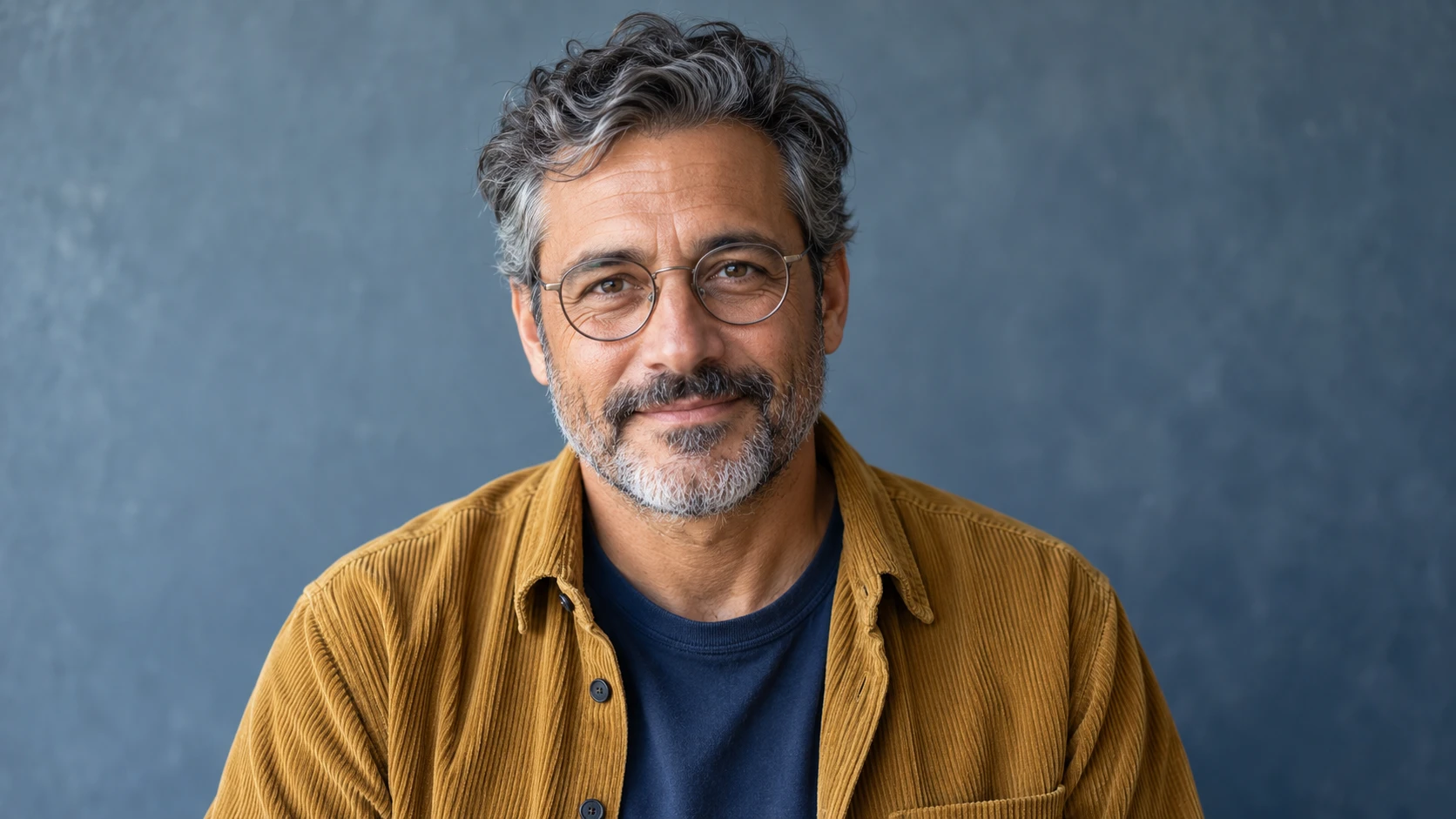
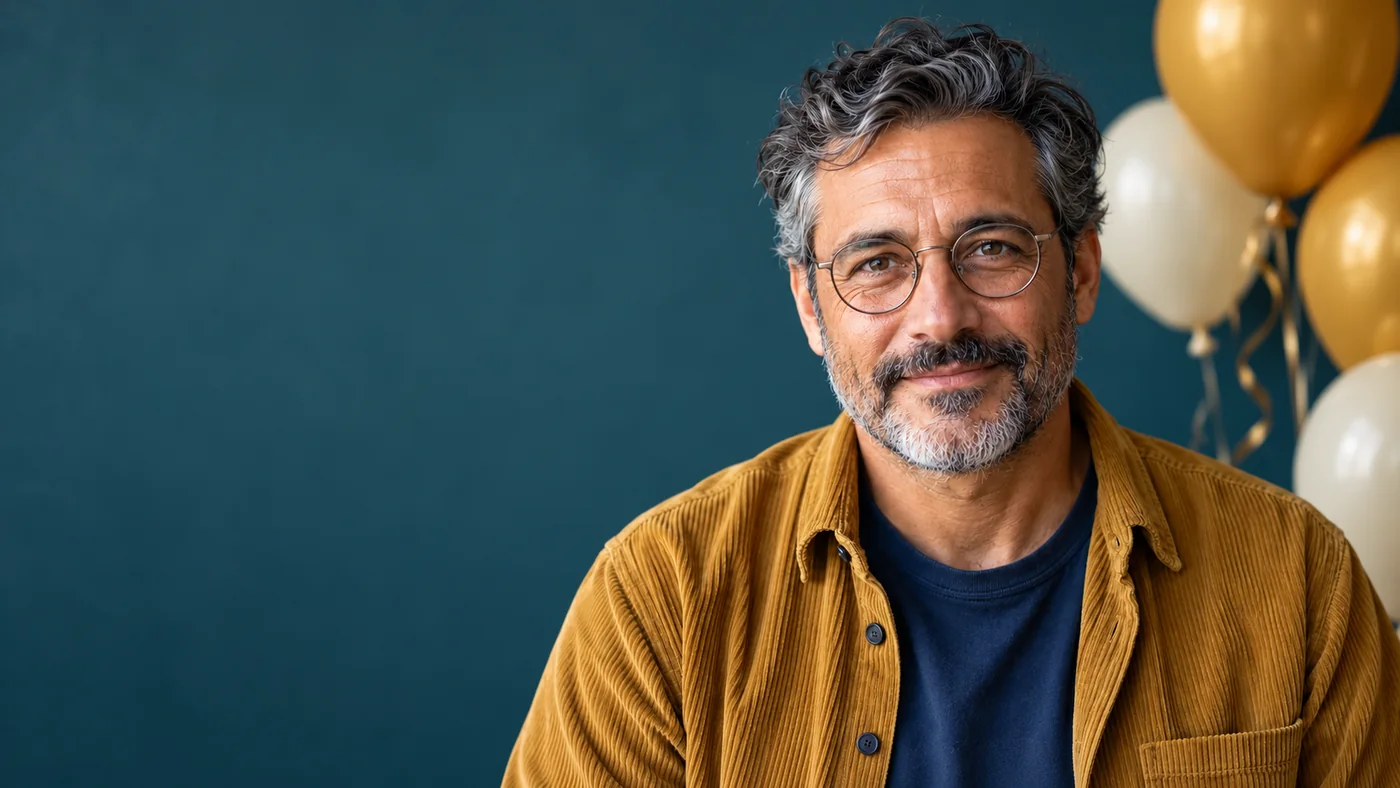
The edit delivered the requested space and kept the broad visual identifiers: round glasses, salt-and-pepper hair and beard, mustard overshirt and navy shirt. It did not preserve every strand, crease or facial detail. Treat the preservation wording as a requirement to review, not proof that identity is unchanged. A person familiar with a real subject should approve their likeness before sharing.
| Check | Observed result | Decision |
|---|---|---|
| Space for copy | Left side is open and dark enough for a separate text panel. | Usable for the photo panel of this square invitation. |
| Appearance | Broad identifiers remain; small features and texture differ. | Suitable as a fictional demonstration, not verified identity retention. |
| Event details | No generated age, date, name or candle count. | Add verified details separately. |
| Crop | Upper body stays on the right; no new hands appear. | Keep the wide photo; place larger event details in a separate panel below. |
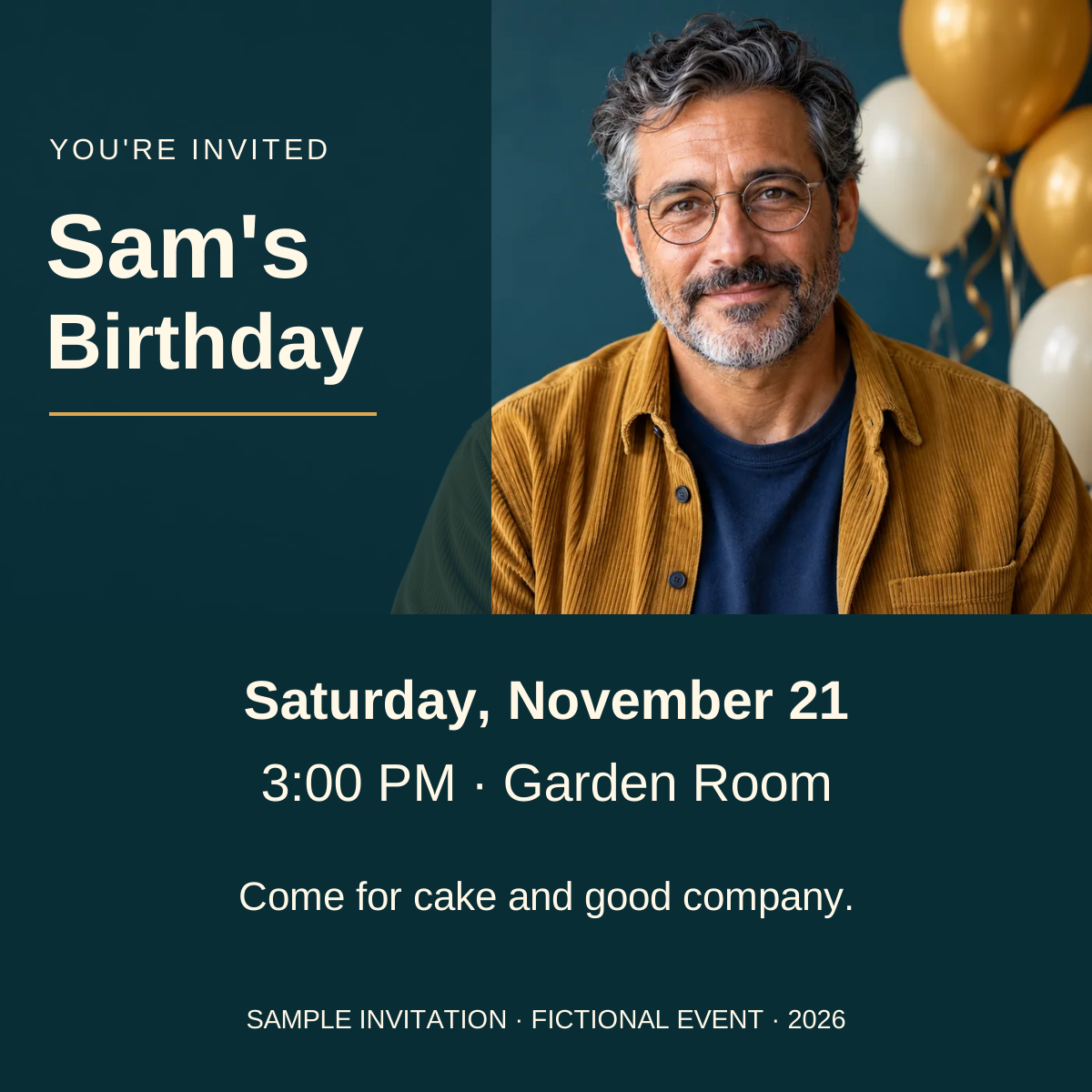
The SVG contains the image and editable text, so it travels as one file. Open it in an SVG-capable design editor, replace every sample detail and export the format your recipient needs. If your editor converts the lettering to outlines on import, keep a separate text master. The displayed card is an example, not a live invitation or an RSVP destination.
What was generated and what was laid out?
One built-in Codex image edit produced the birthday background. The tool did not expose its model identifier. The source was generated in the earlier portrait study. The invitation was then typeset separately; no lettering was generated into the portrait. This is not a ChatGPT-versus-Gemini comparison, a success-rate test or an actual birthday photoshoot. Download the exact edit instruction and record.
Prepare the source and the destination
Use a sharp, unobstructed portrait with the expression and clothing you want to keep. If the source hides a hand, the edit cannot verify the hand it invents. If the person wears glasses, examine both rims and the eyes behind them. Preserve the original file before trying a new scene.
For children, keep the presentation age appropriate and use references you are authorized to upload. Avoid adult beauty styling or changes to body shape. A birthday concept should not imply that a child attended an event, received a gift or posed with someone when that did not happen. For a real celebration record, prefer a conservative correction to the actual photograph.
Write the invitation copy first. A long venue name needs more space than a first name. Decide whether the image is a landscape message, a portrait print or a square card, then choose that format in the model controls. A landscape image with a face at the edge rarely becomes a good vertical card through automatic cropping alone.
Ten birthday photo prompts with specific review checks
Replace bracketed details and remove anything that conflicts with the source. All ten briefs require an uploaded image. Only the background edit above was executed for this guide; these templates are suggestions for your own project. For ChatGPT, upload the source before requesting the edit. For another image editor, select a mode that accepts a reference.
1. Invitation with space for editable text
Review: Put the real copy into the space before accepting the crop. Do not mistake empty space at full size for readable space on a phone.
2. Simple studio keepsake
Review: Compare the hairline, glasses and mouth before judging the backdrop.
3. Cake beside the person
Review: A required cake design needs its own reference and inspection. Count visible candles yourself.
4. Adult celebration concept
Review: Label the scene as a concept if it will be shown beside real event photographs.
5. Child's familiar party setting
Review: A parent or guardian should review both appearance and the sharing context.
6. Outdoor picnic cleanup
Review: Check the table edge and shadows where the object was removed.
7. Monochrome milestone portrait
Review: A conventional photo editor may be the better choice when only a color conversion is needed.
8. Friends without extra people
Review: Use the per-person group-photo review; inspect everyone, not just the birthday person.
9. Pet birthday portrait
Review: Inspect markings and paw count; a cute result can still depict a different animal.
10. Quiet personal keepsake
Review: If the object's exact design matters, place its original photograph in the layout instead of accepting a redraw.
Finish the file before sharing it
Keep a text checklist outside the prompt: name, date, start time, venue, RSVP instruction and any age the person actually wants displayed. Review every character after export. The image model should not decide event details. If the invitation will be public, choose contact details appropriate for public sharing.
View the exported card at the size recipients will see. Check contrast, line breaks, the face crop and whether the venue is readable without zooming. For print, use the printer's dimensions and bleed requirements; the sample SVG is a layout example, not a print specification. Keep the editable source alongside the final file.
In Image Lab, start with the source-required invitation brief above, then choose the matching format. The handoff carries instructions; you still select and upload your own source. For a broader edit, the photorealism guide helps isolate light and material problems. Stop regenerating once the photograph is acceptable and finish the exact lettering in your layout editor.
Frequently asked questions
Can I make an AI birthday photoshoot from one photo?
You can use one clear, authorized portrait as an editing reference. A single view cannot verify hidden details, and the output still needs a likeness and anatomy review.
Should the prompt include the person's age?
Include an age only when it is known, relevant and wanted. Do not infer a birthday number from appearance. Add exact milestone lettering separately.
How do I add a name and date accurately?
Reserve space in the image, then typeset the verified name, date, time and venue in an editable layout. Check the exported file, not only the editor preview.
Are these ten prompts tested results?
No. They are adaptable briefs. The worked example records one actual background edit of a fictional generated person followed by a separately typeset invitation.
What should I do if the face changes?
Return to the original source and narrow the edit. If recognizable features still change, use a conventional background or layout workflow that preserves the original portrait.
Continue with a useful next step
 Image
ImageChatGPT Group Photo Prompts: Fix Faces, Hands, and Spacing
Copy ChatGPT group photo prompts for family, team, event, and composite images, with subject labels, per-person checks, spacing, and repair steps.
 Image
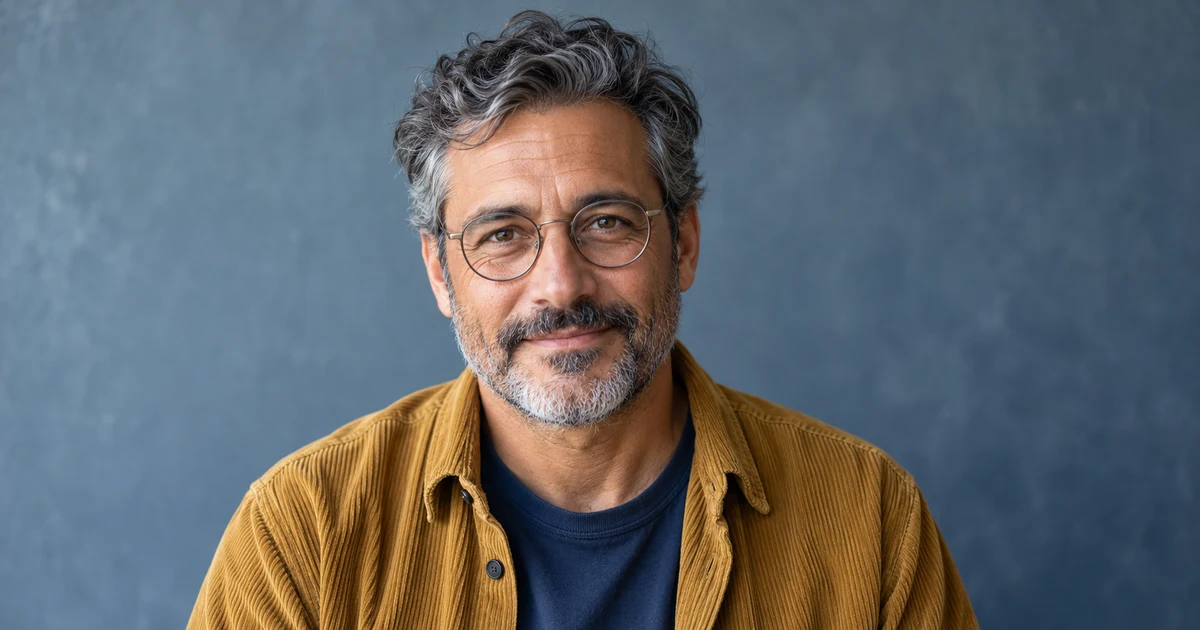
ImageChatGPT Realistic Portrait Prompts (2026): 25 Photo Ideas
Copy 25 ChatGPT realistic portrait prompts for natural photos, couples, headshots, and editorial images, with lighting, lens, skin, and negative prompts.
 Image
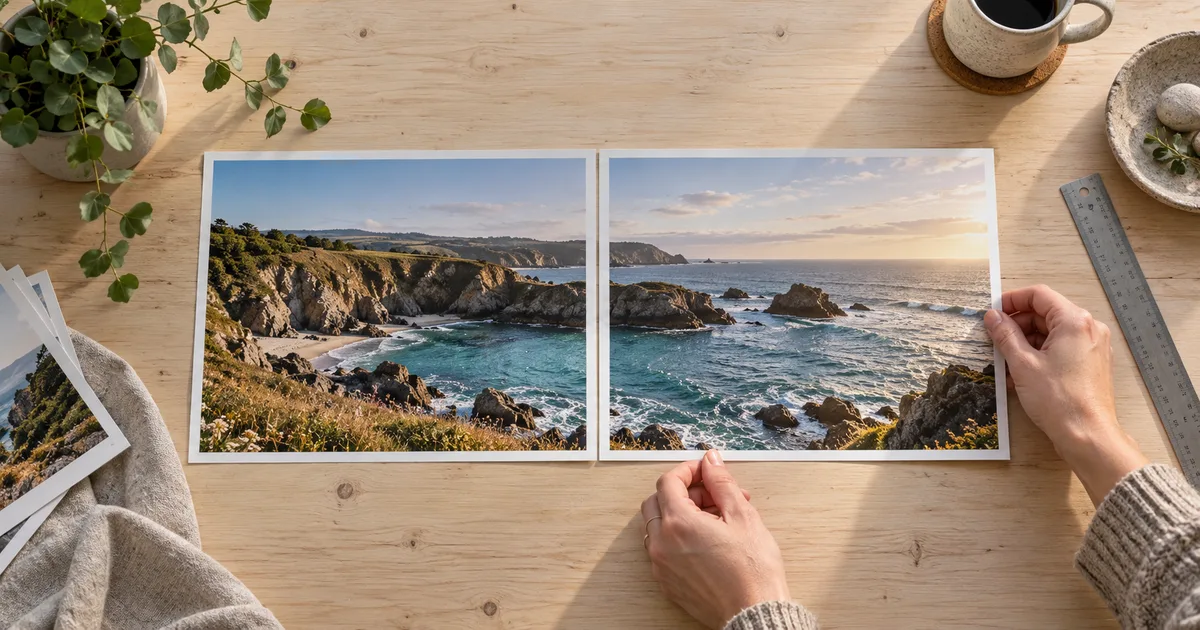
ImagePut Two Photos Side by Side Without Losing the Subject
Put two photos side by side with a clear fit-versus-fill example. Preserve the originals, choose the right crop, add labels, and check the exported image.