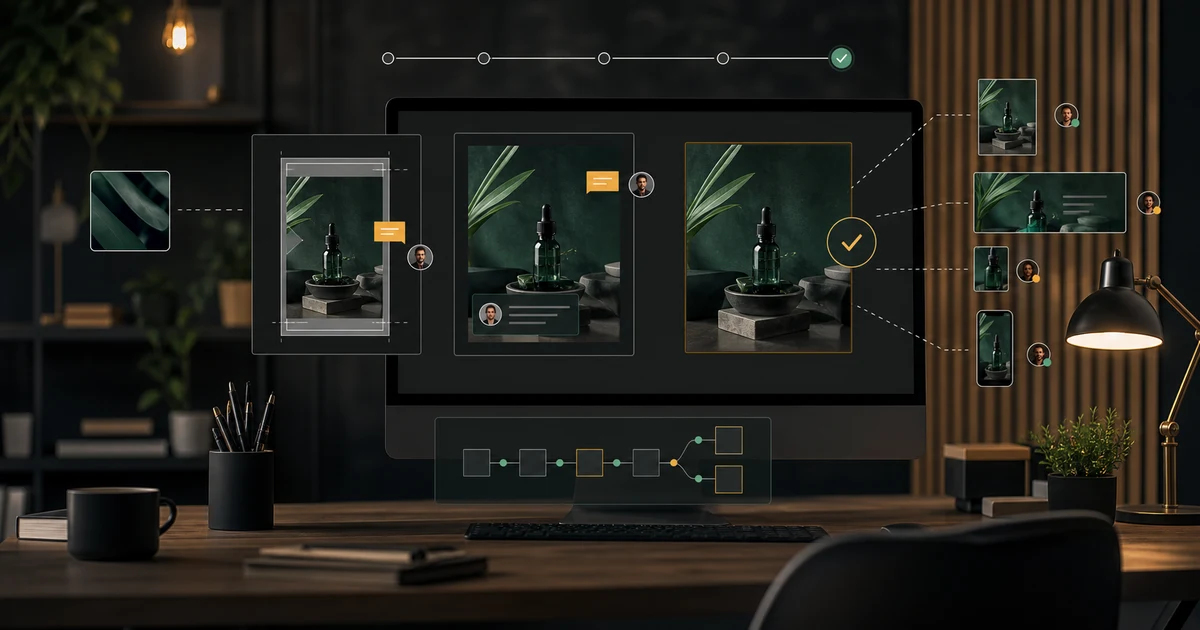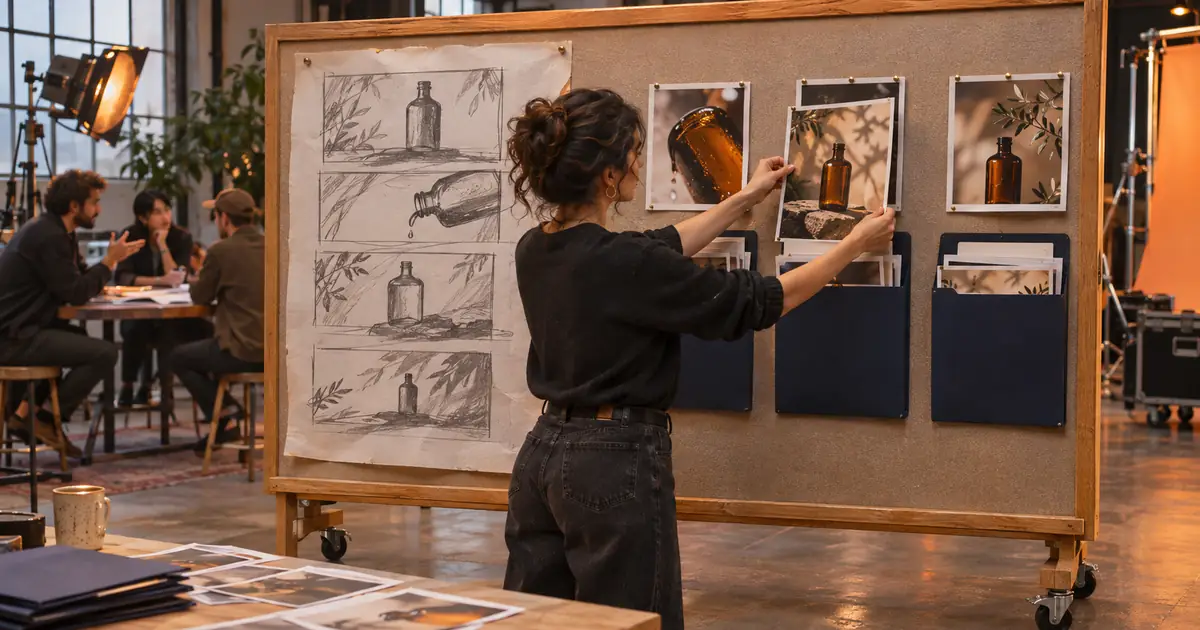

If you are comparing Claude Cowork with chat, first check which experience your account currently shows. Anthropic now documents a gradual rollout that merges their capabilities into one conversation. Some accounts still show separate Chat and Cowork options. The useful creative-work decision is increasingly about the deliverable, files and permissions, rather than choosing a label before you start.
This guide was checked against official information on November 2, 2026. It uses an original fictional campaign packet to explain conversational drafting and file-oriented work. The example outputs are authored specifications, not results from running the packet through two paid Claude modes.
Understand what changed
The official chat and Cowork rollout explanation says the new experience can handle quick questions and more involved work in the same conversation. It is rolling out in stages, so two accounts on the same plan may not see the same interface. The page explains what it means if separate options remain visible.
That makes an older “always switch to this tab” tutorial an unreliable starting point. Inspect your actual interface and current workspace settings. A missing separate Cowork label is not, by itself, proof that file-oriented work is unavailable or that an account is broken.
Do not spend the whole planning session trying to reproduce somebody else's menu. State the result you need, identify the permitted sources and read the controls shown for the task. Keep a note of the environment when you document the workflow for a collaborator.
Choose the output before the interaction style
A conversation is useful when you are still deciding what the brief should say. You might ask for a shorter headline, compare two scene directions or identify missing product facts. The result can be a reviewed piece of text that you copy into your production materials.
A file-oriented task has a more concrete handoff: a shot-list document, a source manifest and an open-questions file, for example. It needs instructions about where the inputs are, which records control the facts and what files should be created. Even in one unified conversation, that larger job benefits from an explicit task boundary.
| Your immediate job | Useful request | What to review |
|---|---|---|
| Discuss a scene direction | Compare two interpretations of the approved brief | Product facts and the tradeoff between directions |
| Prepare a production package | Create named files from the supplied packet | Sources, file contents and unresolved questions |
| Revise an accepted package | Change one specified requirement in a new version | Requested change and unintended differences |
Try the fictional bottle campaign packet
The original practice product is an amber bottle with a dark green cap and plain cream label. The production goal is a three-shot supporting video brief. The front reference controls identity. A texture board controls mood only. Ingredients, capacity, price and performance claims are not supplied.
The final package should include three shot rows, the source ID for each visual requirement and a separate list of unresolved questions. It should not claim that a nice-looking bottle proves a formulation, volume or benefit. Keeping those missing fields explicit prevents a planning draft from quietly becoming product copy.
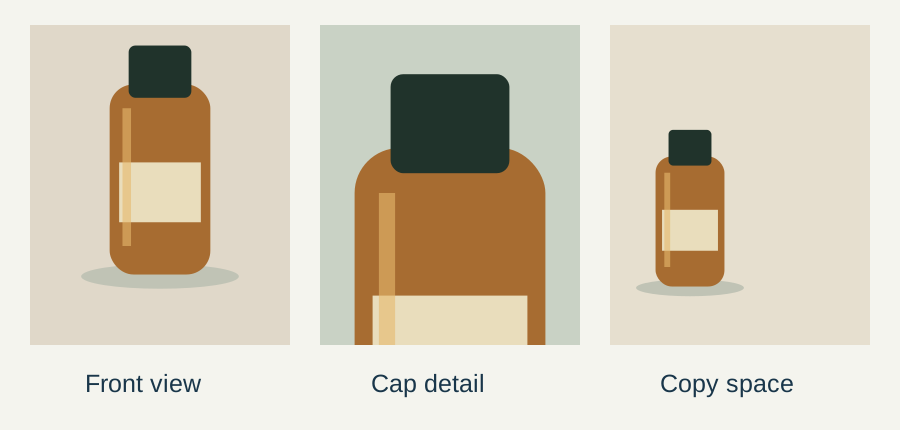
Download the original campaign packet. Adapt its structure to material you are permitted to use. Keep the source of truth outside the conversation as well, so another person can review the package without reconstructing an entire chat.
Use a conversation to resolve the brief
Start with the decision that remains open. For this exercise, ask whether the cap detail deserves its own shot or whether the front view already explains the product clearly enough. Provide the source roles and required output. Ask for the rationale and remaining questions, not a confident invention of missing specifications.
Review the supplied fictional bottle brief. Propose three supporting shot roles and explain what each contributes. The front reference controls identity; the texture board controls mood only. Keep ingredients, capacity, price and performance unknown. Return the proposed direction and unresolved questions. Do not create or overwrite source files.An acceptable authored direction might use a front view to establish identity, a cap detail to show the approved closure and a restrained wider composition for editable copy. Those are production choices to review. They are not evidence that a particular service will preserve the label in generated footage.
Specify a recoverable file task
Once the direction is approved, define the files needed by the next person. For example: shot-list.csv, source-manifest.csv and open-questions.md in a new output folder. State that original references must remain unchanged. Identify which fields should be left blank or marked unknown.
Give each source a short ID and a role. A filename that happens to sort first should not become the authority for a product fact. If an old white-cap concept is included for context, label it superseded and explain that the current green-cap reference wins.
For a file task, inspect the access request and the output destination shown by the application. Use a small practice copy before granting access to a valuable collection. A broad folder full of unrelated client projects adds exposure and ambiguity without helping this three-shot brief.
Review permissions separately from output quality
A polished shot list does not establish that every supplied file was permitted for the task. Confirm what may be read, written, shared or sent before the work begins. Keep account connections and publication outside the task unless those actions have their own approval.
The current official rollout guidance distinguishes cloud work from tasks that depend on a computer's local files or apps. A local-source workflow can require the desktop application to remain open. Use the current task notice for your route rather than assuming that every job continues under identical conditions when you close the laptop.
For the practice package, there is no need to send an email, publish an advertisement or connect another service. The task ends with reviewable local deliverables. A clear stopping point helps prevent an instruction about preparing a campaign from being interpreted as authority to launch it.
Open every deliverable before accepting it
Check the actual files, not just their names. A CSV can exist while its rows omit source IDs. A document can look complete while it fills an unknown capacity with a plausible number. Verify the three shot roles, product identity, source authority and unresolved questions independently.
Preserve the accepted version and record any corrections. If the next request changes the mood, compare whether the bottle's color or cap also changed. The reference-context guide explains how to keep source authority clear across revisions.
The Claude paid-plan comparison handles a separate decision about users, seats and billing. For the broader platform choice, the studio comparison helps identify which production steps belong together. Neither replaces checking the current account and the actual package.
Turn the approved package into media
Take the accepted scene direction and permitted reference to Video Lab when you are ready to create supporting footage. Check the current input controls for the selected route. Review the actual beginning, middle and ending for bottle identity, label changes and implausible movement.
Keep exact copy editable in the finishing workflow. Save the source manifest and open questions with the production files, especially when a different person makes the clip. The useful result of the chat or file task is a clear handoff that survives that change of operator.
Frequently asked questions
Are Claude chat and Cowork always separate modes?
No. Anthropic documents a gradual unified-experience rollout. Inspect the current interface and official guidance for your account.
Does a missing Cowork tab prove the capability is gone?
No. The interface may reflect the unified experience. Verify the task controls and account availability rather than the tab name alone.
Was the sample run through both modes?
No. It is an original campaign packet with authored expected deliverables, supported by current official workflow research.
What should a file-task request specify?
Name the sources, authority, permitted operations, output files, destination, unknown fields and acceptance checks.
Does preparing a campaign authorize publishing it?
No. Keep preparation, review and publication as separately defined actions with the relevant approval.
Turn the reviewed brief into footage
Bring the approved shot direction and permitted references to Video Lab. Inspect each generated asset against the source packet.