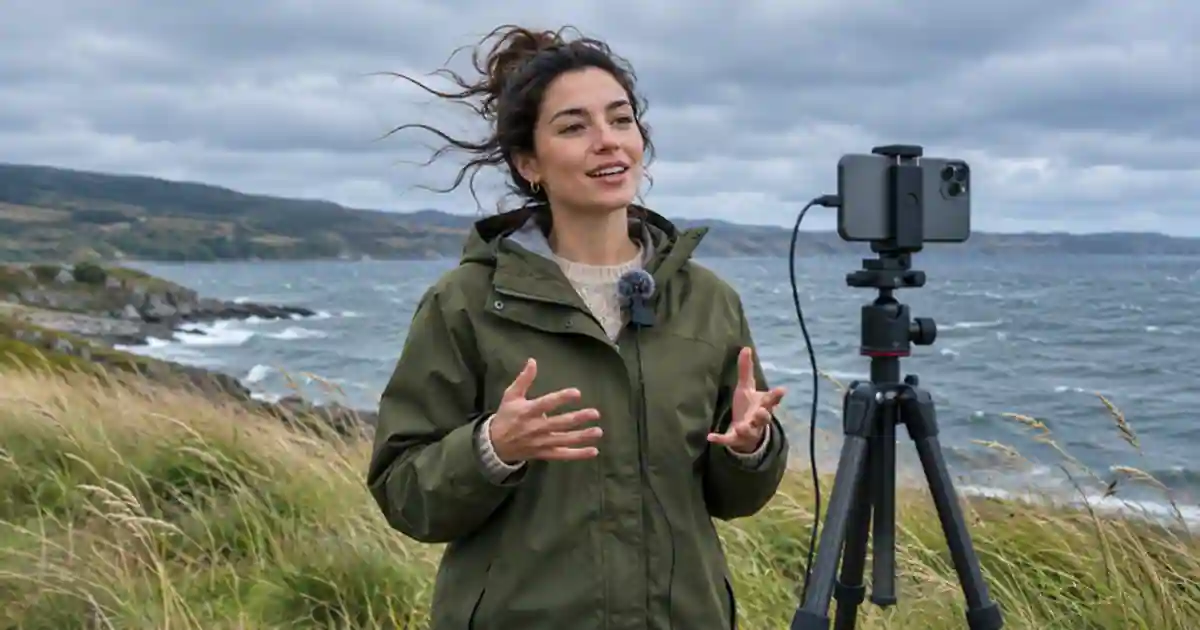

I’d keep the phone microphone for short, close speech when it records clearly in the setting you use. I’d consider the DJI Mic Mini when framing puts the phone several steps from the speaker and a closer microphone helps preserve the words. Run a short distance and wind test first. A wireless kit can bring the mic closer to the person, but you still need to check where the sound goes and how the transmitter behaves against a moving jacket.
My gear pick for this setup
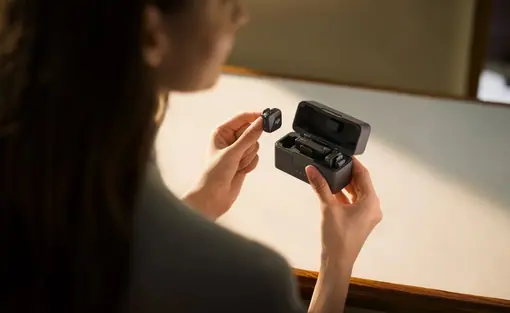
DJI Mic Mini 2 TX + 1 RX + charging case
For outdoor interviews or walk-throughs where the phone needs to be far from the person speaking.
I’d choose the two-transmitter kit when two people regularly need close mics. For solo clips at arm’s length, I’d run the wind and distance check before buying the larger bundle.
Compare two distances with the same line
Choose a safe place where you can repeat a line while standing near the phone and again at the distance of the real shot. Record both with the phone microphone. Keep the line at your normal speaking level so the distant version reflects the way you would present on camera. Pause after the line. Listen for the end of the sentence, wind bursts, and sounds that sit at the same level as your voice. A near recording can tell you whether repositioning is enough.
If you can borrow the wireless kit, repeat the same distance test with a transmitter clipped near the speaker's upper chest, using the supplied wind protection when conditions call for it. Give the clip a label that includes the source. Check the original saved video on headphones rather than deciding from a meter or speaker playback on the street. Ask someone who has not heard the script to identify one important detail. That gives you a way to compare intelligibility without asking which recording sounds more expensive.
Confirm the phone app is recording the receiver
Connect the receiver using the adapter that fits your phone and the app's supported input. The kit name and the actual package contents matter, especially if the phone needs a different connector. DJI documents different connection paths and limitations. A connection that works in one supported app may not behave the same way in the app you use to shoot. Record a short clip and move the phone farther from the speaker. Make a light sound near the clipped mic and check the saved result. Test with the exact case and adapter you plan to bring.
For two people, rehearse both transmitters and listen to each person in the output. If you expect separate edit control, check the receiver mode and verify what your app saves when both people talk. Decide where to plug in a second adapter or charge during a longer shoot. The wireless kit buying guide compares package choices and shows why the phone connection belongs on the shopping list.
Separate wind, clothing, and processing
Fit the windscreen securely and try a position where fabric will not rub the capsule when the speaker turns. Rehearse the move. If rubbing appears, move the clip and repeat before changing an app setting. If wind still overwhelms the line, use a sheltered position or change the camera angle. Keep the microphone free of fingers and fabric. It is easier to hear these problems if you record a short pause with each test.
Try the same sentence with your chosen noise reduction mode and with it off where supported. Compare at similar playback levels. Listen for the start and end of words as well as background sound. An aggressive setting can make a quieter clip but change the speech texture. I’d use the least processing that gets a usable take for the real background. Keep a phone-only backup test so you know which source you can fall back to if the receiver disconnects.
Choose the kit around the shoot you repeat
For a weekly talking clip at arm’s length, close placement and wind shelter may be sufficient. For interviews, demonstrations at a distance, or regular two-person shoots, the kit can solve a real positioning problem. Check the chosen package, phone adapter, and recording path before ordering. Save a good speech sample from the successful setup so you can compare later clips recorded in a different place.
If the edit needs a short bridging line, make a pickup with the original speaker or audition an authorized alternative in Voice Lab. Keep the real interview as the source for quotes. Match the transition in the edit and make sure any added line has the correct attribution and facts.
Make a backup before the location changes
Record a second version of the essential line in a sheltered spot while the speaker is still there. Take a few seconds of background sound at the location, too. DJI's original Mic Mini transmitter does not provide its own onboard file recording, so verify the audio saved by the phone or camera rather than expecting a spare file on the transmitter. Name the backup in the edit notes. If a wireless dropout affects a word, a real pickup is much easier to use than trying to reconstruct the sentence later.
A distance and wind scorecard
Place the phone at arm’s length and read one sentence. Repeat it three steps back. With the same frame, repeat with the clipped transmitter and the supported receiver path. Include one head turn and a pause. In the exported recordings, mark which words you can hear, whether fabric hits the mic, and whether wind overwhelms a pause. Try one sheltered position before buying. If the distant phone take repeatedly loses the line and the transmitter version keeps it intelligible, that is the clearest case for the kit.
Download the outdoor phone audio worksheet (CSV)
Frequently asked questions
Is the DJI Mic Mini always better than my phone mic?
Its main advantage here is keeping a microphone close to the speaker while the phone is farther away. For a close, clear shot, the phone may already be sufficient.
Which connection should I use?
Check DJI's documentation for the phone and app. Verify the receiver adapter, case fit, and saved audio before a paid shoot.
Can noise cancellation replace a windscreen?
Use physical wind protection and good placement. Compare the processed audio with an unprocessed version to check the words you need to keep.
Do I need the two-transmitter bundle?
Choose it when you regularly need two people on close microphones. Confirm the receiver mode and the track layout your app actually saves.
Sources and further reading
Affiliate disclosure
As an Amazon Associate I earn from qualifying purchases.
Continue with a useful next step
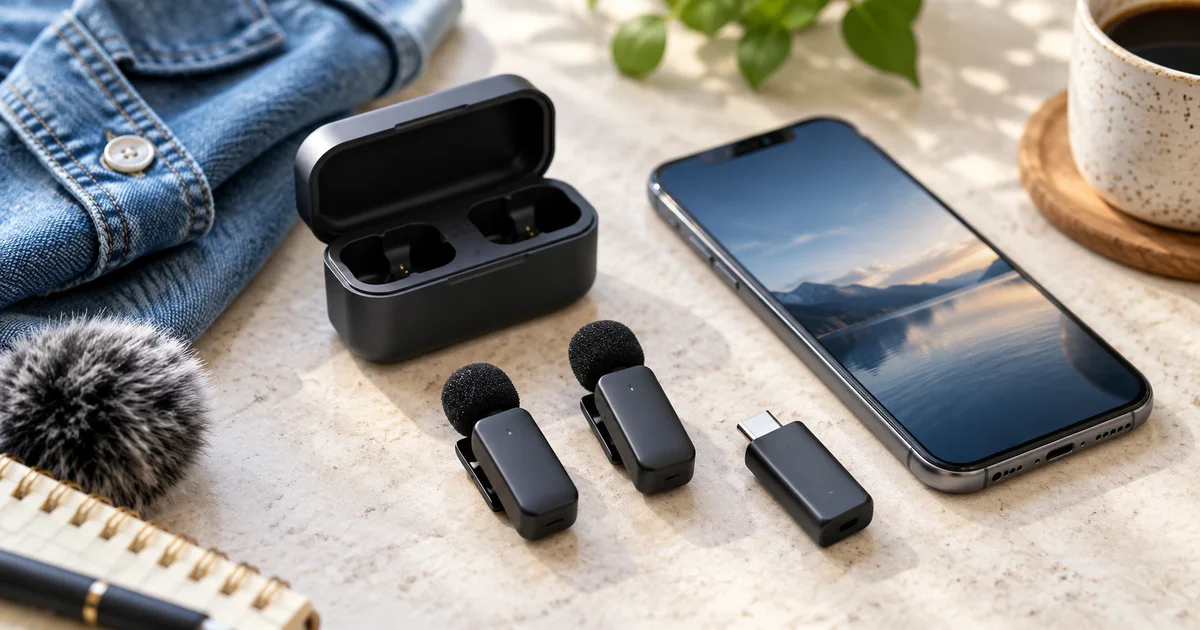 Video
Wireless Microphones for iPhone Video: Choose the Kit
Compare DJI Mic Mini and Hollyland LARK M2S for iPhone video. Check USB-C, Lightning, app support, two-speaker tracks and backup recording before buying.
 Voice
Make a Video Podcast: Audio, Framing, Sync, and Exports
Plan a video podcast with clear audio, useful framing, and checked exports. Use a synthetic sync clip and production worksheet before recording a full episode.
 Creator Workflows
How to Fix Microphone Clipping in Voiceover
Fix microphone clipping by finding where the voice distorts. Test input gain, spot overloaded effects and compare a clean pickup with the original take.