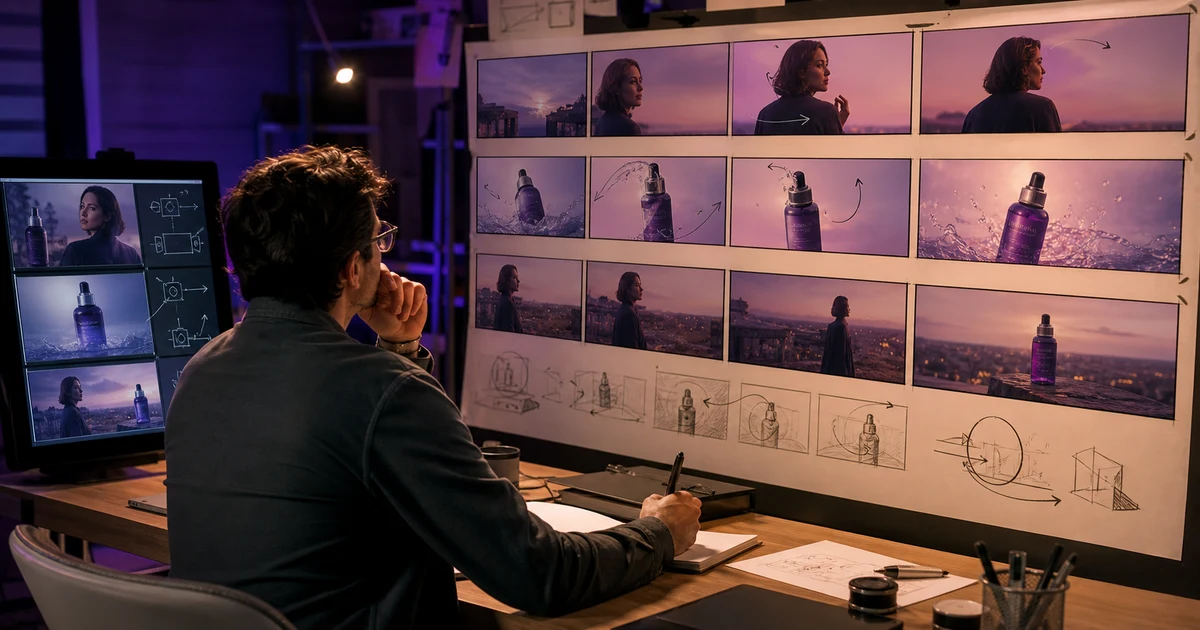

AI Storyboard Workflow: Plan Shots Before You Generate Video helps you complete one real creation job with a repeatable process and a clear approval standard. It focuses on the decisions that determine whether the output is useful, accurate, and ready for its destination.
Separate a storyboard from a mood board
A mood board describes visual taste. A storyboard describes what the viewer learns over time. Each panel should answer why the shot exists, what changes, and where the edit can occur. Beautiful panels that do not establish, prove, or resolve the idea increase generation cost without improving the video.
Write the one-sentence brief
Name the viewer, desired action, runtime, format, promise, proof, and tone. For example: “A 20-second vertical ad for first-time buyers that shows the spill test, proves the cap locks, and ends on the real product page offer.” This sentence prevents the board from becoming a disconnected gallery.
Convert the message into beats
| Beat | Viewer question | Storyboard job |
|---|---|---|
| Hook | Why should I stay? | Show tension, outcome, or useful interruption |
| Context | What is this? | Orient subject, product, and setting |
| Proof | Why believe it? | Demonstrate the verified mechanism or result |
| Resolution | What changed? | Complete the action and emotional arc |
| CTA | What next? | Leave one clear destination-ready action |
Design one panel per editorial decision
Each panel needs shot size, camera height, subject position, action start and end, screen direction, reference assets, approximate duration, dialogue or sound, and preservation constraints. Use arrows for motion and annotate what must remain identical across panels.
Do not generate a nine-panel sheet and assume every tiny character or product detail is reliable. Create a controlled visual anchor, then inspect important panels individually at useful resolution.
Build a continuity strip
List recurring facts beside the board: face, hair, wardrobe, product variant, prop state, location geography, key-light direction, palette, lens family, and movement direction. Mark deliberate changes, such as an opened package or a wet surface, so they are not mistaken for model drift.
Plan motion separately from composition
A still frame does not explain how a shot should move. Write one subject action and one camera behavior per shot. Define the starting state, ending state, and clean handle. If two panels connect through matched action, describe the overlap explicitly.
Approve the board before generation
- Read the panels without voiceover and explain the story.
- Check the crop in the final aspect ratio and safe zones.
- Verify every product, identity, claim, and required reference.
- Estimate duration and remove beats that do not add information.
- Mark shots to record, generate, composite, or source legally.
Carry the board into production
Before generating the final footage, test the approved frames on a rough timeline. The storyboard-to-animatic workflow helps you check narration alignment, shot duration and missing coverage.
Generate one approved shot at a time. Save the panel, prompt brief, source references, model, settings, output, and pass reason together. Replace the storyboard panel with an accepted frame as the sequence develops so later shots inherit the production reality.
Storyboard QA
- Every panel has a story job
- Continuity facts and deliberate state changes are documented
- Motion, edit point, audio, and duration are specified
- The board works in the final aspect ratio
- Claims and product facts are verified before generation
- Each shot is labeled record, generate, composite, or source
To apply a short storyboard to native shot controls, use the plan a twelve-second Kling multi-shot story guide. It includes an original exercise and a worksheet for reviewing the result.
Frequently asked questions
How many panels should an AI video storyboard have?
Use one panel per meaningful editorial decision; the correct number follows the story and duration, not a fixed grid.
Should I generate the entire storyboard as one image?
A sheet can establish style, but inspect and approve critical frames separately because small details may drift.
What should each panel include?
Include shot size, composition, start and end action, camera behavior, duration, audio, references, and continuity constraints.
Can a storyboard reduce generation cost?
Yes. It exposes unnecessary shots and unclear continuity before credits are spent.
Which QuestStudio tool should I use first?
Use Prompt Lab to structure and save the shot briefs, then send approved shots into Video Lab.
Continue with a useful next step
 Creator Workflows
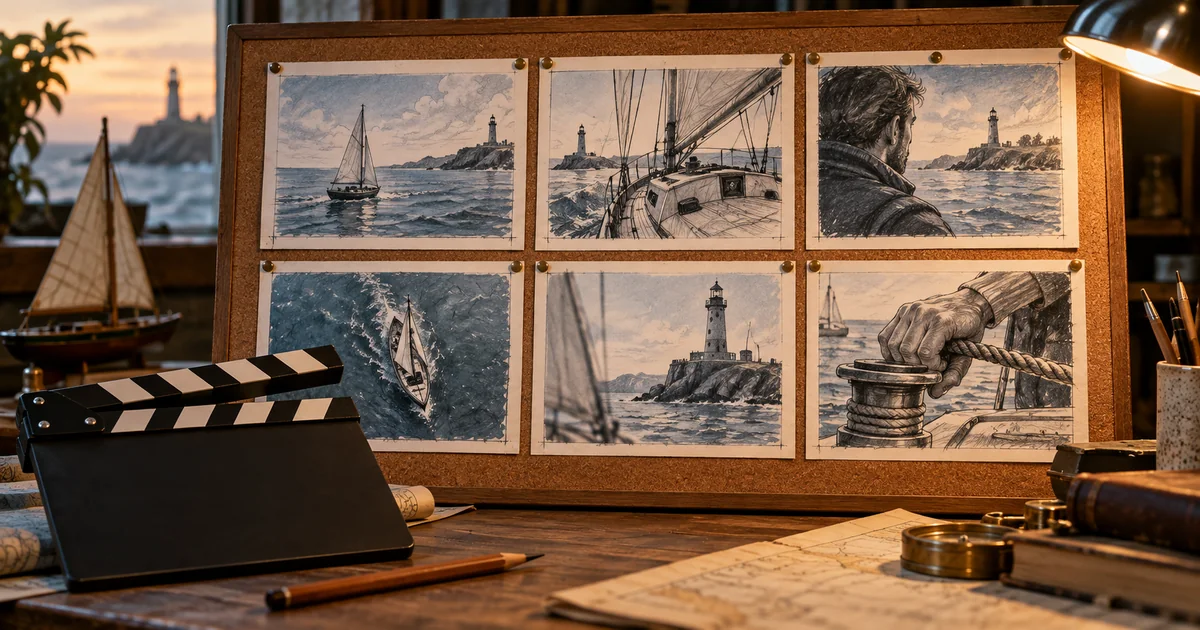
Best AI Storyboard Generators in 2026: Four Tools for Better Planning
Compare Boords, LTX Studio, StoryboardHero, and Katalist for AI storyboards in 2026. Test continuity, client revisions, shot clarity, and useful exports.
 Creator Workflows
Is NotebookLM Free? Plans, Limits and a Creator Test
Check NotebookLM free-plan limits, separate source capacity from AI usage, and try a fictional source-to-script exercise before deciding whether to upgrade.
 Creator Workflows
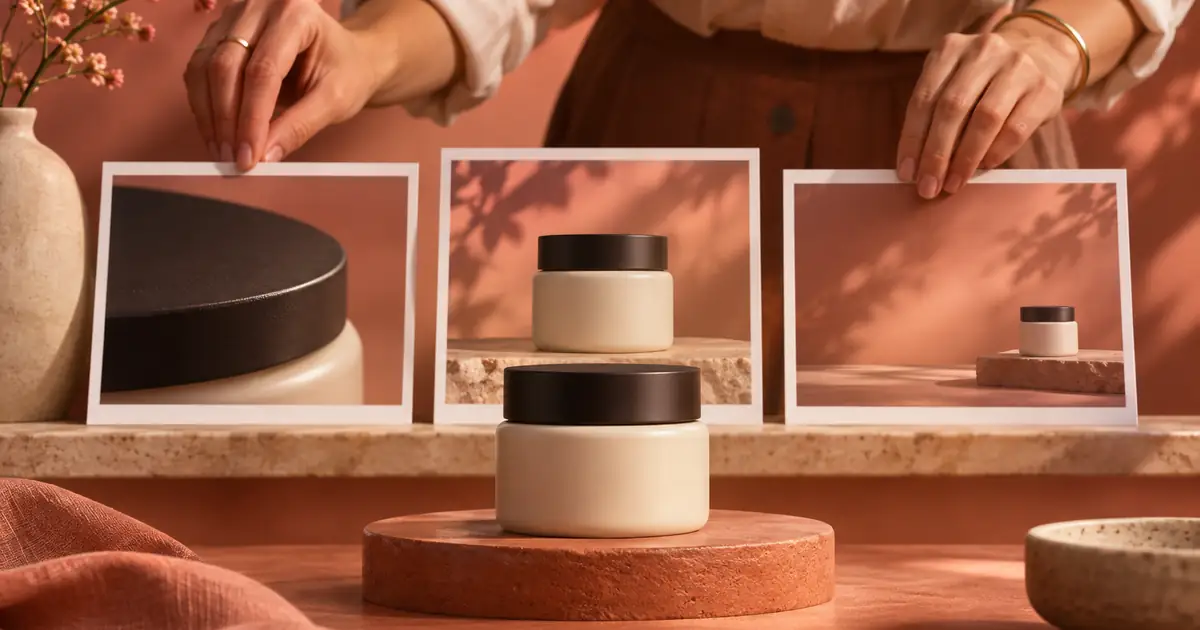
Custom GPT Creative Briefs: Make Instructions Portable
Build a reusable creative-brief instruction pack. Separate facts, rules and tests, and check the current GPT or plugin route and sharing permissions before use.
For a handmade animation built around deliberate poses, plan an AI stop-motion action before adding motion.
For an author promotion, the thirty-second book trailer plan applies these shot decisions to a spoiler budget, narration, and a readable cover card.
To choose software for this planning process, compare AI storyboard generators for 2026 with a six-shot scene and one realistic change request.