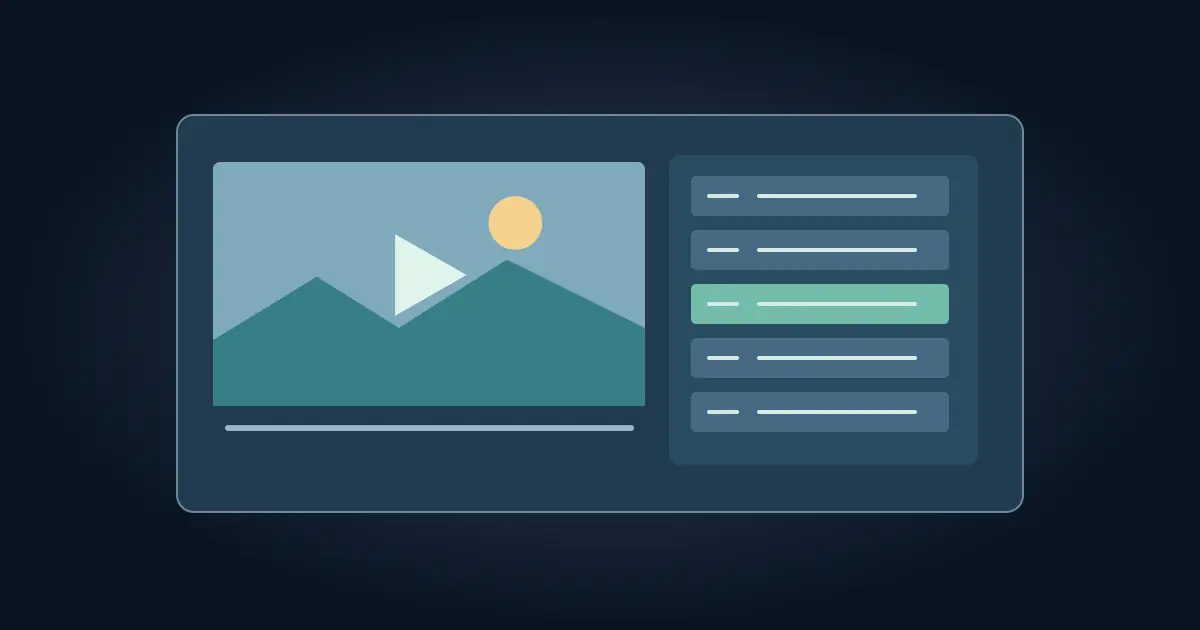

To get a transcript of a YouTube video, open the video, expand its description if needed, and select Show transcript. YouTube displays the available caption text with timestamps. Select a line to jump to that point. The transcript option depends on the video's captions and the viewing interface.
The panel is a quick way to find a sentence or follow a demonstration. Before quoting it or turning it into notes, listen to the actual moment. A name, number, or negative word can change the meaning even when the rest of the transcript looks right.
Open the transcript on the video page
Start on the full video page rather than a small embedded player. Look in the description for Show transcript. YouTube's transcript help describes the control and explains that selecting a transcript line jumps to the corresponding moment. If a search field appears in the panel, use it. Otherwise, scroll to the approximate place or search visible text where your browser supports it.
Watch what happens when the video plays. The active line moves with the picture. To locate an instruction, choose a line just before it. Some captions begin halfway through a thought, so starting a few seconds earlier makes the context easier to hear. If several caption languages are available, check which one you are viewing before saving any wording.
Avoid assuming the displayed timestamp is the beginning of a spoken sentence. It may be where a caption block appears. Use it as a jump point, then refine the time against the actual audio when you need an exact reference.
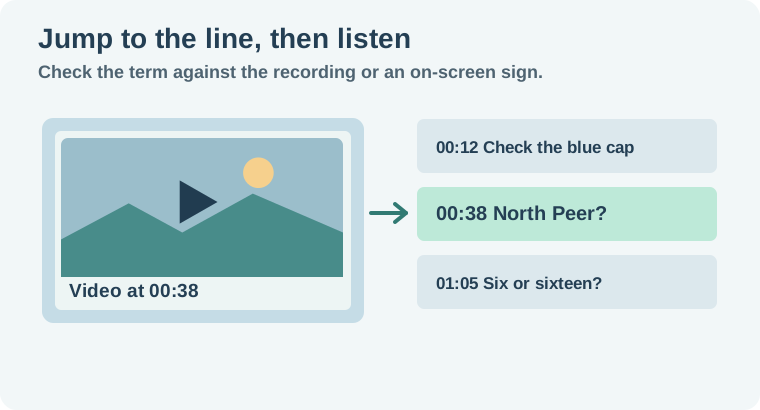
Verify one quote before building the whole set
Imagine a workshop video whose transcript says “North Peer” at 00:38. Click the line, back up a few seconds, and listen. If the video shows a sign for North Pier, record the spelling from that visible evidence and note that the caption gave a different version. If you cannot settle the spelling, leave it flagged. The useful record contains the video link, the timestamp and the reason for the correction.
Numbers deserve the same check. “Six” and “sixteen” can both make grammatical sense but lead to different instructions. Listen to the number and to the unit around it. If the speaker pauses or another person talks over the phrase, replay it at a comfortable speed. Keep the context that establishes what is being counted.
If you need a quotation, write down the speaker and enough of the surrounding exchange to understand it. A transcript can omit tone, a pointing gesture, or a change of subject. For a source-checked summary, use the YouTube fact-checking workflow after you have verified the important lines.
Handle a video without Show transcript
Check whether the player offers captions at all and try the full watch page. Some videos or viewing layouts will not expose a transcript. If the creator shares a script or caption file, compare it with the published cut. A production script can have sentences that were edited out or wording that changed during recording.
If you own the video, check the subtitle tools in YouTube Studio or transcribe your approved source file. Keep its revision so you can confirm the timestamps against the posted edit. The Scribe v2 review guide describes how to verify speaker IDs and word timing when you start from a recording you are allowed to use.
For someone else's video, a short timestamped note can be more useful than trying to reconstruct an entire transcript. Keep the original link and check what permission you have before redistributing text or media. If a source is inaccessible, record what you could verify instead of supplying an invented quotation.
Automatic captions can join words from different speakers in one block. For an interview, check one clean turn before the exchange so you can identify each voice. If the caption line begins under the previous speaker, add a timestamp for the exact point where the person you want begins talking. This gives a collaborator a better jump point and reduces the chance of attributing the reply to the person who asked the question.
Keep timestamps attached to your notes
Copy or record the relevant passage where permitted, then attach a timestamp to the note. If you are preparing several references, keep the raw caption text in one column and the verified wording in another. That makes corrections visible to a reviewer. If the timestamps in your own SRT do not match the final video, use the Subtitle Edit sync guide to diagnose a constant delay or drift.
For a team handoff, test the first and last reference links. Confirm they point to the intended video and move you close to the passage. Label translated captions as translated when they affect the wording you cite. Use the original audio if the exact phrasing matters.
How QuestStudio helps
Use Prompt Lab to turn your own verified notes into an outline for a tutorial or edit. Keep the timestamps beside each source fact. If the outline introduces a claim you did not verify, return to the relevant recording before using it.
Start with the one quote or instruction you actually need. The verification sheet lets you build a clean set of references without losing the connection to the video.
Download the youtube transcript verification sheet.
Frequently asked questions
Why is Show transcript missing?
The video may lack available captions, or the current viewing interface may not expose the transcript. Check the full watch page.
Can I jump to a timestamp from a transcript line?
Select the line in the transcript panel. Check the audio around the jump if you need the exact beginning of a phrase.
Are YouTube transcripts always correct?
Caption accuracy varies. Verify names, numbers and important claims against the recording.
Can I use a translated transcript as a direct quote?
Identify it as a translation and consult the original speech when exact wording matters.
What if I own the video but the transcript is missing?
Check your subtitle tools or transcribe the approved source file, then verify its timing against the published edit.