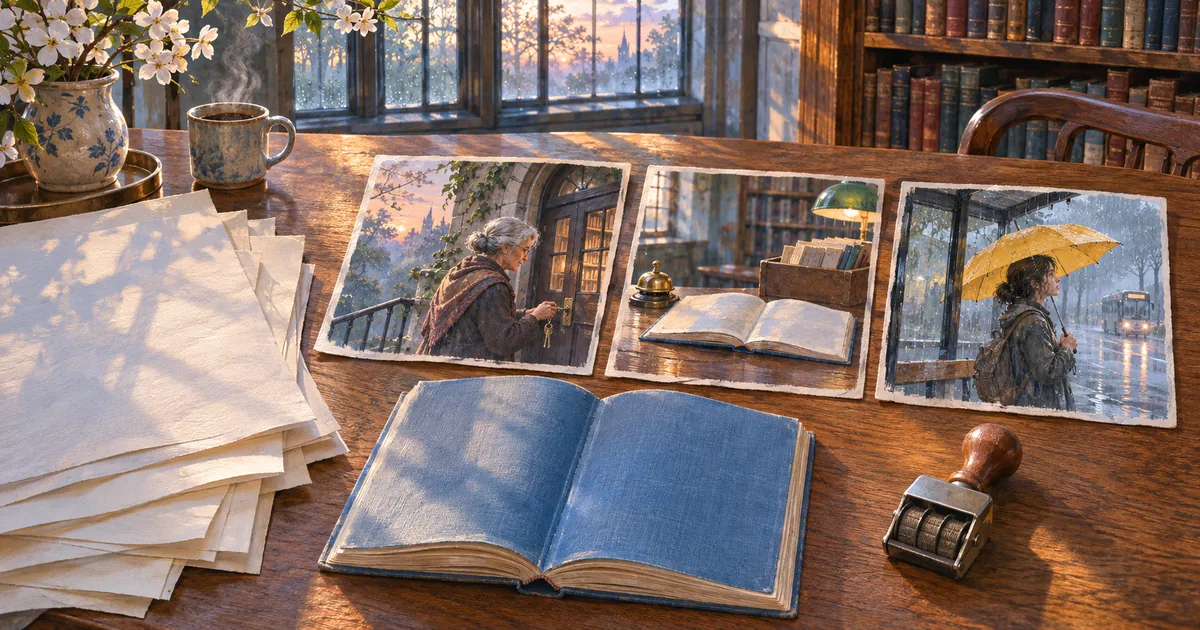

Keep Perchance AI if you need a quick story draft you can start without signing up. Try Rabu AI for more guided inputs, Sudowrite for writing from a chapter outline, or NovelAI for continuing a story with recurring lore. If you like the draft and want to make illustrated scenes, take one beat into QuestStudio Image Lab.
Use the library example below to see what each switch would accomplish. The same two sentences can start a new draft, help you check a chapter for continuity, or give a visual artist something to frame.
Compare Perchance alternatives by what you need next
| Tool | Good fit | What to check in your first session |
|---|---|---|
| Perchance AI | A fast scene or premise | Can you describe what your character chooses and why? |
| Rabu AI | A short draft with inputs for genre, audience, and length | Do the opening and ending suit the specific audience? |
| Sudowrite | Chapters written from an outline and story notes | Does the chapter add the planned reveal at the right moment? |
| NovelAI | Fiction you want to continue while reusing lore | Does the continuation respect the established story rule when its trigger appears? |
| QuestStudio | Illustrated scenes, storyboards, and motion tests | Can someone read the turning point from one still? |
The extended Perchance community generator works well as an opening move. Give it an ordinary action and one thing that makes the action impossible. For example, a librarian receives a book she checked out tomorrow. Save the lines that tell the reader how the book got there, what the librarian risks by opening it, and why she has to choose now. Perchance AI Story Generator Extended.
Rabu AI's public generator lets you choose options such as audience, genre, length, and whether to write a complete story or a part of one. Use those controls to keep the same premise narrow. A story for younger readers might show the time slip through an object that appears twice. A mystery for adults can delay the explanation and let the librarian discover her own handwriting in the returned book. Rabu AI Story Generator.
Sudowrite's Story Bible and its chapter drafting tools fit a story with planned chapters. Place the book discovery in the chapter outline, then specify when Ada learns that the blue book opens on a different date. When you read the draft, look for facts introduced before the reader should know them. A chapter that gives away tomorrow's event on page one has spent your central reveal. Sudowrite Story Bible documentation.
NovelAI's Lorebook adds details to the model's context when relevant activation keys appear. That fits a world with recurring rules and places. For a fair check, write a brief entry for the blue book and its rule, then continue from two passages where the book appears. Read both continuations and check how each uses the rule. NovelAI Lorebook documentation.
Try the alternatives with one opening scene
Work from one story seed so you can identify what the tool contributed. Keep the title, premise, and rule the same when you switch. If every version opens differently, check which one makes the librarian's problem easiest to follow.
Write a 350-word opening scene for a quiet mystery called The Book Returned Tomorrow. Ada opens a neighborhood library at dawn and finds a plain blue book in the returns bin. Inside is a photograph of a girl with a yellow umbrella waiting at the corner bus shelter. Outside the library the pavement is dry. The photo shows heavy rain. The book only reveals one moment from the next day. End with Ada reaching for her coat because she recognizes something the reader can see in the photo.Check the scene in this order. First, underline the sentence that shows what Ada decides. Second, circle the detail that made her decide. Third, read the previous paragraph aloud and see whether that detail was planted clearly. If the choice comes out of nowhere, revise the evidence before asking for another whole draft.
Say the draft has Ada recognize a broken umbrella handle she repaired that morning. Move the handle into the photograph description and mention its white tape earlier. That one prop gives you a connection you can repeat across prose and art. Keep the yellow canopy and the taped handle intact in each frame so the reader can make the same deduction Ada does.
Make the image the reader needs to see first
Plan three frames. Open on the dry pavement outside the library. Move inside to a book, photograph, and Ada's hand. Finish at the bus shelter when the weather changes. Start with the second frame because the photograph has to read on its own. Try the example in QuestStudio Image Lab.
Landscape 16:9 illustrated storyboard still for a quiet mystery. Close overhead view of Ada's hands opening a plain blue clothbound book on a warm oak public library returns desk at dawn. A small loose photograph shows a girl underneath a yellow umbrella in heavy rain at a glass bus shelter, the curved umbrella handle wrapped once in white tape. Dry morning light falls across the real desk from the left. Keep the book and photograph large and clear. Gentle painterly texture, no legible text or logos.View the result at thumbnail size. Can you see the yellow umbrella inside the photo? Can you tell the wet setting belongs to the photo and the dry desk belongs to Ada? Crop in or simplify the desk if the frame makes those spaces look like one place. Once you have a clear version, use that still as a reference with a compatible image model and carry the same book color and umbrella detail into later frames.
When the three frames read in order, hold them for a few seconds each. If the audience needs more time to notice the umbrella handle, extend the second hold before adding motion. The storyboard-to-animatic guide shows how to check a sequence with stills.
Bring one finished scene into Image Lab. Start with the frame that carries the clue, then build the shots around it.
Create a QuestStudio accountPerchance AI story generator FAQ
Is there a free Perchance AI story generator alternative?
Rabu AI offers a browser-based story generator that can start without an account. Its input options include genre, length, and the part you want to draft. The Perchance community generator is also available without signing up.
Which tool should I choose for a longer story?
Consider Sudowrite if you want to outline chapters and draft from scene notes. Try NovelAI if you prefer continuing prose in an editor and using Lorebook entries for recurring details.
Can I keep using Perchance for the writing?
Yes. Finish the draft in Perchance or your own editor, then write a separate visual brief for the scene you want to illustrate in QuestStudio.
How can I keep a character recognizable in the illustrations?
Keep a short record of their appearance, wardrobe, and identifying prop. Reuse the strongest first frame with a model that supports image references and check each new frame against it.
What should I test before making every illustration?
Make the frame that carries the story's turning point. Check that the important action or prop is clear at the size your audience will see, then make the scenes around it.
Related guides
 Creator Workflows
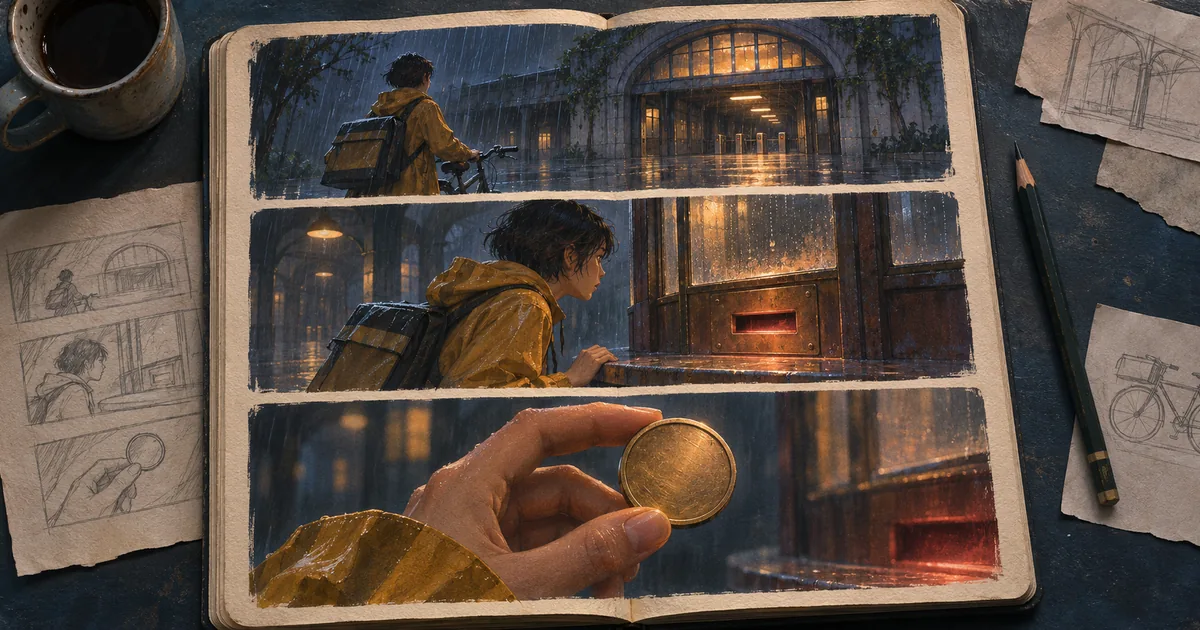
10 Best AI Story Generator Sites for 2027
Compare ten sites for drafting, roleplay, adventures, or making visual stories.
 Creator Workflows
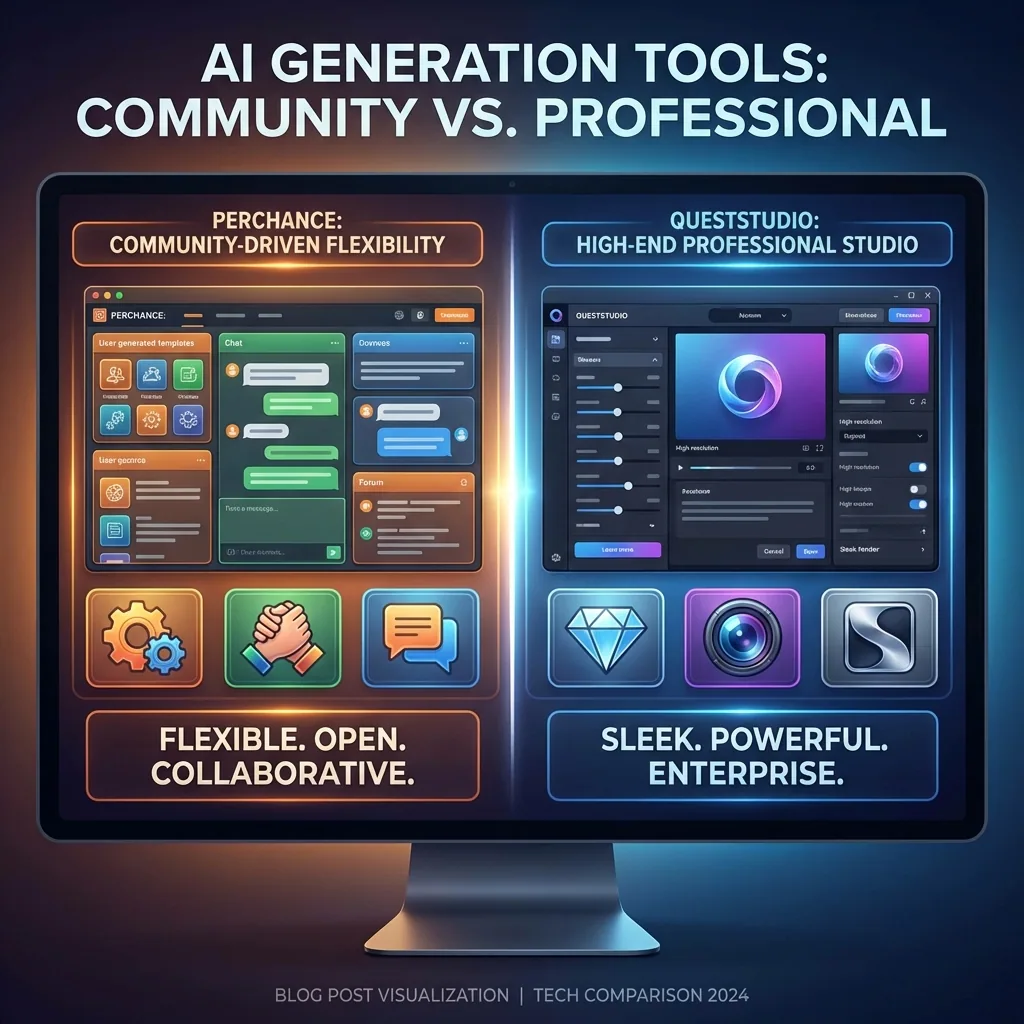
Perchance vs QuestStudio
Compare the tools for prompts, images, video, and voice.
 Video
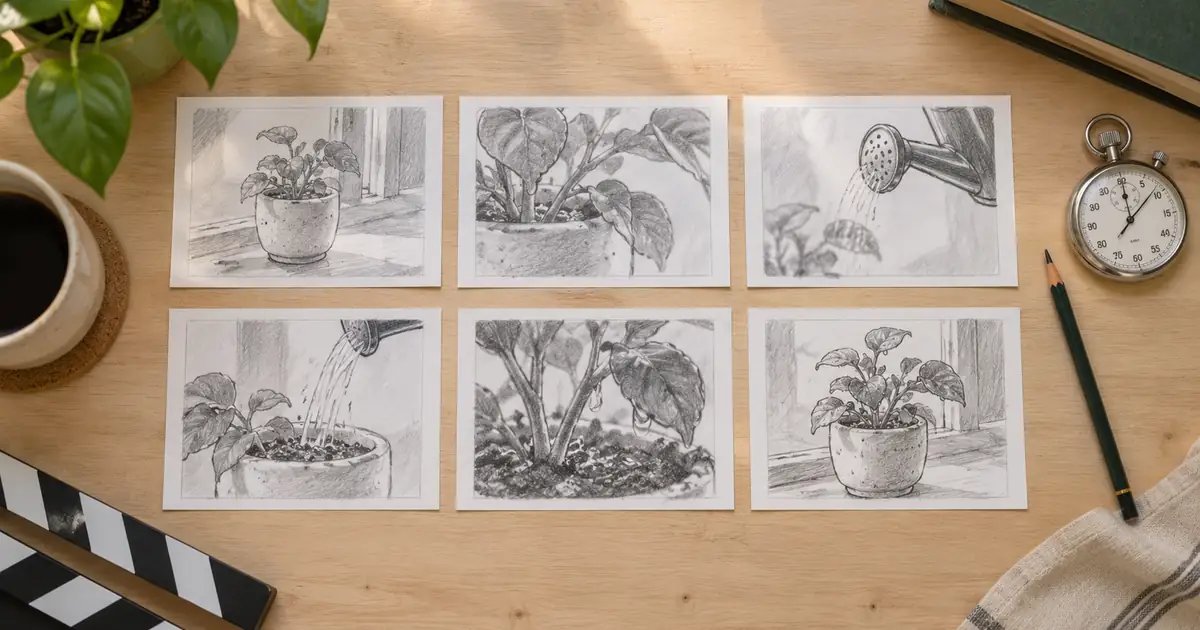
Turn a storyboard into an animatic
Check each shot's timing before you animate the whole sequence.