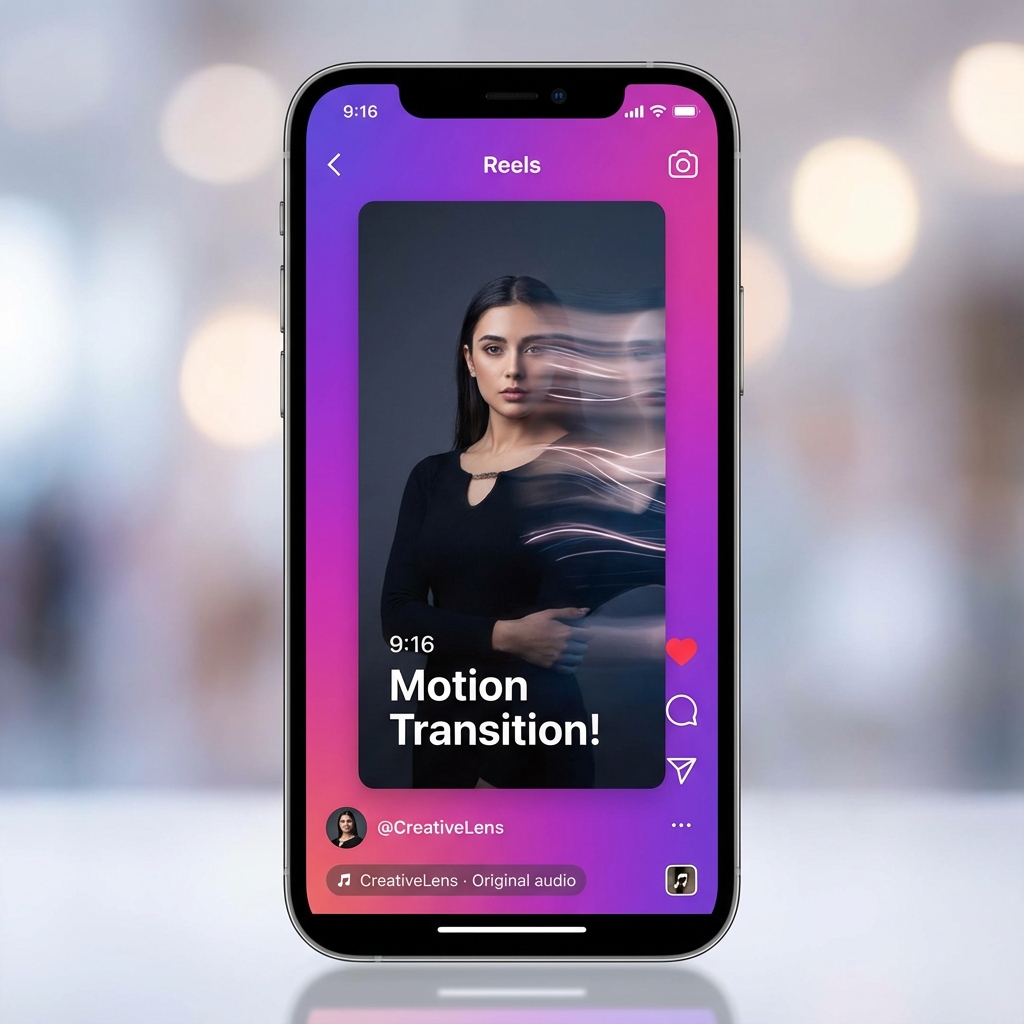
Photo to Video for Instagram Reels
Instagram Reels • Video Lab • 2026 Playbook

Photo to Video for Instagram Reels

What Works + Common Fails

Turn photos into Reels that hold attention. Master 9:16 ratios, hook templates, pacing rules, and posting times—plus an AI workflow in QuestStudio.

Erick By Erick
Dec 29, 2025 10 min read

Quick Answer (60 Seconds)

If you're turning photos into Reels, use these defaults:

  • Format: Vertical 9:16
  • Export size: 1080×1920
  • Safe zone: Keep key text centered (survives cropping + UI overlays)
  • Hook: Show the payoff or problem in the first 1–2 seconds
  • Pacing: Change something every 1–2 seconds
  • Length: Reels can be up to 3 minutes, but shorter wins more often

Step 1: Pick the Right Reel Type

Reels that start from photos typically fall into two buckets:

Type A: Photo Slideshow Reel

Fast, simple, highly repeatable. Quick cuts, punchy text, music.

Best for: Before/after, product reveals, mood boards, "3 tips", mini portfolios.

Type B: True Photo → AI Video

Cinematic push-in, parallax depth, environment motion, realistic camera shake.

Best for: Cinematic content, product shots, storytelling, travel.

In QuestStudio: Test Sora 2, Kling AI, and Veo 3.1 variations quickly—then post the winner.

Step 2: Reels Specs That Prevent Problems

9:16

Best Ratio

Vertical full-screen

1080×1920

Best Resolution

Sharp on all devices

The Hidden Killer: Grid Preview Cropping

Your Reel can look perfect full-screen… and still lose clicks from your profile because:

Problem: Instagram shows grid previews in a taller 3:4-style thumbnail, not the full 9:16.
Solution: Keep your title text and main subject in the center safe area. Think "centered poster" design.

Step 3: What Actually Works on Reels

1) The "Payoff-First" Opening

Instagram viewers decide fast. If your first frame is vague, you lose.

  • Show the after first, then reveal the before
  • Show the final scene, then "how it started"
  • Show the result + one line of context

Hook Lines (Copy/Paste)

  • "I fixed this in 10 seconds…"
  • "Don't post photos like this (do this instead)"
  • "Before → After (watch the change)"
  • "I didn't expect this to work…"

2) Captions That Are Big, Short, and Timed

For photo-based Reels, captions are the pacing.

  • One idea per caption line
  • One line at a time
  • Update every beat (1–2 seconds)

3) Motion That Feels Intentional

  • One primary move (push-in OR pan OR orbit)
  • One tempo (slow cinematic OR snappy energetic)
  • Avoid switching style mid-video unless it's the point

Step 4: Pacing Templates

8–12 Seconds (Fast Growth)

  • 0–1s: Payoff frame + hook text
  • 1–9s: 3–5 beats (photo/motion moments)
  • 9–12s: Loop back to start

Best for: Transformations, "3 tips", product reveals.

15–30 Seconds (Authority + Saves)

  • 0–2s: Payoff
  • 2–10s: "Why this matters"
  • 10–25s: Steps / beats
  • Last 3–5s: Summary + loop ending
Up to 3 minutes: Instagram supports longer Reels now, but don't "go long" unless you can keep momentum with chapters, pattern interrupts, and clear payoffs every 10–15 seconds.

Step 5: Best Time to Post Reels

Practical Starter Schedule (Eastern Time)

Tue–Thu

11 AM–2 PM

Tue–Thu

4–6 PM

Sunday

4–6 PM

Use for 2 weeks, then personalize using Instagram Insights.

How to Personalize It

After 10–20 Reels:

  1. Sort by watch time and saves
  2. Identify your top 3 performers
  3. Note: posting time, hook style, length, topic
  4. Post 70% of future Reels in your top 2 recurring windows
  5. Repeat every 2–4 weeks

Step 6: The QuestStudio Workflow

Photo → Reel-Ready AI Video

  1. 1 Pick a strong photo (clear subject, good lighting, clean background)
  2. 2 Choose a model: Sora 2 (cinematic), Kling AI (stylized), or Veo 3.1 (detailed)
  3. 3 Set output to 9:16 and export at 1080×1920
  4. 4 Generate 3 variations: subtle (safe), medium (balanced), bold (scroll-stopper)
  5. 5 Add hook text on frame 1, captions timed to beats, then publish

Common Fails (and How to Fix Them)

"Beautiful but unclear"

People don't know what they're looking at in the first second.

Fix: Show the outcome first + one line hook.

Text gets covered or cropped

Title is cut off on grid preview or hidden by UI.

Fix: Keep key text inside center safe area.

Slow pacing

Drop-offs at 2–4 seconds.

Fix: Change something every 1–2 seconds.

No loop ending

Views stop rising after day 1.

Fix: End on a frame that naturally returns to the opening.

Copied TikTok pacing exactly

It feels too chaotic or "salesy" on IG.

Fix: Keep Reels slightly cleaner: fewer words, less whiplash, more aesthetic consistency.

FAQ

What size should a photo-to-video Reel be?
Aim for 1080×1920 at 9:16 aspect ratio.
Can I upload longer Reels now?
Yes, Instagram has extended Reels to up to 3 minutes.
Why does my Reel look weird on my profile grid?
The profile grid uses a 3:4-style preview while the Reel plays in full 9:16. Keep key content centered.
Should I post the same video on TikTok and Reels?
Yes, but tweak: hook text size, pacing (IG slightly cleaner), and cover design for grid preview.

Ready to Create Scroll-Stopping Reels?

Turn any photo into a Reel-ready video with Sora 2, Kling, or Veo 3.1.

Open Video Lab