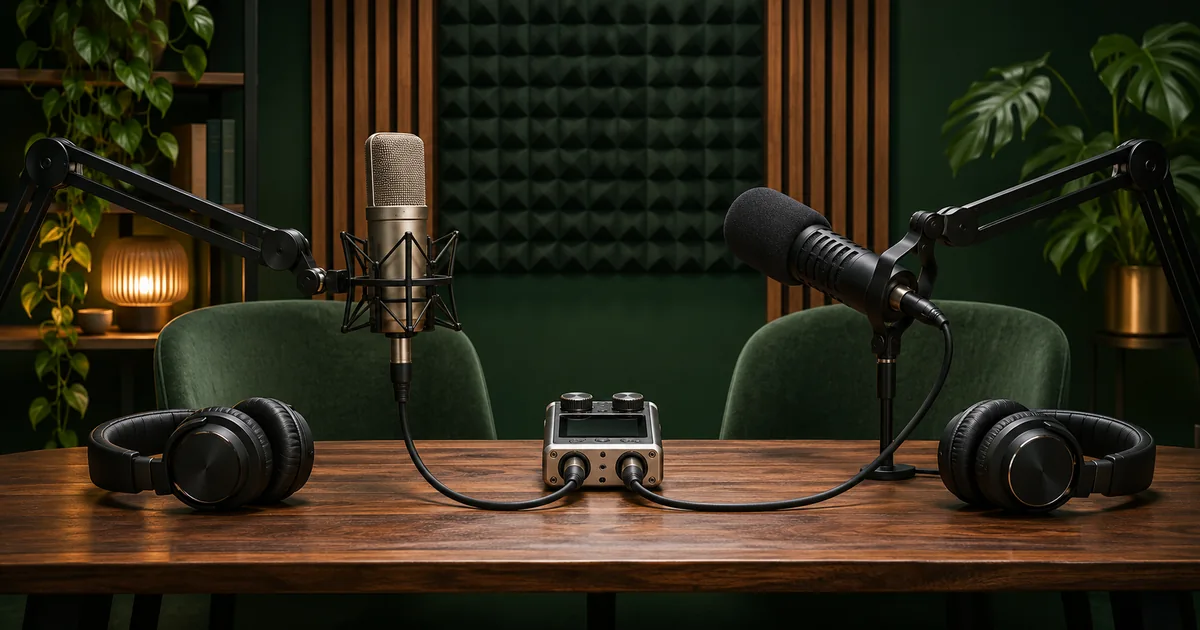

Choose podcast recording software by checking what files you get back after a session. For a solo show, a reliable single-track recorder and a playable export may be enough. In one room, confirm that each microphone reaches its own track. For remote guests, compare local source recordings, upload recovery and what remains if somebody disconnects.
Choose software by the recording situation
A solo setup has one voice, one device and one recording path. Use whatever recorder lets you select the microphone, hear a test, retain the original and export in the format you need. Audacity is one example for recording and editing a local source. Compare the saved project with the exported audio so you know which file to send and which file to retain.
With two hosts in the same room, start at the hardware inputs. The recording app needs to see the required channels. A device can expose a stereo pair or multiple discrete inputs, and those are different from a combined mix. Test each microphone alone at the start and identify which track moves. If each person's voice is always recorded together, replacing the app will help only if the hardware and driver can expose the sources separately.
For remote interviews, compare the hosted local-recording workflow and a manual double-ender. In a hosted workflow, participants connect in a call and their local recordings may upload as separate sources. The product documentation explains the workflow for the particular service. In a manual double-ender, every person records locally and sends their file afterward. This gives you more control over the source recordings and more responsibility for mic checks, transfers and sync.
Decide what the edit needs to recover
Separate tracks can solve a loud cough on one microphone while the other person is mid-sentence. They can also let you adjust different speakers without pulling the room sound up everywhere. But isolation is never absolute in a shared room. When one microphone picks up the other person clearly, the independent tracks are still useful. Listen for spill before you decide how the episode will be edited.
A mixed reference remains valuable. It combines the conversation so the editor can identify sequence and interruptions. For a remote show, the call mix can rescue a line if an independent source is lost. The tradeoff is quality and editability. Document whether it includes all speakers, whether it starts at the same moment as other assets, and where it is stored.
Before buying or subscribing, find out whether the current account can provide the exact file types and tracks you need. Test the files, not just the list of available features. Plans and workflow controls can change. If you want an editor to receive separate clean WAVs, open one representative set in their editor before calling the route ready.
Make a two-minute test every candidate can take
At 00:00, identify the session and name the speakers. At about 00:10, have each speak alone. At 00:30, put one short overlap into the conversation. At 01:00, pause and have a second person confirm that the recording remains active. Near the end, put one obvious event in the mixed reference, then stop in the normal order. Use the same outline and devices for the next candidate as far as practical.
For a remote service, keep each participant on its upload or completion screen until it reports the expected state. Use a disposable session to test recovery when one participant reconnects or finishes uploading late. Check the account interface and the files you can actually retrieve. Keep the test separate from real client media.
On a manual double-ender, have each participant read their name and make one distinctive local sound while their microphone feeds the call. An editor can match that sound against the corresponding moment in the reference. A delayed call can make shared timing imperfect. At the end, compare another line or marker to detect drift rather than assuming an aligned opening stays aligned.
Open every track in an editor
Rename copies by person, role or source. Open each one and confirm whose audio appears at the first isolated section. Inspect a later moment and verify that nobody stops early. Check the duration and sample rate in your editor. Keep an unmodified copy of each source. A level adjustment for comfortable review can be done on the timeline.
If an app produces one container with multiple streams, choose a playback tool or editor that can inspect them. General-purpose players often default to one audio track. The OBS guide to multiple track recording explains why a good mixed track and separate tracks can coexist in one file. Verify where each part landed with a real test recording.
A pass should answer four questions. Do I have the clean source for each speaker? Can I identify which file belongs to whom? Can I open or import all files on the next editor's setup? Is there a working fallback if I lose one source? A track-count display alone leaves most of those unanswered.
Choose the lowest-effort route that passes
If the solo recorder produces a clean source and a reference export every time, adding remote production controls creates extra work. If two hosts share a room and need separate processing, the route that exposes each input and gives the next editor a clean track earns its place. If remote guests regularly struggle with upload or permissions, compare a simpler guest flow and a fallback recording.
Write the winning sequence on one page. Include the device selection, test line, recording start, backup, stop order and file inspection. Ask a co-host to follow it without help. The result matters for a show that goes out weekly, when the person who set up the software may be absent.
Practice and verification
| Route | Tracks expected | Isolation check | Failure test | Handoff result |
|---|---|---|---|---|
| Two hosts in one room | Host A, host B, mix | Each speaks alone and both overlap once | Stop, reopen and import | Editor hears each host alone |
How QuestStudio helps
If an episode includes a replacement introduction or a separate scripted insert, use Voice Lab to prepare a short narration reference and keep it on a dedicated track. Run the capture test with the actual microphones and software that will record the speakers.
Frequently asked questions
What software should I use for a solo podcast?
Choose a recorder that selects the intended microphone, saves the original and gives you a playable export. A short recording test will expose most issues at this stage.
What counts as a separate track?
A file or audio stream you can import and adjust separately. Inspect each one with individual speaker test lines to make sure it contains the correct source.
Does local recording solve every remote audio issue?
A local source can avoid depending entirely on the call's received audio. Bad room sound, clipping, missing local files or failed uploads can still cause problems.
Should I record a combined mix too?
A combined reference can make review and sync easier and can be a fallback for a missing source. Confirm what it contains and keep separate source tracks when possible.
Why do two tracks still contain the same voices?
The microphones may pick up both speakers acoustically or the software may route one mix to both tracks. Test one input at a time to identify which is happening.
Before you deliver
Pick the recording route that gives you good source tracks and a workable backup under ordinary conditions. Run the same test before the first guest arrives and whenever the capture setup changes.
Sources
Related QuestStudio guides
 Voice
Equipment for Podcasters: Three Recording Setups
Choose equipment for podcasters by planning solo, remote, or two-person recording. Trace the signal path and check inputs, monitoring, storage, and total costs.
 Creator Workflows
OBS Separate Audio Tracks for Mic and Desktop Sound
Set up separate mic and desktop audio tracks in OBS. Keep a combined preview mix, test the isolated tracks and fix missing or doubled audio before editing.
 Voice
Best AI Podcast Editing Tools in 2026: Edit, Clean, and Finish
Compare Descript, Riverside, Adobe Podcast, Auphonic, and Cleanvoice in 2026. Choose for dialogue editing, recording workflows, speech repair, or final leveling.
Hero image created with AI. Practice materials by QuestStudio.