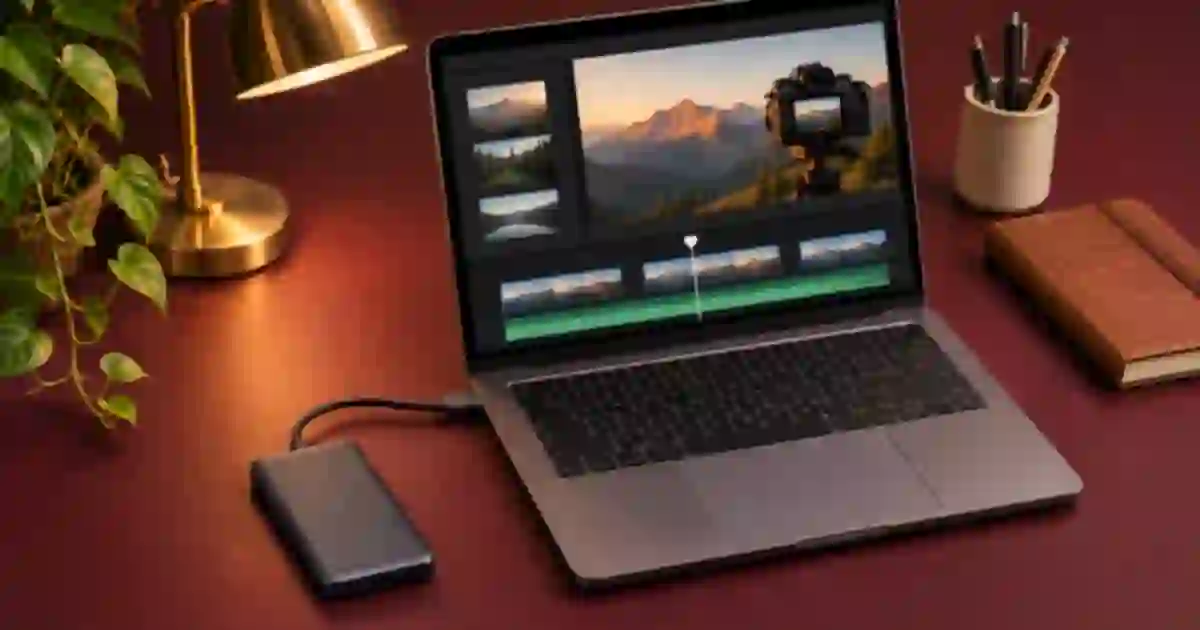

If a 4K edit stutters from an external SSD, I recommend testing a proxy on one difficult clip before replacing the drive. A proxy is a lighter editing copy linked to a full-resolution original. It can make the same timeline easier to play when decoding the original is the bottleneck. The export decision still depends on keeping the original available and checking which media your editor will use.
My gear pick for this setup
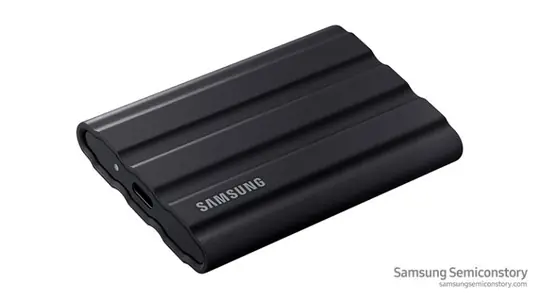
Samsung T7 Shield 2TB
A portable working drive for originals and proxies
I’d consider the black 2 TB T7 Shield when I need more project storage after testing playback. Verify the connection and keep a separate verified copy of originals.
Diagnose one difficult clip first
Pick a ten-second section that stutters predictably. Start playback with heavy effects temporarily bypassed and note whether the stutter happens during straight playback or only when scrubbing. Try the same original on another known working connection or your internal drive if you have room for a copy. If the same file stutters there too, decoding, effects or the sequence may be the bigger factor. If a copy plays smoothly from another location, investigate the external storage path before generating proxies for every clip.
I keep this first test reversible. Copy the original to a test folder and make a short version of the sequence. Do not rename or move the only source file in a live project. A genuine proxy test holds the shot and sequence steady and changes the media used for playback. That makes the result easier to interpret than trying a new drive, a lower preview setting and a different codec in the same step.
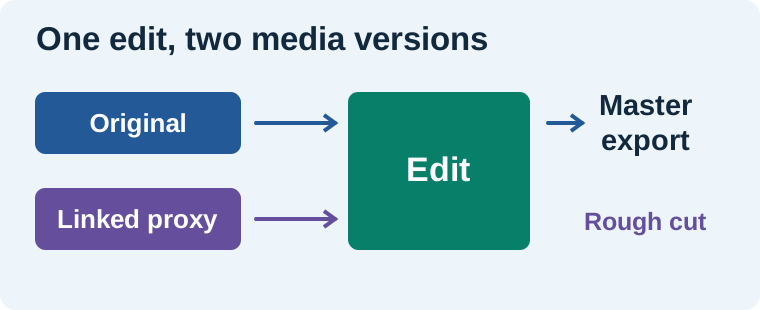
Keep originals and proxies easy to distinguish
Use one project folder with separate originals and proxies folders, alongside a project file and a place for exports. Preserve the camera card’s folder structure where your media workflow needs it. For example, use folders named Originals/Card01 and Proxies/Card01. Different cameras can produce the same filename, so preserve a reel or card identifier. I use clear names and one folder per capture source so I can spot a mismatched proxy when moving a project between drives.
When collaboration requires a different storage layout, keep a record of where each copy lives and how the editor finds it. Drive letters and mount paths can change. Test a relink with a duplicate project and an available backup before you rely on the workflow for a deadline. The external SSD guide covers drive and connection choices. I use a separate backup destination because a proxy folder on the same disk cannot stand in for a verified copy of the originals.
Create a small proxy set in the editor
In Premiere, use the documented proxy workflow on the selected clips. Choose a supported proxy preset and a destination you can find later. Lower dimensions and a format your editor decodes easily are practical starting points. Preserve the duration, frame rate and compatible audio channel layout expected by the editor. If another tool creates the files, attach them through the editor’s proxy command and verify the match on a visible frame. An opening timecode or hand clap gives you a quick way to tell if the wrong clip is attached.
Toggle proxy playback and repeat the difficult section. Evaluate how quickly playback starts, how accurately you can scrub and whether narration stays in sync. Lower preview resolution can help the viewer but does not necessarily avoid decoding the original. Proxies can change that media load. If the difference is small, re-enable the effects one at a time and check which one slows playback.
Use originals for checks that depend on detail
| Task | Media I use for the check |
|---|---|
| Rough cut and narration timing | Linked proxies after a sync check |
| Read a small product label or look for focus | Original at a useful zoom |
| Approve grain, edges or color | Original through the delivery color pipeline |
| Send the master | Original with proxy export options checked |
I reopen a short export, check the label on the original shot and compare a fast movement with the intended sequence. Verify that full-resolution files are online and that any option to export using proxies is set appropriately. Editors differ in export behavior when originals are unavailable. A file with the expected pixel dimensions can still be an upscale of a proxy. Inspect visible detail and confirm the source status before delivery.
Keep a clean handoff for generated footage
When I add a clip from Video Lab, I keep the downloaded file as its full-quality source and name it by shot and take. Link a proxy only when playback benefits from one. To replace the generated take, add the new source as its own clip and check framing, timing and sound with the full-quality file before exporting. If a fast drive and one proxy solve different bottlenecks, the comparison tells you which improvement to carry into the next project.
Try a controlled playback comparison
Use a clip with fast motion and a small label you can recognize. With playback effects bypassed, play the original from the SSD, a copy from another known good drive, and the linked proxy from the SSD. Note which pass stutters. If both original passes stutter and the proxy plays smoothly, proxy playback is a reasonable working choice for that clip. If only the external original struggles, investigate the cable and connection. Then switch to the full-resolution source and export a five-second proof. Look at the label and compare the opening frame to rule out a wrong clip attachment.
Download the editing workflow worksheet (CSV)
Frequently asked questions
Can a proxy help if my external SSD is already fast?
Yes. Some material is hard to decode even when the drive can read it quickly. Compare the same sequence with a linked proxy before replacing storage.
Should proxies live on the same drive as originals?
They can. Keep clearly labeled folders and use an independent backup for the originals. Test your relink plan if the project moves between computers.
Can I export with the proxies still attached?
Yes. Verify that full-resolution originals are online and that your editor is configured to use them for the master. Check a short export at visible detail.
Why will Premiere not attach an externally created proxy?
Check that the media match Premiere's proxy requirements, including timing and compatible audio channels. Use its supported proxy commands and test on a single clip.
Sources and further reading
Affiliate disclosure
As an Amazon Associate I earn from qualifying purchases.
Continue with a useful next step
 Video
External SSD for Video Editing: T7 Shield or T9?
Choose an external SSD for video and AI assets by checking your computer's USB port, project size and backup plan. Compare Samsung T7 Shield and T9.
 Video
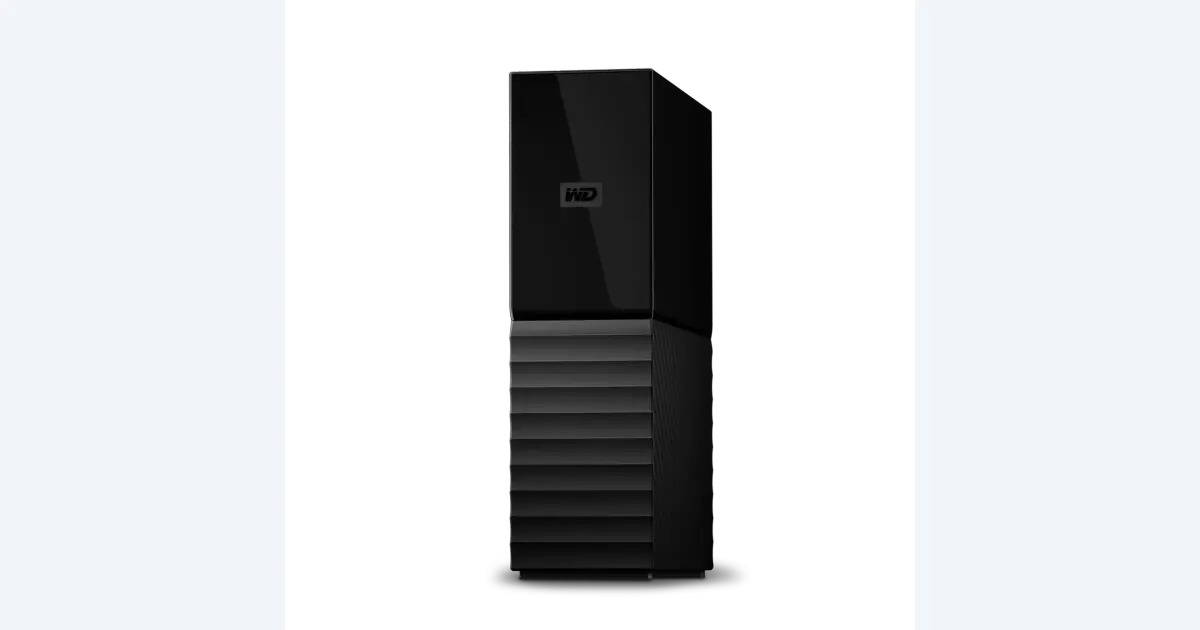
Backup Hard Drives for Video: Plan a Real Restore
Choose backup storage for video projects by retention and recovery. See where an 8 TB WD My Book fits, then run a nondestructive project-restore exercise.
 Video
SD Card Recording Time for 4K Video by Bitrate
Estimate 4K SD card recording time from bitrate and free space. Compare 64, 128 and 256 GB cards, then leave room for extra takes and camera overhead.