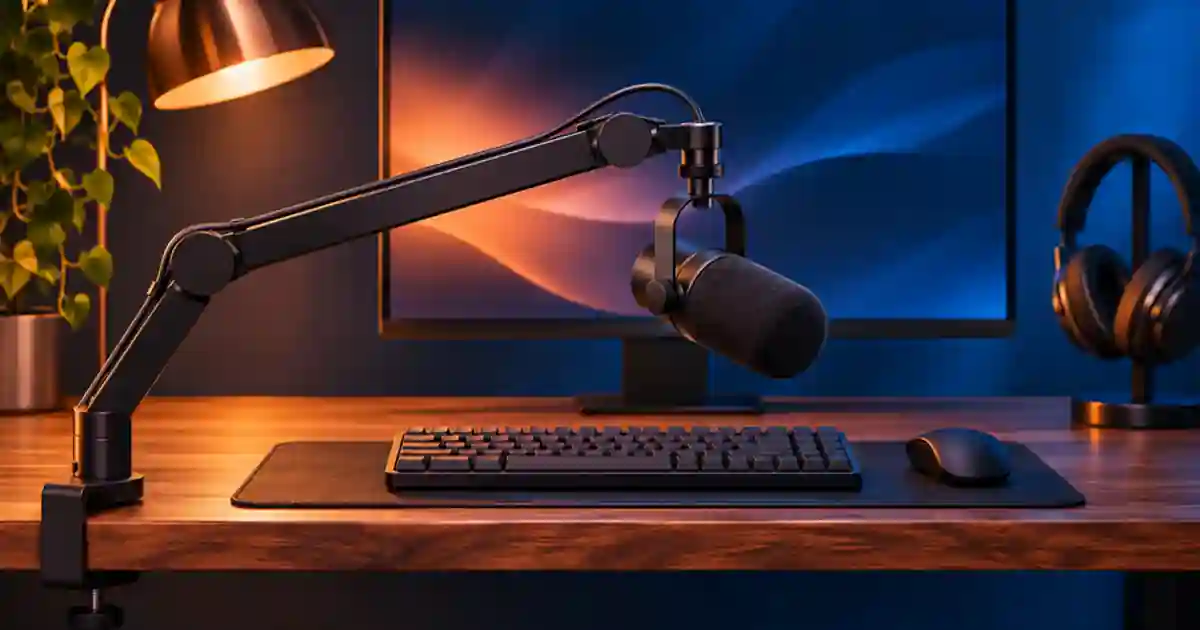

When a desk tap sounds like a low thud in narration, I recommend finding out whether the sound travels through the microphone mount or through the air. I use three short recordings with the same mic distance and gain. That tells me whether to move the clamp, relieve a tight cable, or change how the keyboard and microphone are positioned.
My gear pick for this setup
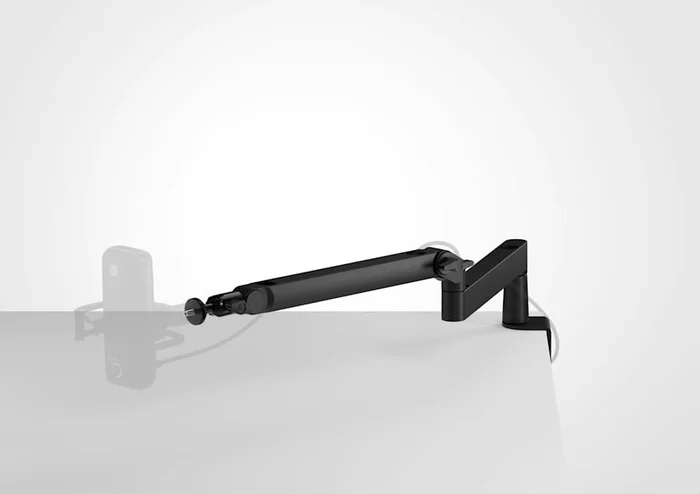
Elgato Wave Mic Arm LP, black
A low-profile arm for a stable clamp position
I’d consider the Wave Mic Arm LP if it clears the monitor and fits a solid part of the desk. Check supported microphone weight and clamp thickness. Run the tap test after mounting.
Listen to three repeatable sounds
Record a few seconds of quiet speech as a reference. Then stay still and lightly tap the desk in the place where your hand usually rests. Finally type at your normal speed. Listen on the same playback path without changing the level. A low bump from the tap can indicate vibration entering the mount. Sharp key clicks may reach the mic through the air. The two can occur together, so a single sound rarely identifies the whole path.
Use the same distance between mouth and microphone in all the tests. A closer mic can make voice louder relative to distant keyboard noise. If you move it while changing the clamp, the two changes become hard to separate. Place a mark on the desk outside the working area so you can bring the microphone back to the same position. Start with your usual desk and equipment in place.
Trace the path from desk to capsule
A clamp makes a physical connection to the desk. Vibration can travel through the surface, clamp, arm, mount and microphone body. A cable pulled tight between the desk and mic can create another path around a suspension mount. Leave a small loose loop at moving joints and near the mic so repositioning does not pull on the connector. Keep the cable clear of arm hinges, and do not use the arm as a place to hang weight the manufacturer did not specify.
When the equipment supports it, compare a compatible suspension mount with the solid mount. Verify the mic's weight, mount threads and balance before you leave it suspended. I would test the arm clamped over a solid part of the desk instead of a thin panel that flexes. If the desk moves from typing or touching a monitor, a stand on a separate stable surface may isolate the mic more effectively than a different arm on the same desk.
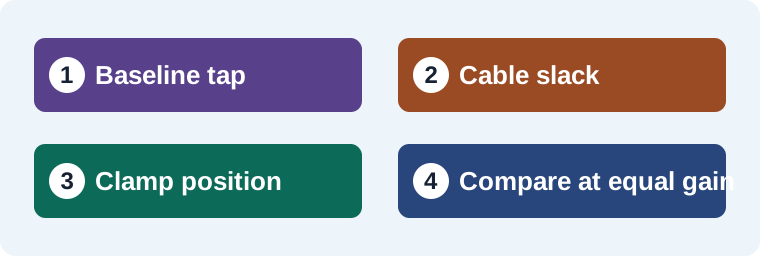
Change one thing and record the same test
| Pass | What I change | What I listen for |
|---|---|---|
| A | Leave the usual setup in place. | Low thud, key click, or both. |
| B | Give the cable slack without moving the mic. | Whether motion or desk taps become quieter. |
| C | Try a firmer clamp location or a separate stand. | Whether low bumps change while speech stays consistent. |
Take a picture of the working clamp position so you can repeat it when the desk changes. If pass C cuts the low thud but the keyboard still sounds sharp, adjust the keyboard and use the microphone's documented pickup orientation. Compare against the original recording with the clips at similar speech level. I make those physical changes before reaching for noise reduction, because a cleaner raw take gives the editor more room.
Check how the desk behaves over a full take
Record a minute of the normal workflow. Rest your hands, reach for the mouse, and adjust the product the way you would on camera. Listen for vibration when your hands move and for cable noise when you reposition the mic. The low-profile arm buying guide covers clearance and mounting. The room tone guide shows how I cover a small seam if a thump can be removed between words.
Keep a clean reference before processing
When using a permitted recording as a reference for Voice Lab, keep the untouched take and the quieter pass. Listen to both before choosing a sample. If the thump falls under a word, record a clean pickup where possible. If it falls in a pause, keep the speech timing and use a matched room bed around the edit.
On a screen recording where you need keyboard actions, separate the useful cue from the accidental noise. I would let one intentional key press remain if the viewer needs to hear it, then cover unrelated taps in pauses with matched room tone. Keep the speech unprocessed during the diagnosis. Once the source is stable, use any cleanup on a duplicate track and compare it with the raw file. Stop if the processing removes quiet consonants or leaves an unnatural gap. A saved tap test also gives another editor a clear reason for the mic placement when the desk is rearranged.
Compare a keyboard click with a desk thump
Put a mark at the normal mic position. Record one phrase, tap the desk lightly and type a few words. Leave the cable slack on the second pass and keep the gain steady. On the third pass, use another suitable clamp position or a stand on a separate stable surface. I’d choose the configuration that reduces the lowest thump while keeping speech consistent. If the sharp keyboard sound remains in every pass, try repositioning the keys or mic. Keep a note of where the arm could move without pulling the cable. I also listen after settling the arm into its final angle. A test with no cable tension can sound better than a real take in which the arm is stretched to its limit.
Download the microphone setup troubleshooting worksheet (CSV)
Frequently asked questions
Does a boom arm remove desk vibration?
A desk-mounted arm can still transmit vibration. Clamp placement, cable slack, the desk and the mount all affect the result.
Will a suspension mount stop keyboard clicks?
It can help reduce some vibration through the mount. Keyboard clicks traveling through the air can still be recorded.
Can I pad the clamp?
Follow the arm manual. Keep the clamp stable and use supported surfaces. Compare other approved locations before improvising a loose mount.
When should I use a stand on another surface?
Try one when the desk itself moves or transmits vibration and changing the clamp position produces little improvement.
Sources and further reading
Affiliate disclosure
As an Amazon Associate I earn from qualifying purchases.
Continue with a useful next step
 Voice
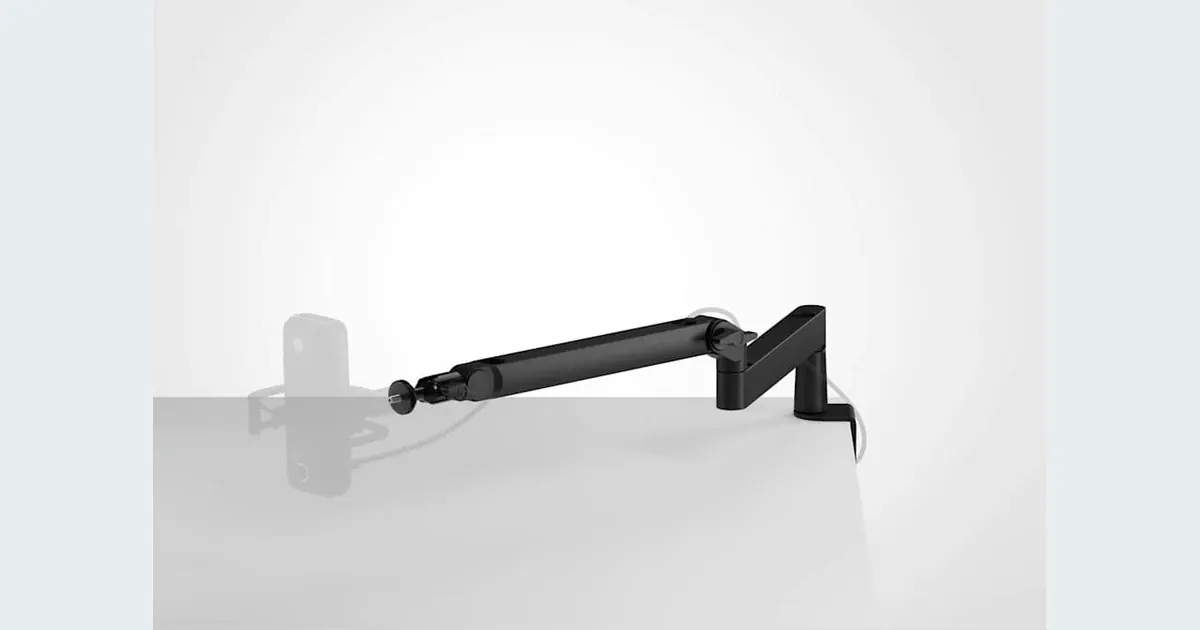
Low-Profile Mic Arms: Find the Right Fit for Your Desk
Choose a low-profile mic arm for narration and tutorials. Check desk clearance, total load and reach, then compare the Elgato Wave Mic Arm LP with other setups.
 Voice
How to Record Room Tone for Cleaner Voiceover Edits
Record room tone with your voiceover mic and use it to smooth narration cuts. Learn what to capture, where to crossfade and how to check a repaired pause.
 Creator Workflows
How to Fix Microphone Clipping in Voiceover
Fix microphone clipping by finding where the voice distorts. Test input gain, spot overloaded effects and compare a clean pickup with the original take.