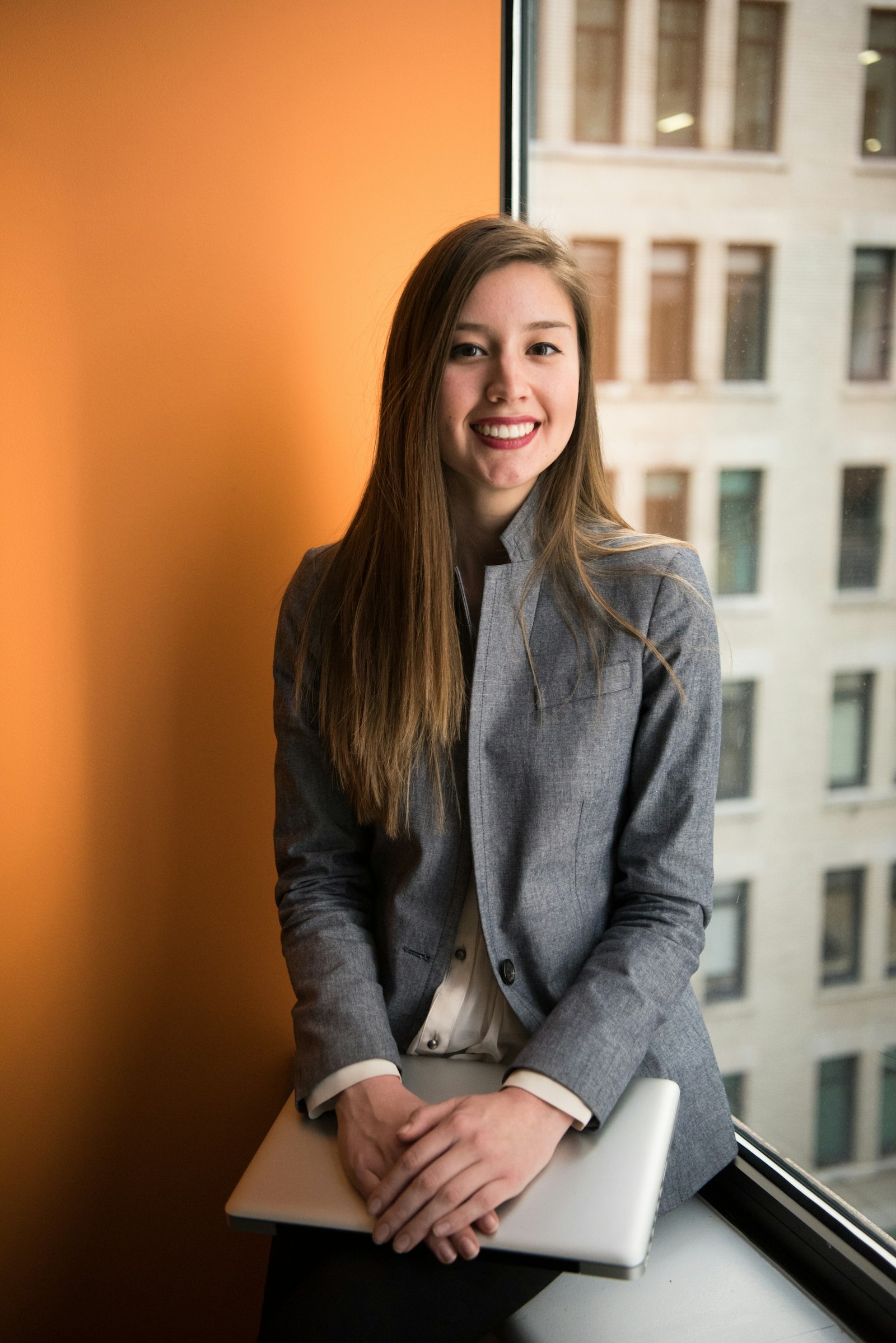
You can turn a selfie into a professional AI headshot, but the source photo matters as much as the prompt. A blurry wide-angle selfie gives the model weak identity information. A sharp, evenly lit reference gives it a much better chance of preserving your face.
This workflow is for LinkedIn, resumes, company profiles, speaker bios, portfolios, and business websites. It focuses on identity preservation—not creating a more glamorous stranger.
Best first step
Use a clean selfie, change one category at a time, and reject any result that changes distinctive facial features.
Choose the right selfie
Use
- Eye-level camera position
- Sharp eyes and visible hair edges
- Soft daylight or even indoor light
- Neutral or small natural smile
- A recent photo that still looks like you
- Shoulders and neckline visible
Avoid
- Strong beauty filters
- Sunglasses or hair covering the face
- Extreme wide-angle distortion
- Harsh overhead shadows
- Low-resolution screenshots
- Group photos with multiple faces
If possible, take the source with the phone slightly farther away and crop afterward. Close phone selfies can exaggerate the nose and compress the sides of the face.
Identity-preserving AI headshot prompt
Start with the AI studio photoshoot prompt generator if you want help selecting light, lens, background, wardrobe, and preservation constraints.
Three workflows that produce different results
1. Edit the existing selfie
Use image editing or inpainting when the face is already good and you mainly want a cleaner background, tighter crop, improved exposure, or wardrobe cleanup. This carries the lowest identity risk because fewer pixels need to change.
2. Use the selfie as an image reference
Choose this when you want a new pose, outfit, or environment. Keep transformation strength conservative where the model exposes that control, and compare the result to the original at the same size.
3. Build a reusable identity reference
Use a reference or character workflow when you need several consistent photos for a team page, creator brand, speaking kit, or campaign. Approve identity first, then vary clothing and background.
In QuestStudio, start in Image Lab with your reference. If you only need an edit instruction, use the photo-editing prompt generator.
5 professional headshot styles
LinkedIn-friendly neutral studio
Founder or creative professional
Corporate leadership
Healthcare or service professional
Outdoor personal brand
Review the result before publishing
- Identity: Does it unmistakably look like you at profile-picture size?
- Age: Did the model make you substantially younger or older?
- Eyes and teeth: Are pupils, catchlights, eyelids, smile, and teeth believable?
- Hair and ears: Check edges, earrings, glasses, and asymmetry.
- Clothing: Inspect lapels, buttons, collars, seams, and invented logos.
- Background: Make sure office lines, books, signs, and furniture are coherent.
- Context: Does the image feel appropriate for the industry and role?
Do not choose the most polished output automatically. Choose the one that remains believable to someone who already knows you.
Common mistakes
Changing everything in one generation
A new pose, hairstyle, age, outfit, camera angle, expression, and environment gives the model too much freedom. Lock identity first and expand gradually.
Asking for perfect skin
Perfect skin usually means plastic skin. Ask for natural texture, subtle retouching, and true-to-life complexion.
Using a cinematic style for a business profile
Colored rim lights and dramatic shadows can work for a creator portrait, but they often reduce trust and readability in a small LinkedIn crop.
Publishing without a small-size check
Zoom out until the face is the size it will appear in a feed. If the eyes, expression, or silhouette feel wrong at that size, regenerate.
AI headshot FAQ
Can AI turn a selfie into a professional headshot?
Yes. Start with a sharp, evenly lit selfie and use image-to-image or reference controls to preserve identity while changing the background, wardrobe, light, and crop.
What selfie should I use?
Use a recent eye-level photo with sharp eyes, even light, a neutral expression, visible hair edges, minimal distortion, and no beauty filter or sunglasses.
How do I stop AI from changing my face?
Use a clear reference, request low transformation strength where available, explicitly preserve identity and age, and make one controlled change at a time.
What should I check before using it on LinkedIn?
Confirm it still looks like you, the styling fits your industry, eyes and teeth are natural, accessories are accurate, and the crop works at profile-picture size.